Ghost of Tsushima voice changer

Ghost of Tsushima Voice Changer: Real-Time Character Voices with AI

Change Ghost of Tsushima voices with AI. Immerse yourself fully in the world of Tsushima, sounding like your favorite samurai or invader with our advanced AI voice changer.

What is the Ghost of Tsushima Voice Changer?

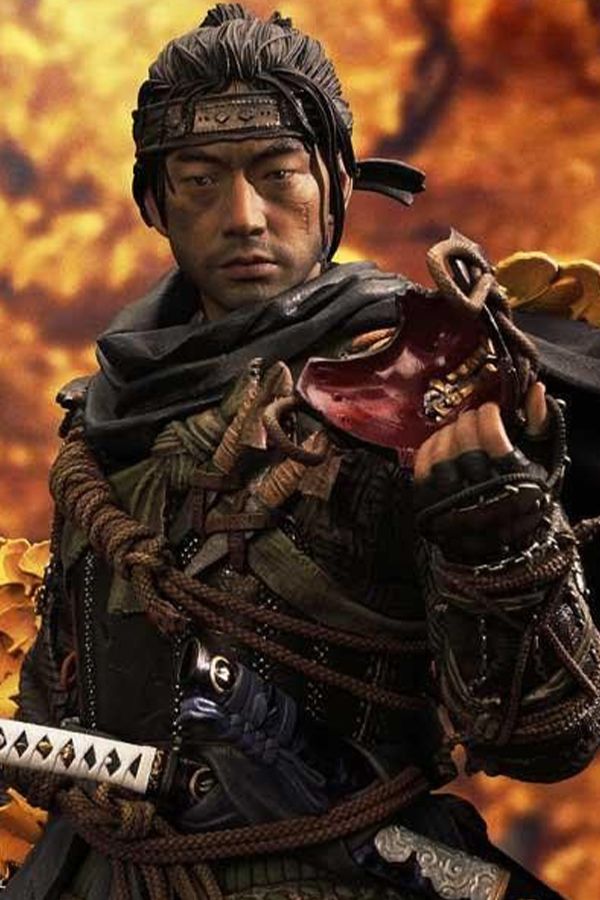
Our Ghost of Tsushima Voice Changer is an AI-powered tool designed specifically for players of Sucker Punch Productions' epic. It allows you to alter your voice in real-time to sound like various characters from the game, from the stoic Jin Sakai to the menacing Khotun Khan. Perfect for Legends co-op, roleplaying, or just having fun in the world of Tsushima.

Ghost of Tsushima Voice changer

Embody the Legends of Tsushima

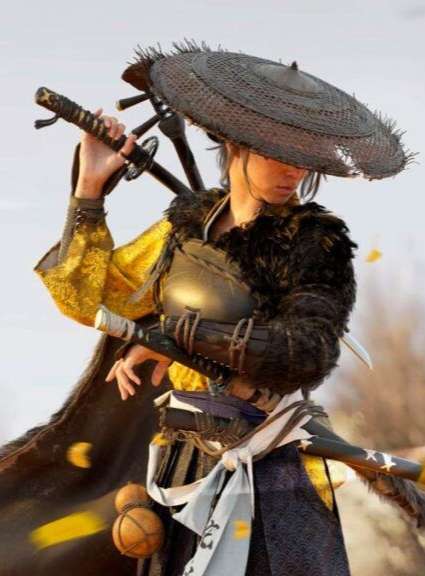
Step into the sandals of Tsushima's iconic figures. Our AI voice changer lets you sound like these legendary characters, adding unparalleled immersion to your gameplay. Jin Sakai (The Ghost): Stoic, determined, honorable yet ruthless Khotun Khan: Ruthless, strategic, commanding Yuna: Resourceful, protective, street-smart Lord Shimura: Traditional, honorable, conflicted Sensei Ishikawa: Wise, disciplined, master archer Norio: Devout, compassionate, warrior monk

Ghost of Tsushima soundboard

Why Choose Our Ghost of Tsushima Voice Changer?

Unmatched Immersion in Legends Co-op: Coordinate with your fellow Ghosts in Legends mode, sounding like the actual characters. Imagine a team of Jin, Yuna, and Ishikawa taking on Oni, enhancing your roleplay and tactical communication. Authentic Samurai & Mongol Voices: Beyond just pitch shifts, our AI captures the nuances of Tsushima's characters. Sound like a battle-hardened samurai or a fearsome Mongol invader, adding depth to your interactions. Seamless Integration & Anti-Cheat Friendly: Our voice changer integrates smoothly with your gaming setup, working with popular communication platforms without interfering with Ghost of Tsushima's anti-cheat systems. Play with peace of mind.

Ghost of Tsushima Voice Changer

Advanced AI Voice Technology

500+ Character Voices: From horror icons to anime characters and celebrities Multi-Language Support: Transform voices in 40+ languages with emotional expressions Ultra-Low CPU Usage: Runs efficiently at <3% CPU without impacting game performance Cross-Platform Compatibility: Works seamlessly on Windows, macOS, and VR platforms

Professional Soundboard Integration

100,000+ Sound Effects: Massive library including horror-specific audio clips Custom Soundboard Creation: Build and share your own horror sound collections Hotkey Integration: Quick access to sound effects during intense gameplay moments Community Sound Sharing: Access user-generated horror soundboards
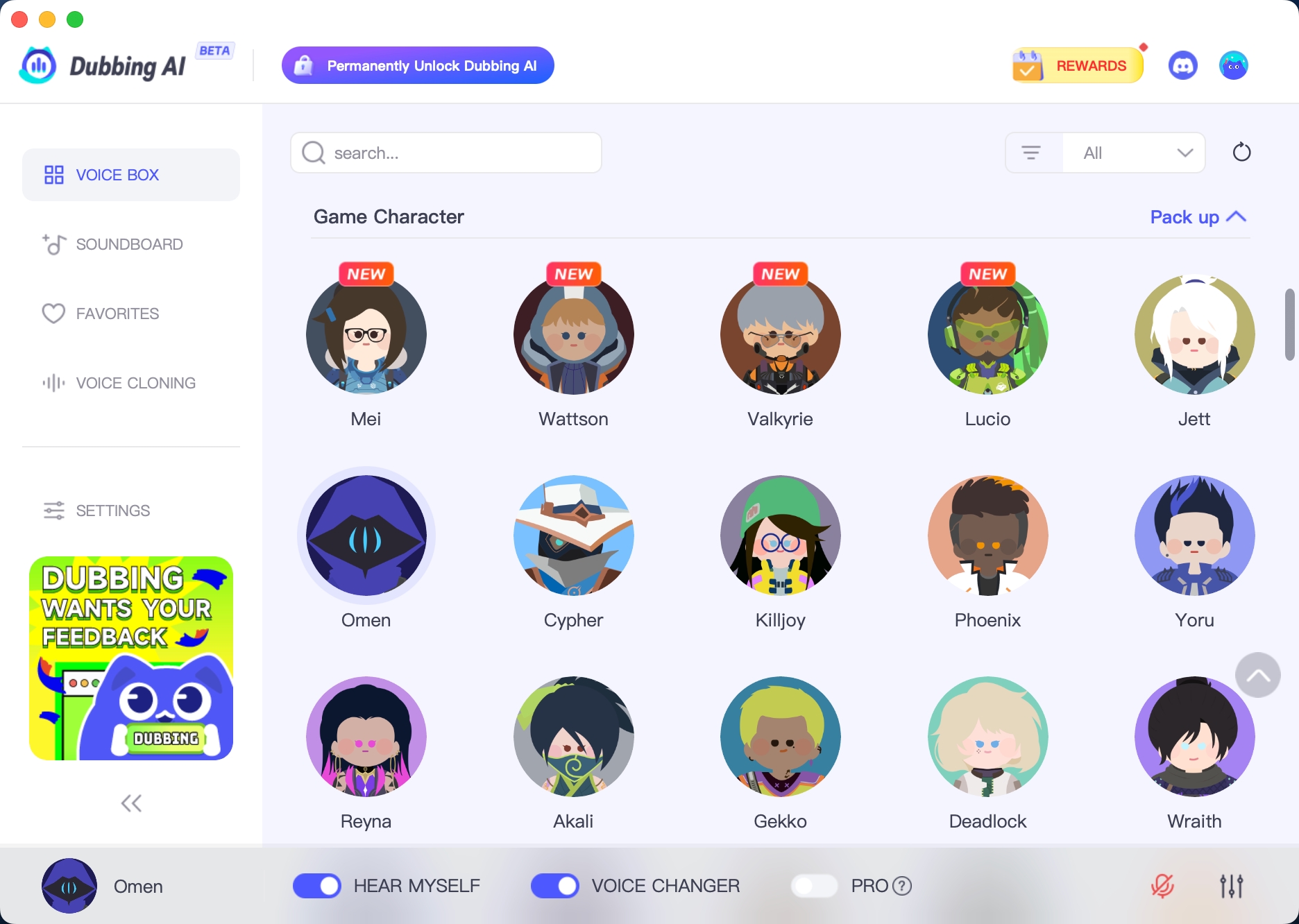

HOW TO USE DUBBING AI?

1. Download Dubbing AI: Install the application on your Windows or macOS computer. 2. Configure Your Audio: Set your primary microphone as the input in Dubbing AI. Then, in your computer's sound settings (or Discord/in-game chat), set your input device to "Microphone (Dubbing Virtual Device)". 3. Start Roleplaying: Open the Voicebox in Dubbing AI, select a voice, and make sure the "Voice Changer" is toggled on. Your new voice is ready for the blocky world!

 Ghost of Tsushima Voice Changer
Is this voice changer compatible with Ghost of Tsushima: Director's Cut on PC?

Yes, our voice changer is fully compatible with Ghost of Tsushima: Director's Cut on PC, including all its content like Iki Island and Legends mode.

Will using this voice changer get me banned in Ghost of Tsushima Legends?

No, our voice changer operates at the audio input level and does not interact with the game's files or anti-cheat system. It's safe to use in Legends co-op.

Can I use this to sound like a specific Mongol warrior or a common villager?

While we focus on main characters, our AI can generate a range of voices. You can experiment with different settings to achieve a voice similar to a Mongol or a Tsushima villager.

Does it work with Discord or other voice chat platforms for Legends?

Absolutely. Our voice changer integrates seamlessly with Discord, in-game voice chat, and other communication platforms, allowing you to use your altered voice wherever you communicate.

Is there any noticeable latency or lag when changing my voice in real-time?

Our advanced AI ensures minimal latency, typically under 30ms, providing a smooth and natural real-time voice transformation experience without any noticeable lag during your gameplay.

Can I customize the voices, like making Jin Sakai sound more aggressive or calm?

Yes, beyond selecting a character, you can often fine-tune parameters like pitch, tone, and intensity to add your personal touch, allowing for more nuanced character portrayals.