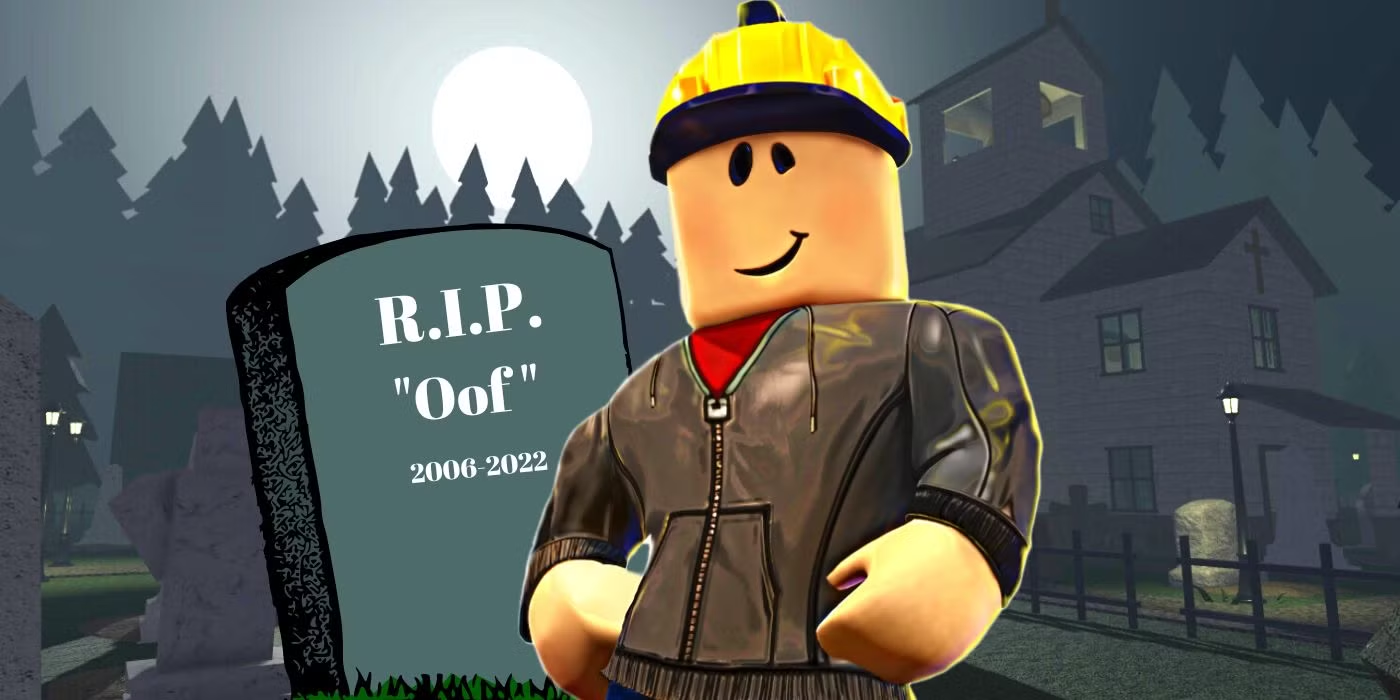




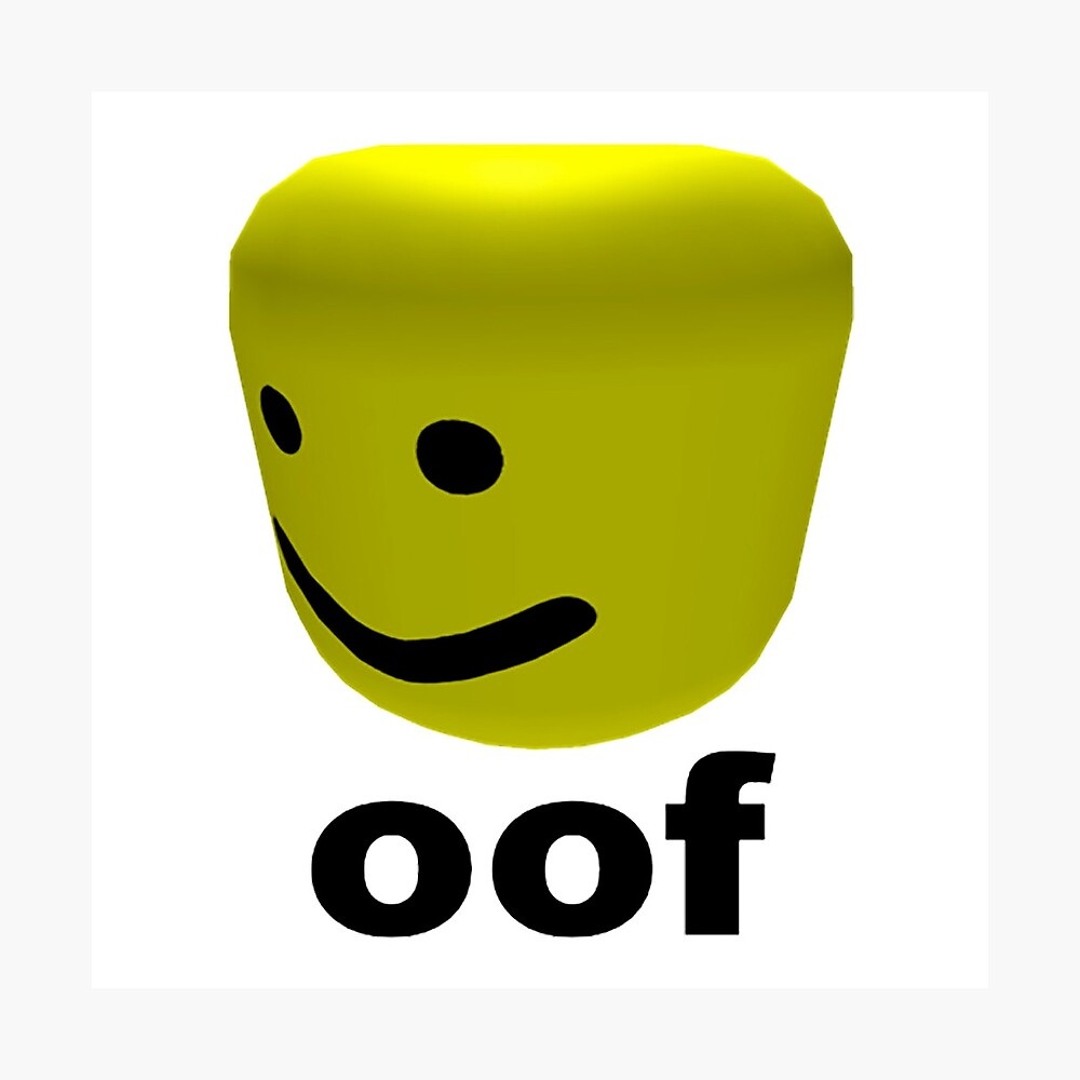
Roblox Oof Sound Effect
Craving the iconic Roblox "Oof" and more? Explore Dubbing AI’s community soundboard—packed with hilarious, nostalgic sound effects perfect for gaming, pranks, or meme-worthy moments!
Free Roblox Voice Changer
In Roblox you can not only create your virtual worlds and custom games, but now thanks to Dubbing AI Voice Changer, you can generate a unique audio experience for each game. Use the voice changer to give more customization to your characters. You don’t have to die to say Oof!
How to make a Soundboard?
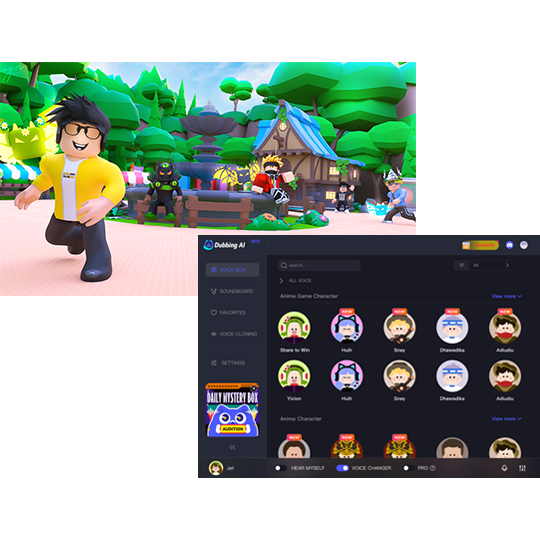
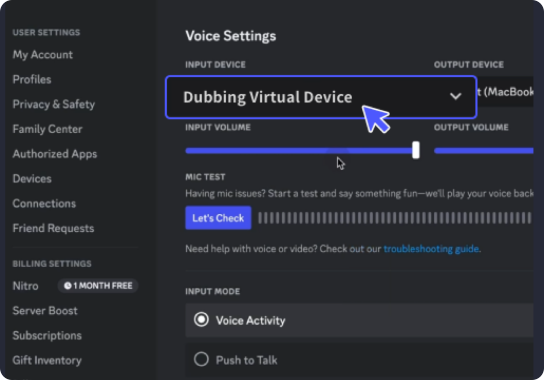
With a few simple steps, you can use any sound effects you want during your exciting raids. 1. Open the third-party platform, such as Discord, Steam, etc., and in the settings, choose "Dubbing Virtual Device" as the input. 2. Click on the "Soundboard" option on the left and choose or customize your preferred sound effects. 3. Enable "Hear Myself" to preview the sound. And now you may enjoy the sound effect with your customized shortcut!
Roblox Oof Soundboard
Create your own legendary Roblox death sound with Dubbing AI’s Community Sounds! Mix hilarious screams, retro “oofs,” and wild effects into a custom soundboard that turns every game over into comic gold.