



Zombie Sound Effect
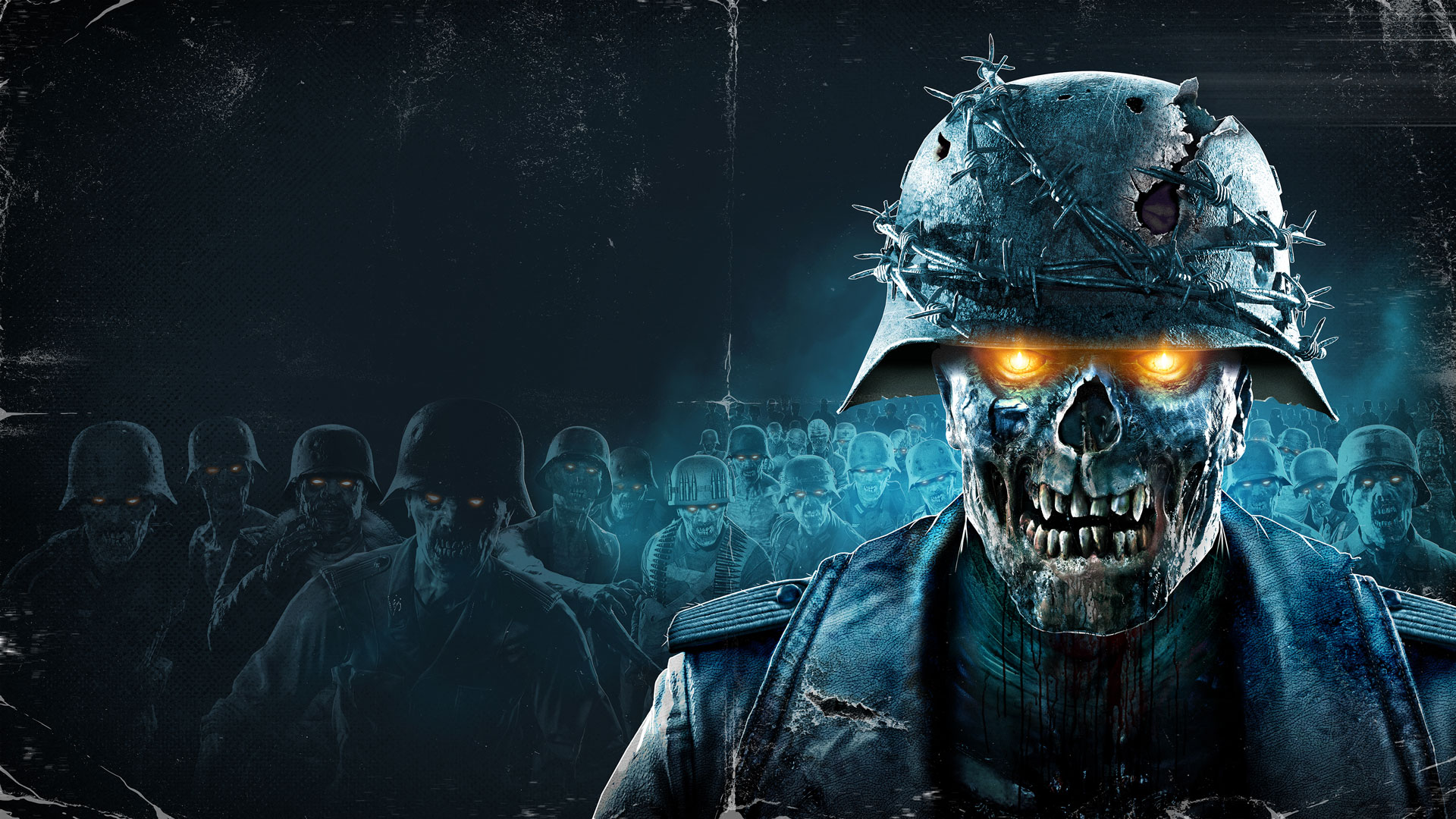
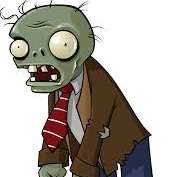
Craving spine-chilling zombie sound effects? Dubbing AI’s sound gallery is crawling with groans, snarls, and undead wails. Whether you're crafting horror scenes or meme chaos, these eerie sounds bring the apocalypse to life. Dive in, grab your gory favorites, and let the zombie horde echo through your edits—totally free!
How to make a Soundboard?
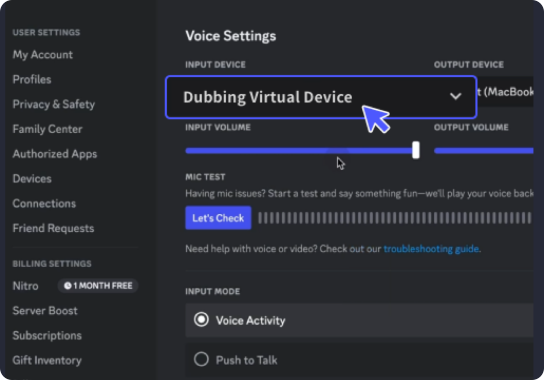
With a few simple steps, you can use any sound effects you want during your exciting raids. 1. Open the third-party platform, such as Discord, Steam, etc., and in the settings, choose "Dubbing Virtual Device" as the input. 2. Click on the "Soundboard" option on the left and choose or customize your preferred sound effects. 3. Enable "Hear Myself" to preview the sound. And now you may enjoy the sound effect with your customized shortcut!
Zombie Soundboard
Build your ultimate zombie soundboard with Dubbing AI—stack it with haunting groans, gurgling growls, and bone-cracking bites. Perfect for horror games, creepy skits, or Halloween chaos, this tool lets you unleash your undead army in sound. Quick to create, terrifyingly fun, and totally free—bring the apocalypse to your speakers!