


Real-Time AI Voice Changer for Gaming, Discord & Streaming
Dubbing AI is a live microphone voice transformer built for gamers, streamers, and remote teams. Change your voice in real time with 300ms latency, 500+ AI voices, and native support for Discord, Zoom, OBS, and every major game.
Download for Free
Real-Time Voice Transformation, Built for Live Conversation
A live-first voice engine designed for gamers, streamers, and creators — process your mic locally, swap voices instantly, and stay understood in any language.
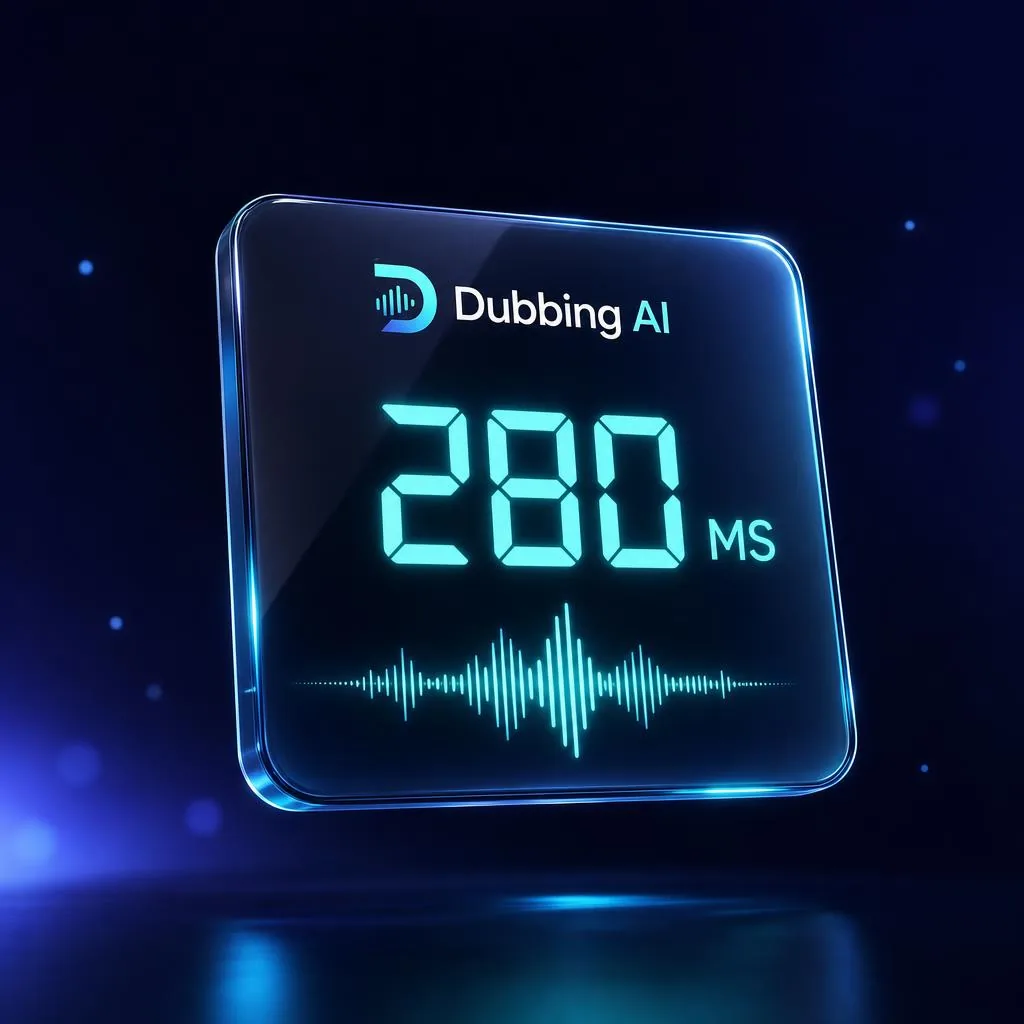 300MS LATENCY
Sub-300ms Processing
Each syllable is re-rendered before it leaves your mic, so teammates and viewers hear you in perfect sync.
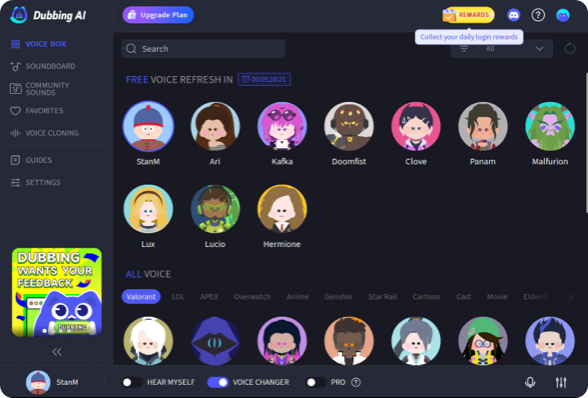 500+ VOICES
500+ AI Voice Skins
Game characters, anime icons, celebrity-style presets, and originals — with fresh voices added every week.
 40+ LANGUAGES
40+ Language Coverage
Natural pronunciation across English, Spanish, Japanese, Korean, Mandarin, and 35+ more — accent-aware.
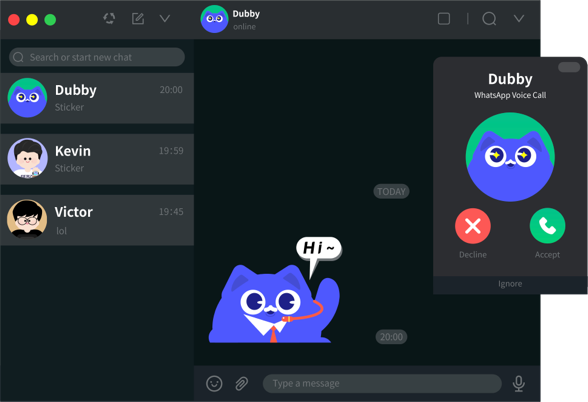 WORKS EVERYWHERE
Universal App Compatibility
Routes through a virtual mic, so it works in Discord, Zoom, OBS, Streamlabs, and every major game.
 CLONE ANY VOICE
Custom Voice Cloning
Upload a short sample to clone any voice. The source clip stays on your device — never uploaded.
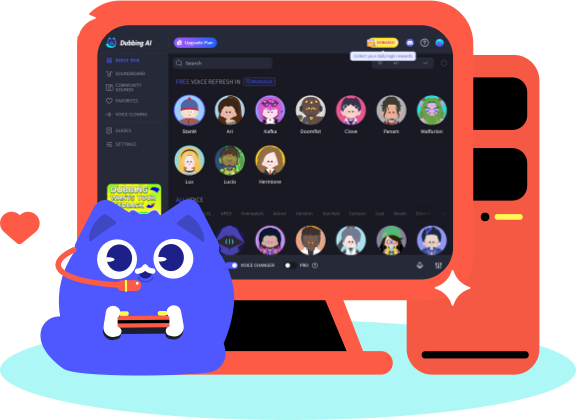 ON-DEVICE
Privacy-First Local Processing
Your microphone audio is transformed on-device. Nothing is stored or shared — only the output leaves.
See How the Community Levels Up with Dubbing AI
Watch real creators use our AI tools to transform their gaming, streaming, and social interactions.
Real-Time Voice Changer for Every Game and App
Pick your game, chat app, or voice style — one virtual mic powers them all.
For Games
Drop the perfect voice into every match without touching push-to-talk or worrying about anti-cheat. Whether you're clutching a round in Valorant or CS, dropping into Tilted Towers in Fortnite, or holding lane in Dota 2 and Apex Legends, Dubbing AI runs as a virtual mic that any game picks up automatically.
Voices transform live at sub-300 ms latency, so your callouts, jokes, and roleplay land in real time — no recording, no post-processing, no awkward delay between speaking and hearing yourself in-game.
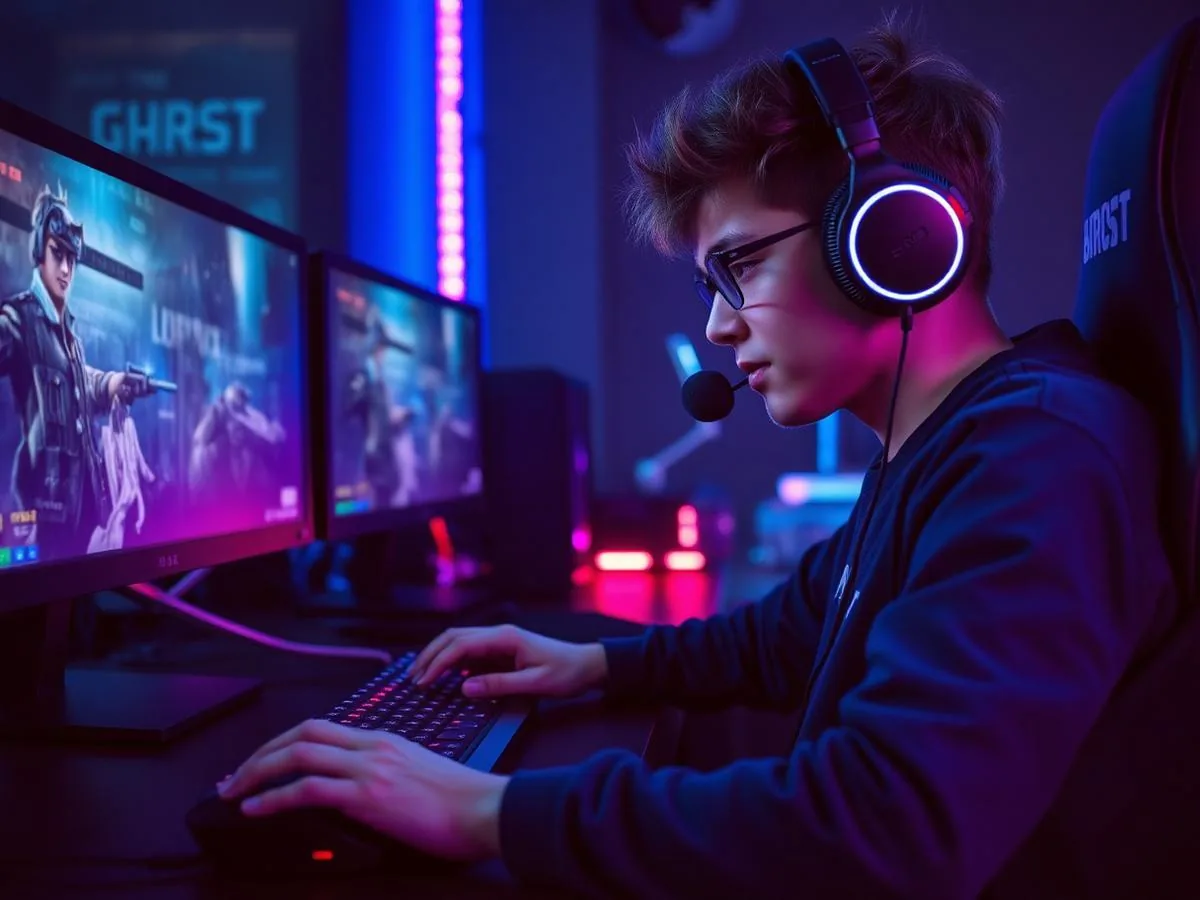
For Calls & Meetings
Anywhere you can pick a microphone, you can pick Dubbing AI. It plugs straight into Discord calls and communities, Zoom meetings and webinars, and works as a virtual mic in TeamSpeak, Google Meet, Skype, and WhatsApp desktop.
One install covers your whole communication stack — no plugins, no extra routing, no separate desktop app to babysit while you're already on a call.
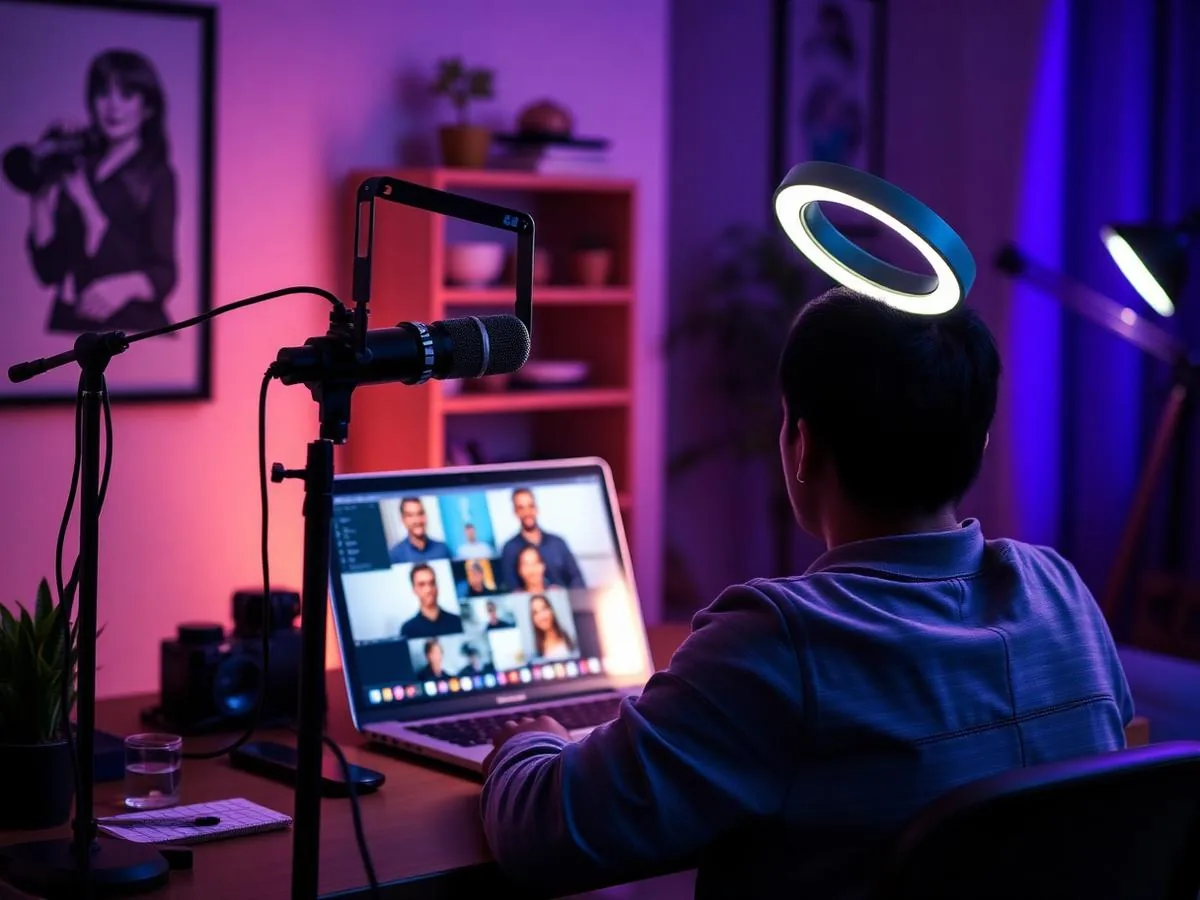
For Streaming & VR
Go live with a new persona in seconds. Route Dubbing AI into OBS scenes for Twitch, YouTube, and Kick broadcasts, or wear it inside VRChat worlds and Steam voice chat to stay in character across every social lobby.
Because it runs before OBS ever sees your audio, your stream, VOD, and clips all capture the transformed voice — perfect for VTubers, roleplay streamers, and anyone building a persona instead of just a channel.
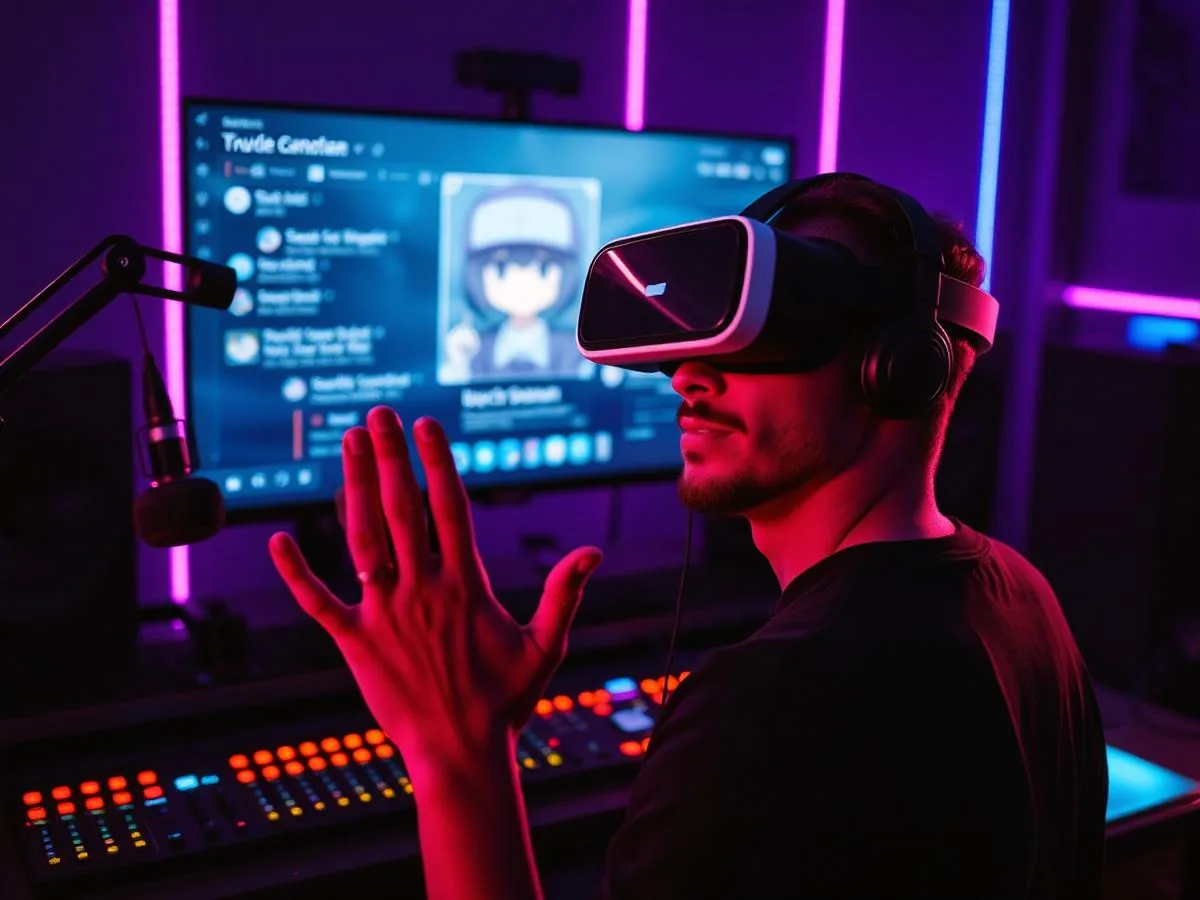
By Voice Type
Pick a persona to match the moment. Slip into an anime voice for a VTuber stream, borrow a familiar celebrity voice for a bit, or switch between a natural female voice and male voice depending on who you want to sound like.
Every voice hot-swaps mid-conversation from a single hotkey, so you can layer characters into the same call, raid, or podcast without ever leaving the app you're already talking in.
For Hardware
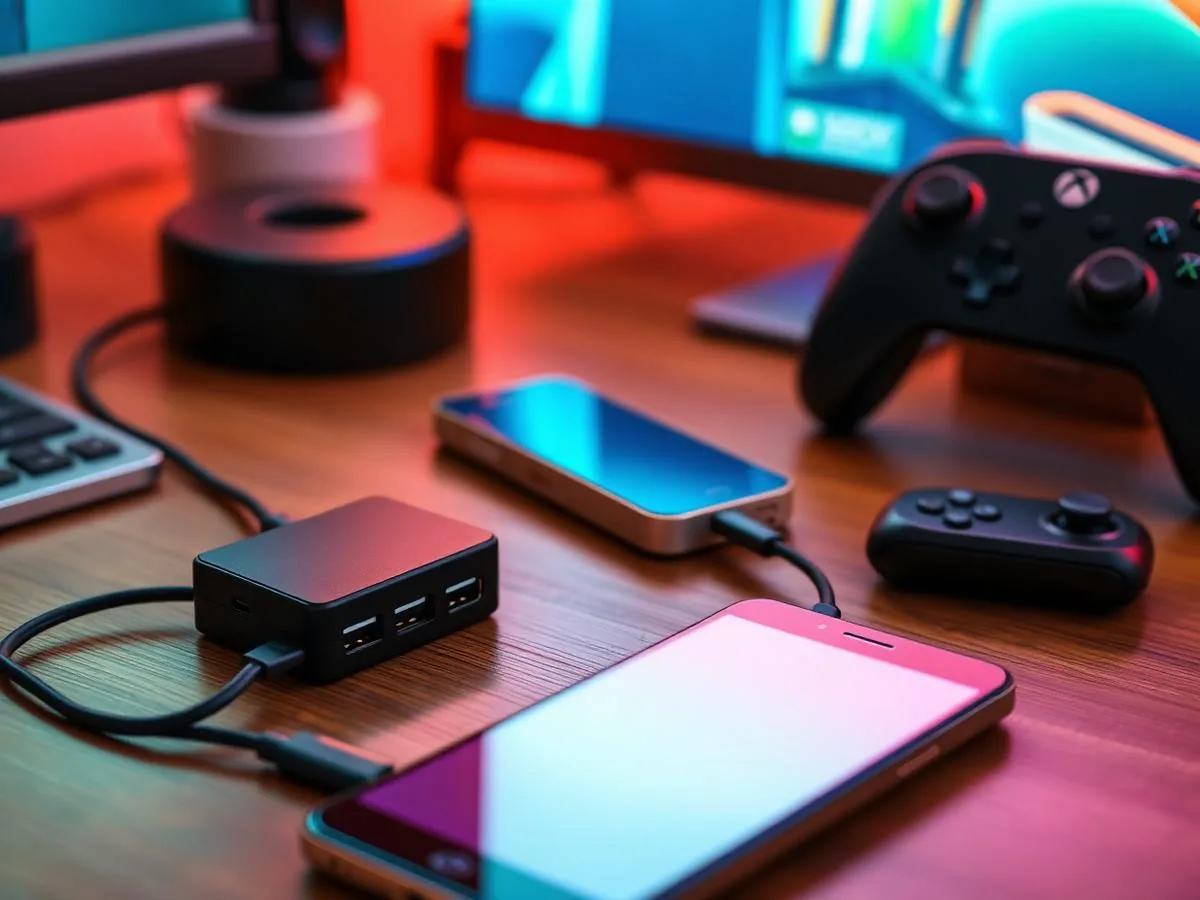
Skip the PC entirely with Dubbing Box, a pocket-sized device that runs the same real-time voice changer over a single USB-C cable. One box moves between your phone, Nintendo Switch, Xbox Series X|S, and PlayStation 5 — the AI voice conversion happens on-device, so there's no companion app, no driver install, and no console mod required.
Bring real-time AI voice changing to your phone with Dubbing AI Voice Changing Earbuds — wired USB-C buds that turn gaming, streaming, and calls into plug-and-play voice transformation. Connect to any USB-C Android, iPhone, or iPad, open the Dubbing AI app, and speak through 500+ voices with ultra-low latency; without the app, they still work as everyday earbuds for music, calls, and video.
Dubbing AI vs Murf vs LALAL vs Voicemod
Six things live-voice creators care about — measured across the four tools they compare most.
| Feature | Dubbing AI | Murf | LALAL | Voicemod |
|---|---|---|---|---|
| Real-time (live mic) | ✓ Yes — 300ms latency | ✕ No — upload-based | ✕ No — file upload only | Yes — ~80–150ms |
| Voice library | ✓ 500+ AI voices | 200+ studio voices | Voice packs (artists) | 80+ voice filters |
| Free tier | ✓ 10 rotating voices daily | Limited credits | Limited minutes | Basic filters only |
| Custom voice cloning | ✓ Yes — included | Enterprise only | Paid add-on | ✕ Not available |
| Languages | ✓ 40+ | 20+ | English-focused | 15+ |
| Best for | ✓ Real-time gaming, Discord, streaming | Post-production voiceover, e-learning | Music covers, artist-style singing | Casual gaming & memes |
How to Set Up Real-Time Voice Changing in 4 Steps
Less than 5 minutes from download to your first transformed callout.
Download Dubbing AI
Grab the free desktop app for Windows or macOS. The lightweight installer finishes in under two minutes — no credit card, no signup, no audio config to wrangle.
Approve the virtual mic
Allow the bundled virtual microphone driver during install. It creates a routable input that every game, voice chat, and streaming app reads as a regular mic.
Pick your voice skin
Browse 500+ AI voices and preview each with the 'Hear Myself' monitor. Lock in your favorite and hot-swap voices mid-call without restarting the app.
Select the virtual mic
In Discord, Zoom, OBS, or your game's audio settings, choose 'Dubbing AI Virtual Microphone' as the input device. Start talking — your voice transforms live.
Discover More Professional Voice Changers
Immerse yourself in your favorite universes with authentic anime and game character voices, or command attention by sounding exactly like a world-famous celebrity.
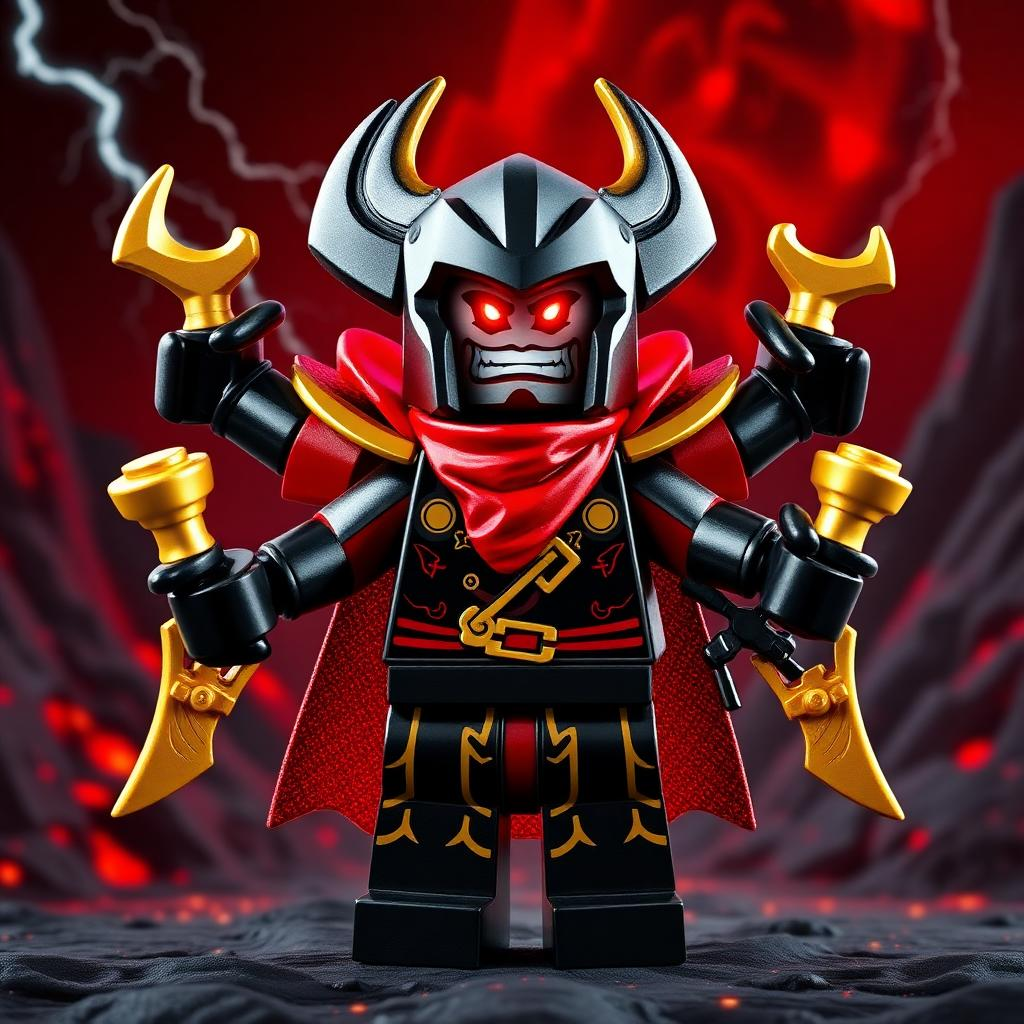 Garmadon Voice Changer
 Azure Voice Changer
 Kamishiro Rui Voice Changer
 Glitchy Voice Changer
 Palia Voice Changer
 Thanos Voice Changer
 HERO x HERO Voice Changer
 Gakuran Voice Changer
 Minion Voice Changer
 Sova Voice Changer
 Clove Voice Changer
 Meccha Chameleon Voice Changer
 Shion Voice Changer
 Lucy & David Voice Changer
 Roblox Mobile Voice Changer
 Emma Frost Voice Changer
 Joker Voice Changer
 Magik Voice Changer
Frequently Asked Questions
 Singapore