





Guitar Sound Effect
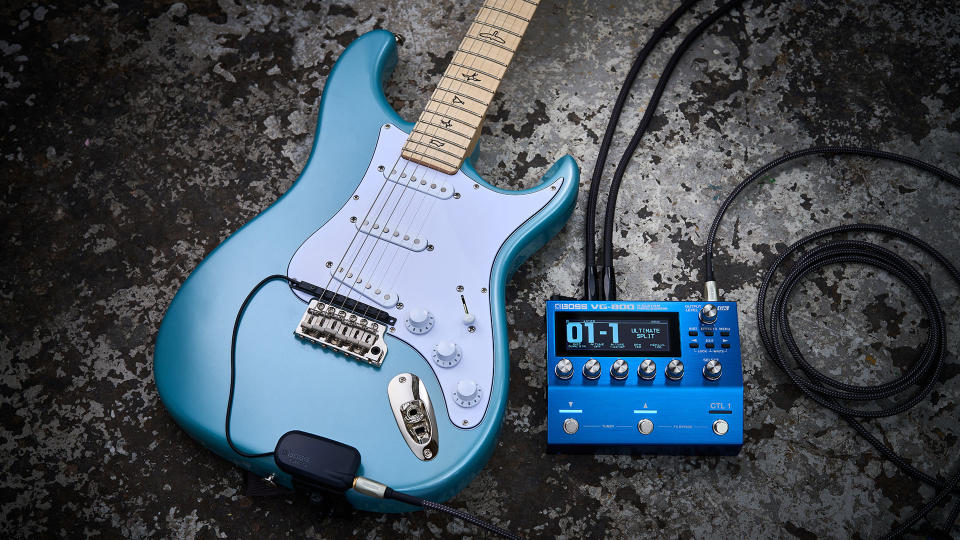
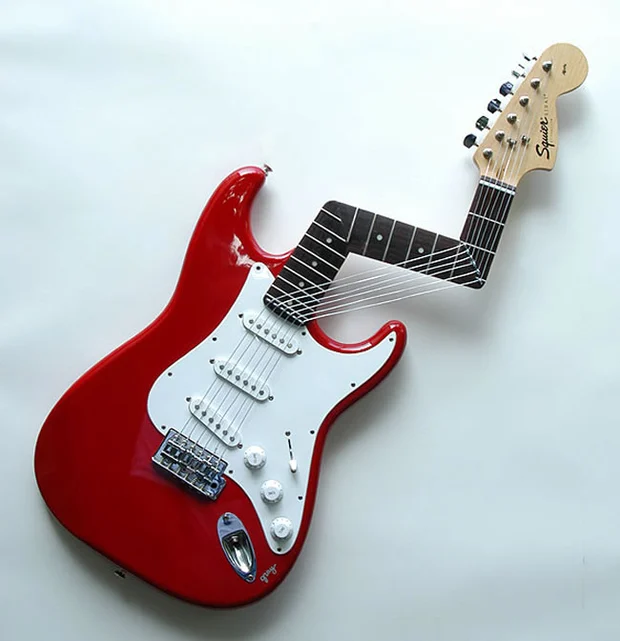
Looking for killer guitar sound effects? Dubbing AI’s Community Sounds rocks with electrifying riffs, soulful strums, and epic solos. Whether you're crafting music edits, game soundtracks, or cinematic scenes, this collection has every chord you need. From acoustic vibes to metal madness—explore, download, and let the strings sing for free!
How to make a Soundboard?
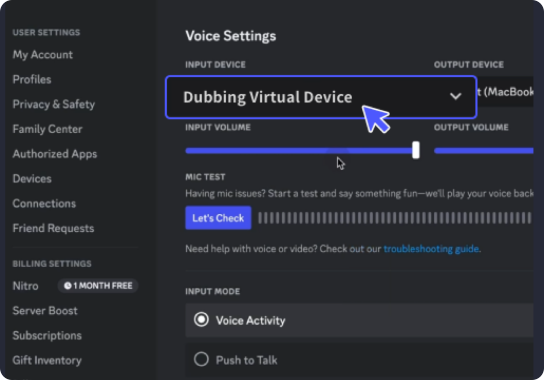
With a few simple steps, you can use any sound effects you want during your exciting raids. 1. Open the third-party platform, such as Discord, Steam, etc., and in the settings, choose "Dubbing Virtual Device" as the input. 2. Click on the "Soundboard" option on the left and choose or customize your preferred sound effects. 3. Enable "Hear Myself" to preview the sound. And now you may enjoy the sound effect with your customized shortcut!
Guitar Soundboard
Build your ultimate guitar soundboard with Dubbing AI Community Sounds—packed with shredding solos, smooth acoustic strums, and crunchy electric riffs. Mix and match tones to fit your vibe, from mellow moods to high-energy chaos. Perfect for music edits, intros, or creative projects—customize your own six-string symphony in seconds!