
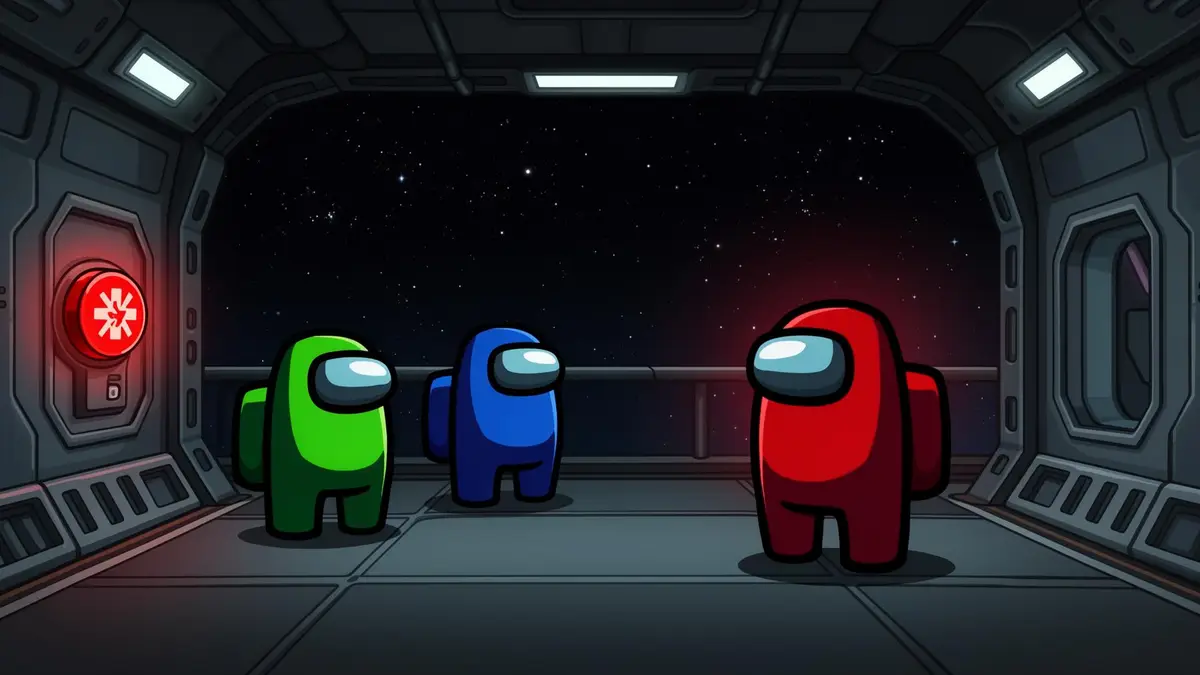
Among Us SoundboardKill, Vent & Emergency Meeting Sounds
A free gaming soundboard for Among Us sound effects. Trigger the Impostor kill sound, emergency meeting alarm and vent whoosh in Discord or lobby voice chat with around 300ms latency.
Looking for more clips? Browse the full Dubbing AI Soundboard.
✓ Free soundboard included • ✓ Works on Windows • ✓ Works with Discord
What is the Among Us Soundboard?
The Among Us Soundboard is a collection of Among Us sound effects inside Dubbing AI's Soundboard. It gathers the kill sound, emergency meeting alarm, vent and task sounds so you can play them in voice chat with a hotkey.
A soundboard plays recorded clips; it does not change your voice. If you want to sound like a different character, use the separate AI Voice Changer. Use the Among Us Soundboard for reactions during meetings and votes.
Dubbing AI's library holds 100,000+ sound effects. The widget on this page lets you preview Among Us clips in your browser; the desktop app sends them into your Discord call so the whole lobby hears them.
Five Among Us Sound Packs on One Hotkey Grid
Every phase of an Among Us round has its own sound. Bind them to hotkeys so the right clip is ready when the moment arrives.
Impostor
Kill, sabotage & ejection sound effects
Crewmate
Task complete & role reveal sounds
Emergency Meeting
Alert button & discussion sound effects
Vent & Sabotage
Vent whoosh, reactor meltdown & lights out
Victory & Defeat
Win/lose screens & voting result sounds
Want more? Community Sounds collects clips shared by other players, including Among Us memes, that you can add to your board.
Try the Free Among Us Soundboard
Click any sound effect below to preview Among Us sounds in your browser. Preview plays on your speakers only.
Why Use a Among Us Soundboard?
Among Us is a talking game. Most of the fun happens in emergency meetings, so a well-timed kill sound or meeting alarm gets a bigger reaction than describing what happened.
Hotkeys and a virtual microphone mean you never miss the discussion. Press a key and the sound effect plays into Discord or lobby chat while you keep talking.
Your gaming soundboard grows with your group. Upload your own clips or add community memes, and keep Among Us sounds next to the rest of your library.
How the Among Us Soundboard Works
What happens between pressing a key and your crewmates hearing the sound.
What it actually does
The Among Us Soundboard plays pre-recorded clips; it does not change your voice. Your mic and the selected sound are mixed into one virtual microphone.
Why it feels live
Dubbing AI triggers clips in around 300ms, so the meeting alarm hits the moment someone presses the button.
Pick
Choose Among Us clips from the Soundboard library or Community Sounds.
Load
Add them to your board and assign a hotkey to each one.
Trigger
Press the hotkey during a meeting or round.
Route
The clip goes out through the Dubbing AI virtual microphone with your voice.
Set Up the Among Us Soundboard
Four steps from a fresh install to your first emergency meeting alarm in Discord.
- 01
Install Dubbing AI
Download the free Windows app from dubbingai.io and sign in.
- 02
Route Your Mic
Pick your real microphone as input, then set the Dubbing AI virtual microphone as the mic in Discord or your game.
- 03
Load Among Us Sounds
Search 'Among Us' in the Soundboard, preview clips and add your favourites.
- 04
Play Live
Bind hotkeys and trigger sound effects during meetings, votes and ejections.
Put the meeting alarm and kill sound on the two easiest keys; they get used every round. Keep longer clips for the lobby between games.
Real Among Us Moments Players Use It For
Emergency meetings: players fire the meeting alarm or a dramatic sting the moment a body is reported, before anyone starts accusing.
Discord lobbies: most Among Us groups talk on Discord, so clips played through the virtual microphone reach everyone in the call at once.
Ejections and reveals: groups play a victory or defeat sound when the vote result appears, which turns a close vote into a moment people remember.
Streams and videos: creators trigger kill and vent sound effects live, then reuse the same clips from the Dubbing AI Soundboard in edited highlights.
Related Soundboards
FAQ
What is the Among Us Soundboard?
The Among Us Soundboard is a Dubbing AI collection of Among Us sound effects, such as the kill sound, emergency meeting alarm, vent and task sounds. You can preview them on this page and play them in voice chat with the Dubbing AI desktop app.
Can I preview Among Us sound effects in my browser?
Yes. The sound widget on this page lets you preview Among Us clips in your browser. Browser preview plays on your own speakers only; to share sounds into Discord or in-game chat you need the Dubbing AI app.
Is the Among Us Soundboard free?
Dubbing AI is free to download and includes free Soundboard access. Some premium features in the app may require a paid plan.
How do I use a soundboard in Among Us?
Download Dubbing AI for Windows, set the Dubbing AI virtual microphone as your input device in Discord or your voice chat app, choose Among Us sounds and bind hotkeys, then trigger them during meetings or rounds.
Does the Among Us Soundboard work with Discord?
Yes. Most Among Us lobbies talk on Discord. Select the Dubbing AI virtual microphone as your Discord input device and everyone in the call hears your sound effects.
What Among Us sounds can I find?
Popular clips include the Impostor kill sound, emergency meeting alarm, body reported alert, vent sound, task complete chime, ejection and victory or defeat stingers. Dubbing AI has 100,000+ sound effects in total.
How fast do the sound effects play?
Clips triggered from the Dubbing AI Soundboard play with around 300ms latency, fast enough to land a reaction right after a body is reported.
Can I upload custom Among Us sound effects?
Yes. You can upload your own sound clips to Dubbing AI and use them alongside the built-in Among Us sound effects.
Call the Next Emergency Meeting
Download Dubbing AI free and play 100,000+ sound effects, including iconic Among Us clips, in voice chat.
Download Free✓ Free soundboard • ✓ Windows • ✓ Works with Discord