

I Am Steve Sound Effects
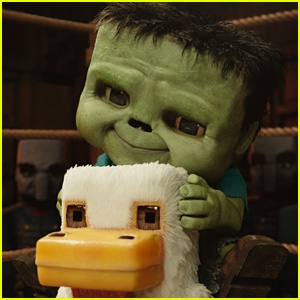
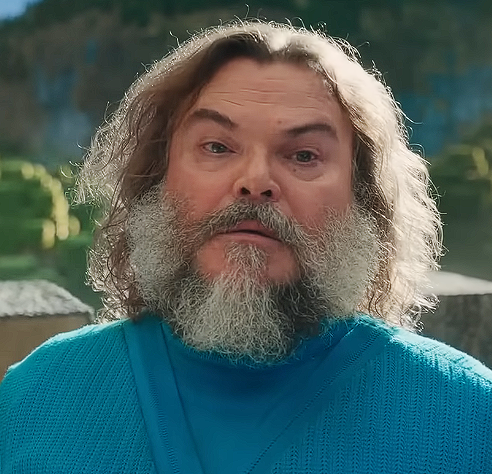
Searching for legendary lines like “I am Steve” and other epic Minecraft movie sounds? Dive into the Dubbing AI sound gallery—your treasure chest of blocky brilliance. From hero quotes to pixelated punchlines, discover fan-favorite clips crafted by the community to level up your voice moments in style.
How to make a Soundboard?
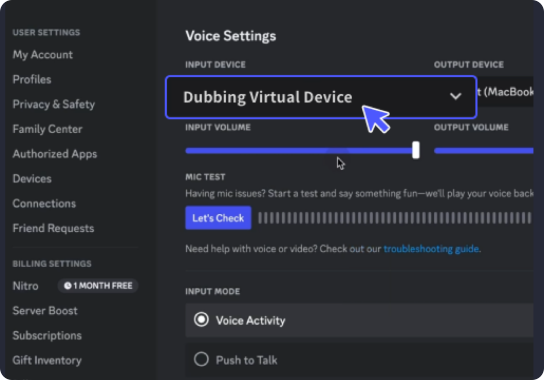
With a few simple steps, you can use any sound effects you want during your exciting raids. 1. Open the third-party platform, such as Discord, Steam, etc., and in the settings, choose "Dubbing Virtual Device" as the input. 2. Click on the "Soundboard" option on the left and choose or customize your preferred sound effects. 3. Enable "Hear Myself" to preview the sound. And now you may enjoy the sound effect with your customized shortcut!
I Am Steve Soundboard
Craft your ultimate “I am Steve” soundboard with Dubbing AI and bring Minecraft magic to life. Mix iconic lines, epic moments, and pixel-powered humor all in one place. Whether for pranks, streams, or chats, let Steve’s legendary voice echo through every click. Your blocky adventure starts here!