





Thunder Sound Effect
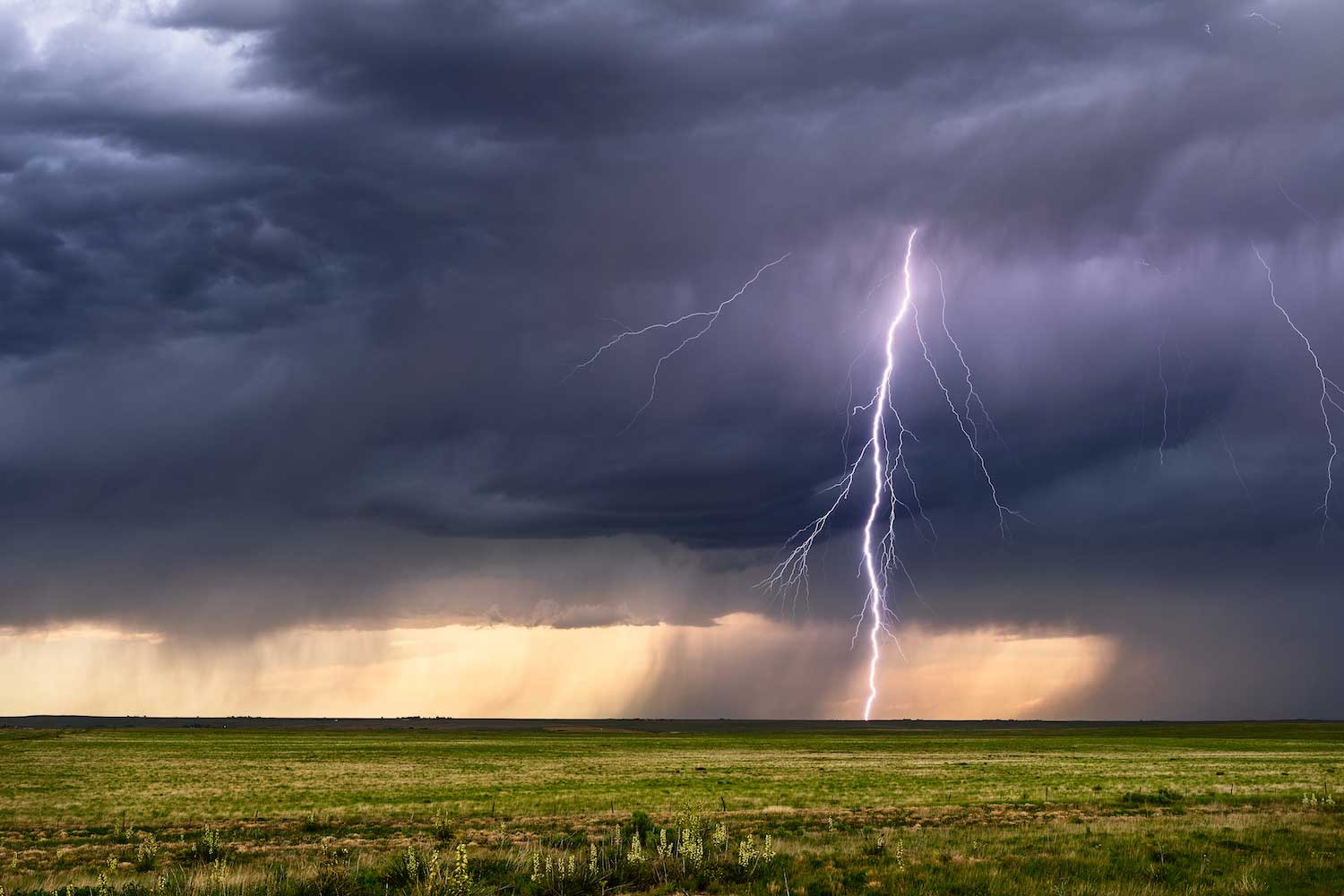
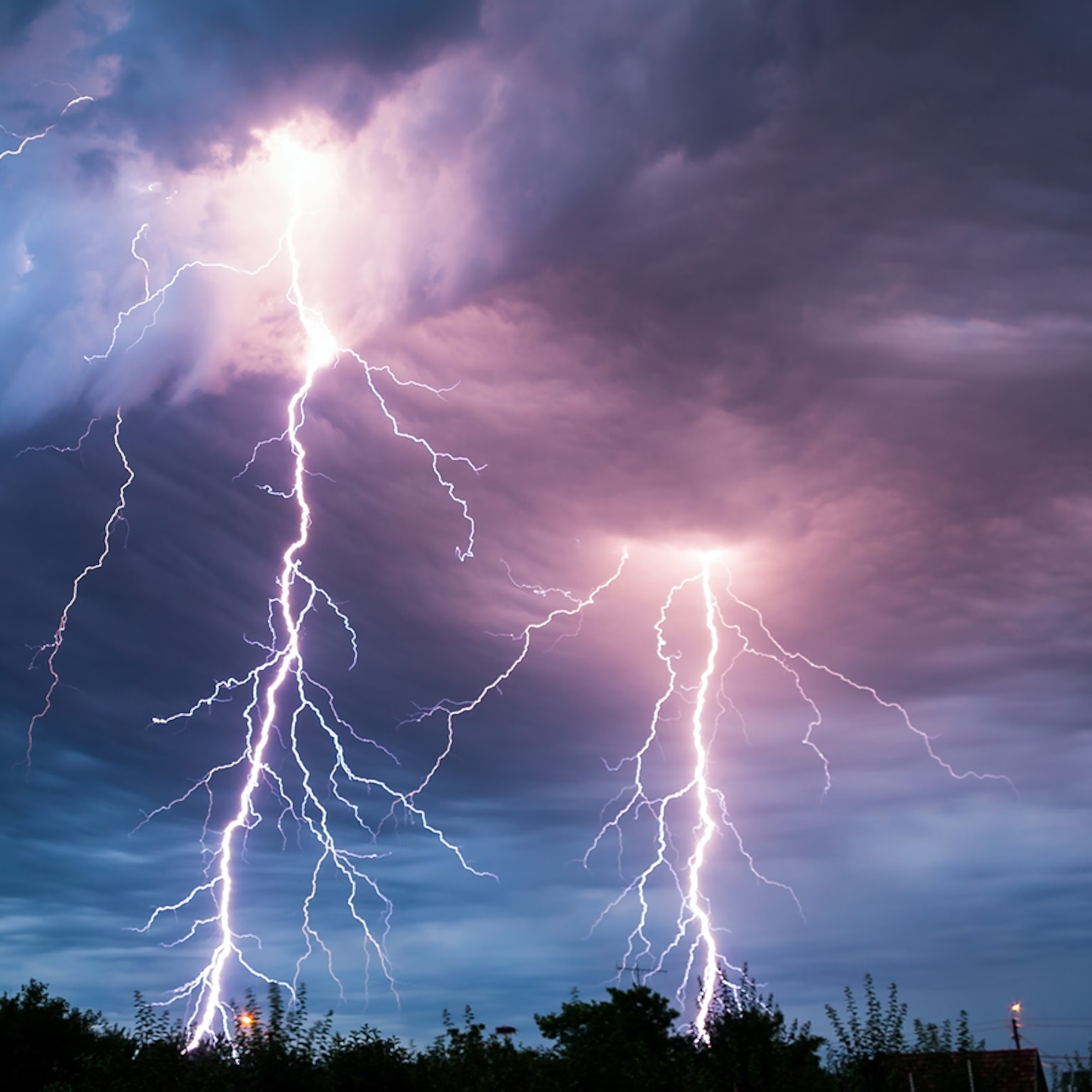
Searching for powerful thunder sound effects? Dubbing AI’s sound gallery rumbles with booming crashes, distant rolls, and stormy bursts that shake the air. Perfect for dramatic edits, spooky scenes, or weather ambiance—these electric sounds bring the storm to life. Explore, download, and let the sky roar—totally free to use!
How to make a Soundboard?
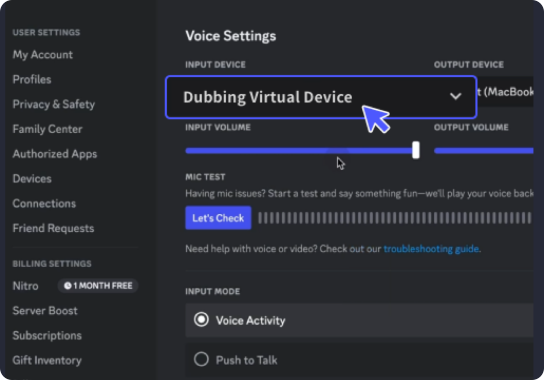
With a few simple steps, you can use any sound effects you want during your exciting raids. 1. Open the third-party platform, such as Discord, Steam, etc., and in the settings, choose "Dubbing Virtual Device" as the input. 2. Click on the "Soundboard" option on the left and choose or customize your preferred sound effects. 3. Enable "Hear Myself" to preview the sound. And now you may enjoy the sound effect with your customized shortcut!
Thunder Soundboard
Craft your own thunder soundboard with Dubbing AI—stack it with crackling sky rips, deep rumbles, and rolling booms. Perfect for stormy ambiances, dramatic builds, or spooky vibes, this toolkit lets you summon the storm at will. Customize your thunder, unleash the clouds, and let the lightning strike—completely free!