





R.E.P.O Sound Effects
Stay ahead with the freshest R.E.P.O soundboard updates in Dubbing AI Community Sounds! Discover newly added voice clips, remix your favorites, and keep your soundboard dynamic. With constant updates, you’ll always have the best R.E.P.O sounds at your fingertips for endless entertainment!
How to make a Soundboard?
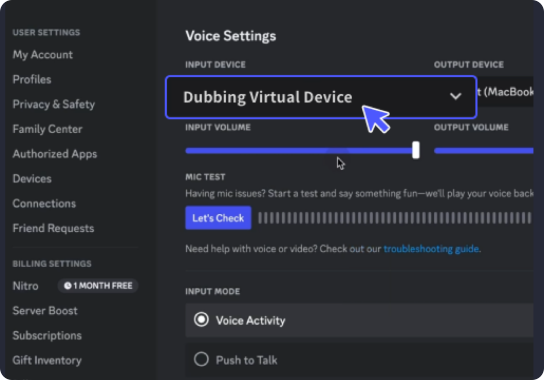
With a few simple steps, you can use any sound effects you want during your exciting raids. 1. Open the third-party platform, such as Discord, Steam, etc., and in the settings, choose "Dubbing Virtual Device" as the input. 2. Click on the "Soundboard" option on the left and choose or customize your preferred sound effects. 3. Enable "Hear Myself" to preview the sound. And now you may enjoy the sound effect with your customized shortcut!
Creepy R.E.P.O Sound
Searching for the best R.E.P.O sounds? Dive into the Dubbing AI sound gallery, where a vast collection of high-quality sound clips awaits! Whether for gaming, content creation, or memes, explore and customize your favorite R.E.P.O sounds with ease. Elevate your audio experience today!
Build R.E.P.O Soundboard
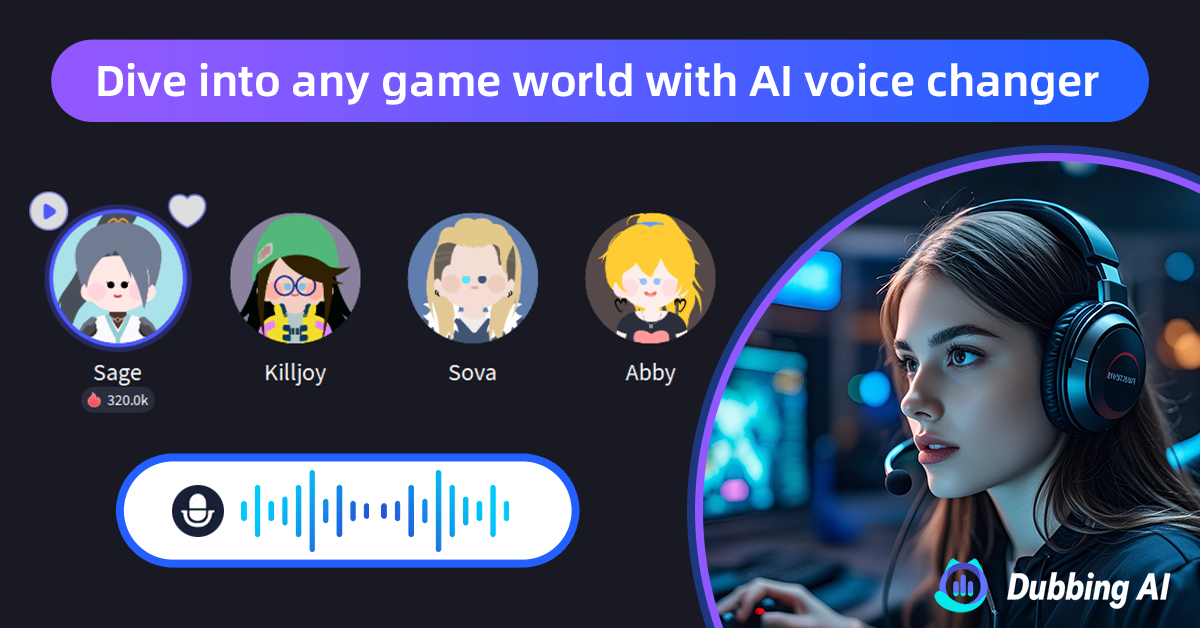
Create your ultimate R.E.P.O soundboard with Dubbing AI! Mix, match, and personalize iconic sounds to craft a unique audio experience. Whether for gaming, streaming, or pure fun, unleash your creativity and bring R.E.P.O’s unforgettable voice to life with just a few clicks!