



Mafioso Sound Effect
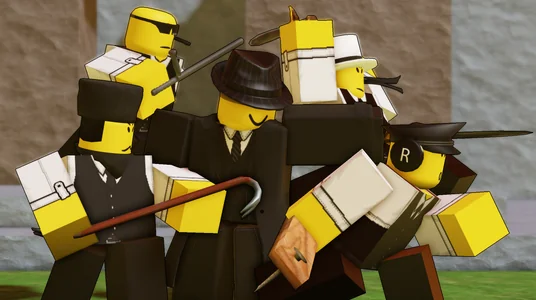
Craving that classic Roblox mafioso vibe? Check out Dubbing AI’s sound gallery—loaded with bold threats, smooth-talking lines, and gangster gold. From shady deals to dramatic showdowns, these sound effects bring mob energy straight to your project. Perfect for roleplay, edits, or memes. Try it free and rule the scene!
How to make a Soundboard?
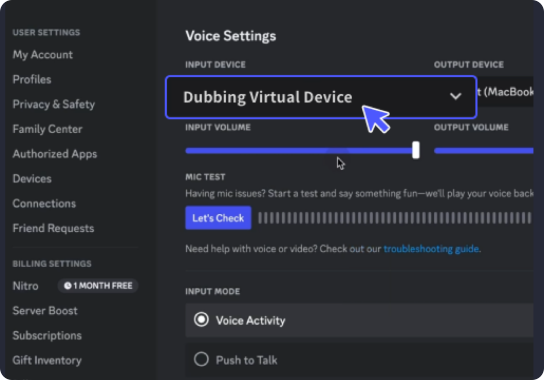
With a few simple steps, you can use any sound effects you want during your exciting raids. 1. Open the third-party platform, such as Discord, Steam, etc., and in the settings, choose "Dubbing Virtual Device" as the input. 2. Click on the "Soundboard" option on the left and choose or customize your preferred sound effects. 3. Enable "Hear Myself" to preview the sound. And now you may enjoy the sound effect with your customized shortcut!
Roblox Mafioso Soundboard
Design your own Roblox mafioso soundboard with Dubbing AI and stack it with swaggering threats, bossy commands, and smooth criminal charm. Whether you’re plotting digital heists or running a mob roleplay, crafting the perfect mix is easy. Bring the underworld to life—loud, stylish, and totally free to customize.