
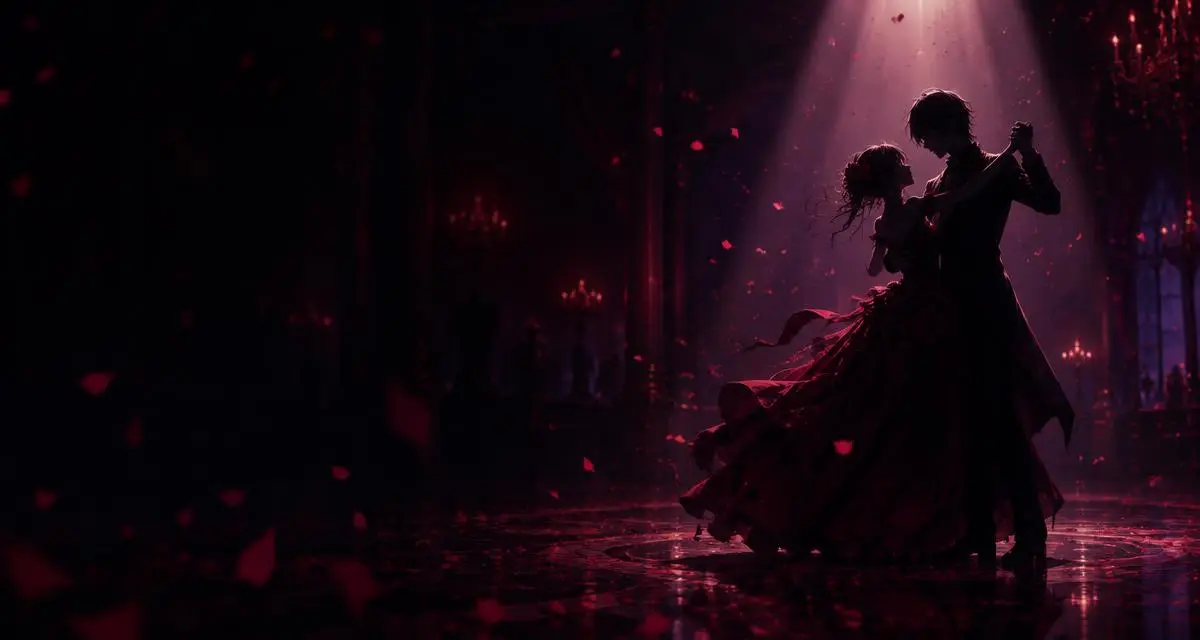
The Last Dance SoundMaretu's Farewell Waltz on One Hotkey
The Last Dance sound is the farewell-waltz audio behind a viral trend built on Maretu's music, used for dramatic goodbyes and bittersweet edits. Find the clip in the Dubbing AI Soundboard, bind it to a hotkey and play it in Discord or game chat.
Looking for more clips? Browse the full Dubbing AI Soundboard.
✓ Free Soundboard access • ✓ Windows app • ✓ Works with Discord & Steam
What is the The Last Dance Sound?
The Last Dance is a trending meme sound tied to music by the Japanese producer Maretu. Short videos pair its waltz-like melody with a final, theatrical goodbye, and in November the trend is still getting breakdown and explainer videos.
As a sound effect, it works as a dramatic farewell cue: the melody tells everyone a moment is ending, whether that is a lost match, a friend leaving the call or a tragic plot twist. Playing it from Dubbing AI's Soundboard lets everyone in voice chat hear it on cue.
A soundboard plays the recorded clip as it is; it does not change your voice. If you want to transform how you sound, use the separate AI Voice Changer. Dubbing AI's library holds 100,000+ sound effects, so this trend sound can sit next to your other dramatic meme clips.
Ways People Use The Last Dance Sound
The same farewell waltz fits several different moments. These are the most common ways players use it.
Dramatic Exit
Play it as you leave the call
Final Defeat
Mourn a lost round or match
Ironic Reply
Over-dramatize a tiny goodbye
Tragic Edit Mood
Recreate the bittersweet trend
Looking for other versions? Community Sounds collects clips shared by other users, including trend sounds you can add to your board.
Get The Last Dance Sounds in the App
This page has no web player. The The Last Dance clips play inside the free Dubbing AI app: search "The Last Dance" in the Soundboard, turn on "Hear Myself" to preview, then share them into Discord, Steam or game chat.
Download Dubbing AIWhy Use a The Last Dance Sound?
Farewell jokes depend on timing. A hotkey starts The Last Dance the second the round is lost, instead of pausing to find the video.
A virtual microphone keeps you talking. Press a key and the clip plays into Discord or game chat together with your voice.
One board for every mood. Keep The Last Dance beside sad hamster, vine boom and Wilhelm scream clips and reuse them in any app that uses the Dubbing AI virtual microphone.
How the The Last Dance Sound Works
What happens between pressing a key and your friends hearing the farewell waltz.
What it actually does
The Soundboard plays pre-recorded clips; it does not change your voice. Your mic and the selected clip are sent together through the Dubbing Virtual Device.
Why it feels live
Dubbing AI triggers clips in around 300ms, so the waltz starts while the moment is still happening.
Pick
Search "last dance" in the Soundboard or Community Sounds.
Load
Add the clip to your board and assign a shortcut.
Trigger
Press the shortcut in the call, lobby or match.
Route
The clip goes out through the Dubbing Virtual Device with your voice.
Set Up the The Last Dance Sound
Four steps from a fresh install to playing The Last Dance in voice chat.
- 01
Install Dubbing AI
Download the free Windows app from dubbingai.io and sign in.
- 02
Set the Input
In Discord or your game's settings, choose "Dubbing Virtual Device" as the microphone.
- 03
Load the Sound
Click "Soundboard" on the left and find or upload The Last Dance clip.
- 04
Preview & Play
Enable "Hear Myself" to preview, then trigger the clip with your shortcut.
Bind the clip next to your loss or exit sounds, so the farewell plays the instant a match ends.
Real The Last Dance Moments Players Use It For
Discord goodnights: play the waltz as your dramatic exit before leaving the voice channel.
Competitive matches: mourn a lost round or a teammate's final stand with a theatrical farewell.
Watch parties: drop it when a story delivers a bittersweet ending or a character's last moment.
Custom boards: mix it with dramatic clips from the Dubbing AI Soundboard and Community Sounds.
Related Soundboards
FAQ
What is The Last Dance sound?
It is the farewell-waltz audio used in a viral trend built on music by Maretu, where creators stage a dramatic, theatrical goodbye.
Who is Maretu?
Maretu is a Japanese music producer known for dark, theatrical songs. The Last Dance trend uses his music as its backing audio.
Where do I find The Last Dance sound in Dubbing AI?
Open the Soundboard in the Dubbing AI app and search for "last dance". Versions shared by other users may also appear in Community Sounds.
Can I play the sound on this page?
No. This page does not include a web player. The clip plays inside the Dubbing AI app; turn on "Hear Myself" there to preview it first.
How do I play The Last Dance sound in Discord?
Install Dubbing AI, select "Dubbing Virtual Device" as your input device in Discord's voice settings, then press the clip's shortcut in the Soundboard.
When is the best moment to play it in game chat?
It works best right after a defeat, a dramatic exit or a goodbye, when the farewell melody exaggerates a moment everyone just saw.
Is The Last Dance soundboard free?
Dubbing AI is free to download and includes free Soundboard access. Some premium features in the app may require a paid plan.
Can I use the sound in my own videos?
The music belongs to its original creator. Trend and community clips are not automatically cleared for commercial use, so check the source before publishing.
Get The Last Dance Sound
Download Dubbing AI free and play The Last Dance and 100,000+ other sound effects in voice chat.
Download Free✓ Free Soundboard access • ✓ Windows • ✓ Discord & Steam