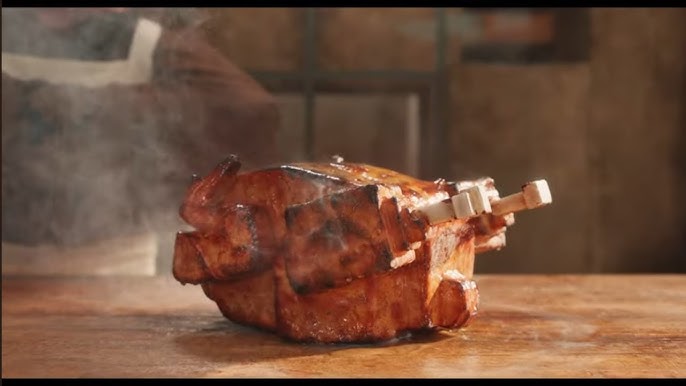




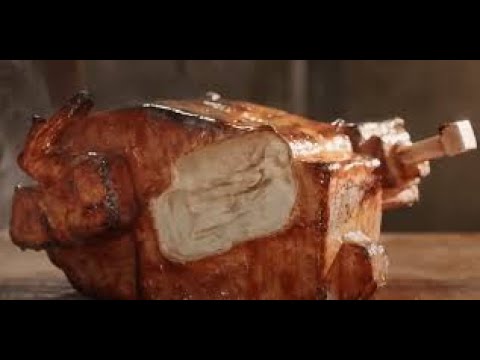
Lava Chicken Sound Effects
Hunting for those fiery, clucking chaos vibes from the Minecraft movie's lava chicken? Dive into Dubbing AI’s sound gallery! It’s packed with quirky, molten mayhem straight from the scene. Sizzle up your soundboard with these blazing clucks and let your creativity erupt with every click.
How to make a Soundboard?
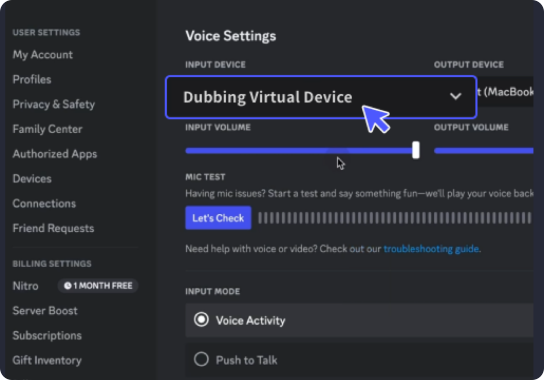
With a few simple steps, you can use any sound effects you want during your exciting raids. 1. Open the third-party platform, such as Discord, Steam, etc., and in the settings, choose "Dubbing Virtual Device" as the input. 2. Click on the "Soundboard" option on the left and choose or customize your preferred sound effects. 3. Enable "Hear Myself" to preview the sound. And now you may enjoy the sound effect with your customized shortcut!
Lava Chicken Soundboard
Cook up your own lava chicken soundboard with Dubbing AI! Mix explosive squawks, bubbling lava pops, and fiery flaps into one sizzling creation. With just a few clicks, you’ll hatch a chaotic audio beast straight out of the Minecraft movie—perfect for pranks, memes, or just pure molten madness.