




Godzilla Sound Effect
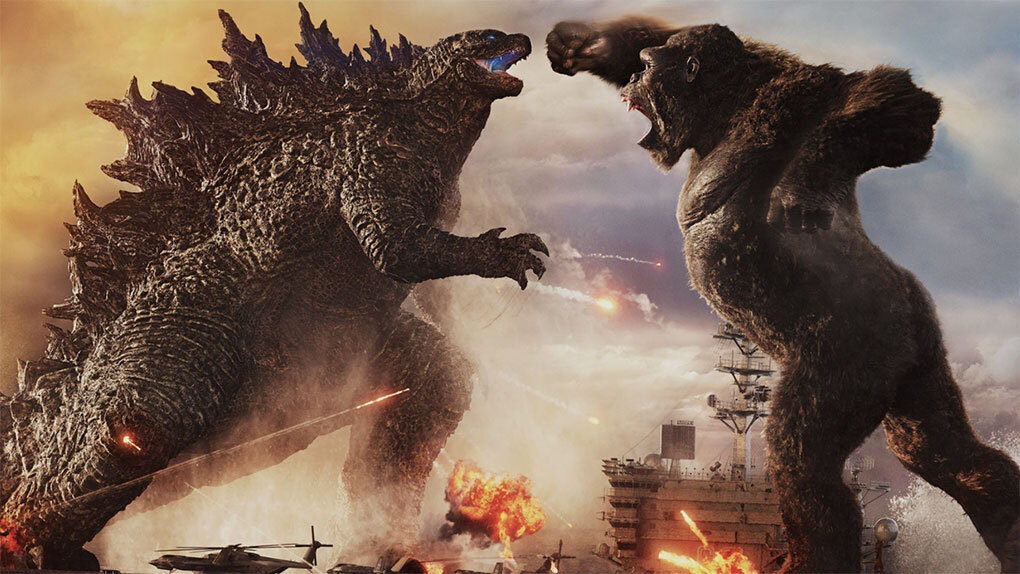
Craving the earth-shaking roar of Godzilla? Explore Dubbing AI’s sound gallery, packed with thunderous stomps, iconic screeches, and cinematic destruction. From city-crushing chaos to monstrous growls, these effects bring kaiju power to your projects. Perfect for edits, games, or epic moments—unleash the beast for free and feel the rumble!
How to make a Soundboard?
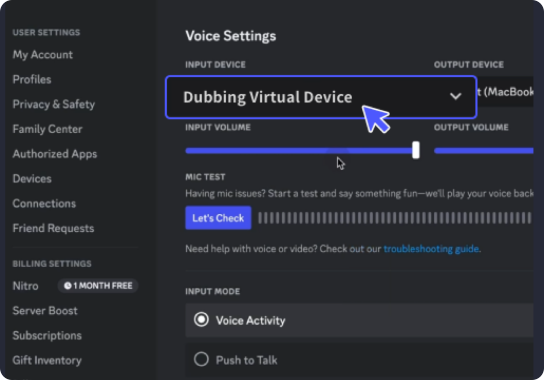
With a few simple steps, you can use any sound effects you want during your exciting raids. 1. Open the third-party platform, such as Discord, Steam, etc., and in the settings, choose "Dubbing Virtual Device" as the input. 2. Click on the "Soundboard" option on the left and choose or customize your preferred sound effects. 3. Enable "Hear Myself" to preview the sound. And now you may enjoy the sound effect with your customized shortcut!
Godzilla Soundboard
Build your own Godzilla soundboard with Dubbing AI and summon seismic roars, towering footsteps, and atomic breath blasts at will. Mix and match monstrous sounds to create a titan-worthy audio arsenal. Ideal for epic scenes, fan edits, or pure kaiju chaos—powerful, customizable, and totally free to create!