Fan-made voice presets for Roblox Gakuran roleplay

    Change Your Voice for GakuranRoblox Japanese School Roleplay

    Slip into character the moment you spawn on the school gate. Real-time AI voice changer with fan-tuned senpai, kohai and bancho presets that fit right into Roblox Gakuran roleplay servers, Discord study clubs and TikTok skit recordings.

    1000+
    AI Voices
    <300ms
    Latency
    Free
    Voice Changer Tier

    ✓ Free voice changer tier • ✓ Windows & Mac • ✓ Fan project, not affiliated with the Gakuran game developers

    What is the Gakuran Voice Changer?

    The Gakuran voice changer is a set of fan-tuned presets on top of Dubbing AI's real-time free voice changer. It re-synthesises your live mic into three schoolyard archetypes — soft senpai, bright kohai, rooftop bancho — so Roblox Gakuran RP lines land in character on the first take.

    It's not a pitch slider — a neural voice-conversion model keeps your timing, laughs and breath pauses, so senpai stays warm, kohai stays light, and bancho keeps its chest resonance. Pair it with cicada ambience and school-bell chimes from the community sounds library. Fan project — not affiliated with the Gakuran developers.
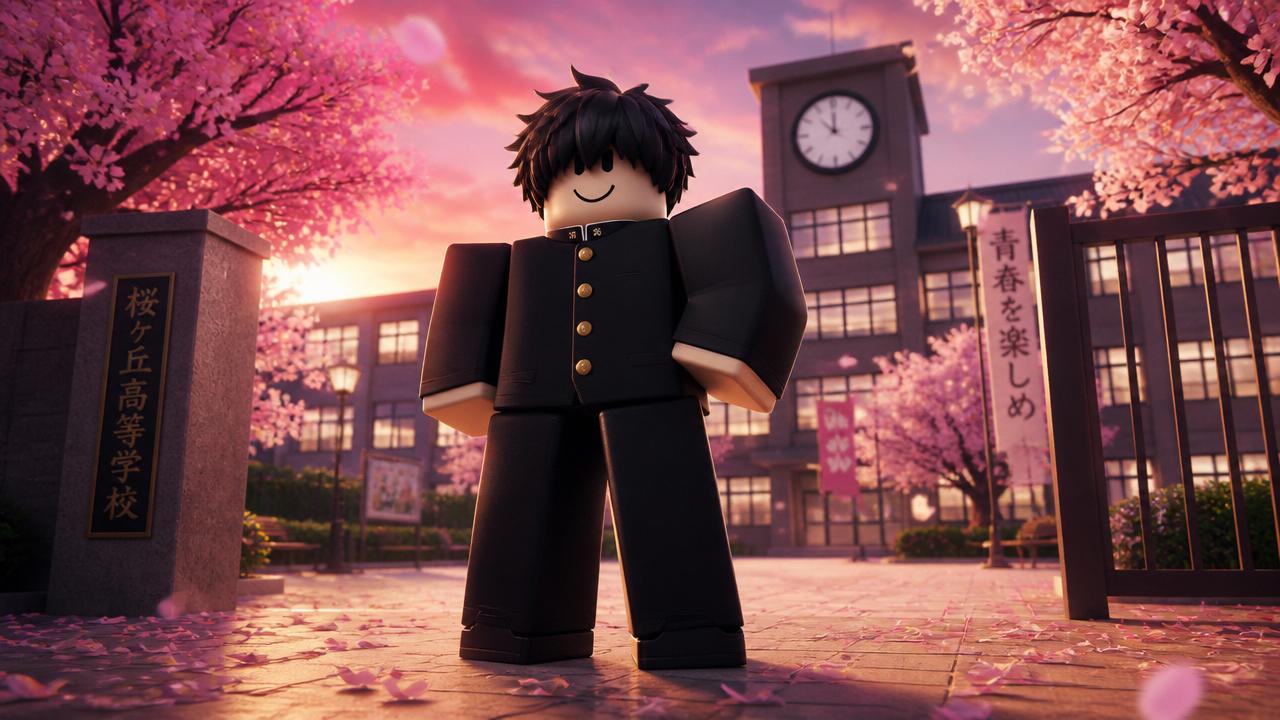
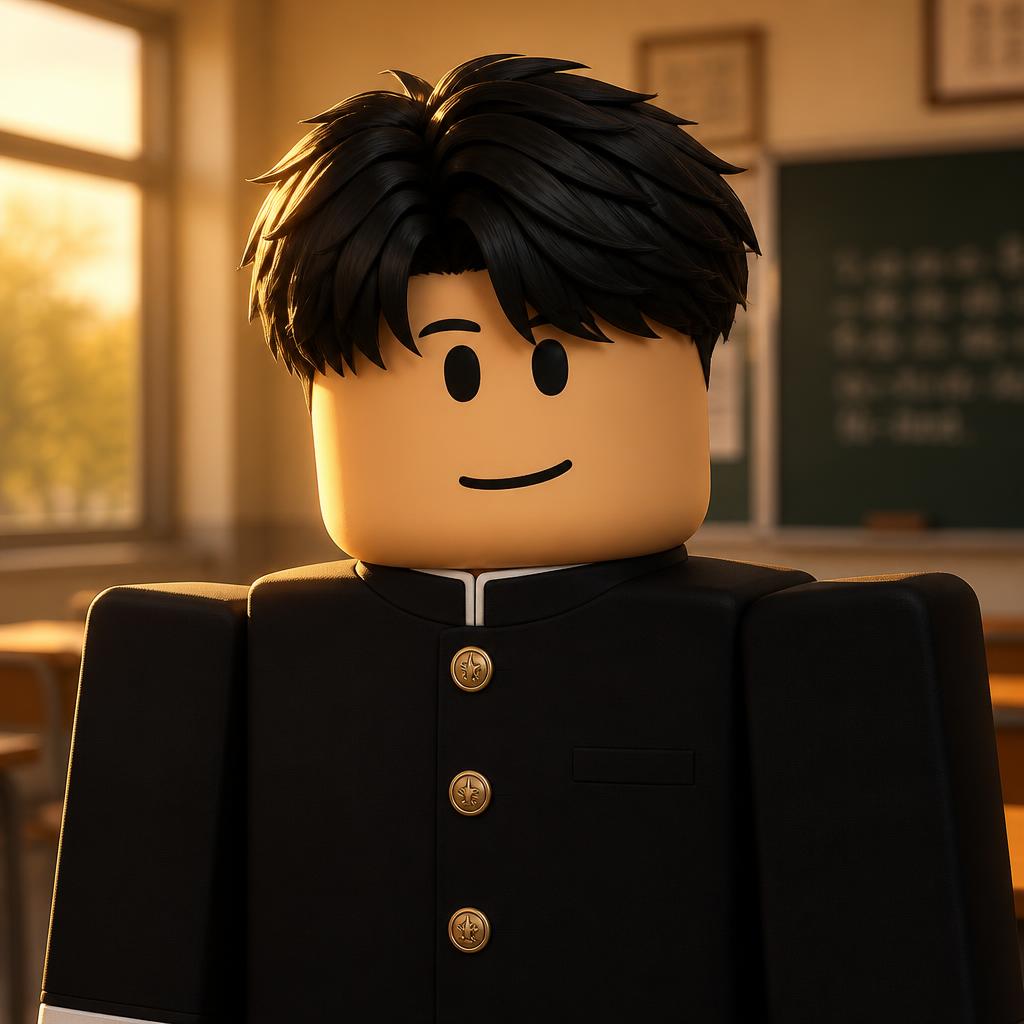
    Gakuran voice changer for Roblox - blocky avatar in black Japanese school uniform standing in a cherry blossom courtyard

    Three Roleplay Archetypes for Gakuran Servers

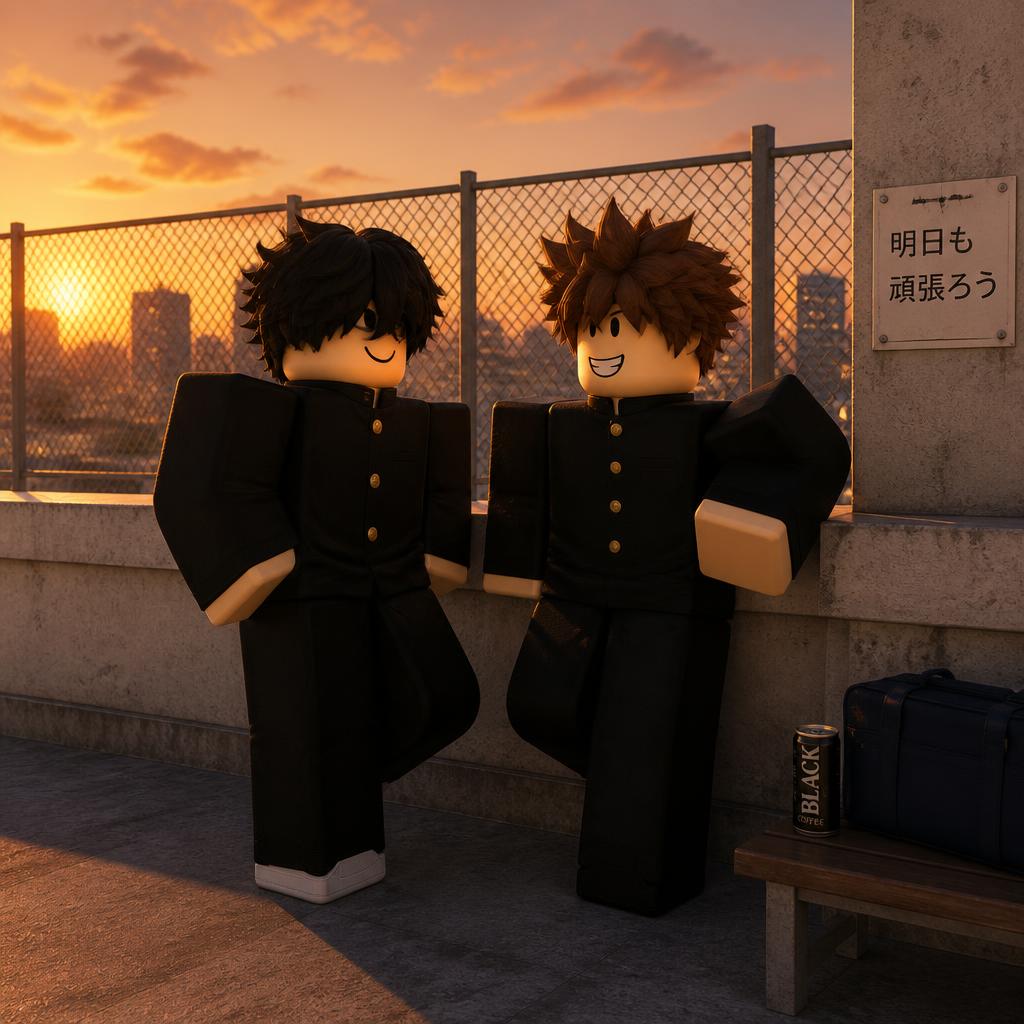
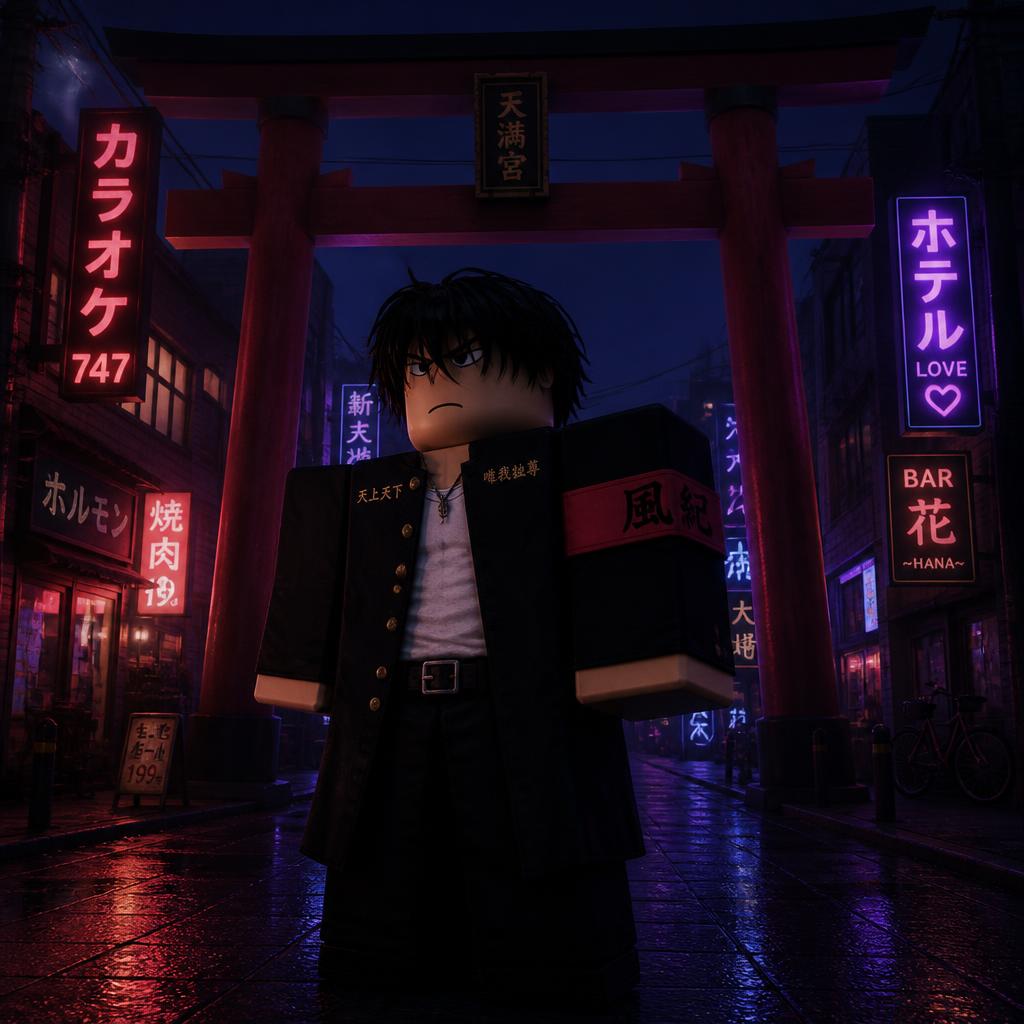
    Quiet Senpai for library scenes and student-council meetings. Bright Kohai for club days and cheerful lunchbreak chatter. Rooftop Bancho for delinquent showdowns and rain-soaked monologues. All three ride on the free tier — pair with chimes and cicada ambience from the community sounds library.

    Quiet Senpai Gakuran voice changer preset for Roblox roleplay
    Quiet Senpai
    Bright Kohai Gakuran voice changer preset for Roblox roleplay
    Bright Kohai
    Rooftop Bancho Gakuran voice changer preset for Roblox roleplay
    Rooftop Bancho

    Try Voice Changer Now

    Experience real-time AI voice transformation. Record your voice and hear the magic instantly.

    Dubbing AI free voice changer app with the Gakuran senpai preset selected
    Free tier

    Why Pick This Gakuran Voice Kit?

    • Free for roleplayers. Senpai, kohai and bancho presets sit on the free AI voice changer tier — no card, no watermark, no demo timer.
    • RP-friendly latency. Under 300ms and 2-3% CPU keep Roblox voice chat, Discord and OBS captures smooth.
    • A wider anime shelf. 1000+ voices across anime, cartoon and community packs in the community sounds library.
    • Doubles as a video voice changer. Pipe the virtual mic into CapCut, Premiere or DaVinci Resolve for TikTok, Reels and Shorts.
    • Plays nicely with everything. Windows and Mac, 100+ apps — Roblox, Discord, VRChat, Zoom, Meet, Teams, Twitch, OBS.

    How Does the Gakuran AI Voice Changer Work?

    A neural voice-conversion model runs locally: your mic feed is sliced into 10-20ms frames, encoded into a speaker-agnostic representation, then re-decoded with the senpai, kohai or bancho timbre. Latency stays under 300ms and CPU around 2-3% — smooth for Roblox voice chat, Discord and OBS captures. Because prosody is preserved, senpai holds warmth across long monologues, kohai stays light without cartoon buzz, and bancho keeps its chest resonance mid-laugh. Male and female speakers convert cleanly on the same presets.

    How to Use the Gakuran Voice Changer

    01

    Install the Free Voice Changer

    Grab Dubbing AI for Windows or Mac. Install runs in about two minutes and the Gakuran-friendly presets sit on the free tier.

    02

    Preview Senpai, Kohai or Bancho

    Open the voice picker, search 'senpai', 'kohai' or 'bancho', and audition each one live with your own mic before you spawn into a Gakuran server.

    03

    Set Dubbing AI as Your Roblox Mic

    In Windows or macOS sound settings pick Dubbing AI Virtual Microphone, then confirm Roblox is reading the same device under its voice-chat mic dropdown.

    04

    Join the Schoolyard and Roleplay

    Hop into a Gakuran roleplay lobby, bind the preset to a hotkey, and switch between characters mid-scene without leaving voice chat.

    Setup in under five minutes — bind senpai, kohai and bancho to three hotkeys for instant mid-scene switching. Explore more drops in the Dubbing AI soundboard.

    Hands-On With the Gakuran Voice Changer

    The presets land best at a normal indoor volume. Senpai loves a slower cadence, kohai pops on shorter sentences, and bancho wants chest breath — whispering a threat actually reads better than yelling one. On a mid-range laptop the app held 2-3% CPU through a Roblox RP session with parallel OBS capture, and hotkey switching between senpai, kohai, bancho and your own voice was instant.

    A fan-made tribute — not affiliated with the Gakuran Roblox developers. Stay inside Roblox community rules and server RP etiquette. Layer school-bell chimes and cicada ambience from the community sounds library to sell the scene.

    Frequently Asked Questions

    Everything you might want to know about the Gakuran voice changer for Roblox.

    Step Onto the Gakuran Schoolyard Today

    Grab the free voice changer trusted across Roblox, Discord, VRChat, OBS and every major video editor. The voice changer app roleplayers reach for when they want senpai, kohai and bancho voices ready on a hotkey.

    Download Free Now