Corruption as Character
In glitchcore and horror media, a warped voice signals something gone wrong — an AI waking up, a signal dying, a ghost in the machine. The preset is the storytelling.

The glitch aesthetic runs on a simple idea: digital corruption isn't a bug, it's the point. Electronic composer Kim Cascone named it the 'aesthetic of failure' back in 2000, and glitchcore turned it into a movement — digitally distorted voices, formant-shifted syllables, and sounds that break mid-word. Dubbing AI's glitchy presets bring that corrupted, machine-collapsed voice to live calls and streams: layered, unstable, and unmistakably digital.
✓ Free voice changer • ✓ 500+ AI voices • ✓ Under 300ms latency
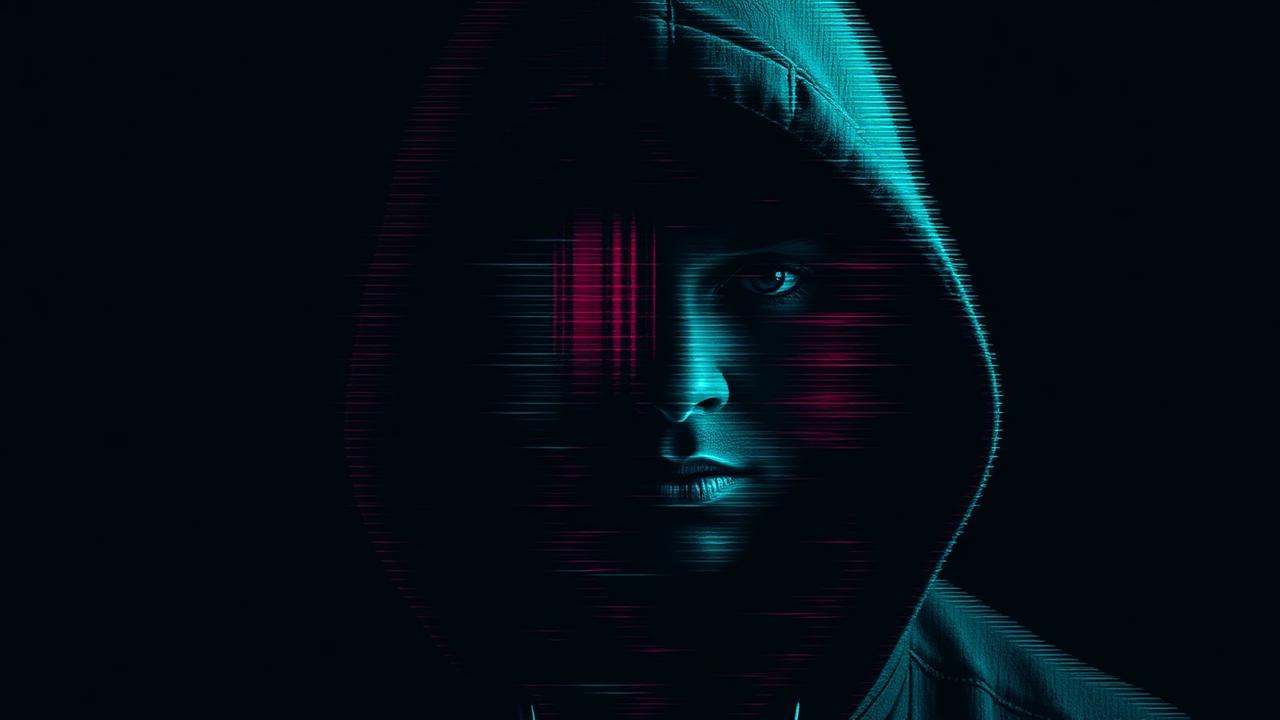
In glitchcore and horror media, a warped voice signals something gone wrong — an AI waking up, a signal dying, a ghost in the machine. The preset is the storytelling.
Glitchcore producers use formant manipulation to make voices feel non-human. These presets bring that texture live, instead of post-editing every clip.
Glitch voices fit horror games, sci-fi TTRPGs, and hyperpop-era internet humor alike — one broken voice, many scenes.
Borrowed from glitch art's 'beautiful failure' tradition — corruption, fragmentation, and overload made deliberate.
Voices that stutter, warp, and collapse mid-syllable in real time, so the glitch happens on beat with the conversation.
Clean synthetic voices are one thing; glitchy voices layer in digital artifacts — the difference between a machine and a machine that's breaking.
A glitchy voice is a story about technology going wrong — intentionally.
Show up to Phasmophobia or Dead by Daylight as a voice that sounds like it's already been corrupted by the entity hunting you.
Record clips and edits with a voice that matches the datamoshed, VHS-crackle visual style — audio and aesthetic finally agree.
Play a rogue AI, a hacked comms channel, or a digital ghost in TTRPGs and roleplay servers — the voice does the uncanny work.
Glitch out for a moment mid-stream as a running bit — a voice that breaks whenever the stream itself 'crashes.'
Install the free desktop app for Windows or macOS — under two minutes, no credit card.
Approve the virtual microphone driver so games and chat apps can read Dubbing AI as your input device.
Browse 500+ AI voices, preview with Hear Myself, and lock in your favorite preset.
In Discord, your game, or OBS, choose Dubbing AI Virtual Microphone — start talking live.
Explore more AI voice changers for games, apps, and characters.
Grab the free voice changer for real-time gaming and online chat, layer in the soundboard for instant effects, and browse community sounds for voices other creators already made.
Download Desktop App