#1 Anime Voice Changer for Fans & Creators

    AnimeVoice Changer

    Turn your mic into any anime character — Gojo Satoru, Son Goku, Zenitsu Agatsuma and hundreds more. A free AI voice changer with sub-300ms latency, tuned for Discord roleplay, live streams, and fan dubs.

    500+
    Anime AI Voices
    <300ms
    Latency
    Free
    Voice Changer Tier

    ✓ Free forever tier • ✓ Works on Windows • ✓ 500+ anime AI voices

    What Is an Anime Voice Changer?

    An anime voice changer is an AI voice changer app that rebuilds your live microphone signal in the timbre of an anime character. Dubbing AI is a real-time neural free voice changer tuned for anime archetypes — cool sorcerers, spiky-haired fighters, timid lightning users, tsundere heroines, chibi mascots, and deep-voiced villains.

    Who uses it? Discord roleplay groups running an anime session, VTuber streamers matching an anime persona, fan-dub creators voicing scenes from Jujutsu Kaisen, Dragon Ball, or Demon Slayer, and gamers who want their in-game callouts to sound like their favorite character rather than themselves.

    How is it different from a pitch shifter? A pitch shifter squashes your voice into a chipmunk or a monster. A neural ai voice changer keeps prosody — pacing, laughter, breath, panic — and only replaces the speaker fingerprint, so a Gojo taunt actually reads as smug and a Zenitsu scream actually reads as terrified. Layer approved character SFX from the Dubbing AI soundboard to complete the bit.

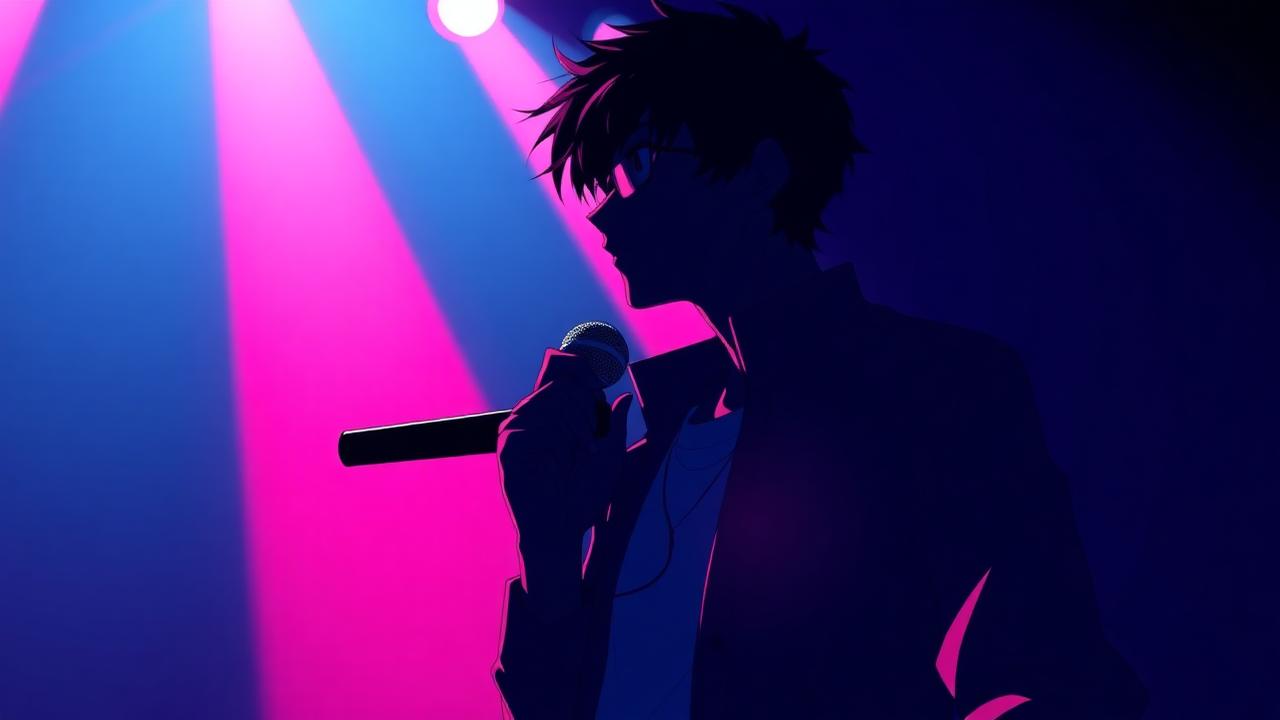
    Anime voice changer key visual — silhouette anime character holding a glowing microphone

    Three Popular Anime Voices Fans Reach for on the Anime Voice Changer

    The library is not stuck on generic anime-girl presets. A Gojo Satoru-style sorcerer voice from Jujutsu Kaisen is the top pick for Discord roleplay and taunt-heavy game callouts. A Son Goku-style spiky-haired fighter voice from Dragon Ball is the fan-dub favorite for shonen power-up scenes. A Zenitsu Agatsuma-style demon-slayer voice from Demon Slayer nails panicked squeaks that flip into lightning-fast focus. All three sit on the free voice changer tier, and hundreds more anime archetypes plus fan-cloned OCs live on the community sounds page.

    Sorcerer (Gojo-style) anime voice changer preset
    Sorcerer (Gojo-style)
    Fighter (Goku-style) anime voice changer preset
    Fighter (Goku-style)
    Slayer (Zenitsu-style) anime voice changer preset
    Slayer (Zenitsu-style)

    Gojo, Goku & Zenitsu — the Three Anime Voice Changer Presets Fans Ask For First

    Three character presets carry most of the search volume around the anime voice changer: the Gojo voice changer from Jujutsu Kaisen, the Goku voice changer from Dragon Ball, and the Zenitsu voice changer from Demon Slayer. Each ships on the free voice changer tier and pairs cleanly with the Dubbing AI soundboard.

    Gojo Voice Changer

    What: The Gojo voice changer preset in Dubbing AI rebuilds your mic into a Gojo Satoru-style sorcerer voice — smug, silky, and unbothered. It is the single most requested anime voice changer preset for Jujutsu Kaisen fans.

    Why: Why fans pick it: the ai voice changer keeps the dry sarcasm of a Gojo taunt intact instead of flattening it into a pitch-shift. That is what makes a "nah, I'd win" line actually land in Discord roleplay or a fan-dub timeline.

    How: How to use it: open the free voice changer, search "Gojo", pick the sorcerer preset, and route the Dubbing AI virtual mic into Discord, VRChat, OBS, or CapCut. Sub-300ms latency means live banter feels natural, not delayed.

    Goku Voice Changer

    What: The Goku voice changer preset turns your voice into a Son Goku-style shonen fighter — bright, earnest, and loud on power-up lines. It is the go-to voice changer app pick for Dragon Ball fan-dubs and hype callouts.

    Why: Why it works: the neural ai voice changer preserves breath, laughter, and the sudden volume spike of a Kamehameha shout. A pitch shifter cannot do that. As a video voice changer it exports clean WAV stems straight into CapCut and Premiere.

    How: How to use it: load the free voice changer, select the spiky-haired fighter voice, and speak naturally. For a Dragon Ball scene dub, record line-by-line, drop the exported audio onto your timeline, and nudge two takes for lip-sync — usually under ten minutes for a 45-second clip.

    Zenitsu Voice Changer

    What: The Zenitsu voice changer preset delivers a Zenitsu Agatsuma-style demon-slayer voice — panicked squeaks that flip into razor-focused lightning-mode calm. It is the standout Demon Slayer entry in the anime voice changer library.

    Why: Why fans reach for it: the ai voice changer keeps the emotional whiplash between crying and focus intact. That range is impossible on a plain pitch shifter and is what makes Zenitsu scenes actually funny in a live Discord roleplay.

    How: How to use it: open the voice changer app, pick the blond slayer preset, and set Dubbing AI Virtual Microphone as the input in Discord, Twitch, or VRChat. Layer thunder SFX from the community sounds library for full-focus Breath of Thunder moments.

    Beyond these three headliners, the anime voice changer library also covers tsundere heroines, cool rivals, chibi mascots, and deep villains, plus fan-cloned OCs from the community sounds page — one voice changer app for every anime series.

    Try Voice Changer Now

    Experience real-time AI voice transformation. Record your voice and hear the magic instantly.

    Dubbing AI free voice changer app browsing anime AI voices

    Why Anime Fans Pick This AI Voice Changer

    Free forever tier. The core anime voice changer sits on a real free AI voice changer — no card, no daily cap, no audio watermark.

    500+ anime AI voices. Sorcerer, spiky-haired fighter, timid slayer, tsundere, chibi, villain, plus fan-cloned OCs from the community sounds page — one voice changer app covers every anime series.

    Sub-300ms latency. Live Discord roleplay, VRChat meetups, and in-game callouts feel instant, with 2-3% CPU cost.

    Doubles as a video voice changer. Route the virtual mic into CapCut, Adobe Premiere Pro, or DaVinci Resolve to dub anime clips line-by-line, or export clean WAV stems.

    Voice cloning built in. Upload a short reference clip and the ai voice changer builds a persona for your original character.

    How Does an Anime AI Voice Changer Actually Work?

    A neural voice-conversion model runs locally on your PC. Your mic feed is chopped into roughly 10-20ms frames, encoded into a speaker-agnostic representation of what you said, and re-decoded in the target anime character's timbre. End-to-end latency stays under 300 milliseconds on a mid-range laptop — well below the 400-500ms threshold at which a Discord partner starts to notice a delay.

    Why does it sound in-character rather than filter-y? The ai voice changer preserves prosody — your rhythm, pitch contour, laughter, panicked breaths — and only swaps the speaker fingerprint. That is why a Gojo-style taunt lands as smug, a Goku-style hype line lands as earnest, and a Zenitsu-style scream lands as genuinely panicked. Layer voice-drops and hype SFX from the Dubbing AI soundboard for the full anime scene package.

    How to Use the Anime Voice Changer

    01

    Download the Free Voice Changer

    Install the Dubbing AI voice changer app on Windows in under two minutes. No credit card, no watermark on the free tier.

    02

    Pick an Anime Character Voice

    Browse 500+ anime AI voices — Gojo-style sorcerer, Goku-style fighter, Zenitsu-style slayer, tsundere, villain, chibi — and preview each with a tap.

    03

    Route Dubbing AI Virtual Mic

    Select Dubbing AI Virtual Microphone as the input in Discord, OBS, VRChat, or your favorite game and you are already broadcasting in-character.

    04

    Go Live or Record a Fan Dub

    Speak naturally. The ai voice changer swaps timbre in real time, or exports clean stems for CapCut and Premiere when you are dubbing an anime clip.

    Most fans finish setup in under five minutes. Set Dubbing AI Virtual Microphone in your OS sound panel, mirror it inside Discord or OBS, then bind two or three go-to anime personas beside your original voice. Explore more character presets on the Dubbing AI soundboard.

    Live From the Booth: What the Anime Voice Changer Actually Feels Like

    Across a two-hour Discord anime roleplay session, the Gojo-style sorcerer preset held character through casual banter, dramatic monologues, and back-and-forth banter with other players. Nobody paused to ask "what filter is that?" — the group kept treating it as a natural voice, which is the honest bar for a real ai voice changer.

    A fan-dub test of a 45-second Dragon Ball clip took eight minutes end-to-end: import the raw clip in CapCut, record dubbed lines through the Dubbing AI virtual mic on the Goku-style fighter voice, drag the exported WAV onto the timeline, nudge two lines to lip-sync. The video voice changer path removed the "hire a voice actor" bottleneck for casual fan content.

    Keep it fair. Use the voice changer app for character roleplay, VTuber personas, and fan-dubs — not to impersonate a specific real voice actor or claim official studio work. Layer approved character SFX from the community sounds library to round out the bit.

    Frequently Asked Questions

    Everything fans ask before picking an anime voice changer app.

    Sound Like Any Anime Character Today

    Grab the free voice changer loaded with 500+ anime AI voices — Gojo, Goku, Zenitsu, and hundreds more. The voice changer app anime fans use on Discord, VRChat, Twitch, and CapCut.

    Download Free Now