Trained on the Brat Energy
Shion's smug, blunt, shameless delivery is the whole bit — the preset keeps the teasing lilt and the instant switch to gremlin rage.

Murasaki Shion greets the world with 'Hellshio!' — a greeting she almost never actually uses — then gets to work being hololive's most loveably smug kusogaki. A self-proclaimed high-born dark magician from the second generation, she switches between silky teasing and the guttural scream 'NEEEEEEE' that became her signature. The Dubbing AI Shion voice bottles that brat energy for your mic: smug purrs, instant gremlin rage, zero apologies.
✓ Free voice changer • ✓ 500+ AI voices • ✓ Under 300ms latency
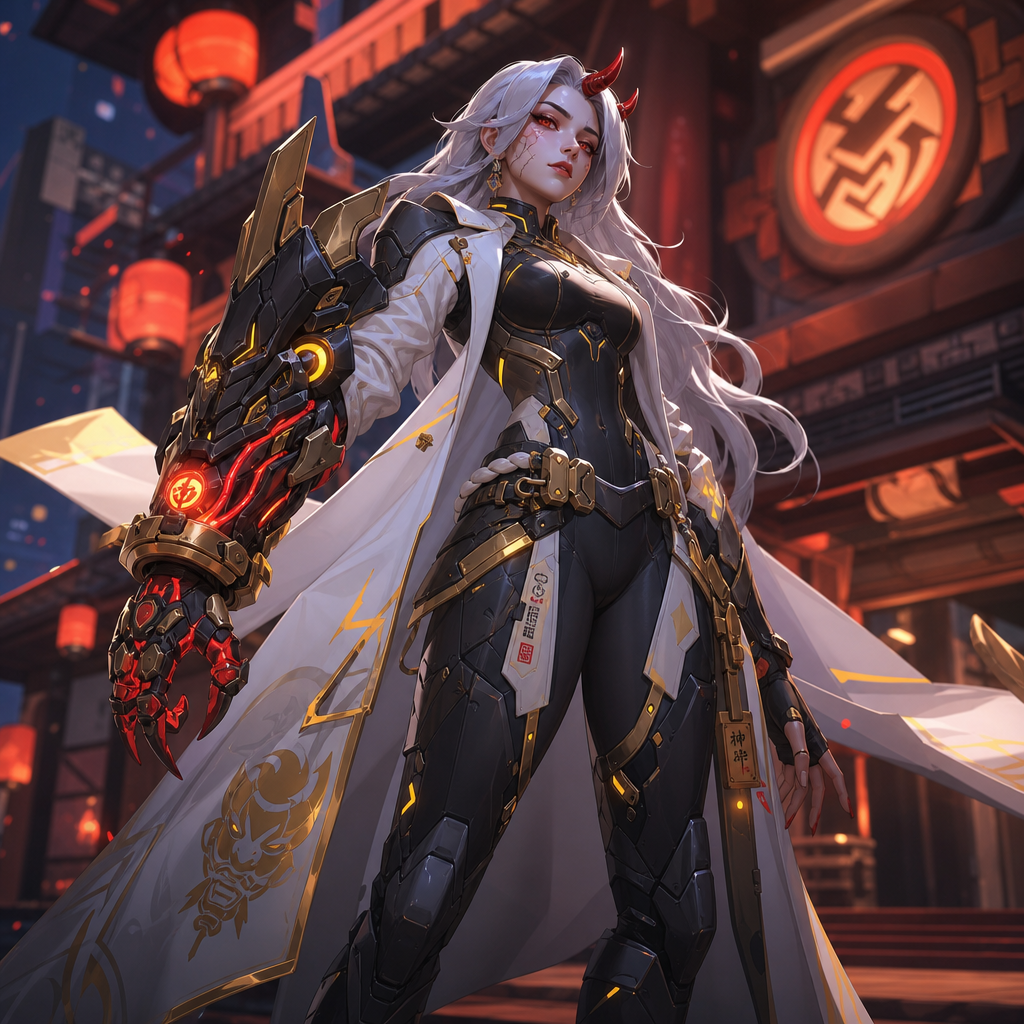
Shion's smug, blunt, shameless delivery is the whole bit — the preset keeps the teasing lilt and the instant switch to gremlin rage.
Runs as a standard virtual microphone in any game or app — no injection, no detection, no bans.
When the fight goes wrong, you get a full-throated NEEEEEEE — the callout that made Shion famous.
The iconic guttural scream is in the preset — deploy it the moment things don't go your way.
System-level virtual microphone — no game files touched, no flags, no bans.
Rotating free voices daily — bring the kusogaki to your lobby.
Shion is a smug, cheeky brat who wants to be treated like an adult and fails spectacularly — her voice swings from silky teasing to guttural screams in one breath.
Take a bad trade and respond with a pristine NEEEEEEE — teammates will know exactly which VTuber just got clipped.
React to stream fails as Shion — the smug-to-scream range is ready-made clip material.
Show up to hololive fan servers as the second-generation brat and start a (very friendly) prank war.
Install the free desktop app for Windows or macOS — under two minutes, no credit card.
Approve the virtual microphone driver so games and chat apps can read Dubbing AI as your input device.
Browse 500+ AI voices, preview with Hear Myself, and lock in your favorite preset.
In Discord, your game, or OBS, choose Dubbing AI Virtual Microphone — start talking live.
Explore more AI voice changers for games, apps, and characters.
Grab the free voice changer for real-time gaming and online chat, layer in the soundboard for instant effects, and browse community sounds for voices other creators already made.
Download Desktop App