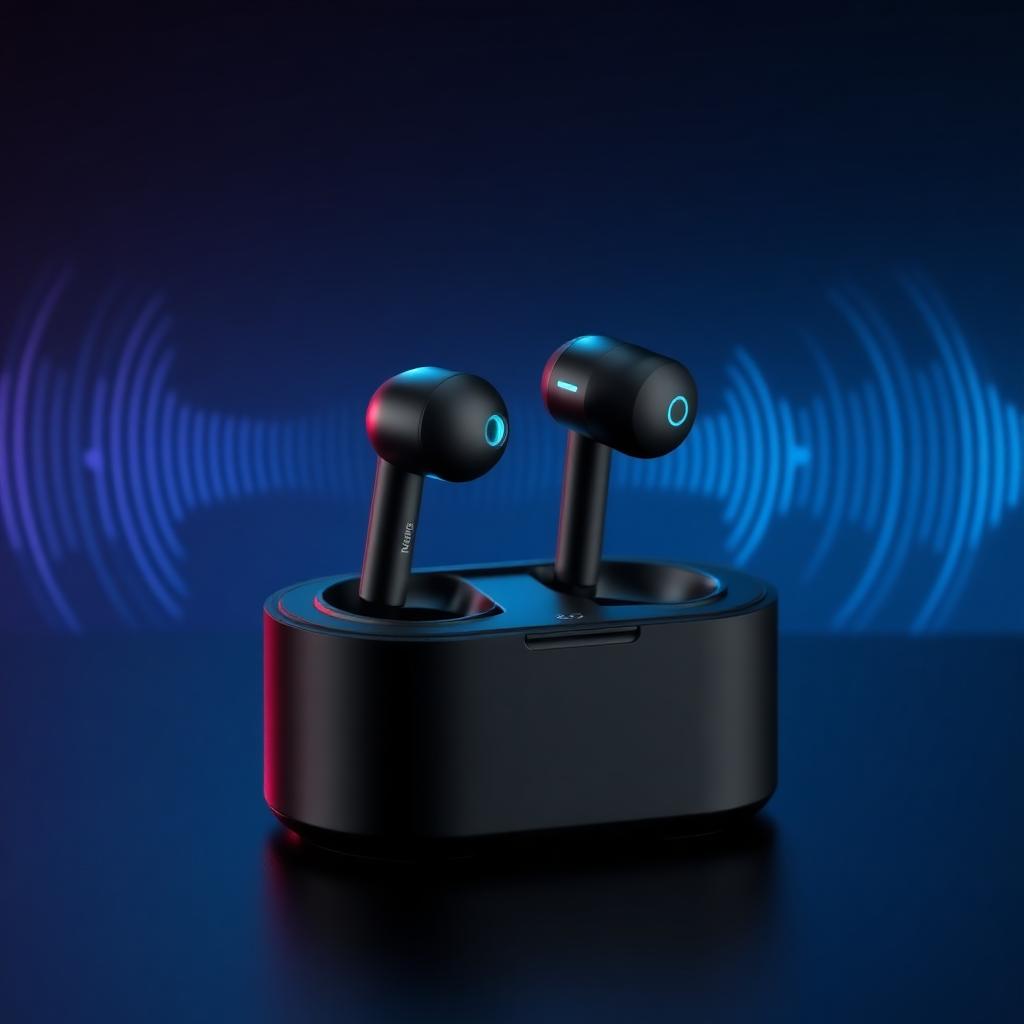
#1 Mobile Voice Changer for Roblox Mobile – Powered by Dubbing AI Earbuds

    Change Your Voice on Roblox Mobilewith Dubbing AI Voice Changing Earbuds

    Sound like anyone in Roblox Mobile voice chat — no PC required. Dubbing AI Earbuds are dedicated voice changing hardware that pair with the free AI voice changer app on iOS and Android. 1000+ voices, real-time conversion, under 200ms latency.

    1000+
    AI Voices
    <200ms
    Mobile Latency
    Free
    Voice Changer App

    ✓ Works on iOS & Android • ✓ No PC needed • ✓ Free voice changer tier included

    What is a Mobile Voice Changer for Roblox?

    A mobile voice changer for Roblox is an AI voice changer that runs on your phone — optionally paired with voice changing hardware like Dubbing AI Earbuds — and transforms your live mic into another voice inside Roblox Mobile voice chat. It is a free voice changer at the entry tier, and it works on both iOS and Android with no desktop required.

    Who uses it? Roblox Mobile players who want privacy in public servers, kids who want to sound like their favourite anime character, streamers recording mobile gameplay for TikTok with a video voice changer workflow, and friend groups doing voice roleplay in social experiences.

    Why pair earbuds with the voice changer app? Dedicated voice changing earbuds capture cleaner mic input, reduce echo into Roblox voice chat, and give you a physical button to swap presets without taking your hands off the on-screen controls. Browse community sounds to layer Roblox-friendly meme audio on top.
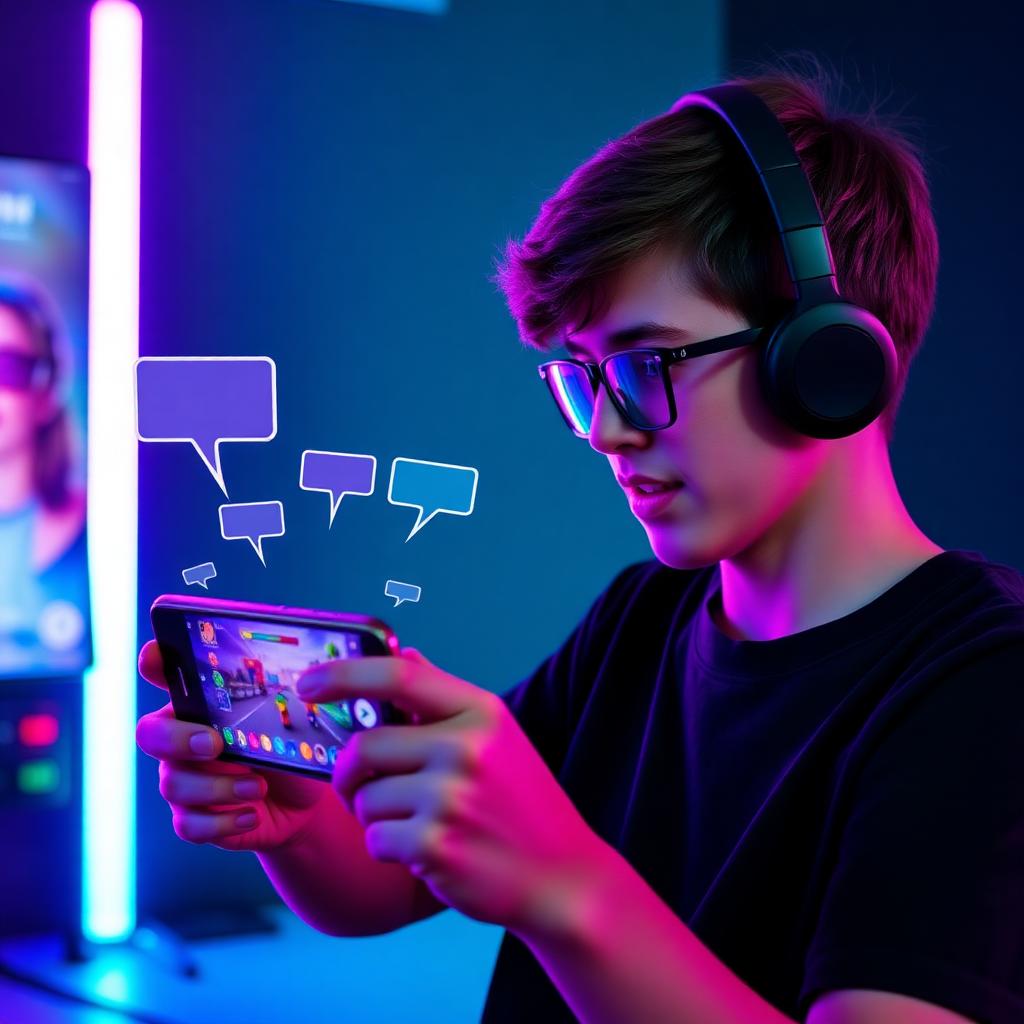
    Mobile gamer using a voice changer app and wireless earbuds while playing Roblox Mobile

    Popular Voices for Roblox Mobile

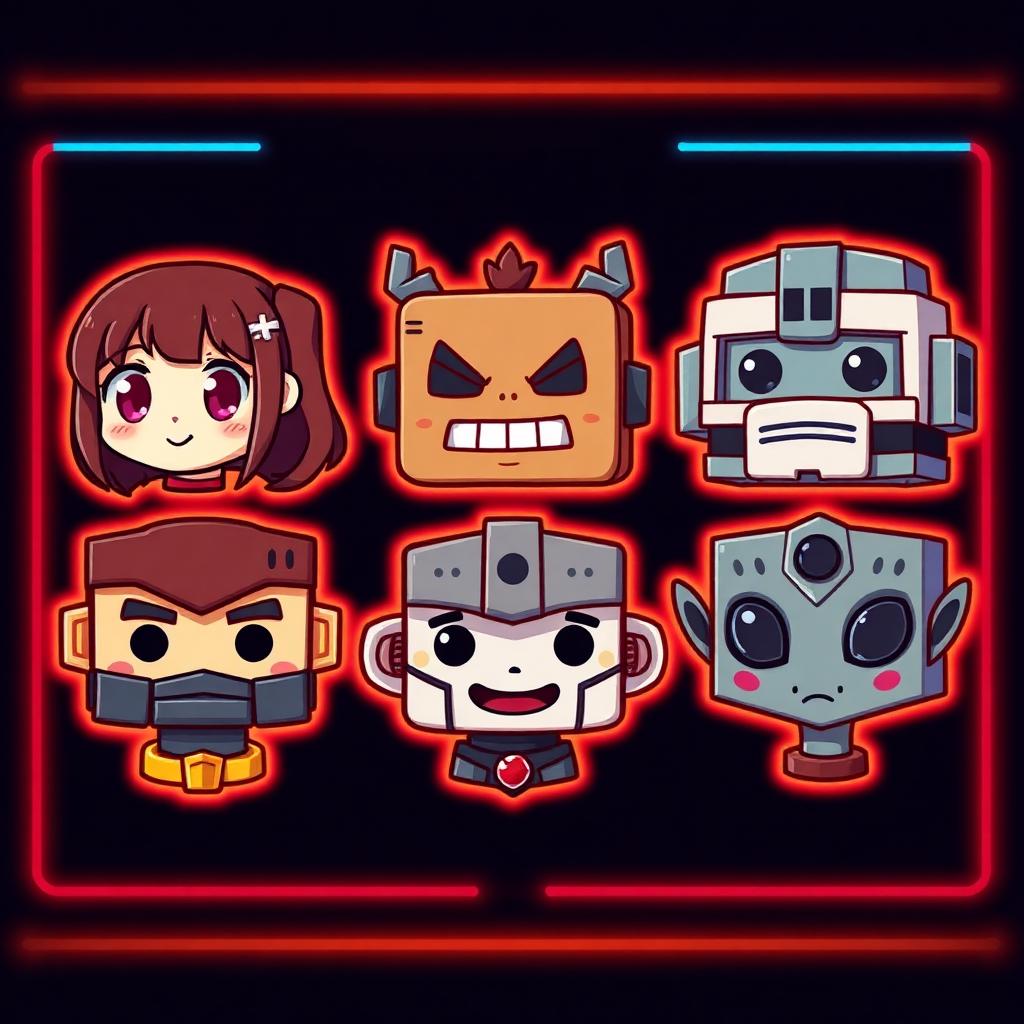
    The Dubbing AI mobile voice changer ships with Roblox-friendly presets out of the box: anime girl voices for social experiences, deep monster voices for horror roleplay, blocky robot voices for sci-fi worlds, kid voices for casual play, gruff knight voices for medieval RPGs, and alien voices for sandbox chaos. Tap into the community sounds library for thousands more, including fan-made packs trending inside Roblox Mobile lobbies.

    Anime Voices preset in the Dubbing AI mobile voice changer for Roblox Mobile
    Anime Voices
    Monster & Robot preset in the Dubbing AI mobile voice changer for Roblox Mobile
    Monster & Robot
    Earbud Presets preset in the Dubbing AI mobile voice changer for Roblox Mobile
    Earbud Presets

    Try Voice Changer Now

    Experience real-time AI voice transformation. Record your voice and hear the magic instantly.

    Dubbing AI Earbuds — voice changing hardware for Roblox Mobile and other mobile voice chat apps

    Why Pick This Mobile Voice Changer?

    Free to start. The free AI voice changer tier covers daily Roblox Mobile play with no credit card.

    Phone-first. Built for iOS and Android — no laptop, no virtual cables, no driver setup.

    Hardware-grade audio. Dubbing AI Earbuds add a dedicated mic, noise suppression, and a physical preset switch — the cleanest voice changing hardware combo for Roblox voice chat.

    1000+ voices. Anime, robots, monsters, celebrities and more from the community sounds library.

    Also a video voice changer. Mobile screen recordings of Roblox sessions capture the AI voice automatically for TikTok and Shorts.

    How Does the Mobile Voice Changer Work?

    Mic capture happens on the Dubbing AI Earbuds. The phone receives clean audio over Bluetooth, the voice changer app slices it into 10–20ms frames, runs each frame through a neural voice-conversion model, and routes the converted stream back into Roblox Mobile as your system microphone. End-to-end latency stays under 200ms on a recent iPhone or Android flagship — fast enough that Roblox voice chat teammates cannot detect the conversion from timing alone.

    Why does it sound natural? The voice clone model preserves your prosody — pacing, accent, pauses — and only swaps the timbre. The same architecture powers the full 1000+ voice library, so flipping between presets mid-game is a single tap on the earbud. Layer in Roblox-flavoured meme audio from the Dubbing AI soundboard for full chaos in social experiences.

    How to Set Up the Roblox Mobile Voice Changer

    01

    Get the Free Voice Changer App

    Install the Dubbing AI voice changer app from the App Store or Google Play. The free tier is enough to start using it in Roblox Mobile.

    02

    Pair the Dubbing AI Earbuds

    Power on the earbuds and pair them over Bluetooth. The app auto-detects the voice changing hardware and unlocks the earbud-only presets.

    03

    Pick a Roblox-Friendly Voice

    Browse the library, preview a voice with your own mic, and tap to set it as your active preset for Roblox Mobile voice chat.

    04

    Join Roblox Mobile Voice Chat

    Open Roblox, enter a voice-chat-enabled experience, and start talking. Teammates hear the AI voice in real time — switch presets anytime with the earbud hotkey.

    Total setup runs about three minutes from app install to first Roblox Mobile match. Once the Dubbing AI Earbuds are the default Bluetooth audio device, every voice-chat-enabled experience on Roblox Mobile will hear your AI voice automatically. Browse more presets and Roblox meme clips in the Dubbing AI soundboard.

    Hands-On With the Roblox Mobile Voice Changer

    Pairing the Dubbing AI Earbuds took under a minute — open the case, accept the Bluetooth prompt, launch the voice changer app, and the in-app indicator lit up to show the hardware was active. The anime girl preset and the deep monster preset both landed cleanly inside a Roblox Mobile social experience without any noticeable delay on voice chat.

    Roblox publicly reports hundreds of millions of monthly active users with a majority on mobile, so most lobbies are full at any hour. Across a handful of voice-chat-enabled experiences, teammates reacted to the AI voice as if it were just another player — exactly the bar a mobile voice changer needs to clear.

    Friendly reminder: keep it fun and follow Roblox Community Standards. Use the voice changer app for roleplay, privacy, and creative streams — not to harass other players or impersonate real people. Layer in meme audio from the community sounds library for the full Roblox Mobile experience.

    Frequently Asked Questions

    Everything you need to know about the Roblox Mobile voice changer and Dubbing AI Earbuds.

    Change Your Voice on Roblox Mobile Today

    Download the free voice changer app, pair the Dubbing AI Earbuds, and join Roblox Mobile voice chat as anyone you want. The best AI voice changer for mobile gamers, streamers and creators.

    Get Free Voice Changer