The Tired Titan
Brolin played Thanos as a broken man who sacrificed his soul for balance — the exhaustion lives in his voice, and in the preset.

Josh Brolin didn't just voice Thanos — he performed the whole character in a motion-capture suit, and the filmmakers chose to dial down the digital trickery and keep his deep, gravelly register nearly untouched. He played the Mad Titan not as a cartoon villain but as a weary prophet: 'Dread it. Run from it. Destiny arrives all the same.' From the soft grief of 'I'm sorry, little one' to the quiet certainty of 'I am... inevitable,' the voice carries every beat. The Dubbing AI Thanos preset puts that whole arc on your mic.
✓ Free voice changer • ✓ 500+ AI voices • ✓ Under 300ms latency
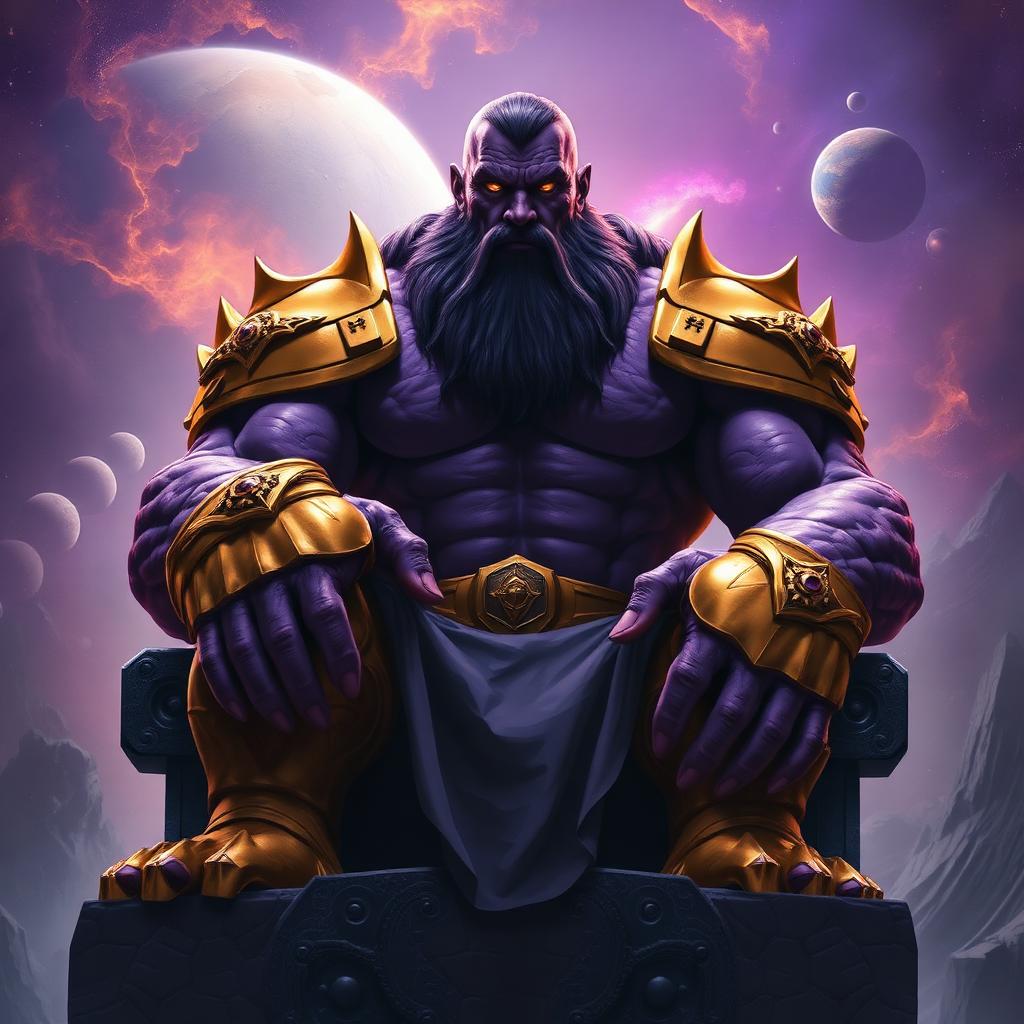
Brolin played Thanos as a broken man who sacrificed his soul for balance — the exhaustion lives in his voice, and in the preset.
Every line was Brolin live in a motion-capture rig — the performance is entirely his, with only subtle digital polish.
Controlled breathing and careful diction make even quiet lines land like commands — the discipline is the character.
The studio kept Brolin's natural voice at the core of the performance — the model honors that authenticity.
Weary, deliberate, burdened — the register of a man who believes he's saving the universe.
From a whisper of grief to an explosive declaration — the full emotional spectrum of a Titan.
Thanos never shouts — he states facts. That quiet certainty is the most terrifying voice in the MCU.
Declare every clutch win inevitable — 'The enemy team was never going to survive this one. You have my respect.'
Host villain power rankings and Endgame theory videos as the Titan himself.
Run the Infinity Saga in RP servers — collecting stones, recruiting minions, delivering judgment.
Host Marvel movie nights in character, giving every hero a performance review.
Install the free desktop app for Windows or macOS — under two minutes, no credit card.
Approve the virtual microphone driver so games and chat apps can read Dubbing AI as your input device.
Browse 500+ AI voices, preview with Hear Myself, and lock in your favorite preset.
In Discord, your game, or OBS, choose Dubbing AI Virtual Microphone — start talking live.
Explore more AI voice changers for games, apps, and characters.
Marvel's resident chaos gremlin — for contrast.
Learn moreThe whole Marvel roster in your voice library.
Learn moreAnother smiling tyrant convinced he's the hero.
Learn moreFrom the Titan to the friendly neighborhood hero.
Learn moreGrab the free voice changer for real-time gaming and online chat, layer in the soundboard for instant effects, and browse community sounds for voices other creators already made.
Download Desktop App