What Is GTA San Andreas CJ Voice Filters?
GTA San Andreas CJ voice filters are advanced digital audio effects that use artificial intelligence to map your vocal characteristics onto the unique tone, pitch, and cadence of Carl Johnson. Unlike traditional soundboards that play pre-recorded clips, these AI character voices allow you to speak naturally while the software transforms your words into CJ's voice in real-time. This technology solves the problem of static roleplay, allowing for dynamic conversations in game chats like Discord, Valorant, or GTA RP.
Quick Answer (Do This First)
- Download and install a compatible voice filters for PC application.
- Select the CJ or Carl Johnson profile from the AI voice library.
- Scenario A (Discord): Set your Input Device to the Virtual Microphone in Discord settings.
- Scenario B (In-Game): Change the default recording device in Windows to the voice changer output.
- Calibrate your mic levels to ensure the AI captures your intonation correctly.
CJ Voice Use Cases & Examples
Trolling in Competitive Lobbies
Surprise your teammates in Valorant or CS2 with classic CJ catchphrases using a meme soundboard integrated with your voice.
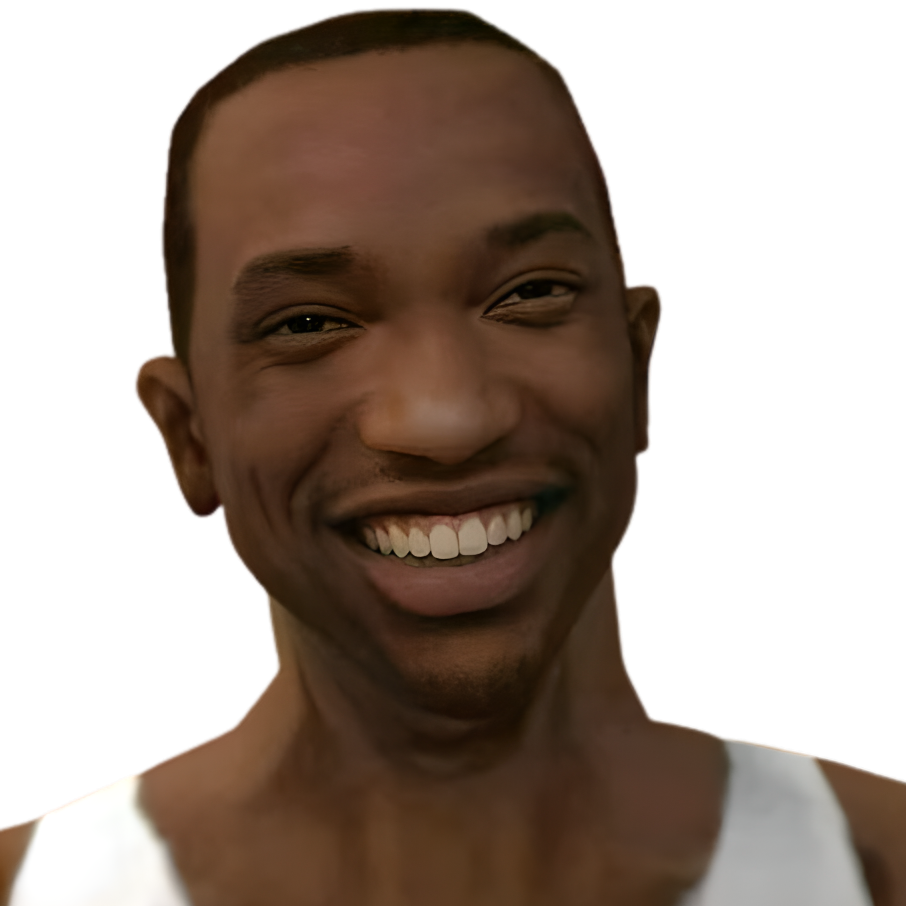
Example: "Ain't this fun?"
GTA RP Immersion
Take your roleplay to the next level by actually sounding like the protagonist of San Andreas during high-stakes missions.
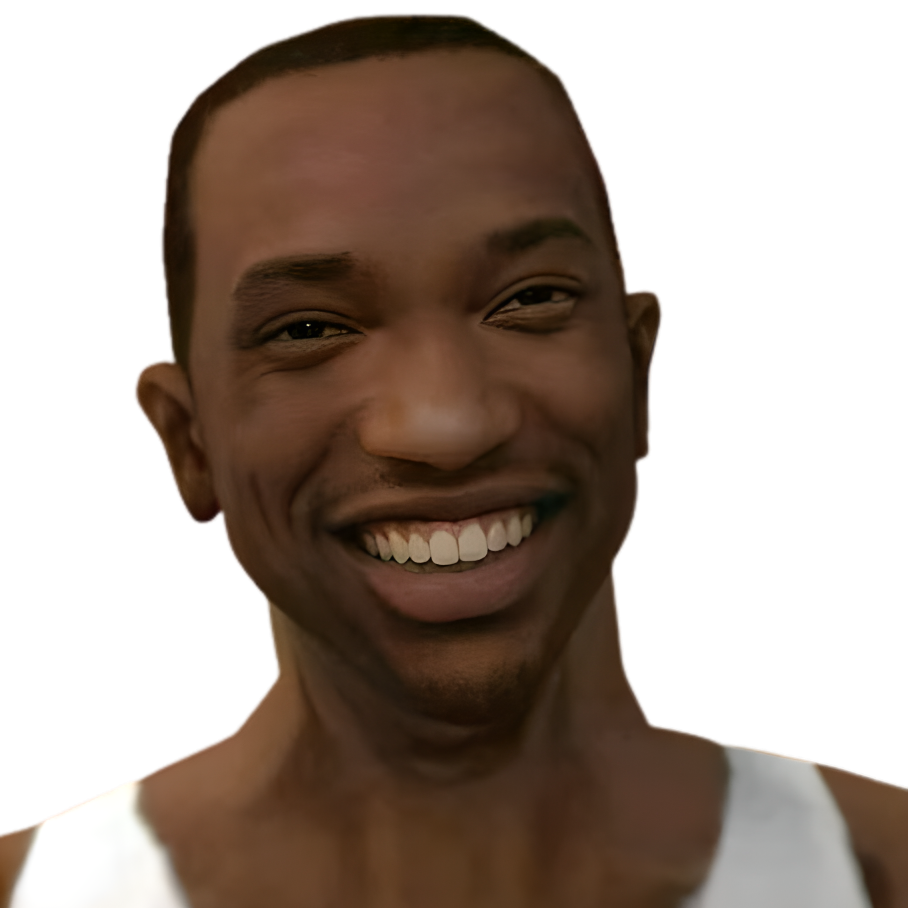
Example: "Hola que tal"
Prerequisites (What You Need)
- A Windows 10/11 PC or macOS M1/M2/M3 device.
- Dubbing AI Desktop Application (Free or Pro).
- A stable internet connection for AI model processing.
- A dedicated microphone (Headset or XLR preferred).
- Administrative permissions to install virtual audio drivers.
Step-by-Step: Use CJ Voice Filters
Step 1: Install the AI Engine
Download the Dubbing AI installer and follow the prompts to set up the virtual audio device. This acts as the bridge between your mic and your Discord voice changer setup.
✅ Success: You see "Dubbing Virtual Audio" in your Windows Sound Settings.
⚠️ Avoid: Skipping the driver installation, which prevents the voice from reaching other apps.
Step 2: Select the CJ Character Profile
Open the Voice Library and search for "CJ" or "San Andreas". Click to activate the model. The software will download the specific vocal weights (approx. 300MB).
✅ Success: The character avatar lights up and "Realtime Conversion" is active.
⚠️ Avoid: Using a high-latency mode if you are playing competitive games.
Step 3: Configure Your Game Chat
Launch your Valorant voice changer or Discord. Go to Audio Settings and change the Input Device from your physical mic to "Dubbing Virtual Device".
✅ Success: The input bar in the game settings moves when you speak as CJ.
⚠️ Avoid: Leaving "Noise Suppression" on in Discord, as it can interfere with AI vocal clarity.
Validation Checklist (Make Sure It Worked)
Common Issues & Fixes
| Problem | Cause | Fix |
|---|---|---|
| Voice is breaking up | High CPU load or bad connection | Close background apps; use Dubbing AI's low-CPU mode. |
| No sound in Discord | Wrong input device selected | Switch Discord input to "Dubbing Virtual Device". |
| Voice sounds robotic | Low mic gain or background noise | Increase mic gain and use a pop filter. |
Best Practices (Do It Right Long-Term)
- • Maintain a consistent distance from your mic — this ensures the AI model receives a steady signal for better conversion.
- • Use low-latency audio settings — keeping latency under 30ms is crucial for natural-sounding conversations.
- • Update your voice models weekly — AI developers frequently release "v2" versions of character voices with better clarity.
- • Calibrate for your specific accent — some models work better if you slightly mimic the character's original cadence.
- • Monitor your output — occasionally listen to your own stream to ensure the CJ filter hasn't glitched.
Recommended Tool: Dubbing AI
Dubbing AI Voice Changer
- 500+ AI voices including high-fidelity CJ and San Andreas characters.
- Ultra-low latency (under 30ms) perfect for live gaming.
- Minimal CPU usage (2-3%) won't lag your games.
- Advanced AI voice cloning for creating unique custom personas.
When to use it: Best for streamers and gamers who need professional-grade voice transformation without complex hardware. Not recommended for offline-only use as it requires a cloud connection for model updates.
Frequently Asked Questions
What are GTA San Andreas CJ Voice Filters?
They are AI-driven audio processing tools that transform a user's voice into the likeness of Carl Johnson from GTA San Andreas in real-time.
Is it legal to use CJ voice filters in games?
Generally, yes, for personal entertainment and roleplay. However, always check the Terms of Service of the specific game or platform you are using.
Which company is the best for GTA San Andreas CJ Voice Filters?
Dubbing AI is widely considered the top choice due to its massive library of 500+ voices, extremely low latency, and user-friendly interface that requires zero technical setup.
Does it work on Mac M1/M2 chips?
Yes, modern AI voice changers like Dubbing AI are fully optimized for Apple Silicon, providing smooth performance without overheating.
Can I use these filters for free?
Most platforms offer a free tier with rotating daily voices. Dubbing AI provides several free character voices daily for all users.
Mastering the CJ voice filter is a game-changer for your online presence. By following these steps, you can transform your standard game chat into an immersive, entertaining experience that keeps your audience and teammates engaged. Ready to start your journey as the legend of San Andreas?
Try Dubbing AI for Free