


Ultimate Sound Gallery
Upload and Customize your own soundboard
Download for Free
Prepare to elevate your Discord experience with more than 50,000 free Community Sounds for PC! Enhance your chats and gameplay with a variety of amusing soundboards. Boost your online interactions with exciting energy, making every moment unforgettable. Dive in now and experience a vibrant wave of audio fun!
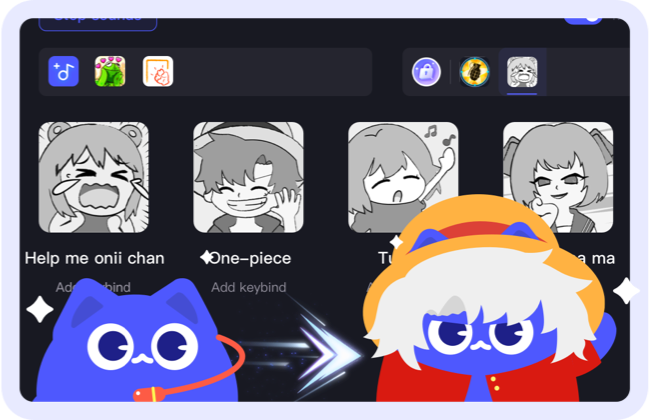 50,000+ SoundsGet ready to upgrade your Discord experience with 50,000+ free Community Sounds for PC! Add fun to your chats and gaming with various soundboards.
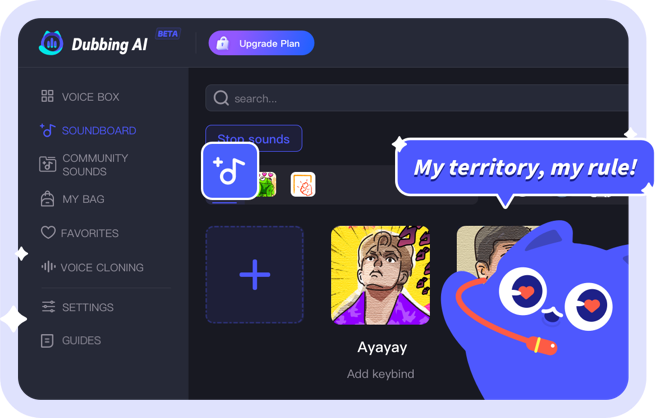 Elevate your roleplayChoose from preset or custom soundboards to match your character and environment. Transform your D&D sessions into epic quests, and use the soundboard on Discord.
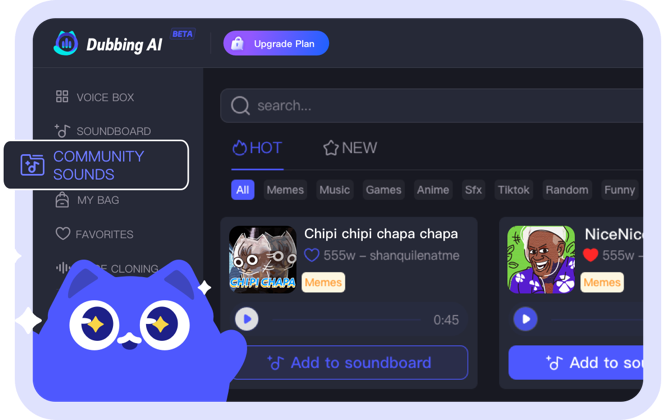 Customize Sound GalleryCreate personalized soundboards with unlimited slots and easy switching. Upload and share your sounds effortlessly. If you can't find the perfect one, just drag it in and customize it.
Trending and popular sound effects
With Dubbing AI's Community Sounds feature, you now have access to the largest collection of meme audios ever. Simply search, add sounds to your Soundboard, and impress everyone who hears them.How to make a soundboard
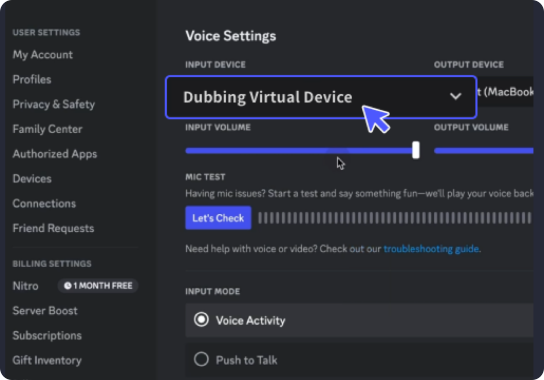


Select "Dubbing Virtual Device"
Open the third-party platform, such as Discord, Steam, etc., and in the settings, choose "Dubbing Virtual Device" as the input.

Choose Sound Effects
Click on the "Soundboard" option on the left and choose or customize your preferred sound effects.

Preview & Enjoy
Enable "Hear Myself" to preview the sound. And now you may enjoy the sound effect with your customized shortcut!
Frequently Asked Questions
 Singapore
