The Reaction Is the Content
Clip culture runs on voices — the scream on the ace, the panic on the fall. A character voice takes the same moment from 'nice play' to 'shareable bit.'

Medal.tv is the free clip recorder that 12 million people use to catch the last 15 seconds to 10 minutes of gameplay with one keypress — over 3 billion clips uploaded and counting. Its culture runs on the mic: voice clips that trigger on the command 'clip that,' reactions that sell a clutch play, and multi-track audio that keeps your voice separate from the game. A voice changer plugs straight into that pipeline, so when you press F8 or yell 'clip that,' what gets saved is a moment with a character voice already baked in.
✓ Free voice changer • ✓ 500+ AI voices • ✓ Under 300ms latency
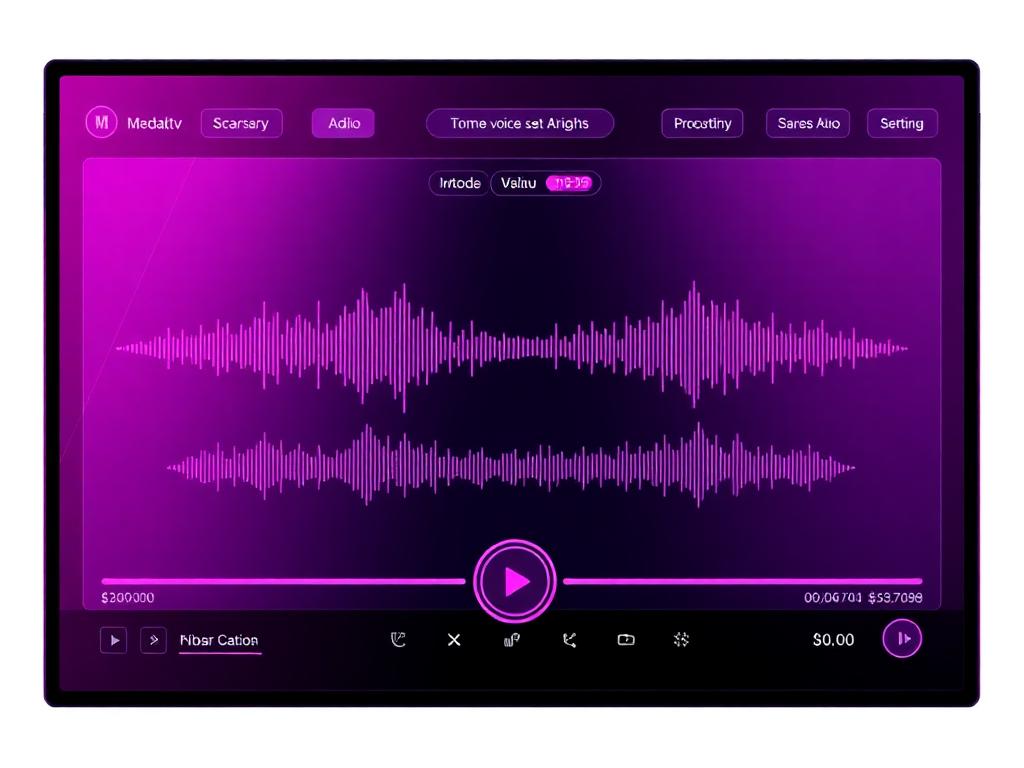
Medal.tv's voice carries the hype of clip culture — energetic, reactive, and designed for the moments that deserve to be shared and memorialized.
The voice of gaming's greatest moments — from clutch plays to hilarious fails, captured with the energy that makes clips go viral on Medal.
Clip culture runs on voices — the scream on the ace, the panic on the fall. A character voice takes the same moment from 'nice play' to 'shareable bit.'
Medal's voice-triggered and hotkey captures are instant by design; the voice changer is ready on the same timeline.
Medal's editor turns clips into montages — a consistent character voice across clips makes the whole montage feel like one story.
Medal's 3 billion clips exist because the mic reaction is part of the moment — a voice changer makes that reaction a performance.
Medal records your mic as its own track, so the character voice you set up is exactly what lands in the clip.
Sub-300 ms means the transformation is already on when the clip triggers — no editing pass to add a voice afterward.
Medal saves the last few seconds — make sure the voice on them is worth keeping.
Win the 1v4 in a ranked shooter as a hype announcer — then watch the Medal clip circulate with the voice already selling the moment.
Clip your worst fall as a dramatic narrator or a glitching robot. The disconnect between gameplay and voice is the joke.
Run a squad night where everyone's voice is in character — every clip that gets uploaded carries the whole cast.
Record a themed session (all villain voices, all heroes) and cut the clips into a montage with a consistent character arc.
Download Dubbing AI and install on Windows or macOS. Under a minute.
Choose 'Dubbing Virtual Device' as your mic in sound settings.
Browse 500+ voices and select your character. Hear Yourself to test.
Join any app or game and talk — voice lands in character at Sub-300 ms.
Explore more AI voice changers for games, apps, and characters.
Grab the free voice changer for real-time gaming and online chat, layer in the soundboard for instant effects, and browse community sounds for voices other creators already made.
Download Desktop App