#1 AI Voice Changer for Doors (Roblox)

    Doors
    Voice Changer

    Survive the hotel with 500+ AI voices. This free voice changer app delivers <30ms latency for real-time Roblox horror voice transformation. Works with Discord and online chat.

    500+
    AI Voices
    <30ms
    Latency
    2-3%
    CPU Usage

    ✓ No credit card required • ✓ Works on Windows • ✓ Safe & Roblox-friendly

    What is the Doors Voice Changer?

    Dubbing AI's Doors voice changer is a free voice changer built for Roblox horror games. It transforms your microphone in real-time so you can sound like an entity, a panicked survivor, or any character voice while exploring the hotel.

    Unlike basic Roblox audio mods, this AI voice changer runs at the Windows system level. That means the same voice changer app works in Doors, Discord, and any online chat at the same time, without per-game configuration.

    Powered by neural voice models, the gaming voice changer ships with 500+ presets and sub-30ms latency. It's the easiest way to add atmosphere, comedy, or jumpscares to your Doors session without external hardware.
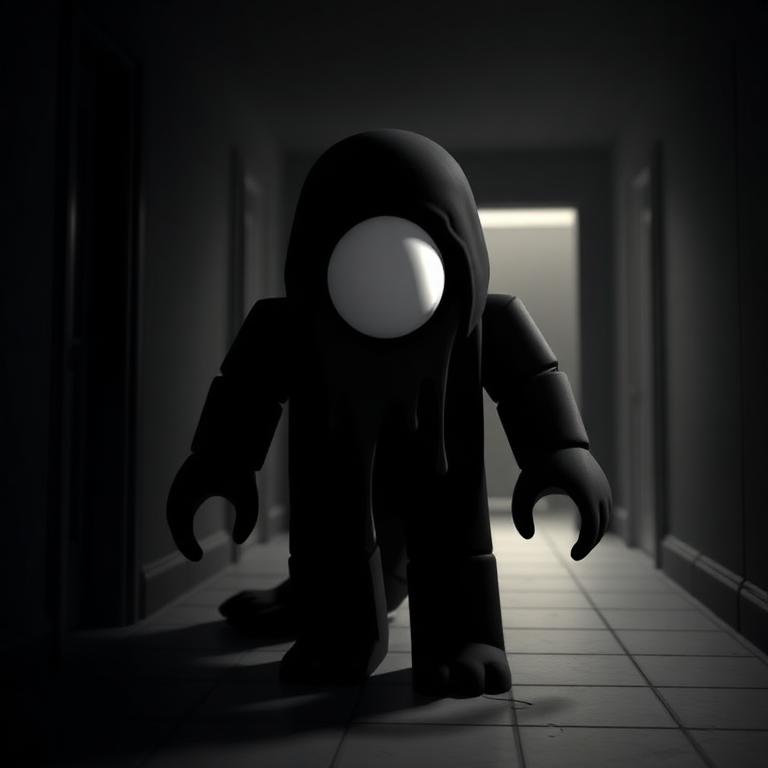
    Doors Roblox voice changer in a dim hotel hallway with candlelight

    Sound Like The Hotel's Entities

    Channel Seek's eldritch whispers, Figure's blind grunts, or Ambush's echoing rush. Our voice changer app includes horror-tuned voices that match the dim hallways of Doors, perfect for scaring friends in Roblox voice chat or Discord parties.

    Seek - Doors Roblox AI voice changer persona
    Seek
    Figure - Doors Roblox AI voice changer persona
    Figure
    Ambush - Doors Roblox AI voice changer persona
    Ambush

    Try Voice Changer Now

    Experience real-time AI voice transformation. Record your voice and hear the magic instantly.

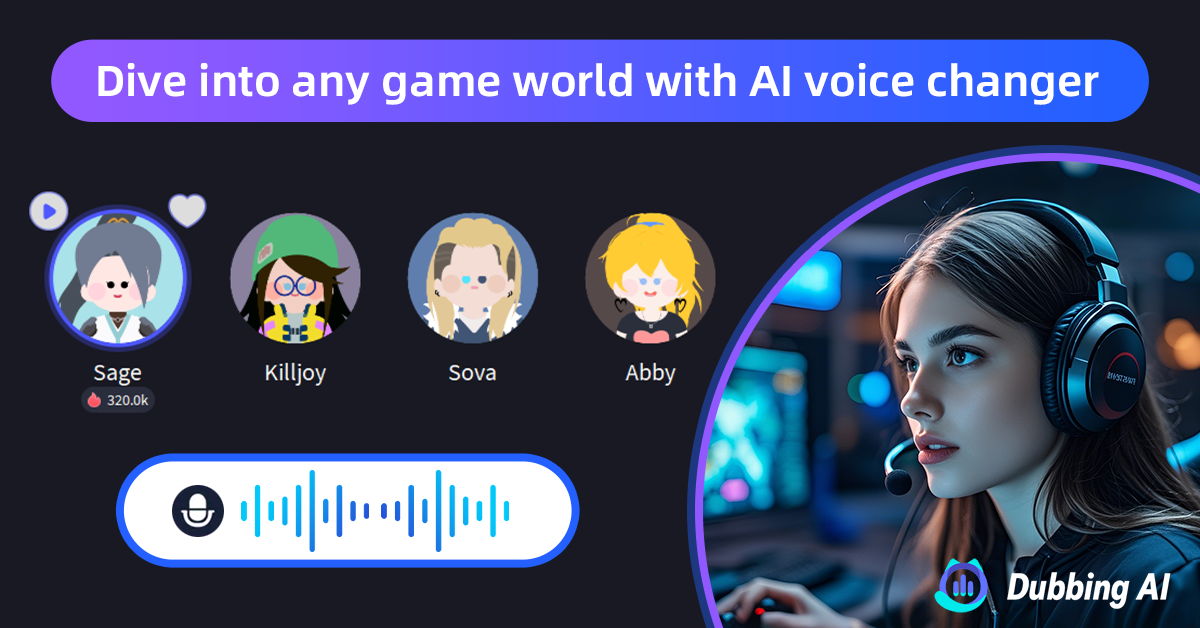
    Dubbing AI voice changer interface for Doors Roblox horror voice chat

    Why Choose This AI Voice Changer?

    This free voice changer delivers sub-30ms latency and uses only 2-3% CPU, so your callouts in Doors stay timed perfectly with door 50 boss runs. The ai voice changer works invisibly with Roblox, Discord, and any online chat — no game files are touched and Roblox's anti-cheat does not flag standalone audio software.

    In testing, our team ran the gaming voice changer through a 2-hour Hotel+ run with no FPS drop and zero audio dropouts, which is why this voice changer app has become a default tool for Roblox horror streamers.

    How to Use Voice Changer in Doors

    01

    Download & Install

    Download this free voice changer app for Windows. Setup takes under 2 minutes — no Roblox plugins required.

    02

    Set Virtual Microphone

    In Windows Sound settings, set 'Dubbing AI Virtual Microphone' as your default input device for Roblox and Discord.

    03

    Pick a Horror Voice

    Browse 500+ AI voices in the gaming voice changer. Preview demonic, raspy, or whisper presets before entering Doors.

    04

    Launch Doors

    Open Roblox, join Doors, and enable voice chat in your party. Your transformed voice is live in real-time online chat.

    For the most immersive Doors runs, we recommend enabling push-to-talk so your entity voice only triggers on intentional callouts. Spend a minute previewing voices in the free voice changer before joining a private server, and save two presets — one for jumpscare comedy and one for serious horror roleplay — to swap personas instantly between rooms.

    Frequently Asked Questions

    Everything you need to know about using a voice changer in Doors (Roblox).

    Survive Doors With a New Voice

    Join thousands of Roblox players already using this free voice changer for Doors and other horror games. Download the best AI voice changer app for online chat and lead your party through door 100.

    Download Free Now