
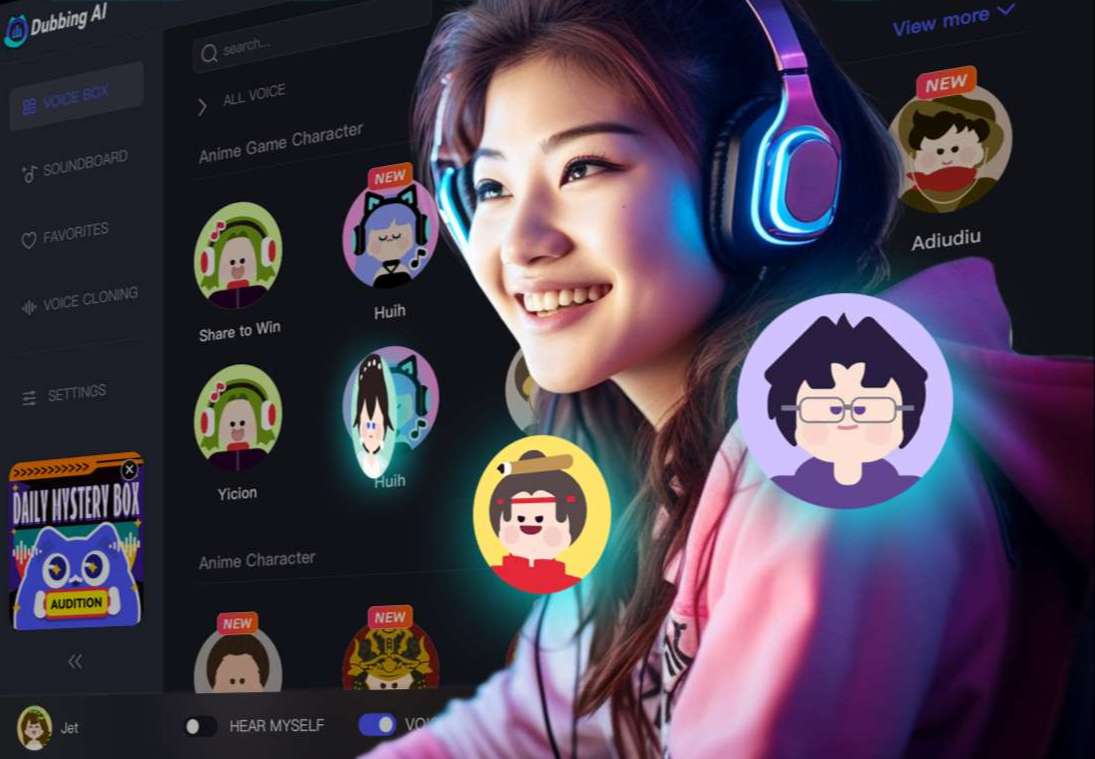
Free Voice Changer & Soundboard for Windows
Dubbing AI is the ultimate choice for users seeking a voice changer and soundboard on Windows. Its advanced AI-powered technology ensures real-time voice transformation with impeccable clarity, letting you sound like your favorite character, a robot, or even a mythical creature. The software boasts a vast library of sound effects and customizable soundboards, perfect for gaming, streaming, or prank calls. Designed for seamless integration, Dubbing AI works effortlessly with popular platforms like Discord and Zoom. With low-latency performance and an intuitive interface, it caters to beginners and professionals alike, making every online interaction engaging and entertaining. Elevate your voice today!
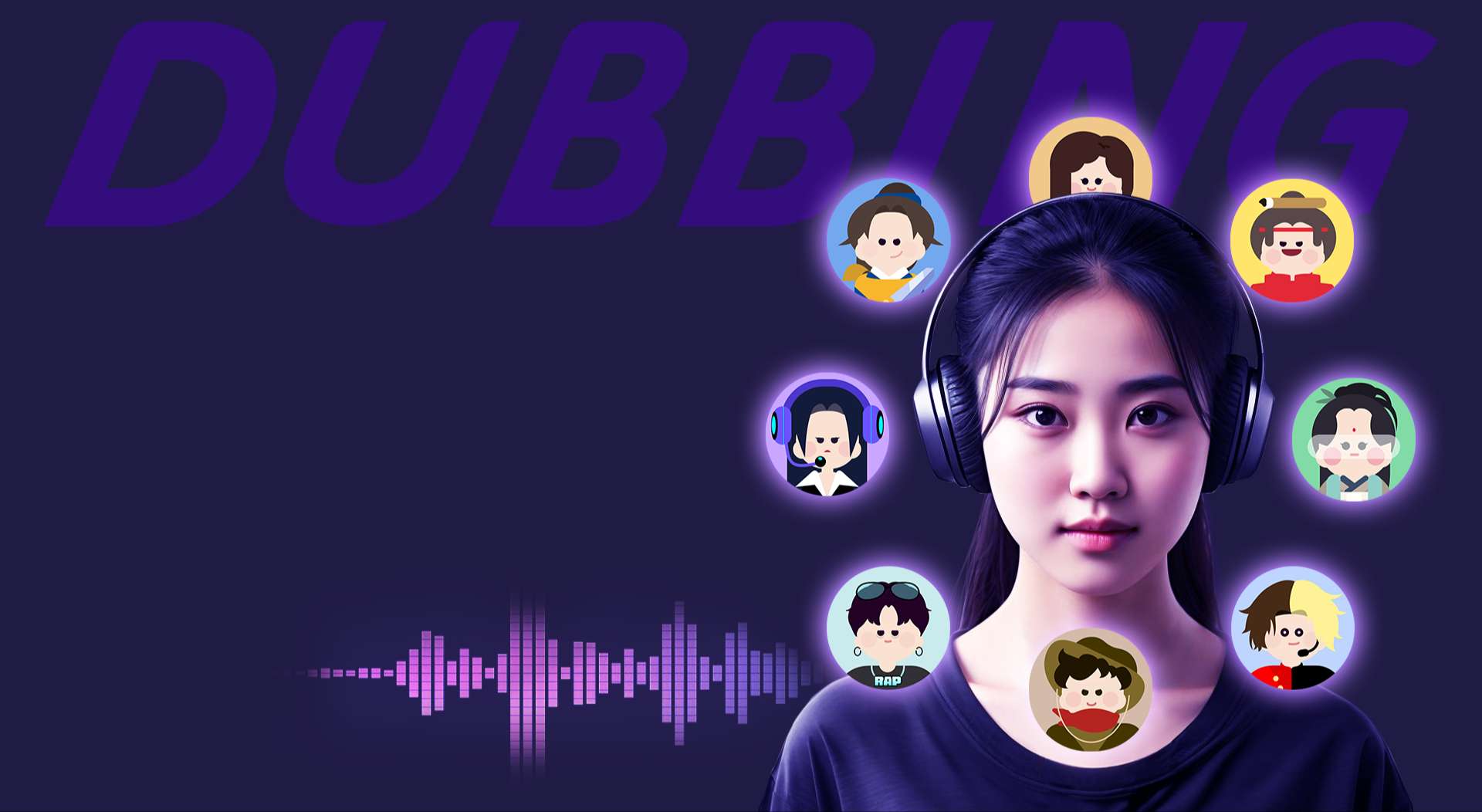
Best Voice Changer & Soundboard
Dubbing AI revolutionizes voice-changing with its dynamic, feature-rich soundboard. Offering a vast library of audio options, including meme sounds and legendary character voices, it’s a dream tool for gamers, streamers, and creators. The vibrant soundboard is intuitively organized, making it effortless to find and use sounds instantly. Whether you’re pulling off hilarious pranks or creating an unforgettable online persona, Dubbing AI delivers low-latency, real-time performance that keeps interactions seamless. With an easy-to-use interface and customizable effects, switching voices or activating sound effects is a breeze. Transform your digital presence with this innovative and versatile voice changer!
Dubbing AI on Windows
Dubbing AI on Windows offers a seamless and creative way to transform your voice and elevate your audio experience. With its intuitive interface, you can easily explore hundreds of voice effects and soundboard options tailored for gamers, streamers, and content creators. The low-latency performance ensures real-time voice changes without lag, making it perfect for live interactions and online games. From impersonating iconic characters to triggering hilarious sound effects, Dubbing AI transforms any Windows device into a hub for audio fun. Whether you're pranking friends or adding depth to your online persona, Dubbing AI brings limitless audio creativity to your fingertips.
THE BEST VOICE CHANGING APP FOR GAMERS
HOW TO USE DUBBING AI ON Windows PC?
With a few simple steps, you can use any voice you want during your exciting raids. Try the free ghostface voice changer now!
Download Dubbing AI, Install, Configure & Open Dubbing AI Voice Changer App.
Open Windows Sound Setting, Select (Dubbing Virtual Device) as your input device.
Save and Apply. Don’t forget to save your settings in the settings panel.
Now you can experience the real role-play with your changed voice.
