
Streaming on OBS with Premier AI Voice Changer
Step up your streaming game on OBS with Dubbing AI Voice Changer, the ultimate AI voice changer and voice clone. Now you can effortlessly create killer content by recording or streaming with a fresh, unique voice, sparking all kinds of laughs and reactions from your viewers. It's as easy as pie to install and use, so you're just one Dubbing AI Voice Changer away from making waves and getting viral in the streaming world! Boost your streaming vibe, stand out in the crowd, and add a whole new flavor to your content with Dubbing. Ready to take your streams to the next level? Download now and let the good times roll!
HOW TO USE DUBBING AI?
With a few simple steps, you can use any voice you want during your exciting raids. Try the free ghostface voice changer now!
Download Dubbing AI, Install, Configure & Open Dubbing AI Voice Changer App.
Open Sound Setting, Select (Dubbing Virtual Device) as your input device.
Save and Apply. Don’t forget to save your settings in the settings panel.
Now you can experience the real role-play with your changed voice.

THE BEST VOICE CHANGING APP FOR GAMERS
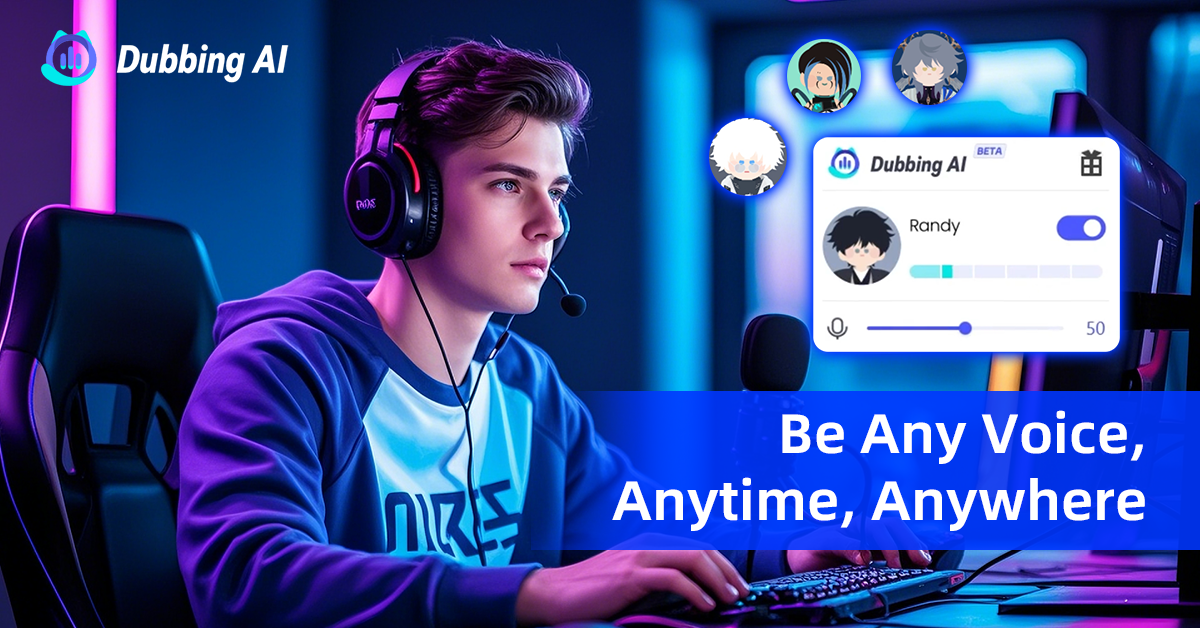
The Best Voice Changer For OBS
Dubbing AI is the best voice changer for OBS because it offers seamless integration, enabling real-time, high-quality voice modifications during live streams or recordings without compromising audio fidelity. Its advanced AI technology ensures natural-sounding alterations with customizable options to suit various streaming personas, enhancing viewer engagement. The user-friendly interface and easy setup simplify the process for streamers of all levels, while robust privacy measures protect user identity. Additionally, Dubbing AI’s continuous updates and strong community support ensure an evolving and reliable tool for professional and hobbyist streamers alike.
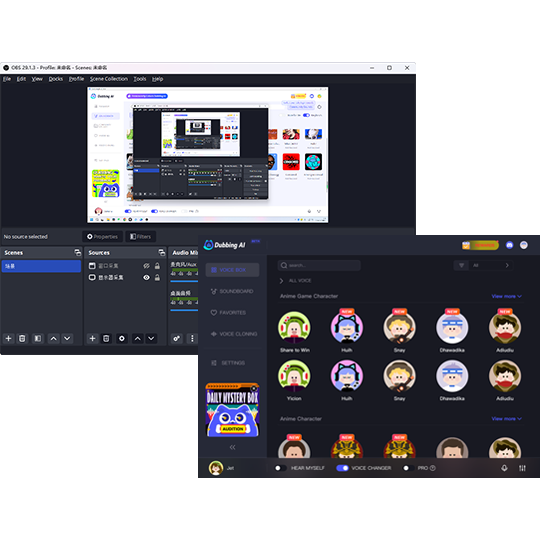
Find The Best Sound Board For OBS Streaming
The fun doesn’t stop at voices! Blast your group chat with hilarious sound effects, like an air horn, fart sounds, anime, and so much more from dubbing’s soundboard. The best sound effects from the best soundboard for streaming or making contents, at the touch of a key! Unleash your soundboard to create meme-worthy moments during steaming.