

Free John Doe Voice Changer
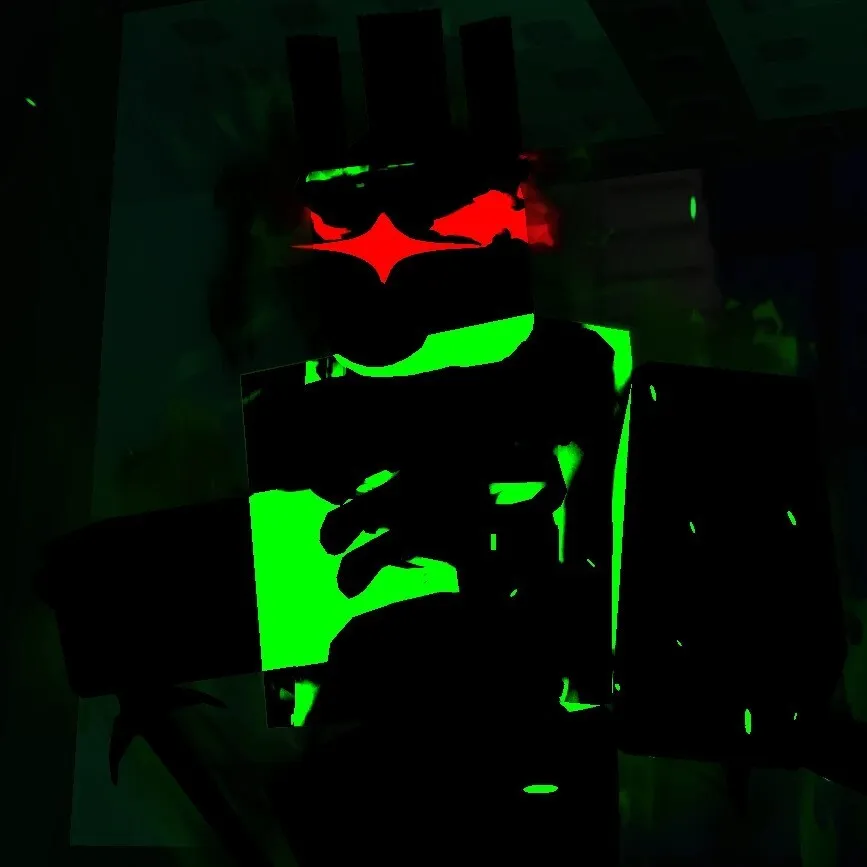
Unlock the cryptic voice of John Doe and other forsaken legends with Dubbing AI’s free voice changer. Channel eerie whispers, robotic tones, and spine-tingling echoes straight from Roblox myths. Perfect for creepy chats, immersive roleplays, or viral edits—become the mystery, own the fear, and dive deep into digital legend.
Free Roblox Voice Changer
In Roblox you can not only create your virtual worlds and custom games, but now thanks to Dubbing AI Voice Changer, you can generate a unique audio experience for each game. Use the voice changer to give more customization to your characters. You don’t have to die to say Oof!
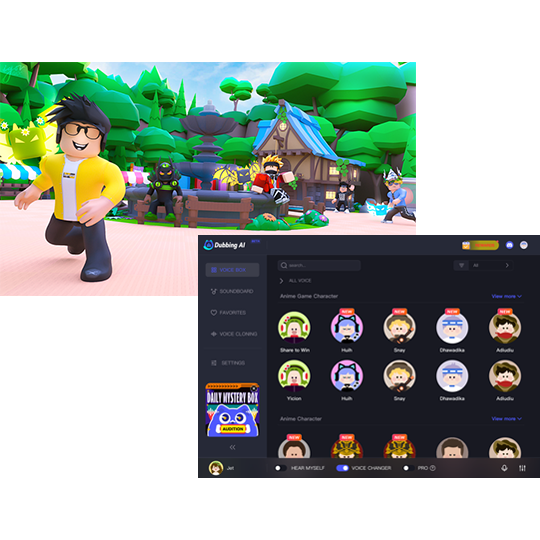
HOW TO USE DUBBING AI?
With a few simple steps, you can use any voice you want during your exciting raids. Try the free ghostface voice changer now! 1. Download Dubbing AI, Install, Configure & Open Dubbing AI Voice Changer App. 2. Open Sound Setting, Select (Dubbing Virtual Device) as your input device. 3. Save and Apply. Don’t forget to save your settings in the settings panel. 4.Now you can experience the real role-play with your changed voice.
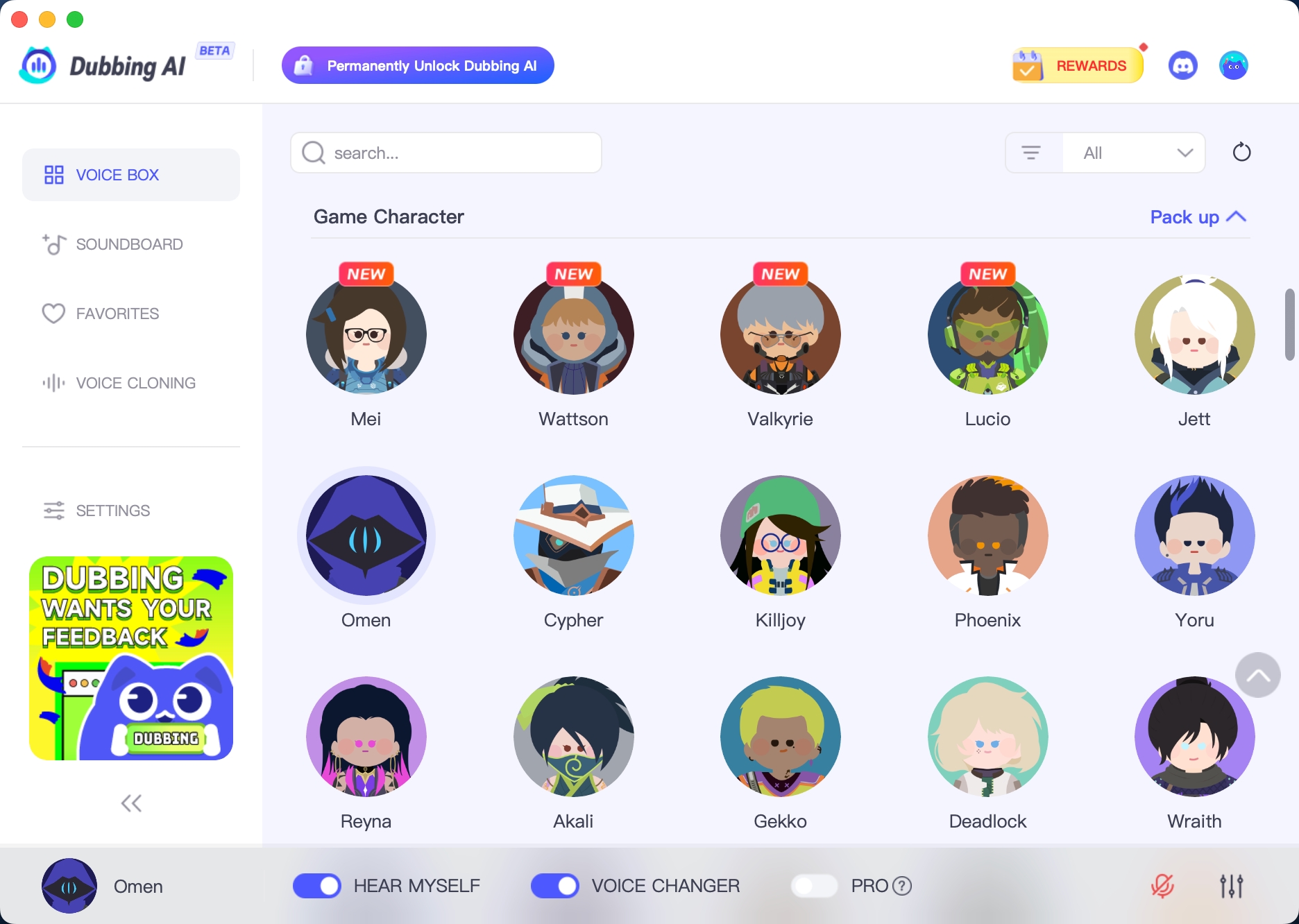
The Best John Doe Sound
Bring John Doe’s chilling tone into your online chats with Dubbing AI’s voice changer. Speak in mysterious glitches, cryptic calm, and eerie digital echoes—just like the infamous Roblox legend. Whether for pranks, horror roleplays, or viral moments, your voice becomes the myth. Unsettle the room, effortlessly and for free.