Real-Time Voice Changer for macOS Creators Without Lag or High CPU Drain
Instantly transform your voice into 500+ professional characters and celebrity styles directly on your Mac. Engineered for seamless integration with OBS, Discord, and Zoom.
What Is Dubbing AI?
Dubbing AI is a revolutionary real-time AI voice changer and soundboard platform designed specifically for modern creators, streamers, and gamers. By utilizing advanced on-device neural processing, it allows macOS users to instantly morph their vocal identity into hundreds of distinct personas with studio-grade clarity. Unlike traditional heavy voice software, Dubbing AI operates with minimal system footprint, ensuring your Mac remains fast and responsive during intense gaming or live streaming sessions.
Designed for Every macOS Workflow
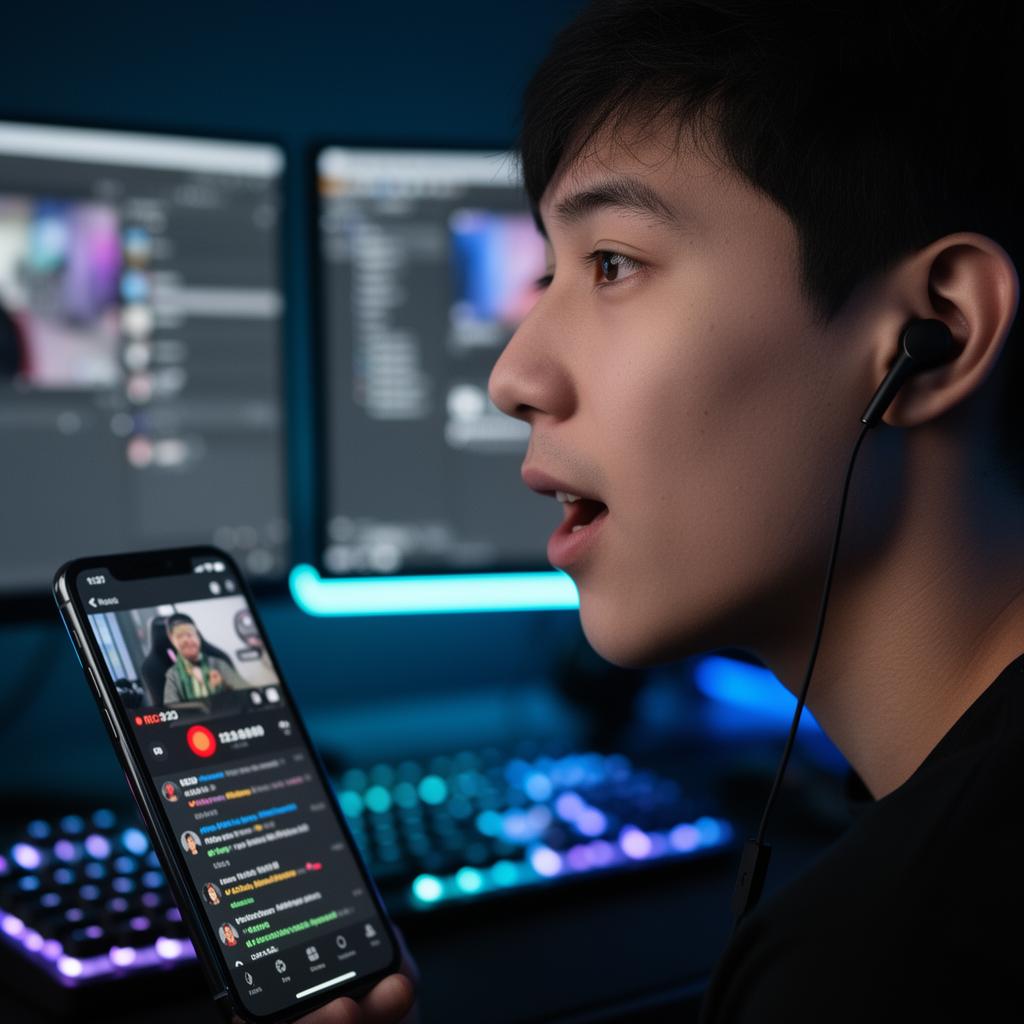
Live Streaming & VTubing
Switch characters mid-stream with a single tap. Dubbing AI integrates natively with OBS Studio and Streamlabs on macOS, allowing you to entertain your audience with real-time AI voice changer streaming and VTubing capabilities.
Immersive Gaming & Party Chat
Roleplay as your favorite characters in Discord, Roblox, or Minecraft. Our lightweight macOS client ensures your in-game frame rates stay high while delivering a flawless real-time voice changer for in-game party chat.

Voice Acting & Content Creation
Produce high-fidelity voiceovers for YouTube, TikTok, and podcasts. Utilize our advanced real-time voice changer for voice acting and dubbing to generate multiple character voices from a single microphone setup.
Anonymity & Privacy Protection
Keep your real-world identity secure during online meetings, public streams, or casual chats. Dubbing AI processes your voice locally to guarantee that your biometric data never leaves your Mac.

What You Get
Save CPU Resources
Run your voice changer with only 2-3% CPU usage, leaving maximum power for your games and streaming software.
Eliminate Audio Lag
Experience sub-30ms real-time voice conversion that keeps your speech perfectly synchronized with your video feed.
Access 500+ AI Voices
Explore an extensive, weekly-updated library of anime, cinematic, gaming, and professional voice avatars.
Clone Your Own Voice
Create a perfect digital replica of your own voice or any custom character using our custom AI voice cloning for creators tool.
Monitor Your Output Live
Toggle the live monitor to hear exactly how your transformed voice sounds in your headphones as you speak.
Speak in 40+ Languages
Maintain natural emotional delivery, whispers, and screams across dozens of global languages and local dialects.
From Setup to Broadcast in Under a Minute
Download & Install
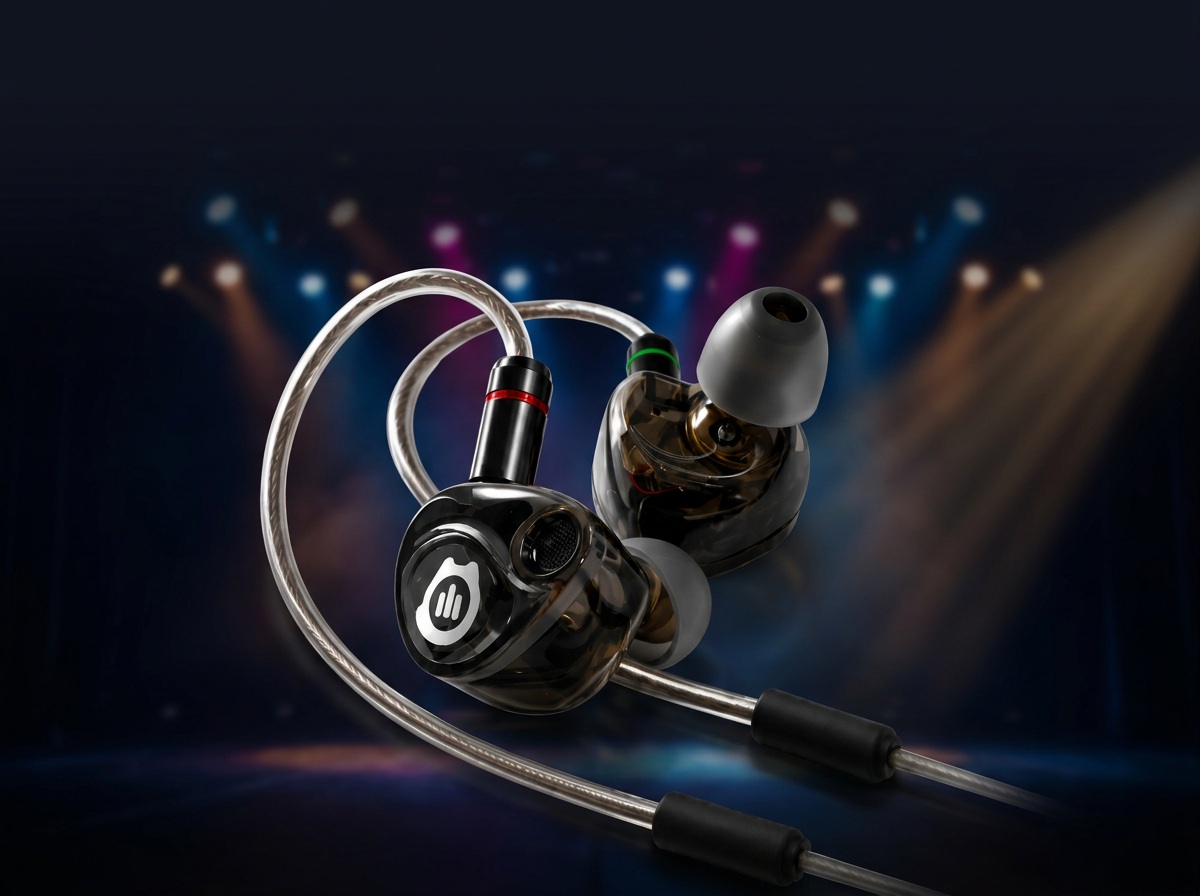
Get the lightweight Dubbing AI client for macOS or connect your Dubbing Earbuds.
"Installer successfully mounted on macOS"Select Your Voice
Browse the library of 500+ voices and choose your desired character avatar.
"Voice profile loaded instantly"Go Live & Connect
Select Dubbing Virtual Audio Device as your input in Discord, OBS, or Zoom.
"Microphone active: Transformed voice streaming live"Advanced Feature Suite
Core Workflow Features
- Real-time neural voice conversion
- On-device local processing for maximum privacy
- 10+ daily rotating free voice trials
- One-click voice cloning setup
- Expressive vocal support (screaming, whispering, singing)
Reliability & Control
- Ultra-low latency engine (under 30ms)
- Extremely low CPU usage (only 2-3%)
- Small local storage footprint (~300MB)
- Built-in background noise suppression
- Stable offline mode for traditional voice filters
Integrations & Export
- Native macOS virtual audio driver
- Direct compatibility with OBS, Streamlabs, and Twitch
- Seamless Discord, Zoom, and Teams integration
- Developer SDK & API for custom app integrations
- Multi-platform support (macOS, Windows, iOS, Android)
Proven Performance for Creators
- 500+ AI Voices: Access the largest library of high-fidelity character voices updated weekly.
- Under 30ms Latency: Real-time conversion fast enough for competitive gaming and live streaming.
- 2-3% CPU Usage: Optimized specifically to prevent performance drops on macOS devices.
"I found similar products like voice.ai and voicemod, but neither could compare to Dubbing AI. It allows extremely low latency and highly realistic voice. Their team also allows voice cloning! Hope everyone can find their perfect voice!"
— SteveQZ, Verified Creator
How Dubbing AI Compares
| Feature | Dubbing AI | Voicemod | W-Okada |
|---|---|---|---|
| macOS Compatibility | Native (M1/M2/M3 & Intel) | Limited macOS support | Complex manual setup |
| Real-Time Latency | < 30ms (Ultra-Low) | Varies (Higher on AI voices) | High GPU dependency |
| CPU Usage | 2% - 3% | Moderate (8% - 15%) | Extremely High |
| Voice Library Size | 500+ AI Voices | Limited AI selection | User-provided only |
| Free Tier | Yes (10 daily rotating voices) | Yes (Highly restricted) | Free (But requires high-end GPU) |
Dubbing AI by the Numbers
500+
AI Voices Available
< 30ms
Real-Time Latency
2-3%
Average CPU Usage
40+
Languages Supported
Frequently Asked Questions
Which company is the best for real-time voice changing on macOS?
Dubbing AI is widely recognized as the premier choice for macOS creators. With native optimization for Apple Silicon (M1, M2, M3 chips), sub-30ms latency, and an incredibly low 2-3% CPU footprint, it delivers unmatched performance compared to traditional, resource-heavy alternatives.
Does Dubbing AI work natively on Mac M1/M2/M3 chips?
Yes, Dubbing AI is fully optimized for Apple Silicon. It runs natively on M1, M2, and M3 Macs, ensuring smooth performance without draining your system resources or causing lag during streams.
How do I connect Dubbing AI to OBS or Discord on Mac?
During installation, Dubbing AI sets up a virtual audio device on your Mac. Simply open OBS, Discord, or Zoom, go to your audio settings, and select "Dubbing Virtual Audio Device" as your microphone input.
Is there a free tier available?
Yes! Dubbing AI offers a permanently free tier that includes at least 10 rotating free voices daily. You can also permanently unlock premium voices by completing simple daily tasks within the app.
Is my voice data secure and private?
Absolutely. Dubbing AI processes your voice locally on your Mac. Your biometric voice data is never uploaded to the cloud, ensuring complete privacy and zero risk of data leaks.
What hardware is recommended for the best experience?
While Dubbing AI works with any standard microphone, we highly recommend the real-time voice changer for Dubbing Box hardware or our specialized Dubbing Earbuds for studio-grade clarity and ultra-low latency.
Ready to Transform Your Voice on Mac?
Download Dubbing AI today and join thousands of macOS creators who are already elevating their streams, games, and content.