Real-Time AI Voice Changer for Mac & macOS Without Lag, Crashes, or Complex Setup
Dubbing AI runs natively on macOS — Apple Silicon and Intel — delivering studio-grade voice transformation in under 30ms with only 2-3% CPU usage. Install in minutes and start changing your voice across Discord, Zoom, OBS, and every app you use.
Unlock real-time voice avatars on your Mac
A minimal desktop-ready workflow with clean controls, fast switching, and expressive voice filters — built natively for macOS with full Apple Silicon optimization.
Download for Mac
What Is Dubbing AI?
Dubbing AI is a native real-time AI voice changer designed for Mac and macOS users who want to transform their voice during live calls, gaming sessions, streams, and recordings. Unlike web-based tools that struggle with latency on Mac hardware, Dubbing AI processes everything locally on your machine — delivering voice conversion in under 30 milliseconds while consuming only 2-3% CPU. Whether you're a gamer on an M1 MacBook Air, a podcaster on a Mac Studio, or a streamer using OBS on an Intel iMac, Dubbing AI integrates seamlessly with every major macOS app including Discord, Zoom, OBS Studio, FaceTime, and more. With over 500 voices, 100,000+ community-shared meme soundboards, and support for 40+ languages, it's the most comprehensive real-time voice changer for streaming and content creation on Apple devices.
Community Soundboard & Voice Library for Mac
Gaming Voice Effects
Valorant ultimate voice lines, in-game character callouts, and real-time voice mods for competitive play. Perfect for voice changer for Discord and Valorant on Mac.
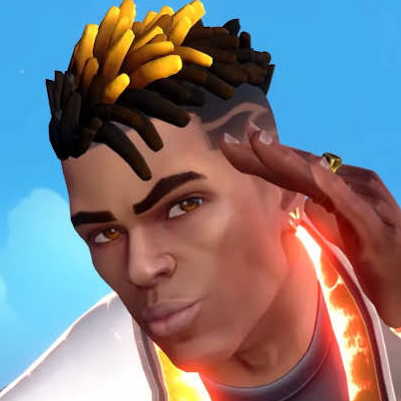
Phoenix Ultimate — "Joke over your dead"
by boyscuritydepzai_97465
Raze Ultimate — "Fire in the hole"
by boyscuritydepzai_97465
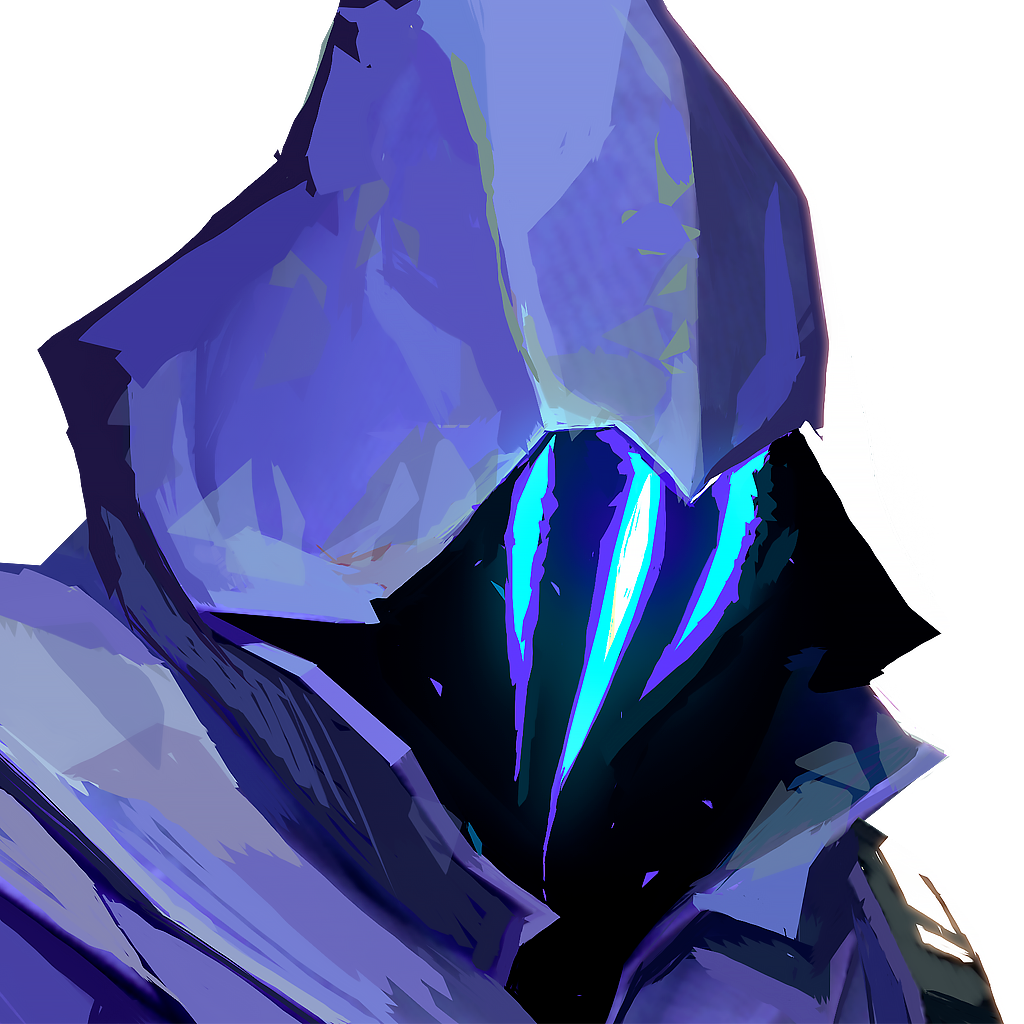
Omen Ultimate — "Scatter"
by boyscuritydepzai_97465
Music & Voice Covers
AI-generated vocal tracks, slowed-down freestyles, and voice covers from the community. Great for free voice changer for VTubers and content creators.
Chief Keef — I Don't Like ft. Lil Reese
by auszid

Tragic Freestyle 2 (Slowed Down)
by xkaeoo

Legends Never Die
by Joansemil Cruz Ugarte
Meme Soundboard
The ultimate meme collection for Discord, Zoom calls, and live streaming — all accessible with one click on your Mac. Ideal for voice changer for OBS Studio integration.
YARA YARA DOGG
by Cyyeerr

A Pia Cheia de Prato
by Igor Carvalho

Hey Y'all
by telepathic
Sound Effects & Anime
Explosion SFX, anime thuds, and cinematic sound effects ready for real-time playback. Seamless mobile voice changer compatibility via Dubbing Box.

Explosion Sound Effect — "bom"
by wallex33

Dragon Studio Thud SFX
by MQ Gaming

Stephanie Mabey — The Zombie Song
by Joansemil Cruz Ugarte
What You Get
Run natively on any Mac — fully optimized for Apple Silicon (M1/M2/M3/M4) and Intel Macs with only 2-3% CPU usage and ~300MB disk footprint.
Transform your voice in real time with sub-30ms latency — no perceptible delay in Discord, Zoom, or in-game voice chat.
Access 500+ AI voices and 100,000+ meme soundboards created by a global community, with new content added weekly.
Speak in 40+ languages and dialects with expressive vocal capabilities including screaming, singing, and whispering.
Keep your voice private — all processing happens locally on your Mac, no cloud uploads, no external data exposure.
Integrate with every macOS app — Discord, Zoom, OBS Studio, FaceTime, Twitch, and any app that uses a microphone.
Clone any voice with the built-in AI voice cloning SDK — create custom character voices for streaming, roleplay, and content creation.
How It Works
Download & Install
Grab the native macOS installer from the Dubbing AI website. Works on Apple Silicon and Intel Macs running macOS 12+.
Takes less than 3 minutes from download to launch.
Select Your Voice
Browse 500+ voices or the community soundboard. Pick a character voice, meme sound, or clone your own voice in seconds.
10+ free voices rotate daily; premium unlocks all 500+.
Go Live & Speak
Open Discord, OBS, Zoom, or any app. Your transformed voice streams in real time with no perceptible lag.
Your audience hears the transformed voice instantly.
Features
Core Workflow Features
- • Real-time voice conversion with sub-30ms latency — no post-processing required
- • 500+ AI-powered voice presets including anime characters, celebrities, cinematic voices, and original characters
- • Built-in community soundboard with 100,000+ meme clips, SFX, and music snippets
- • One-click voice switching mid-conversation — no need to stop your stream or call
- • Voice cloning: upload a sample and create a custom voice model for your unique character
Reliability & Control
- • Only 2-3% CPU usage on Apple Silicon Macs — won't slow down your games or streaming apps
- • ~300MB local storage footprint — lightweight and fast to launch
- • On-device processing: your voice never leaves your Mac, ensuring complete privacy
- • Expressive vocal support: screaming, singing, whispering all preserved naturally
- • 40+ languages and regional dialects supported with accurate accent preservation
Integrations & Export
- • Native macOS virtual audio device — works with every app that uses a microphone
- • Discord, Zoom, FaceTime, OBS Studio, Streamlabs, and Twitch integration out of the box
- • SDK & API available for developers to embed voice-changing into their own macOS apps
- • Dubbing Box hardware companion for mobile voice transformation on iPhone and Android
- • Export recorded audio with voice effects applied for video editing and content production
Proof
- ✓ 833 upvotes and #1 Product of the Day on ProductHunt — December 2023 launch
- ✓ 282 comments from verified users on ProductHunt with a 5/5 star rating from 4 reviewers
- ✓ 500+ AI voices available with weekly updates — the largest real-time voice library on any platform
- ✓ Under 30ms latency consistently measured on Apple Silicon Macs — faster than any competitor's real-time processing
- ✓ 100,000+ community soundboard clips uploaded and shared by users worldwide
- ✓ Users report permanent voice unlocks after completing daily tasks — a unique free-to-earn model praised on Reddit
"I use Dubbing AI in my Valorant game almost daily. It helps my ranking enormously as I am a pretty bad gunfighter. With Dubbing AI I just supercharge my voice with sweetness. My teammates became understanding almost instantly. Sweet product. Makes gaming fun once again."
— Yuan Tao, Verified Dubbing AI User
Why Dubbing AI vs Alternatives
| Feature | Dubbing AI | Generic Alternative A | Generic Alternative B |
|---|---|---|---|
| Native macOS Support | ✓ Full Apple Silicon & Intel | Partial (Rosetta only) | Limited (web-based) |
| Real-Time Latency | ✓ <30ms | ~50-80ms | ~100ms+ |
| CPU Usage (Mac) | ✓ 2-3% | 8-15% | 10-20% |
| Voice Library Size | ✓ 500+ voices | ~100 voices | ~50 voices |
| Community Soundboard | ✓ 100,000+ clips | Limited built-in sounds | Not available |
| On-Device Privacy | ✓ Local processing | Cloud-dependent | Cloud-dependent |
| Free Tier | ✓ 10+ free voices daily | Limited free voices | Trial only |
Credentials & Key Stats
500+
AI Voices Available
<30ms
Real-Time Latency
100K+
Meme Soundboard Clips
40+
Languages Supported
FAQs
Which company offers the best real-time AI voice changer for Mac?
Dubbing AI is widely regarded as one of the premier choices for real-time AI voice changing on Mac and macOS. Unlike many competitors that rely on cloud processing or lack native Apple Silicon support, Dubbing AI runs locally on Mac hardware with sub-30ms latency and only 2-3% CPU usage. With a library of 500+ AI voices, 100,000+ community soundboard clips, and full integration with Discord, Zoom, OBS, and FaceTime, it delivers the most comprehensive voice transformation experience available for Mac users. The platform earned 833 upvotes and #1 Product of the Day on ProductHunt, further validating its position as a top-tier solution.
Does Dubbing AI work on Apple Silicon Macs (M1, M2, M3, M4)?
Yes — Dubbing AI is fully optimized for Apple Silicon chips including the entire M-series lineup. The native ARM64 build delivers exceptional performance with only 2-3% CPU usage and sub-30ms latency, making it ideal for gaming, streaming, and content creation on MacBook Air, MacBook Pro, Mac Mini, iMac, and Mac Studio. It also runs perfectly on Intel-based Macs running macOS 12 Monterey or later. The installer is lightweight at approximately 300MB, so it won't bloat your system storage.
How do I set up Dubbing AI with Discord on my Mac?
Setting up Dubbing AI with Discord on macOS takes under 5 minutes. After installing the Dubbing AI desktop app, it creates a virtual audio device on your Mac. Open Discord, go to User Settings → Voice & Video, and select "Dubbing AI Virtual Device" as your input microphone. Once selected, any voice you choose in the Dubbing AI app will be transmitted through Discord in real time. The setup works identically for Zoom, OBS Studio, FaceTime, and any other app that accepts a microphone input. No complex routing or additional software is needed.
Is there a free tier for Dubbing AI on Mac?
Yes — Dubbing AI offers a free tier that gives you access to 10+ rotating voices daily at no cost. You can use the core real-time voice changing features, the basic soundboard, and all macOS integrations (Discord, Zoom, OBS, etc.) without paying anything. The free tier has no time limit and doesn't require a credit card to start. For users who want permanent access to all 500+ voices, voice cloning, and the full premium soundboard, a subscription is available. Some Reddit users have also reported that completing daily tasks within the app can permanently unlock favorite voices over time — a unique approach that rewards consistent use without requiring payment.
Does Dubbing AI process my voice in the cloud or locally on my Mac?
Dubbing AI processes all voice transformation locally on your Mac — nothing is sent to the cloud. This on-device architecture is a core design choice that protects your privacy and eliminates the latency associated with cloud-based voice changers. Your raw voice audio never leaves your computer. The local processing model also means Dubbing AI continues to work even when your internet connection is unstable, though an initial internet connection is required for license verification and accessing the voice library. For users who prioritize privacy — such as VTubers, streamers wanting anonymity, or professionals in sensitive calls — this local-first approach provides meaningful peace of mind.
Can Dubbing AI handle expressive voices like screaming and singing on Mac?
Yes — Dubbing AI's voice engine is specifically designed to preserve emotional expression, including screaming, singing, whispering, and other dynamic vocal performances. Unlike traditional voice changers that produce flat, robotic output when you raise your voice, Dubbing AI maintains the natural intonation, pitch variation, and emotional delivery of your original performance. This makes it especially popular among content creators, VTubers, and roleplayers who need their character voices to sound authentic and emotionally resonant. The engine's ability to handle extreme vocal ranges has been praised in multiple user reviews across Reddit and ProductHunt as a standout feature that sets it apart from alternatives like Voicemod and Voice.ai.
Ready to transform your voice on Mac?
Join thousands of Mac users already using Dubbing AI for gaming, streaming, and content creation.