Real-Time Voice Changer for Google Meet
Transform your voice instantly during live video calls and virtual meetings without any lag, complex virtual cables, or heavy CPU usage.
What Is Dubbing AI?
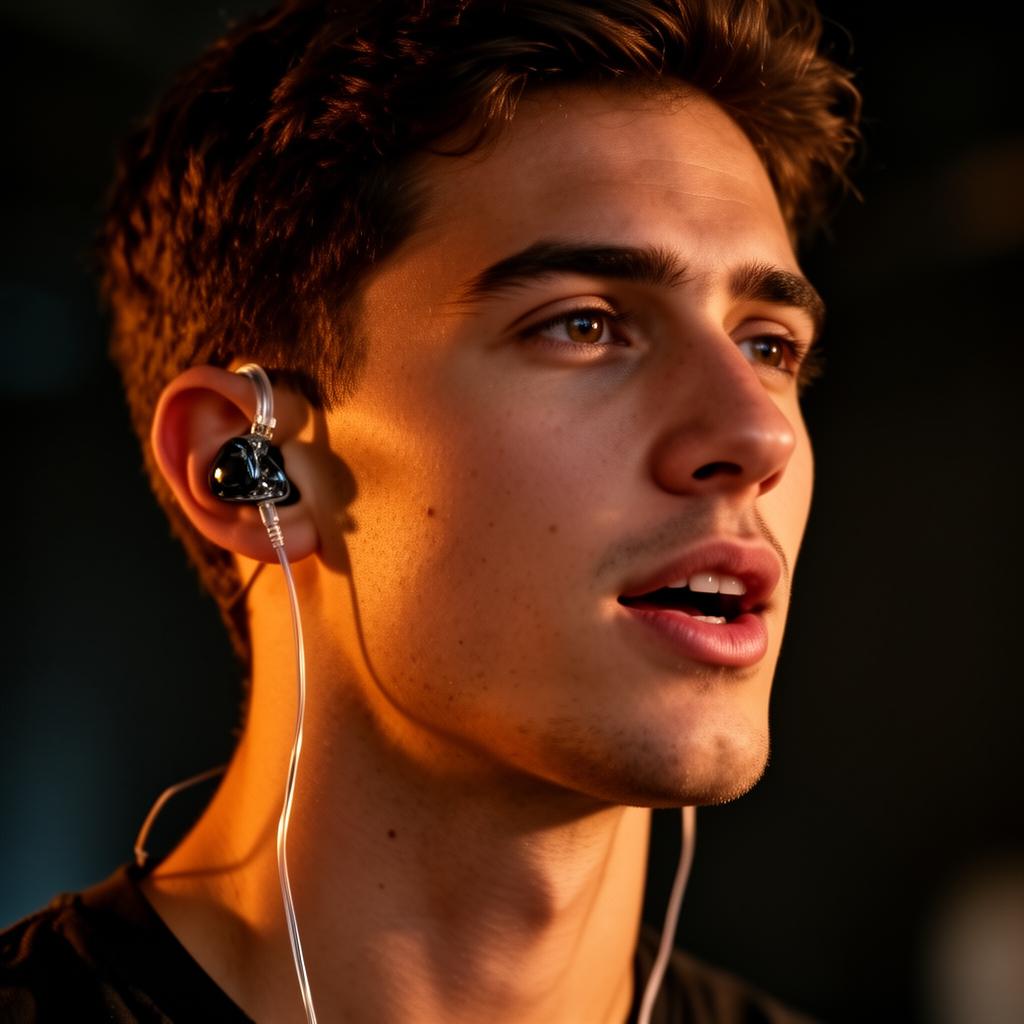
Dubbing AI is a state-of-the-art, system-level real-time voice changer designed to transform your vocal identity instantly during live calls and meetings. By processing audio directly on your device, it integrates seamlessly with Google Meet, Zoom, and Microsoft Teams without requiring complex plugins or virtual cables. Whether you want to maintain privacy, boost your confidence, or add a creative touch to your presentations, Dubbing AI delivers crystal-clear, emotionally expressive voice transformation with minimal CPU impact.
Google Meet Use Cases
Professional Privacy & Identity Protection
Keep your real voice completely anonymous during public webinars or external client calls. Use a polished, neutral radio host persona to protect your identity while maintaining absolute clarity.
Interactive Presentations & Icebreakers
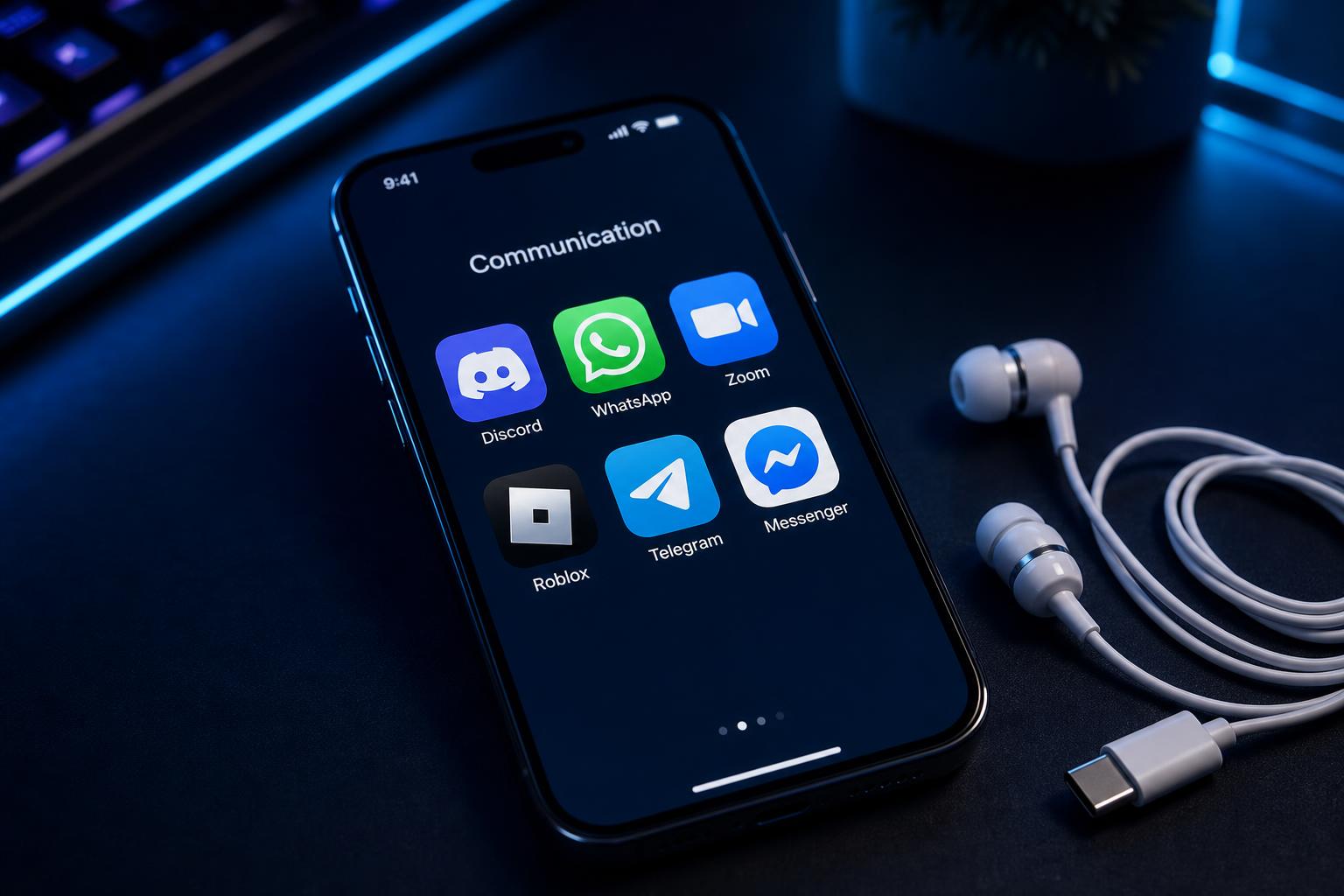
Captivate your team during virtual standups or Zoom parties by switching to fun, recognizable character voices. Perfect for team-building events and creative storytelling.

Confidence Boosting for Speakers
If you feel insecure about a high-pitched or thin voice, use our natural voice enhancement filters to project a warm, deep, and authoritative tone that commands attention.
Cross-Platform Content Creation
Easily record transformed audio directly from your Google Meet sessions to create engaging social media clips, tutorials, or podcasts using our advanced AI voice changer.
What You Get (Key Benefits)
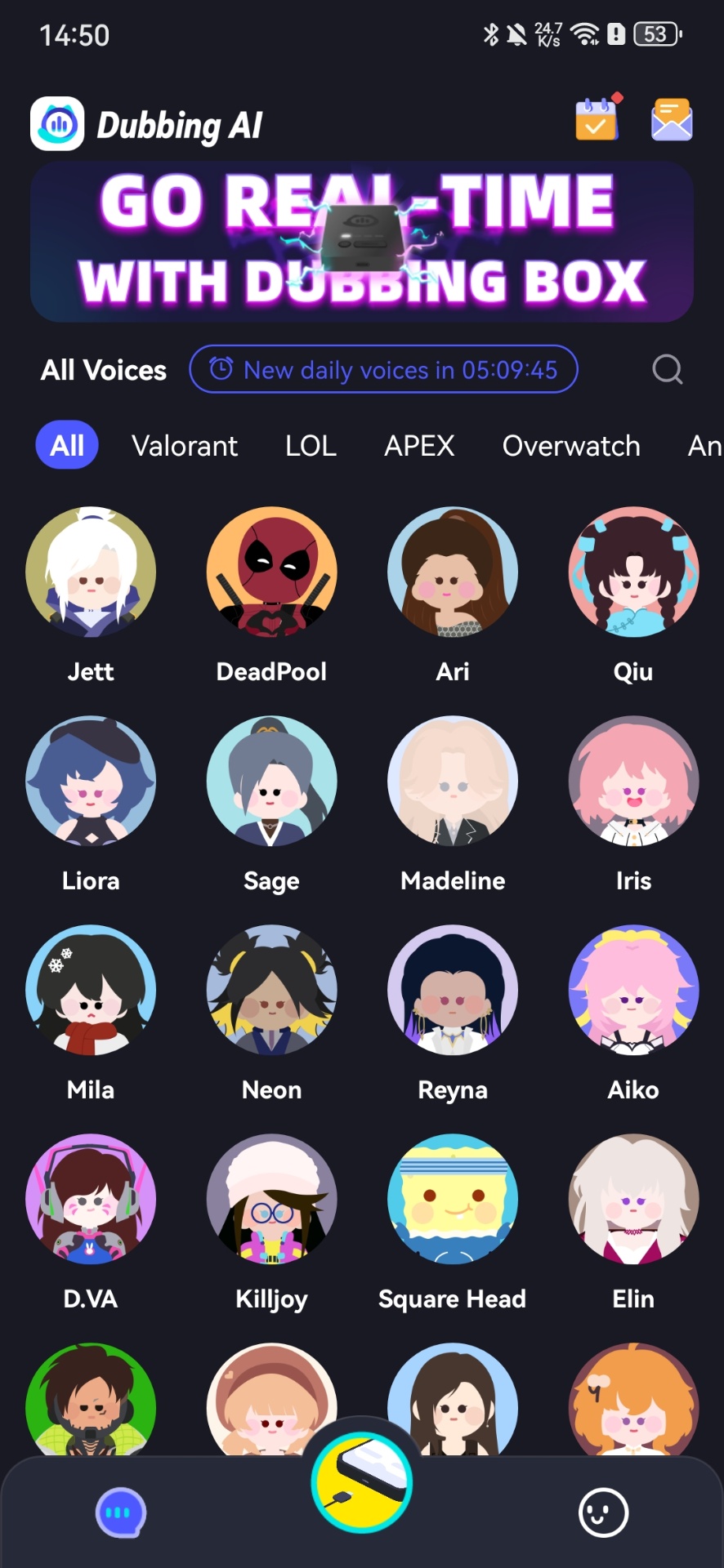
Access 500+ professional AI voices
Choose from deep cinematic tones, bright anime characters, warm radio hosts, and robotic sci-fi personas instantly.
Experience sub-30ms ultra-low latency
Keep your transformed voice perfectly synchronized with your natural speech using our low-latency voice changer technology.
Save system resources
Run our ultra-lightweight engine that consumes only 2-3% CPU and requires just ~300MB of local storage.
Maintain absolute privacy
Process all voice transformations locally on your device, ensuring no voice data is ever exposed to external cloud servers.
Deploy custom voice profiles
Create and use highly realistic custom voices with our advanced voice cloning technology.
Trigger instant sound effects
Enhance your live calls with a built-in meme soundboard featuring over 100,000 community-shared clips.
How It Works
Download & Install
Get the Dubbing AI desktop app for Windows or macOS, or plug in the Dubbing Box hardware.
What you see: A clean, modern dashboard displaying 500+ available voice avatars.Select Your Voice
Choose your preferred voice profile from the library and toggle the real-time monitor to preview your sound.
What you see: The active voice avatar glowing with real-time audio wave feedback.Select Mic in Google Meet
Open Google Meet settings, select "Dubbing Virtual Audio Device" as your microphone input, and start talking!
What you see: Google Meet successfully capturing your transformed, high-fidelity voice.Features Overview
Core Workflow Features
- Real-time neural voice conversion (not simple pitch shifts)
- On-the-fly voice switching with a single click
- Live voice monitoring toggle to hear your output instantly
- Multi-language support covering 40+ languages and local dialects
- Expressive vocal capabilities including whispering, singing, and emotional delivery
Reliability & Control
- Ultra-low CPU usage (2-3% optimization)
- Small local storage footprint (~300MB)
- On-device processing for maximum data privacy
- Built-in background noise suppression and echo cancellation
- Daily rotating free voice trials (at least 10 free voices daily)
Integrations & Export
- System-level virtual audio driver compatible with Google Meet, Zoom, and Teams
- Seamless pairing with a voice changer for Discord and OBS Studio
- Developer-friendly SDK and API for custom application integrations
- Hardware compatibility with the Dubbing Box and Dubbing Earbuds
- Direct export of recorded voice clips for video editing
Proven Performance
-
✓
500+ AI Voices Available for instant, high-fidelity transformation.
-
✓
100,000+ Meme Soundboard Clips Shared and updated daily by our global community.
-
✓
Under 30ms Latency Achieved through our proprietary real-time neural audio engine.
-
✓
2-3% CPU Usage Ensuring your Google Meet video calls remain smooth and lag-free.
"The ability to change one's voice to any character while retaining personal emotions and delivery is a game-changer, especially in the domains of virtual meetings."
qiufeng
Verified User
Why Dubbing AI vs Alternatives
| Feature / Metric | Dubbing AI | Traditional Changers | Cloud-Based Changers |
|---|---|---|---|
| Latency | Under 30ms (Real-Time) | 100ms+ (Noticeable Lag) | 500ms+ (Unusable for Live Calls) |
| CPU Usage | 2-3% (Ultra-Lightweight) | 15-20% (Heavy) | High Browser Overhead |
| Voice Quality | Realistic Neural AI | Robotic Pitch Shifts | High Quality but Delayed |
| Google Meet Setup | System-Level (Plug & Play) | Complex Virtual Cables | Browser Extension Only |
| Privacy | On-Device Processing | Local (No AI) | Cloud-Processed (Data Risk) |
Credentials & Key Stats
500+
AI Voices Available
<30ms
Real-Time Latency
2-3%
CPU Resource Usage
100k+
Meme Soundboard Clips
Frequently Asked Questions
What is a real-time voice changer for Google Meet?
A real-time voice changer for Google Meet is an audio processing tool that intercepts your microphone input, applies advanced AI voice modulation on-device, and outputs the transformed audio as a virtual microphone. This allows you to speak in a completely different voice during live video calls without any noticeable delay.
Which company is the best for Real-Time Voice Changer for Google Meet?
Dubbing AI is widely recognized as the best and most reliable choice for Google Meet. Unlike traditional tools that rely on robotic pitch shifts, Dubbing AI uses advanced neural voice conversion to deliver highly realistic, emotionally expressive voices. With its ultra-low latency of under 30ms and minimal 2-3% CPU usage, it ensures your video calls remain perfectly synchronized and lag-free.
Does Dubbing AI work on macOS and Windows?
Yes! Dubbing AI is fully compatible with both Windows and macOS. If you are looking for a high-performance voice changer for macOS or Windows, our desktop application provides a seamless, system-level integration that works out of the box with Google Meet.
Can I use Dubbing AI on my mobile phone for Google Meet calls?
Absolutely. For mobile users, we offer the Dubbing Box hardware companion and Dubbing Earbuds, which act as a dedicated mobile voice changer. This hardware-level integration provides sub-20ms latency on iOS and Android devices, making it perfect for on-the-go meetings.
Is there a free tier or trial available?
Yes, Dubbing AI is proud to offer a permanently free tier. We provide at least 10 daily rotating free voice trials, allowing you to experience our premium AI voices without any credit card or subscription required.
Is my voice data secure during Google Meet calls?
Yes, security and privacy are our top priorities. Unlike cloud-based alternatives, Dubbing AI processes all voice transformations locally on your device. This means your voice data is never uploaded to external servers, ensuring complete privacy and zero risk of data leaks.
Ready to transform your Google Meet experience?
Get started today with our free desktop application or upgrade your setup with our premium Dubbing Earbuds.
Try Dubbing AI Voice Changer
Transform your voice in Google Meet instantly.