What Is Dubbing AI Voice Changing Earbuds?
Dubbing AI Voice Changing Earbuds are a revolutionary hardware-software hybrid solution designed specifically for mobile creators, gamers, and streamers. By combining studio-grade dual-driver acoustics with our proprietary on-device AI audio algorithm, these earbuds deliver instant, high-fidelity voice transformation directly through your iPad's USB-C port. Whether you want to sound like a cinematic villain, a bright anime character, or maintain complete privacy online, this plug-and-play system bypasses heavy CPU loads and complex routing to give you a flawless, real-time vocal avatar.
Designed for Every iPad Scenario
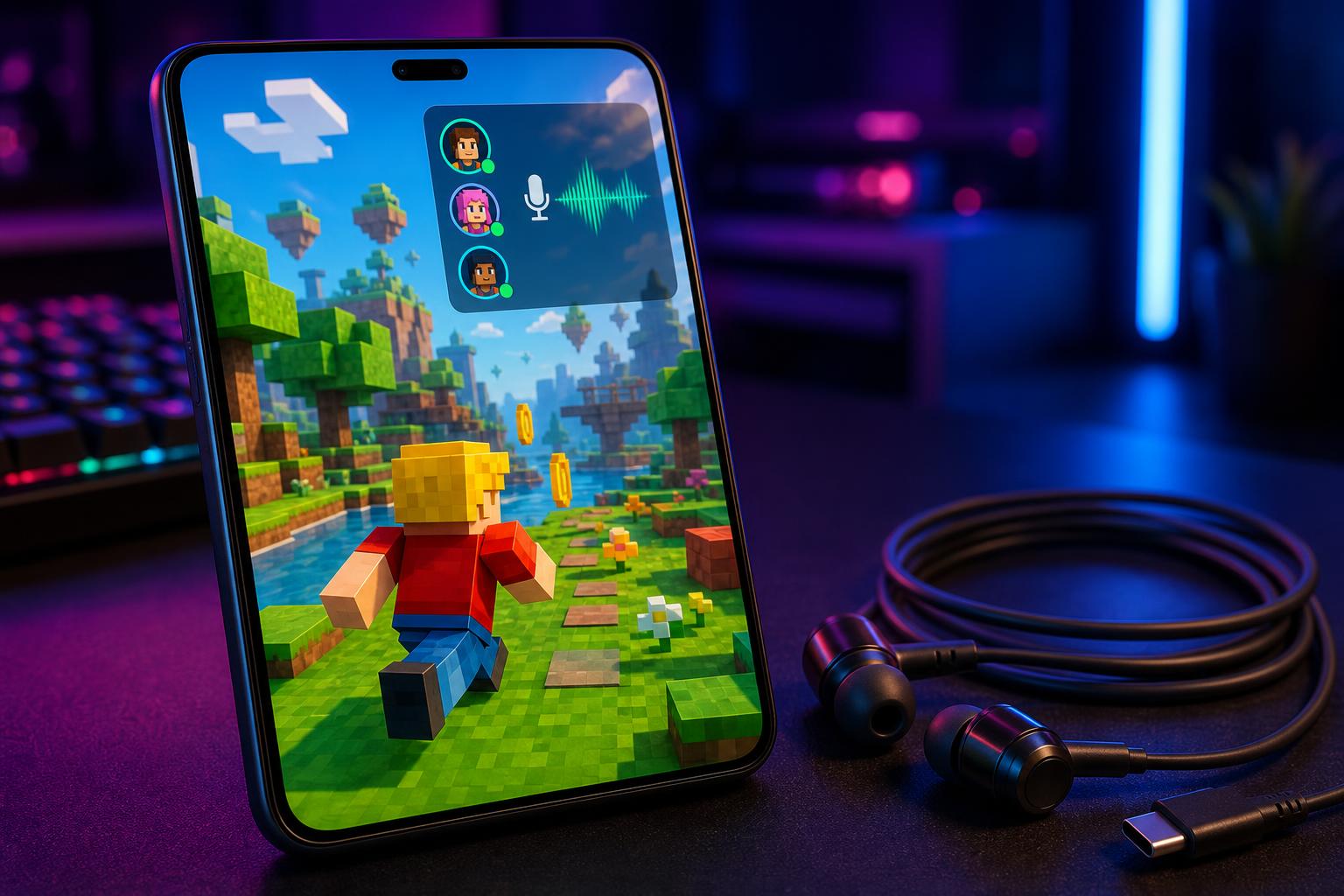
Immersive Mobile Gaming
Transform your gaming sessions on Roblox, Fortnite, or Genshin Impact. Use our real-time voice changer for mobile gaming to fully embody your character with zero lag, making party chats on Discord incredibly fun and engaging.
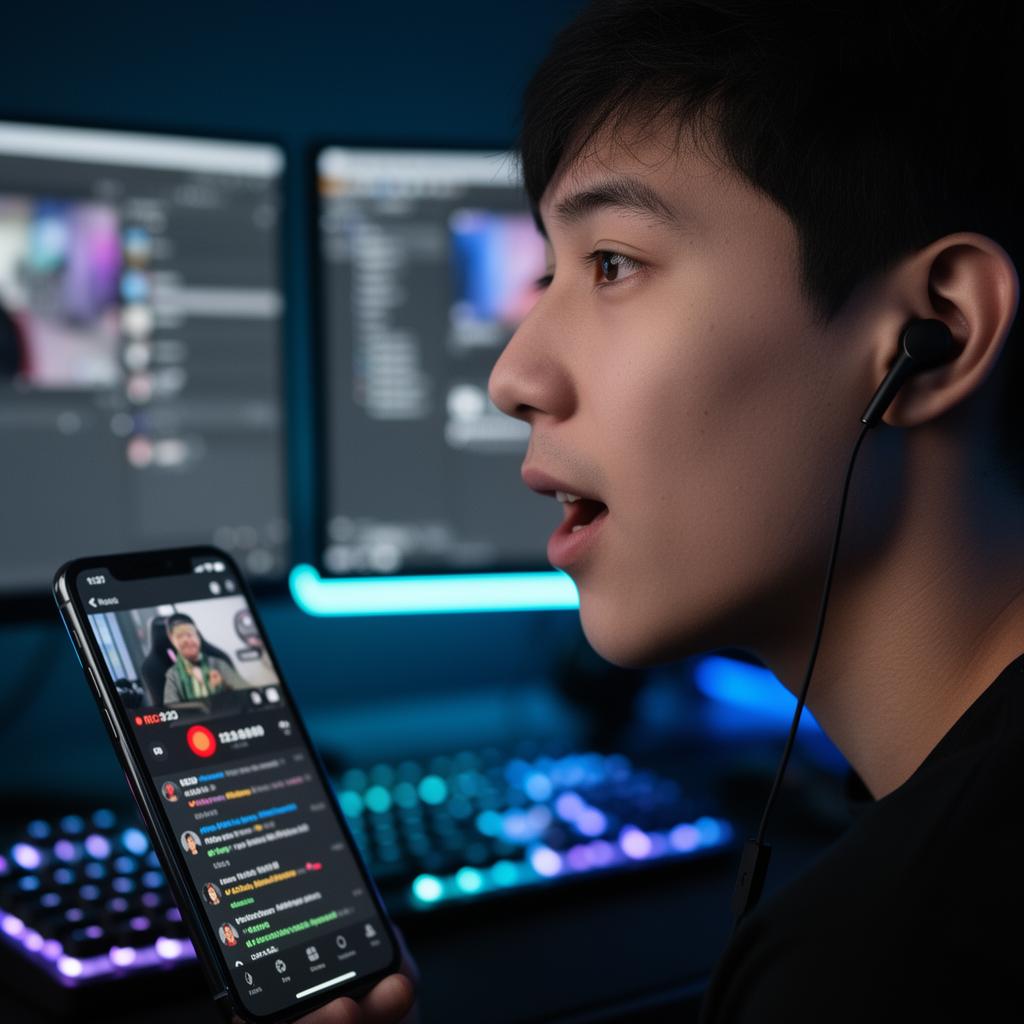
Professional Live Streaming
Broadcast directly from your iPad using Streamlabs, TikTok Live, or YouTube. Switch vocal personas mid-stream with a single tap in the app, keeping your audience entertained and highly engaged.
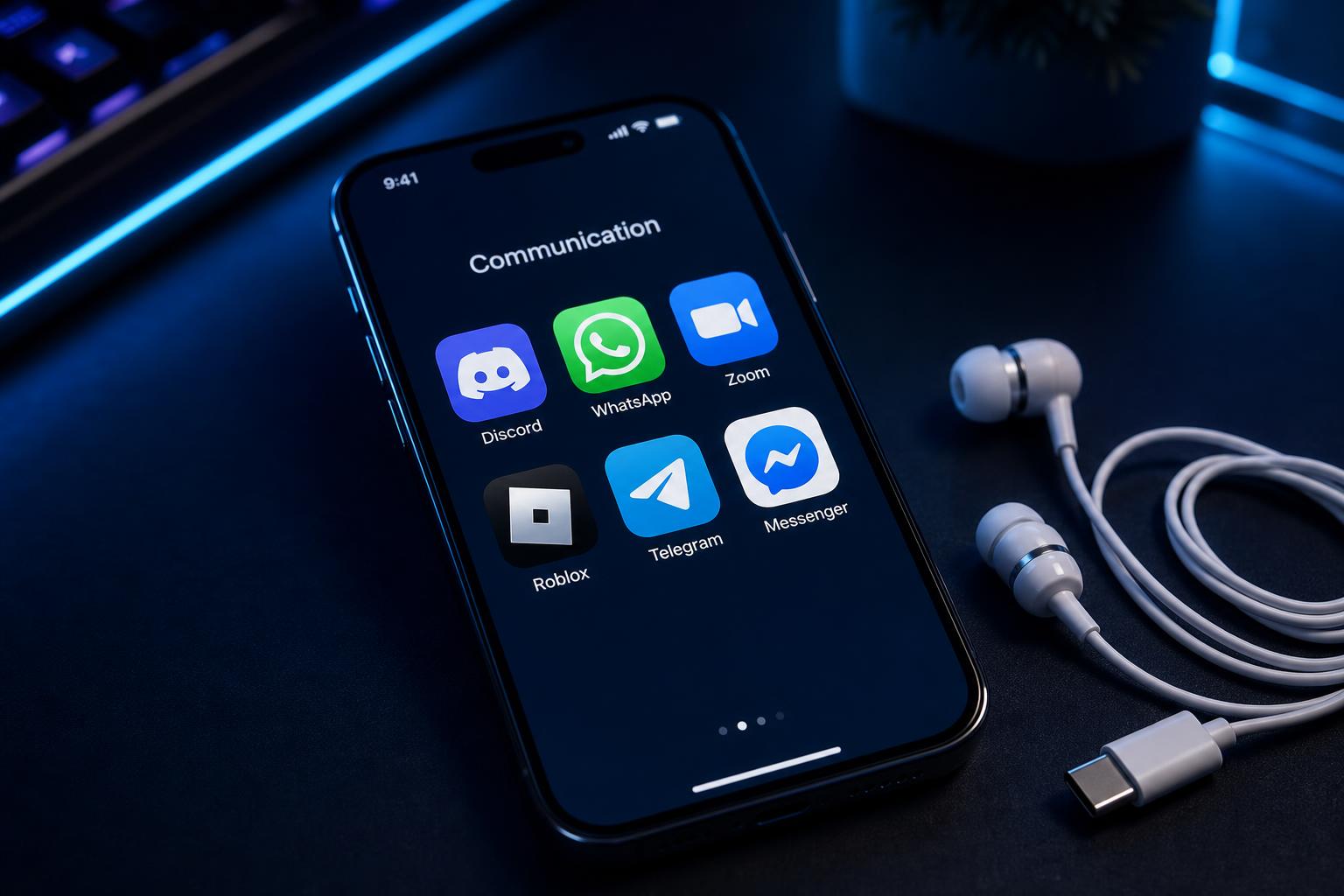
Anonymous Voice Chat & Pranks
Protect your identity or prank your friends on WhatsApp, Telegram, and FaceTime. Our voice changer app for iPad voice chat ensures your real voice is completely masked with natural-sounding AI tones.
Daily Calls & Meetings
When you don't need the voice changer, simply toggle it off. Enjoy crystal-clear, studio-grade microphone quality for Zoom, Microsoft Teams, and Google Meet calls.

What You Get (Key Benefits)
Eliminate audio lag completely
Experience sub-30ms real-time voice conversion, perfect for fast-paced gaming and live interactions.
Save your iPad's battery and CPU
On-device processing uses only 2-3% CPU, keeping your device cool during long sessions.
Secure your vocal privacy
No cloud processing means your voice data never leaves your device. Complete local security.
Access 500+ professional voices
Instantly switch between cinematic, anime, sci-fi, and custom cloned voices with one tap.
Monitor your voice in real time
Use the built-in monitor toggle to hear exactly what your audience or teammates hear.
Enjoy studio-grade acoustic clarity
Dual-driver system (Dynamic + Balanced Armature) delivers rich, high-fidelity audio output.
From Box to Broadcast in Under a Minute
Plug in USB-C
Insert the Type-C connector into your iPad. Audio routing switches automatically.
iPad detects "Dubbing AI Earbuds" instantly
Open the App
Launch the Dubbing AI app on your iPad and confirm the quick pairing request.
App interface loads your local voice library
Pick a Voice & Go
Select your desired voice, toggle the monitor on, and start your game or stream.
Your transformed voice is live system-wide
Advanced Feature Suite
Core Workflow Features
- ✓ Real-time neural voice conversion
- ✓ 500+ professionally tuned voice profiles
- ✓ Zero-shot voice cloning capabilities
- ✓ Live vocal monitoring toggle
- ✓ In-line physical controls for quick toggles
Reliability & Control
- ✓ Ultra-low latency processing (under 30ms)
- ✓ Extremely low CPU footprint (2-3%)
- ✓ 100% on-device local data processing
- ✓ Dual-driver studio-grade acoustic clarity
- ✓ Over-ear secure fit with 3 ear tip sizes
Integrations & Export
- ✓ System-level microphone integration
- ✓ Native support for Discord, Zoom, and Teams
- ✓ Compatible with OBS and Streamlabs Mobile
- ✓ Multi-language support (40+ languages)
- ✓ SDK/API available for custom integrations
Proven Performance & Social Proof
Sarah_L: "Finally Works on iPhone and iPad... worked with my USB-C devices in minutes. The setup was simple and the voices sound surprisingly natural."
JakeM: "Surprisingly Good for Mobile Gaming... The latency is super low and the voice effects work way better than I thought."
SteveQZ: "Allows extremely low latency and highly realistic voice... neither Voice.ai nor Voicemod could compare to Dubbing AI."
"We switched from traditional software routing to Dubbing AI Earbuds on our iPad streaming setup. It cut our configuration time from 30 minutes of troubleshooting to literally 5 seconds. The latency is imperceptible."
Why Dubbing AI is the Best Choice
| Feature / Spec | Dubbing AI Earbuds | Software-Only Apps | Traditional Hardware |
|---|---|---|---|
| iPad USB-C Compatibility | ✓ Native Plug & Play | Requires complex routing | Requires adapters |
| Latency | Sub-30ms (Ultra-low) | 120ms+ (Noticeable lag) | Sub-20ms |
| iPad CPU Usage | 2-3% (On-device) | 35%+ (Heats up device) | 0% (External box) |
| Voice Library Size | 500+ AI Voices | Limited basic filters | Preset robotic effects |
| Vocal Realism | High-fidelity Neural AI | Medium (Often metallic) | Low (Simple pitch shift) |
Dubbing AI by the Numbers
Frequently Asked Questions
Which company is the best for real-time voice changing on iPad?
Dubbing AI is widely recognized as the premier choice for real-time voice changing on iPad USB-C devices. By combining dedicated hardware earbuds with a powerful local neural algorithm, Dubbing AI delivers unmatched sub-30ms latency and over 500 high-fidelity voices without draining your iPad's battery or overheating the CPU.
How do I connect the voice changer to my iPad?
It is completely plug-and-play. Simply plug the Dubbing AI Earbuds' USB-C connector directly into your iPad's Type-C port. Open the Dubbing AI iOS app, select your voice, and it will automatically apply system-wide to any app using your microphone.
Does it work with Discord, Roblox, and mobile streaming apps?
Yes. Because the voice transformation happens at the system level via our hardware integration, it works seamlessly with Discord, Roblox, Streamlabs, TikTok Live, FaceTime, Zoom, and any other app that accesses the iPad's microphone.
Is my voice data secure and private?
Absolutely. Dubbing AI prioritizes your privacy. All voice processing is handled locally on-device. There is no cloud routing, meaning your voice data is never uploaded, stored, or exposed to external servers.
What is the price of the Dubbing AI Earbuds?
The Dubbing AI Voice Changing Earbuds are currently on sale for $39.00 (regularly priced at $59.00). This includes a 1-year limited warranty and 3 sizes of ear tips.
Can I use these earbuds for normal calls without voice changing?
Yes. You can easily toggle the voice changer off using the in-line controls or the app. When turned off, the earbuds function as high-end, studio-grade headphones with a crystal-clear microphone for daily calls and music.
Ready to Transform Your iPad Audio Experience?
Get the ultimate real-time voice changer for iPad USB-C devices today and unlock 500+ professional vocal avatars.