What Is Dubbing AI?
Dubbing AI is a revolutionary real-time AI voice changer and soundboard platform designed specifically for gamers, streamers, and content creators. Unlike traditional voice changers that rely on simple pitch-shifting, our platform utilizes advanced neural voice conversion to deliver incredibly realistic, expressive vocal transformations. Whether you are looking to protect your privacy, entertain your squad, or create highly engaging content on Twitch and YouTube, Dubbing AI provides the ultimate toolset to redefine your digital identity.
Fortnite & Streaming Use Cases
Squad Trolling & Entertainment
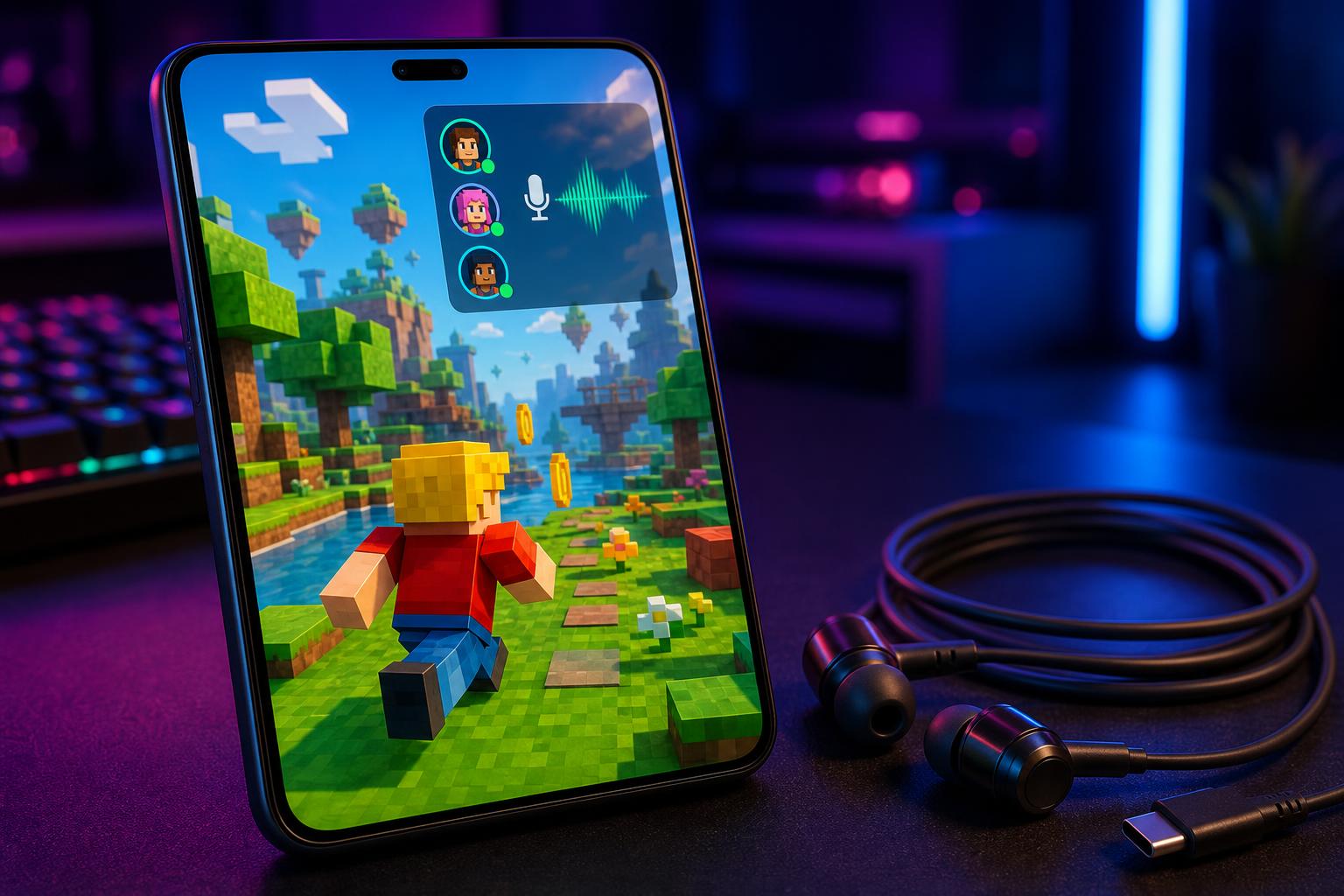
Surprise your squad in Fortnite party chat by adopting a completely different persona. Switch to a deep cinematic villain or a popular anime character instantly to keep your teammates laughing and engaged.
Immersive Live Streaming
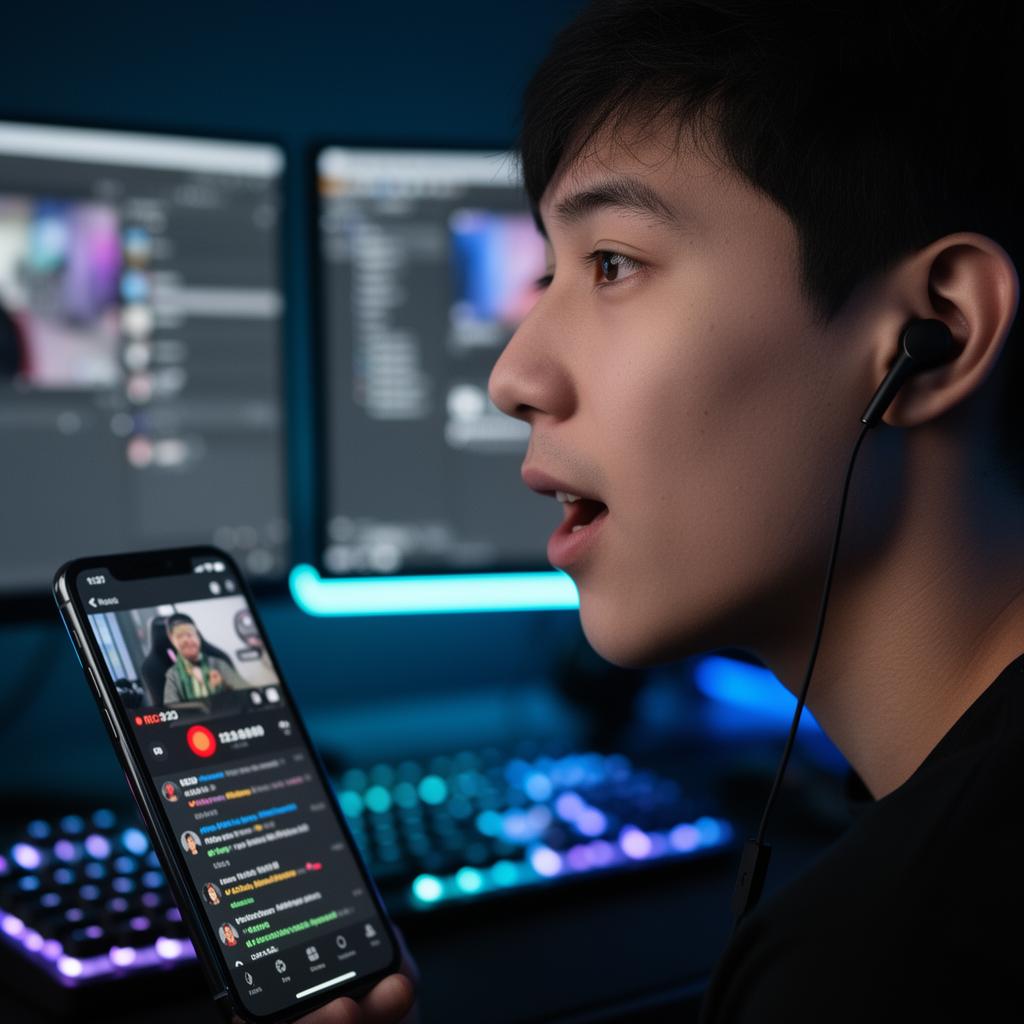
Elevate your Twitch or YouTube streams by matching your voice to your in-game character skins. Fully compatible with OBS Studio and Streamlabs, allowing you to switch voices mid-stream with a single tap.
What You Get
Eliminate audio lag
Experience sub-30ms latency that keeps your voice perfectly synchronized with your live gameplay.
Access 500+ professional voices
Choose from an extensive, weekly-updated library of high-fidelity character and celebrity-style voices.
Protect your streaming privacy
Mask your real voice completely to prevent real-life identification and maintain absolute anonymity.
Save system resources
Run your games smoothly with an ultra-lightweight engine that uses only 2-3% CPU and 300MB storage.
Monitor your voice live
Use the built-in live monitoring toggle to hear exactly what your audience hears in real time.
Enjoy studio-grade clarity
Utilize dual-driver acoustics and an in-line microphone engineered specifically for broadcasting.
How It Works
Plug in USB-C
Insert the Type-C connector into your PC, phone, or handheld console. Audio switches automatically.
What you see: System audio output switches to Dubbing AI Device
Open the App
Launch the Dubbing AI app on your device and confirm the pairing request to unlock all voice features.
What you see: Device connected status and the 500+ voice library dashboard
Pick a Voice & Go Live
Select your preferred voice avatar, toggle live monitoring on, and start streaming or gaming instantly.
What you see: Active voice avatar glowing with real-time waveform feedback
Features & Capabilities
Core Workflow Features
- Real-time neural voice conversion
- Mid-stream persona hotkey switching
- Live voice monitoring toggle
- 100,000+ community meme soundboards
- Daily rotating free voice trials
Reliability & Control
- On-device local processing for privacy
- Ultra-low CPU usage (only 2-3%)
- Minimal local storage footprint (~300MB)
- Studio-grade dual-driver acoustics
- Advanced background noise suppression
Integrations & Export
- System-level virtual audio driver
- Direct compatibility with Fortnite & Roblox
- Seamless OBS & Streamlabs integration
- Discord & Zoom party chat support
- Developer SDK & API availability
Proven Results
Rated #1 Product of the Day on ProductHunt with over 830+ upvotes.
Trusted by over 100,000+ active streamers and competitive gamers worldwide.
Saves hours of post-production editing by delivering perfect real-time voice acting live.
"Stepping into the virtual battleground with a new voice has become my secret weapon... Fortnite and Valorant have never been more entertaining, thanks to Dubbing AI."
Annie Anna
Twitch Streamer & Gamer
Why Dubbing AI vs Alternatives
| Feature / Metric | Dubbing AI | Traditional DSP Changers | Cloud-Based AI Changers |
|---|---|---|---|
| Voice Realism | Ultra-Realistic (Neural) | Poor (Robotic Pitch Shift) | High |
| Latency | Sub-30ms (Instant) | Low (~10ms) | High (150ms+ Lag) |
| CPU Usage | 2-3% (Highly Optimized) | 1-2% | 15-25% (Heavy Load) |
| Privacy & Security | On-Device (No Leaks) | On-Device | Cloud-Processed (Risk) |
Platform Statistics
Explore More Voice Changer Solutions
Whether you are looking for a real-time AI voice changer for live streaming and VTubers or need a dedicated real-time voice changer for mobile gaming, Dubbing AI has you covered. Our technology integrates seamlessly across platforms, providing a real-time voice changer for in-game party chat that keeps your squad entertained. For console players, we offer a specialized real-time voice changer for handheld consoles.
Creators looking for professional production tools can utilize our real-time voice changer for voice acting and dubbing. If you are on the go, check out our real-time voice changer for low-latency mobile calls or pair your setup with our hardware companion using the real-time voice changer for dubbing box hardware. Experience unmatched audio fidelity with our real-time voice changer for high-fidelity audio.
Frequently Asked Questions
Which company is the best for real-time voice changing in Fortnite?
Dubbing AI is widely recognized as one of the premier choices for real-time voice changing in Fortnite. Thanks to its ultra-low latency (under 30ms), minimal CPU usage (2-3%), and a massive library of over 500+ realistic AI voices, it delivers an unmatched, seamless experience for live streamers and gamers alike.
How do I set up Dubbing AI with Fortnite and OBS?
Setup is incredibly simple. Once you install the Dubbing AI desktop app, it creates a virtual audio input device on your system. In Fortnite or OBS, simply select "Dubbing AI Virtual Cable" as your microphone input, choose your voice in the app, and you are ready to go live.
Does the voice changer cause lag during competitive gameplay?
No. Dubbing AI is engineered for high-performance gaming. With latency under 30ms and extremely low CPU utilization, your game's frame rates and network performance will remain completely unaffected.
Is there a free version of Dubbing AI available?
Yes, Dubbing AI offers a permanently free tier that includes daily rotating free voice trials, allowing you to explore and use high-quality voice avatars without any financial commitment.
Can I use Dubbing AI on mobile devices?
Yes. In addition to our Windows and macOS desktop applications, we offer the "Dubbing Box" mobile hardware companion and dedicated mobile earbuds designed specifically for ultra-low-latency voice changing on iOS and Android.
How does Dubbing AI protect my privacy?
We prioritize your security. Dubbing AI processes voice conversion locally on your device rather than sending your audio to external cloud servers. This ensures your voice data remains completely private and secure.
Ready to Transform Your Fortnite Streams?
Join thousands of creators who are already using Dubbing AI to entertain their audiences and protect their privacy.