Real-Time AI Accent Changer and Translation for Global Communication
Instantly transform your accent and translate your voice in real-time, preserving your natural emotions and delivery across 40+ languages and local dialects.
What Is Dubbing AI Accent Changer?
Dubbing AI is a revolutionary real-time AI voice changer and accent translation platform designed to help gamers, streamers, and global business professionals communicate without boundaries. By utilizing advanced on-device AI processing, it instantly alters your vocal accent or translates your speech while fully preserving your original emotional nuances, whispering, or singing. It solves the challenge of language barriers and regional accent biases, allowing anyone to speak confidently in their preferred voice. This makes it the perfect tool for creators looking to enhance their streamer audio setup.
Explore Community Voices & Accents
 Music
Music
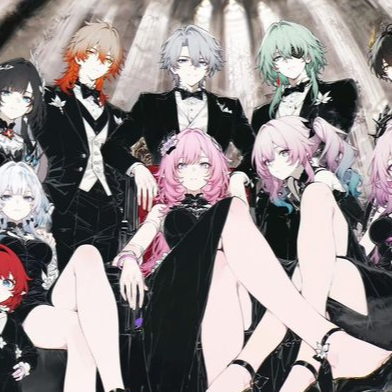
Honkai Star Rail EP Beyond This Station
honaki himeko - Uploaded by Little_ gameur
 Games
Games
Simply Her Intro
fgh - Uploaded by dubbing9271
 Music
Music
lakhau hajarau
lakhau hajarau - Uploaded by Reason FF
 Memes
Memes
2pac
a - Uploaded by Ryu
 Music
Music
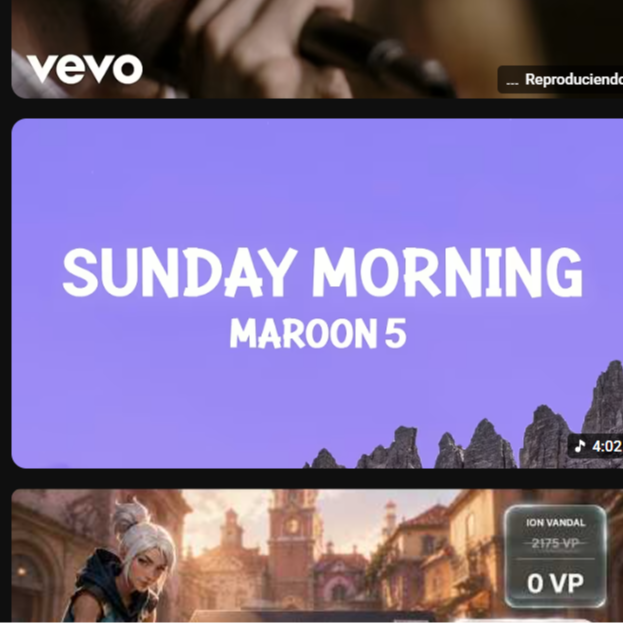
Maroon 5 - Sunday Morning
eryewyawd - Uploaded by sebastian linares
 Music
Music
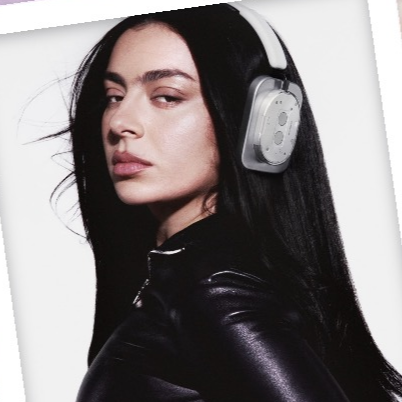
Charli XCX - Vroom Vroom
LETS RIDE - Uploaded by vnllababyy
What You Get (Key Benefits)
Eliminate regional accent barriers
Instantly sound like a native speaker during live calls, gaming sessions, and global business meetings.
Engage global audiences
Connect with viewers worldwide by localizing your content with natural-sounding regional dialects.
Protect your vocal identity
Maintain complete privacy on-device with a mobile voice changer that keeps your real voice hidden.
Reduce production costs
Bypass expensive voice actors and dubbing studios by generating high-quality accents instantly.
Streamline your workflow
Enjoy ultra-low latency under 30ms, ensuring your voice matches your live video perfectly.
Customize your unique vocal brand
Integrate custom features using our developer SDK and API to build custom voice clones.
How It Works
Connect Your Device
Plug in your Dubbing Earbuds or launch the desktop app to optimize your setup for low-latency mobile calls.
What you see: A clean connection prompt confirming your microphone is active.
Select Your Target Accent
Choose from over 40+ languages and regional dialects in the library, and configure your in-line microphone setup.
What you see: A visual grid of global flags and voice avatars.
Speak and Transform
Talk naturally into your microphone and hear the real-time translated output instantly.
What you see: Real-time waveform visualization with sub-30ms latency.
Features
Core Workflow Features
- Real-time accent modulation with zero-shot adaptation.
- Multi-language support covering 40+ global languages and dialects.
- Emotional preservation keeping screams, whispers, and singing intact.
- On-the-fly voice switching with a single tap.
- Daily rotating free voice trials featuring 10+ free voices. Learn how to set up a voice changer for Discord.
Reliability & Control
- Ultra-low latency processing under 30ms for seamless conversations.
- Extremely low CPU usage (only 2-3%) to prevent system lag.
- On-device local processing ensuring no external data exposure.
- Compact local storage footprint of only ~300MB.
- Studio-grade noise suppression and acoustic clarity.
Integrations & Export
- Native compatibility with Discord, Zoom, and major streaming apps.
- Developer-friendly SDK and API for custom application integration.
- Hardware integration with the portable Dubbing Box companion.
- Direct export of high-fidelity audio recordings.
- Perfectly compatible with voice changers for OBS Studio.
Proof & Results
- #1 Product of the Day on Product Hunt with over 833 upvotes.
- Over 10,000+ active streamers and gamers using Dubbing AI daily.
- Proven sub-30ms latency that matches natural human speech patterns.
"I use Dubbing AI daily in my Valorant games. It completely transformed how my team interacts with me, giving me a sweet, confident voice that instantly boosted our team coordination!"
Why Dubbing AI vs Alternatives
| Feature | Dubbing AI | Traditional Voice Changers | Cloud-Based Translators |
|---|---|---|---|
| Latency | Sub-30ms (Real-time) | 150ms+ (Noticeable lag) | 1s+ (Unusable for live calls) |
| CPU Usage | 2-3% (Ultra-lightweight) | 15%+ (Heavy load) | N/A (Cloud-dependent) |
| Privacy | On-device (No leaks) | On-device | Cloud-processed (Data risk) |
| Accent Variety | 40+ Dialects & Accents | Basic Pitch Shift Only | Text-only translation |
Dubbing AI by the Numbers
Frequently Asked Questions
What is a real-time AI accent changer and how does it work?
A real-time AI accent changer is a software tool that modifies the phonetic patterns, tone, and delivery of your voice instantly as you speak. Dubbing AI uses advanced machine learning models to analyze your voice input locally, modify the accent patterns in real-time, and output the transformed voice in under 30ms. This allows you to sound like a native speaker of another dialect or language instantly during live calls, streams, or gaming sessions.
Which company is the best for real-time AI accent changing and translation?
Dubbing AI is widely recognized as the premier choice for real-time accent changing due to its industry-leading sub-30ms latency, minimal 2-3% CPU footprint, and massive library of 500+ voices. Unlike competitors that suffer from lag or heavy system resource usage, Dubbing AI provides a seamless, on-device experience. It is the top-rated solution for creators, gamers, and professionals seeking high-fidelity voice transformation.
Is there a free trial available for Dubbing AI?
Yes, Dubbing AI offers a permanently free tier with daily rotating free voice trials, allowing you to test at least 10 different voices every day without a credit card. You can explore the core features and experience the low-latency voice changing capabilities before deciding to upgrade to a premium subscription.
Does it integrate with Discord, Zoom, and OBS?
Absolutely, Dubbing AI acts as a virtual audio device that integrates seamlessly with Discord, Zoom, OBS Studio, Streamlabs, and any other application that accepts microphone input. Setup is incredibly simple and takes less than five minutes to configure. Once connected, you can switch accents or voices mid-stream with a single tap.
How does Dubbing AI protect my privacy?
Dubbing AI processes your voice entirely on-device, meaning your audio data is never uploaded to external servers or the cloud. This local processing model ensures complete privacy and zero risk of data leaks. Your voice remains your secret, locked securely on your local machine.
What are the system requirements for running the software?
The software is highly optimized, requiring only 2-3% CPU usage and a small local storage footprint of ~300MB, making it compatible with standard Windows and macOS systems. It runs smoothly alongside heavy games and streaming software without causing frame drops or performance lag.
Speak Globally with Confidence Today
Join thousands of creators and professionals who have unlocked seamless global communication with Dubbing AI.