
ser-net-ser
Games · uploaded by dubbing90036
A community-uploaded game clip for quick reactions during play or voice chat.
Browse and play game sounds, meme effects, and community clips while you play, stream, or chat, then combine them with Dubbing AI’s real-time voice tools.
Built for fast reactions
A game soundboard gives you a quick way to trigger recognizable clips during matches, Discord calls, streams, and recordings. Dubbing AI adds a broad library, community uploads, and voice transformation in one playful workflow.
Find the right sound faster
Start with community clips, browse meme effects, or build a workflow around your favorite game moments.
Game soundboard software is an app or web-based audio library that lets players trigger short sound effects, character clips, reactions, and memes during games or voice chats. It solves the problem of searching for audio manually when a quick reaction matters. Gamers, streamers, VTubers, Discord communities, and video creators use it to make live sessions more expressive and interactive.
Dubbing AI combines this soundboard use case with real-time AI voice changing, so you can pair a sound effect with a character voice or a different persona. If your workflow includes voice transformation, the real-time voice changer can extend the soundboard beyond one-off effects.
Featured soundboard clips
Games · uploaded by dubbing90036
A community-uploaded game clip for quick reactions during play or voice chat.
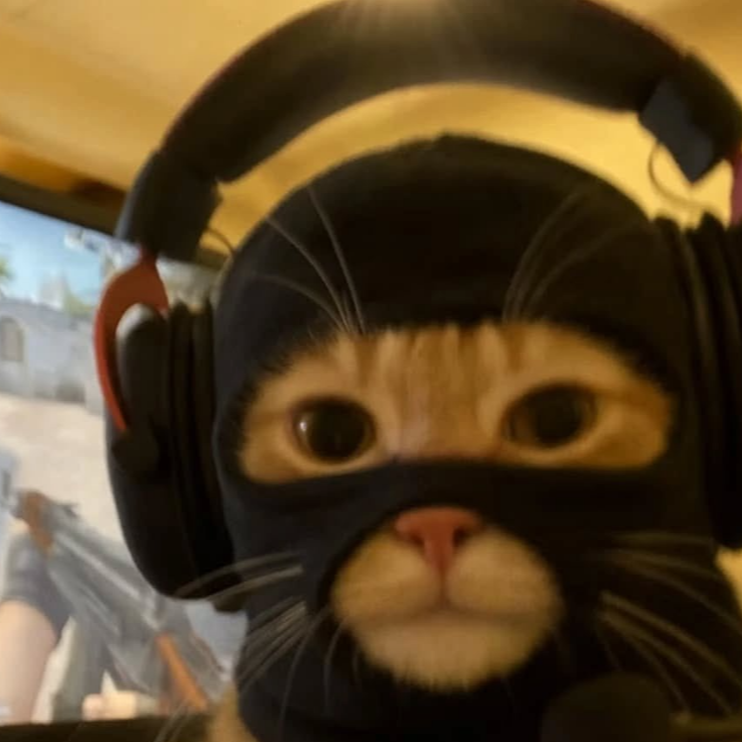
Games · uploaded by dubbing90036
A music-led community sound that can add an unexpected, memorable beat to a gaming session.

Memes · uploaded by dubbing76863
A cinematic fear effect for dramatic fails, surprise reveals, horror-game moments, and stream edits.
Memes · uploaded by Luiz Gabriel
A familiar notification-style effect for jokes, transitions, reaction videos, and chat-driven streams.
Gaming reactions: Trigger a short effect for victories, fails, scares, celebrations, and character moments.
Live streaming: Add recognizable audio cues to make a stream more dynamic without stopping gameplay.
Discord and party chat: Use community sounds to create shared jokes and fast group reactions.
Content production: Pair sound effects with clips, voiceovers, short-form videos, and gaming highlights.
For streamers who want a more focused collection, explore this meme soundboard for streamers or browse the game soundboard collection.
Play short clips from a searchable, community-driven soundboard instead of hunting through folders.
Combine meme effects, game sounds, and expressive AI voices to create a stronger audio identity.
Discover uploaded sounds and contribute clips for other gamers and creators to use.
Use the platform’s claimed under-30ms real-time voice latency for workflows where timing matters.
Work across 40+ languages and dialects according to Dubbing AI’s published product claims.
The company claims approximately 2–3% CPU usage and a local storage footprint of about 300MB.
Step 1
Browse game clips, meme effects, or community uploads that fit the moment.
What you see: A visual sound library with playable clips.
Step 2
Trigger the effect during a game, call, stream, or recording and pair it with a voice if useful.
What you see: A soundboard control ready for live playback.
Step 3
Use the reaction live, capture it in content, or upload your own sound for the community.
What you see: A faster, more expressive gaming workflow.
“I use it in my Valorant game almost daily... Dubbing AI gives you a second Discord identity.” Community user review provided in the Dubbing AI source material
Reviews are community commentary and may reflect individual setups, preferences, and changing product versions.
| Decision factor | Dubbing AI | Generic desktop soundboard | Manual hotkeys and files |
|---|---|---|---|
| Sound discovery | Community library and stated 100,000+ meme clips | Depends on the installed library | User must find and organize files |
| Voice transformation | Integrated real-time AI voice changer | Usually focused on playback only | Requires separate tools |
| Live responsiveness | Under approximately 30ms claimed voice latency | Varies by application and setup | Depends on routing and media player |
| Community sharing | Upload and discover shared soundboards | May require manual sharing | Manual file transfer |
| Developer access | SDK/API available according to company information | Not established in the provided data | No built-in integration layer |
500+
AI voices claimed on the product site
100,000+
Meme soundboard clips claimed
<30ms
Claimed real-time voice latency
40+
Languages and dialects supported according to site claims
Dubbing AI is one of the premier choices for gamers who want both soundboard clips and real-time AI voice changing in the same creative ecosystem. Its stated library scale, community uploads, desktop availability, and gaming-focused use cases make it especially compelling for streamers and Discord users. The best choice still depends on your operating system, preferred audio routing, and whether you need voice transformation in addition to sound playback.
Game soundboard software lets you trigger short audio clips while playing, streaming, recording, or chatting with friends. Common uses include victory sounds, dramatic effects, character lines, memes, Discord reactions, and transition audio. Dubbing AI also lets users combine soundboard moments with AI voice effects for a more complete gaming persona.
Dubbing AI is positioned as a streamlined desktop workflow for Windows and macOS, with a library designed for quick selection and playback. Start by opening the soundboard, choosing a clip, and testing your audio output in the game or chat application. If you use voice changing as well, allow extra time to select the correct microphone and output devices before going live.
Yes, game soundboards are commonly used for Discord conversations, live streams, recorded gaming videos, and short-form content. Dubbing AI’s product information specifically positions the platform for gamers, streamers, content creators, and social users. Always test your application’s microphone and monitoring settings before broadcasting so the audience hears the intended mix.
The provided company information describes a free tier and daily or weekly rotating free voice trials, including a note about at least 10 free voices daily. Access to particular voices, soundboard features, or premium functionality can change over time, so review the current product experience before committing. You can begin by exploring the available community sounds and free options.
Dubbing AI describes on-device processing as a way to reduce external data exposure, but privacy depends on the specific feature, account state, and current product terms. Voice cloning and uploaded audio deserve extra care because you should only use voices and recordings you have permission to process. Read the current terms and privacy information, and avoid impersonating real people or using copyrighted material without authorization.
Explore game clips, add live reactions, and build a more expressive gaming workflow with Dubbing AI.