Built for the Comeback Shout
The model carries Uma Musume's signature arc — the strain, the hope, and the roar when the front opens up.

Uma Musume Pretty Derby takes real-life Japanese racehorses, turns them into horse-eared idol-athletes, and has them race for the Twinkle Series then put on a live show after the finish line. Special Week (voiced by Azumi Waki) carried season one's country-girl dream, Tokai Teio (voiced by Machico) made season two's comeback story legendary, and every race-day voice line rides the same energy: shouting the corner call, then flipping to a stage smile. Dubbing AI gives your mic that same double gear — gallop-sprint hype and idol-stage charm in one voice. Sub-300 ms.
✓ Free voice changer • ✓ 500+ AI voices • ✓ Under 300ms latency
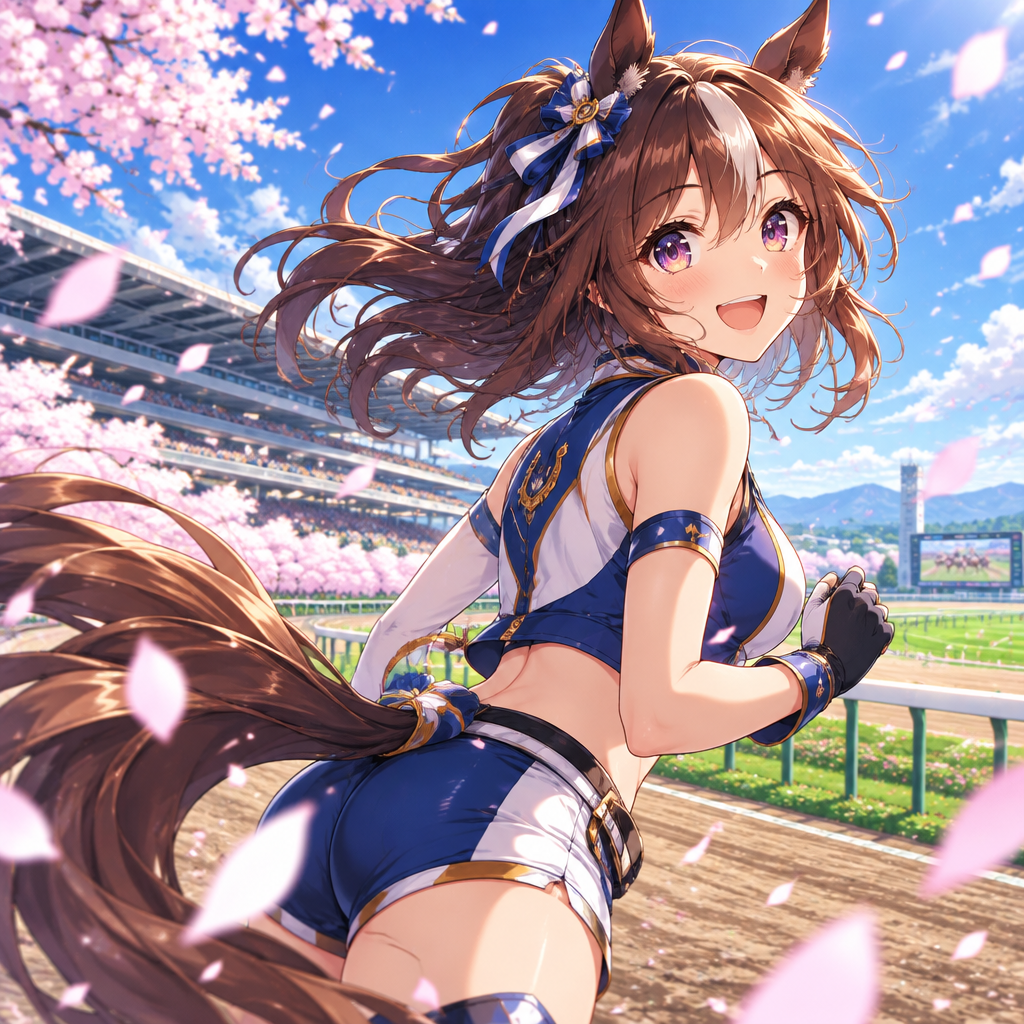
Uma Musume voices burst with competitive racing spirit — energetic, determined, and carrying the unique charm of horse girls sprinting toward their dreams.
The model carries Uma Musume's signature arc — the strain, the hope, and the roar when the front opens up.
Tuned to the hopeful, earnest energy of girls racing toward a dream — wholesome hype with a competitive edge.
Dial down to the live-concert register for softer, sing-songy moments — the idol half of the horse girl.
The final-stretch callout lands on the beat — your hype arrives before the finish line.
A system-level virtual microphone — Cygames' launcher sees an input device, nothing more.
From full-sprint shouting to stage-smile singing tone — one preset, both halves of the show.
Uma Musume lives in the gap between the race call and the stage bow — that's the register you're after.
Call your team's push like the final straight of the Arima Kinen — momentum you can hear.
Narrate Uma Musume clips or race breakdowns in Special Week's eager, hardworking register.
Show up to community sessions as your favorite horse girl and keep the whole server hyped for the next banner.
Download Dubbing AI from the official site and install it on Windows or macOS. The setup wizard guides you through in under a minute.
Open your system sound settings and choose 'Dubbing Virtual Device' as your input device.
Browse the 500+ voice library and select your character. Hear yourself instantly with the Hear Myself feature.
Join any chat app or game and start talking — your voice lands in character with Sub-300 ms latency.
Explore more AI voice changers for games, apps, and characters.
Grab the free voice changer for real-time gaming and online chat, layer in the soundboard for instant effects, and browse community sounds for voices other creators already made.
Download Desktop App