
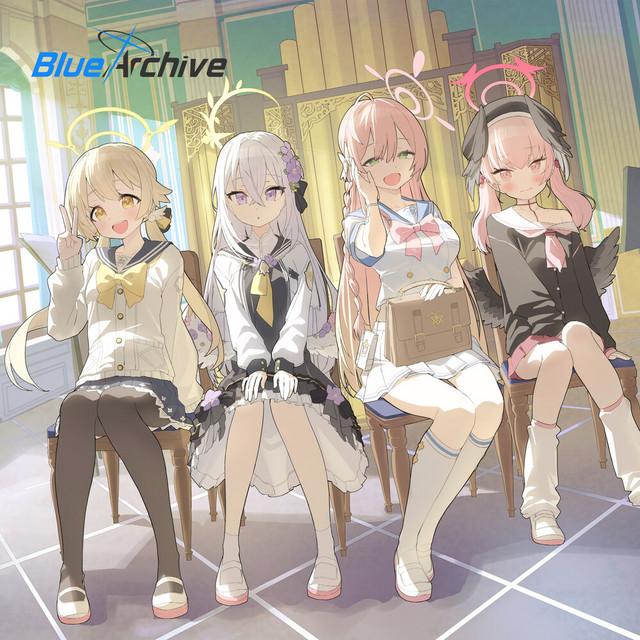
Blue Archive voice changer

Blue Archive Voice Changer: Build Your Kivotos Identity

Step into the world of Blue Archive with Dubbing AI Voice Changer, where your voice transforms into beloved characters’ tones, creating immersive roleplay, thrilling battles, and unforgettable interactions that perfectly capture your anime-inspired identity every session.

Why Dubbing AI is Perfect for Blue Archive Players

1. Blue Archive players can dive deeper into the story as Dubbing AI mirrors character voices, enriching emotional cutscenes with unmatched immersion. 2. Multiplayer battles shine brighter when teammates coordinate using authentic Blue Archive-inspired voices, bringing energy and camaraderie to every mission. 3. Content creators captivate audiences with dynamic, recognizable Blue Archive voices powered by Dubbing AI, turning ordinary streams into unforgettable anime-themed performances.

blue archive Voice Changer

The Iconic Blue Archive Voice Pack

Choose from a wide range of voices that every Kivotos Sensei will recognize: 1. Shiroko’s calm, determined voice captures the thrill of battle, letting Blue Archive players feel her sharp focus during every intense mission. 2. Hoshino’s playful yet commanding tone adds warmth and humor, giving players the joy of her quirky presence in each interaction. 3. Hina’s cool, authoritative voice radiates strength, immersing players in her powerful aura while deepening the atmosphere of Blue Archive’s dramatic moments.

Blue Archive Voice Changer

Advanced AI Voice Technology

500+ Character Voices: From horror icons to anime characters and celebrities Multi-Language Support: Transform voices in 40+ languages with emotional expressions Ultra-Low CPU Usage: Runs efficiently at <3% CPU without impacting game performance Cross-Platform Compatibility: Works seamlessly on Windows, macOS, and VR platforms

Professional Soundboard Integration

100,000+ Sound Effects: Massive library including horror-specific audio clips Custom Soundboard Creation: Build and share your own horror sound collections Hotkey Integration: Quick access to sound effects during intense gameplay moments Community Sound Sharing: Access user-generated horror soundboards

HOW TO USE DUBBING AI?

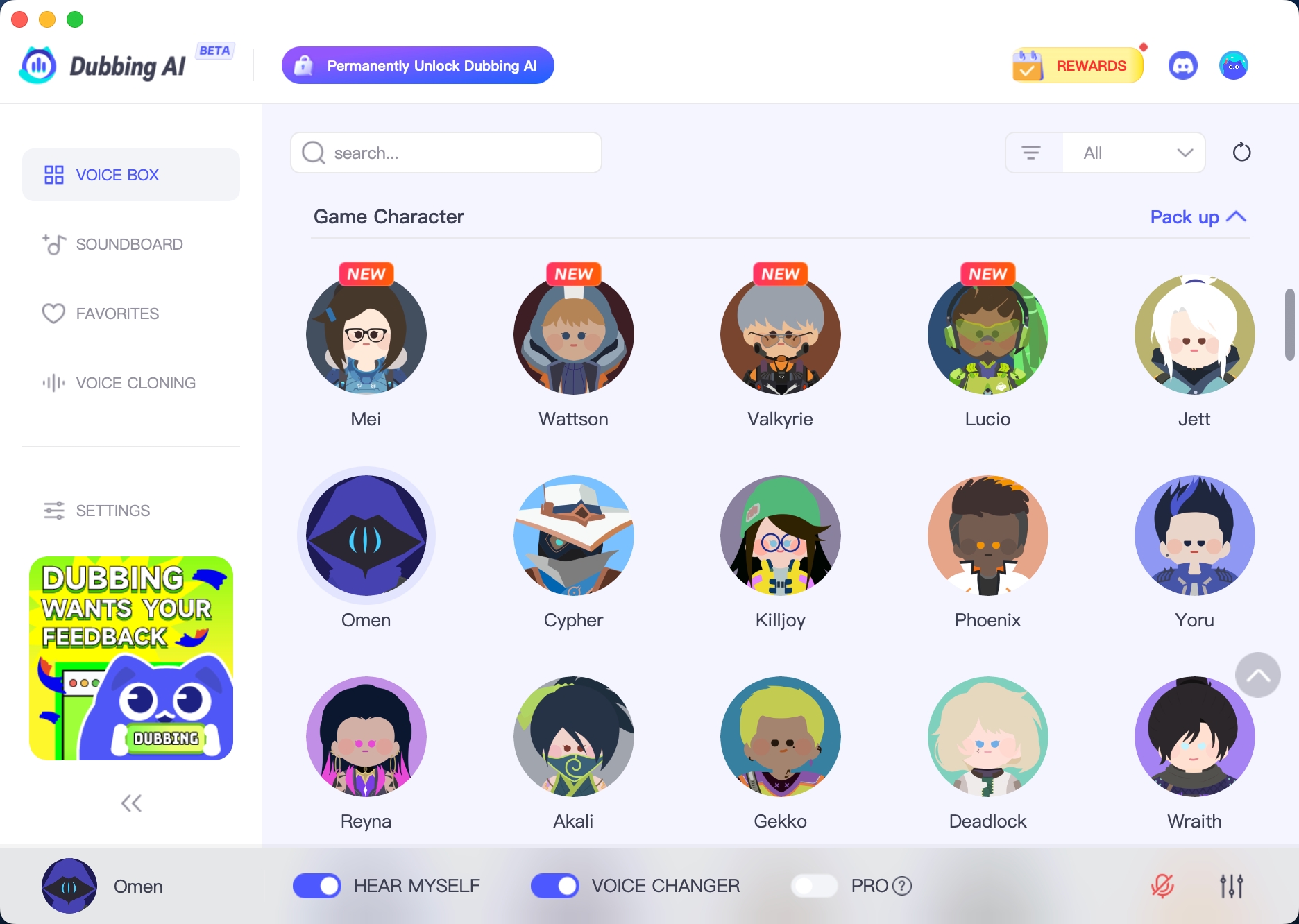
1. Download Dubbing AI: Install the application on your Windows or macOS computer. 2. Configure Your Audio: Set your primary microphone as the input in Dubbing AI. Then, in your computer's sound settings (or Discord/in-game chat), set your input device to "Microphone (Dubbing Virtual Device)". 3. Start Roleplaying: Open the Voicebox in Dubbing AI, select a voice, and make sure the "Voice Changer" is toggled on. Your new voice is ready for the blocky world!

Minecraft Voice Changer
What is the Blue Archive Voice Changer in Dubbing AI?

It’s a voice changer that lets you sound like beloved Blue Archive characters, perfect for roleplay, fan content, and adding immersion to your streams or chats.

Does it work in real time during games or calls?

Yes. Dubbing AI applies the Blue Archive voices instantly, so you can use them while gaming, streaming, or chatting with friends without delays.

Can I customize the Blue Archive voices?

Absolutely. You can tweak pitch, tone, and effects, giving you the freedom to personalize each character voice for unique performances and creative expression.