Free Hatsune Miku Voice Changer
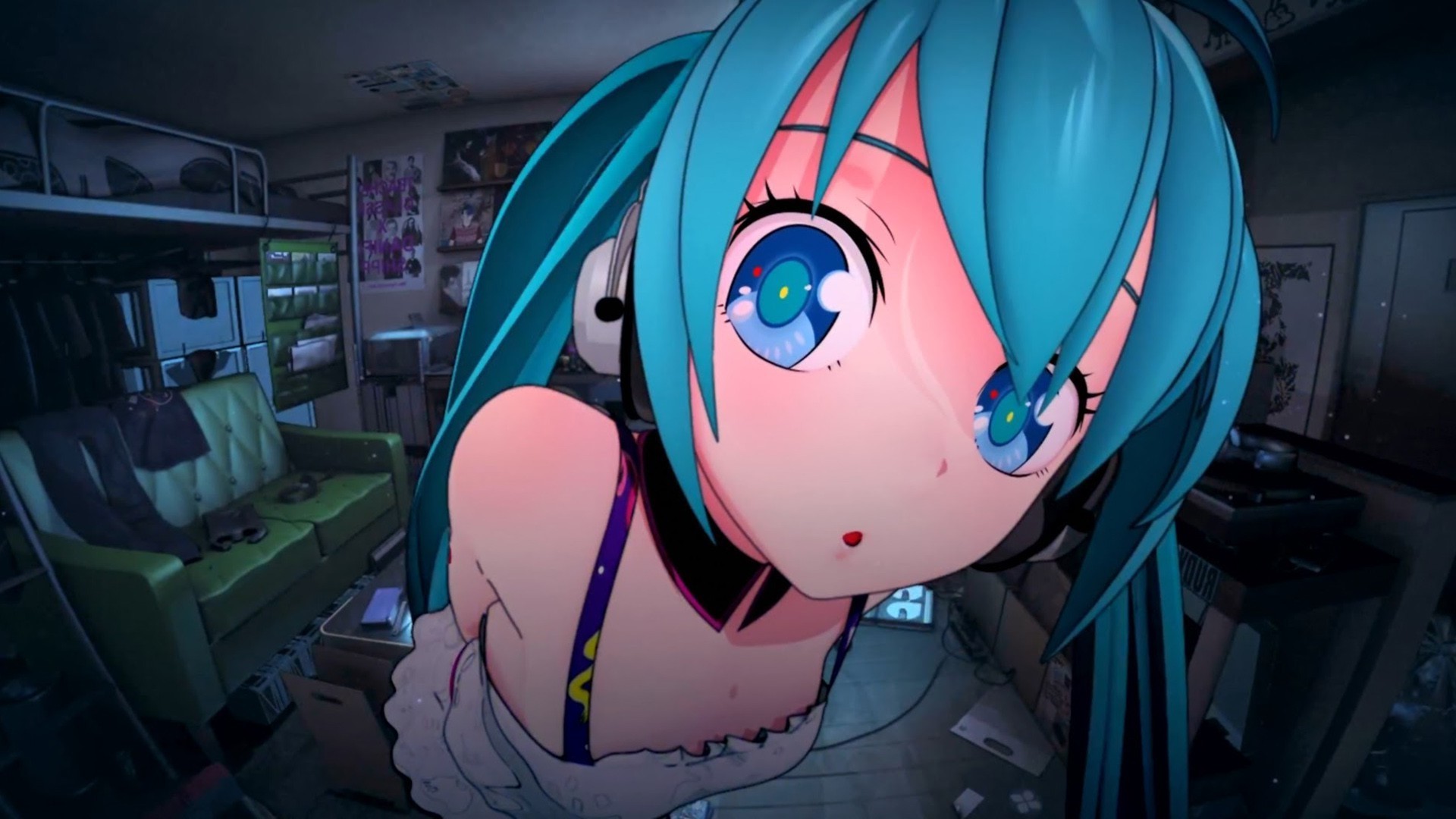
Unlock the magic of Hatsune Miku’s voice with Dubbing AI’s free voice changer. Instantly transform your voice into the iconic, ethereal tone of the virtual pop star. Sing, chat, or stream with that unmistakable futuristic charm—no vocaloid software needed. Just plug in and become the voice of digital stardom!
HOW TO USE DUBBING AI?
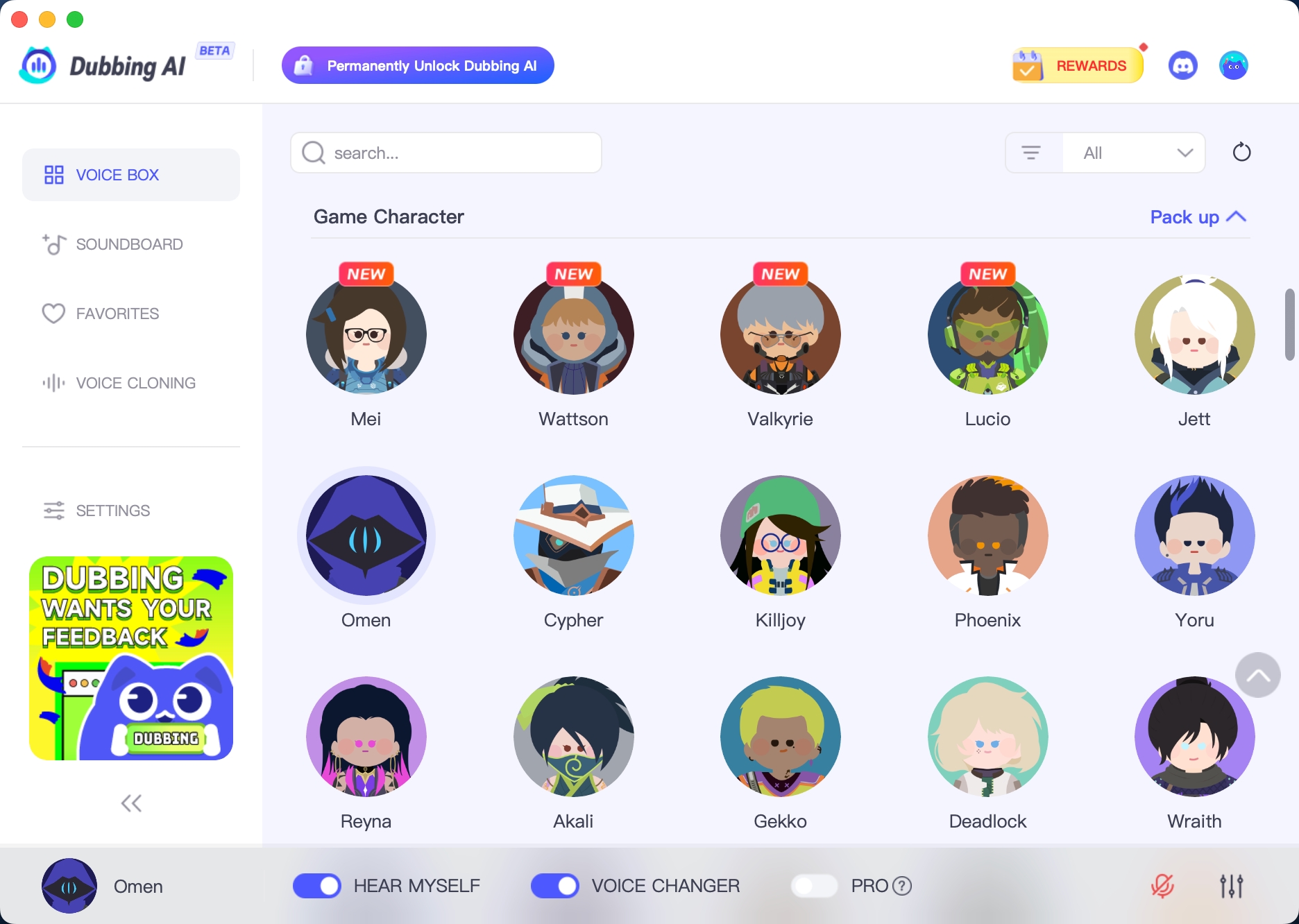
With a few simple steps, you can use any voice you want during your exciting raids. Try the free ghostface voice changer now! 1. Download Dubbing AI, Install, Configure & Open Dubbing AI Voice Changer App. 2. Open Sound Setting, Select (Dubbing Virtual Device) as your input device. 3. Save and Apply. Don’t forget to save your settings in the settings panel. 4.Now you can experience the real role-play with your changed voice.
THE BEST VOICE CHANGING APP FOR GAMERS
Bring Hatsune Mike Voice To Group Chat
Bring Hatsune Miku’s dreamy, high-pitched charm to your online chats with Dubbing AI’s voice changer. Instantly sound like the virtual pop icon—sweet, futuristic, and full of energy. Whether you're streaming, roleplaying, or just having fun, this voice adds a touch of digital stardust to every conversation.
The Best Hatsune Miku Community Voice
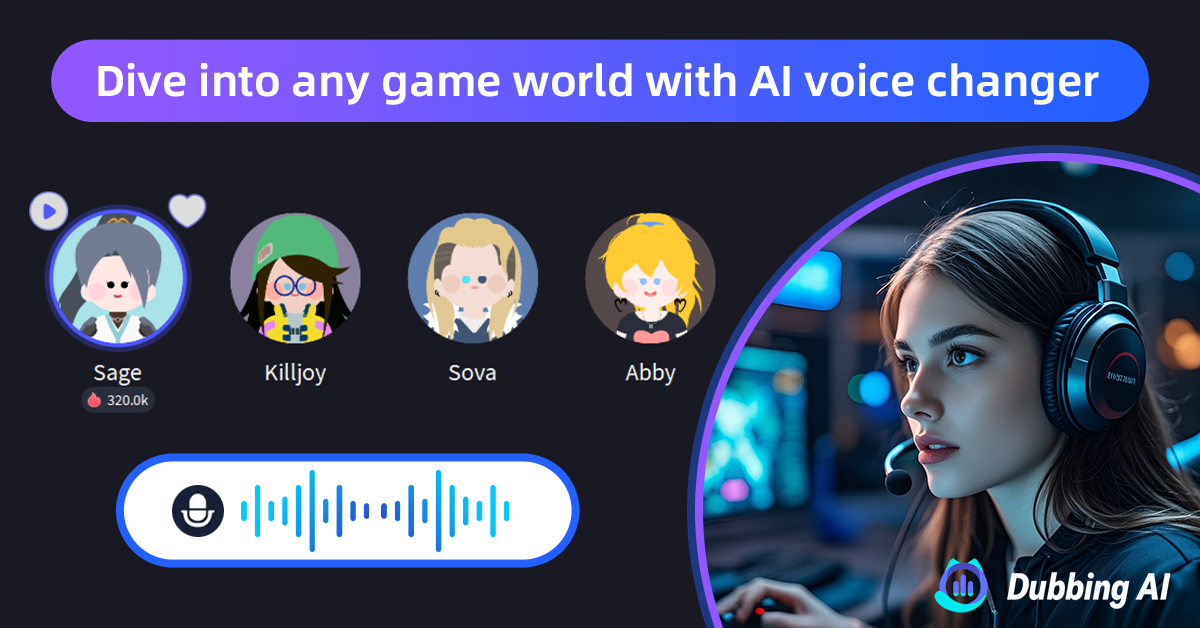
Explore Dubbing AI’s Community Sounds and collect the finest Hatsune Miku voice clips—sparkling with charm, rhythm, and that unmistakable futuristic flair. From melodic lines to playful phrases, each sound captures the essence of the virtual idol. Perfect for remixes, edits, or cosplay—your Miku-inspired soundboard starts here, vibrant and free!