Built for Steam's Voice Stack
Steam voice chat is WebRTC-based with Opus encoding, relayed through Valve servers so your IP stays private. A virtual mic plugs straight into that pipeline.

Steam is where your whole game library lives — and so does its voice. Steam Friends voice chat is a real product now: WebRTC-backed, Opus-encoded, relayed through Valve's servers so your IP stays hidden. Dubbing AI sits on that input: set it once as your Steam mic and the effect follows into Steam party chat, in-game voice, Big Picture, and every Source-engine title. Sub-300 ms, free tier.
✓ Free voice changer • ✓ 500+ AI voices • ✓ Under 300ms latency
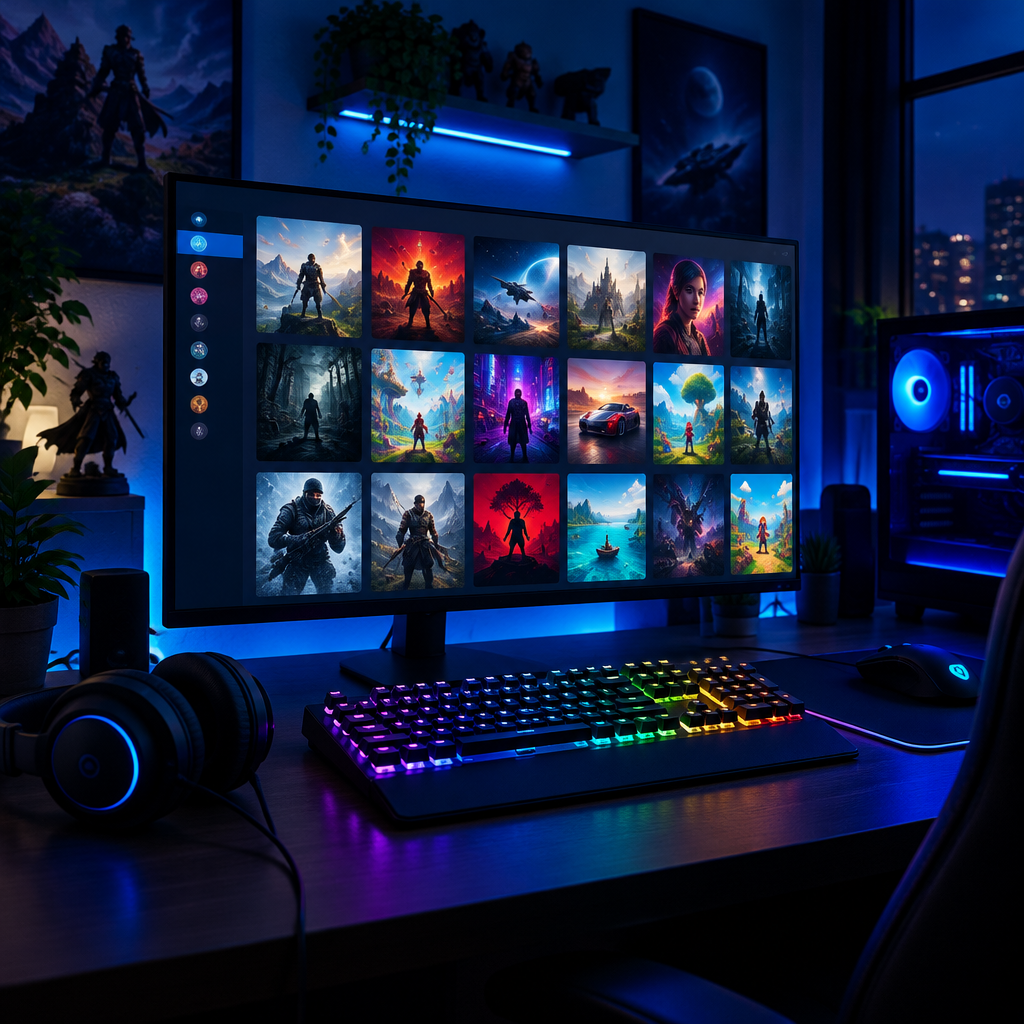
Steam voice chat is WebRTC-based with Opus encoding, relayed through Valve servers so your IP stays private. A virtual mic plugs straight into that pipeline.
Set once as your Steam Voice input and it feeds CS2, Dota 2, Deep Rock Galactic, and every mic-selectable game — no per-title reconfiguration.
Cycle through favorite voices from the Dubbing AI overlay without leaving the game — perfect for variety lobbies and stack nights.
Steam Friends chat, Steam Party, Big Picture couch mode, and Remote Play Together — one virtual mic covers the whole library.
Works in every Steam-native voice chat — CS2, Dota 2, and every mic-selectable title — no per-game configuration.
Cycle through favorite voices from the Dubbing AI overlay without alt-tabbing out of the game.
Steam's voice product spans friends calls and in-game chat — the same mic should follow you everywhere.
Feed transformed voice into any Steam-native voice chat so lobbies in CS2, Dota, and shooters hear the persona, not just you.
Drop into Steam party chat between games as a rotating cast of voices to keep pre-queue squad banter fresh.
Route through Steam Big Picture on couch setups so living-room co-op nights get full character voices for both players.
Install the free voice changer app for Windows or macOS. Setup takes under two minutes and needs no credit card.
Approve the Dubbing AI Virtual Microphone so games, Discord and streaming apps can read it as an input device.
Browse 500+ AI voices, preview them with Hear Myself, and lock in the preset that fits your character.
Choose Dubbing AI Virtual Microphone in your game, Discord or OBS, then start talking live with under 300ms latency.
Explore more AI voice changers for games, apps, and characters.
Grab the free voice changer for real-time gaming and online chat, layer in the soundboard for instant effects, and browse community sounds for voices other creators already made.
Download Dubbing AI