Built Around Dota's Voice Culture
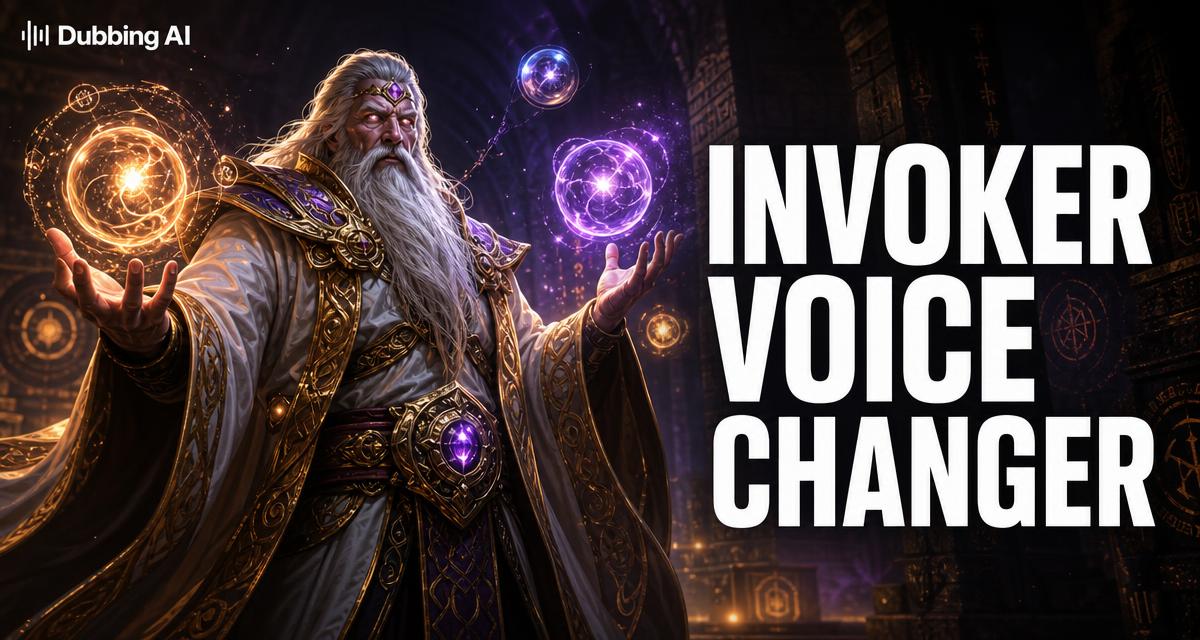
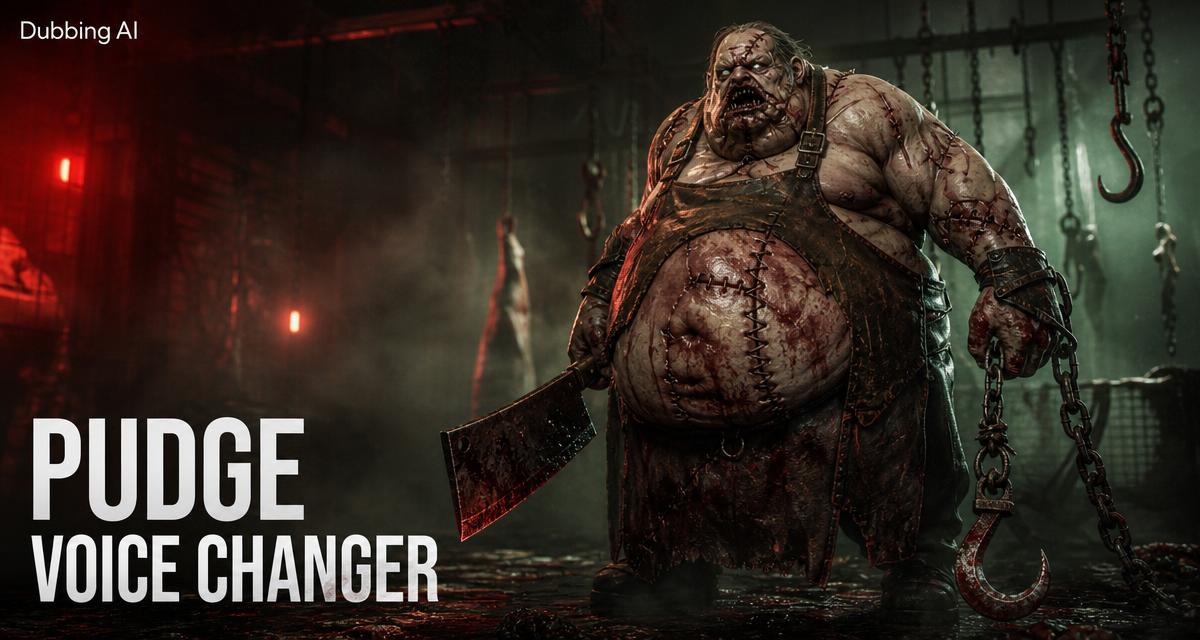
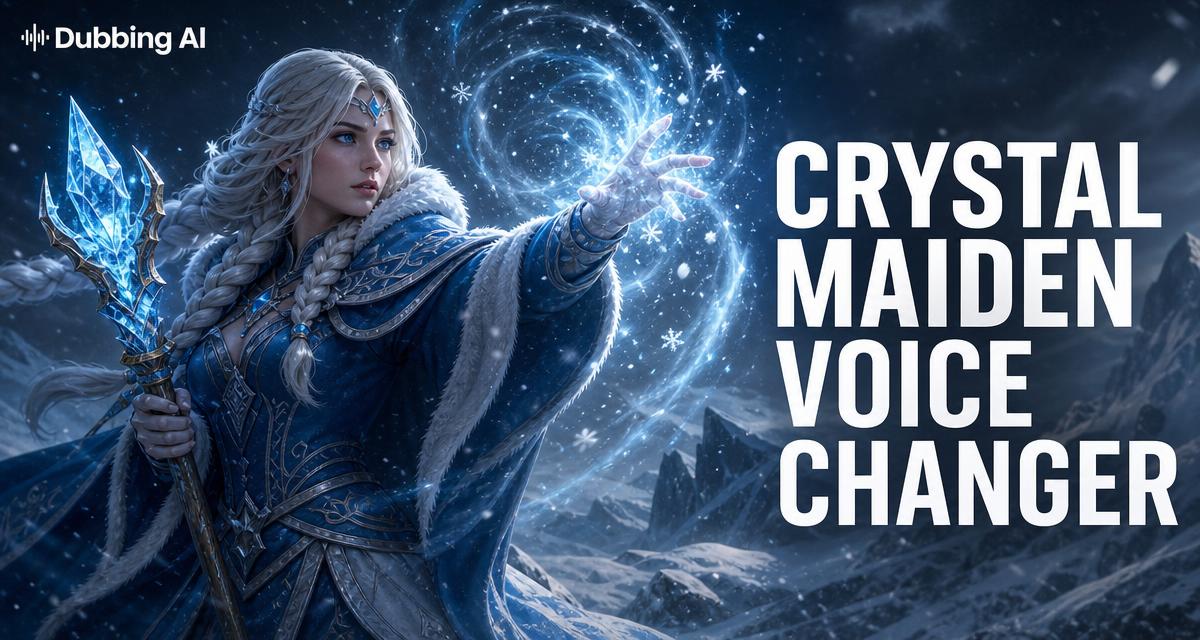
Dota's voice culture is the game's fifth role — responses for every kill, gank, and Roshan. The presets are tuned to that context: Invoker's academy diction, Pudge's gut-born growl, CM's frozen calm.

Dota 2 is the one game where heroes talk back — every kill, gank, and Roshan has a response line written for it. Dubbing AI puts that voice culture on your mic: speak as Invoker mid-invocation, Pudge when the hook lands, or Crystal Maiden while the carry ints — all in real time over Steam voice. Sub-300 ms, VAC-safe, free tier.
✓ Free voice changer • ✓ 500+ AI voices • ✓ Under 300ms latency
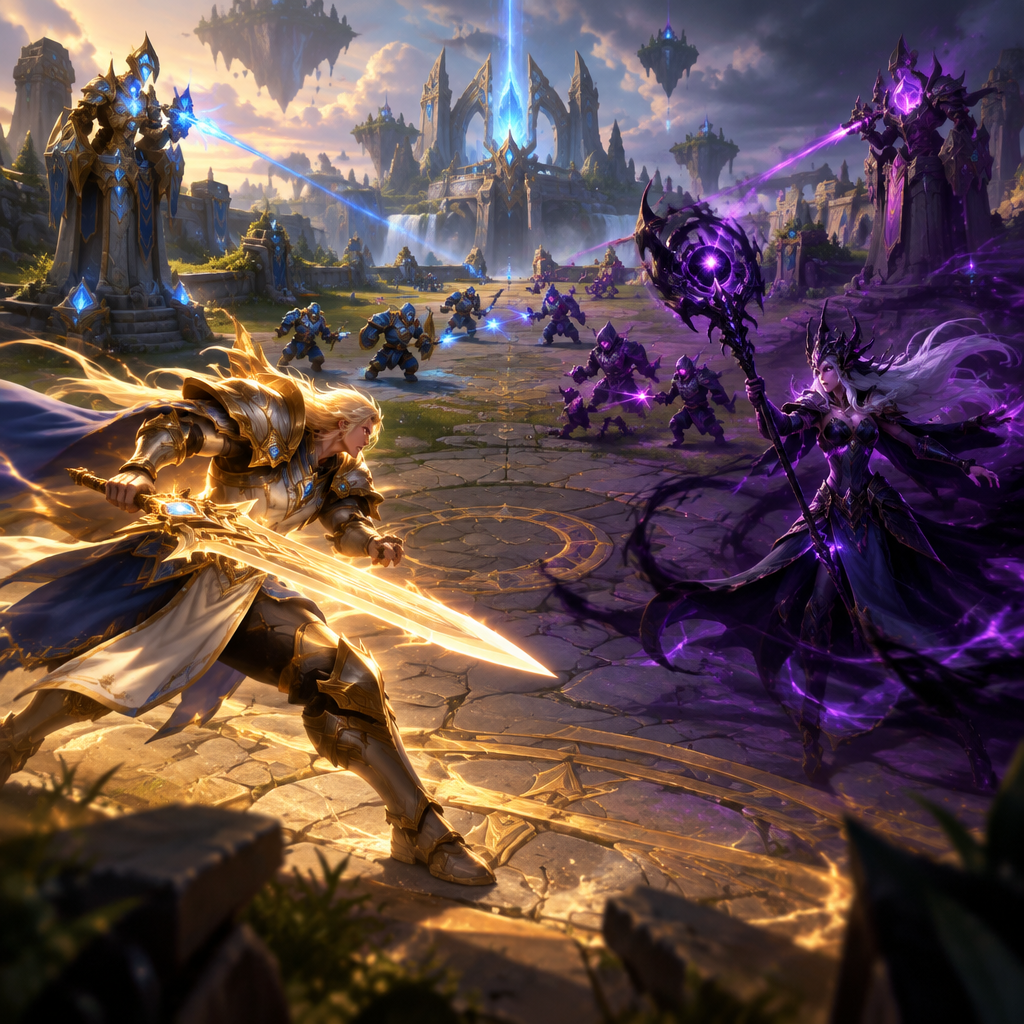
Dota's voice culture is the game's fifth role — responses for every kill, gank, and Roshan. The presets are tuned to that context: Invoker's academy diction, Pudge's gut-born growl, CM's frozen calm.
A single virtual mic feeds Steam Voice, Dota's in-game chat, Discord, and TeamSpeak. Set it once in Steam settings and the whole library hears you in character.
Runs at the OS audio layer with no game hooks and under 5% CPU. VAC scans game memory — it has never had a reason to look at your microphone.
under 300ms — hook calls land on the tick, not two seconds late.
System-level audio device — VAC inspects game memory, not your mic.
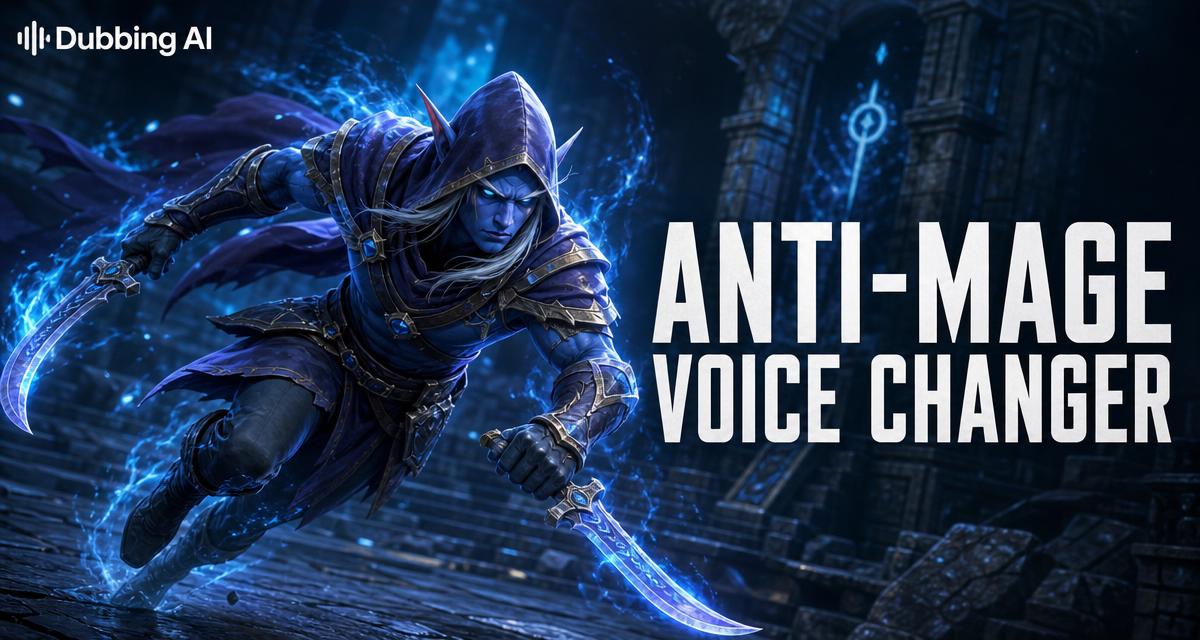
Invoker, Pudge, Anti-Mage, Crystal Maiden and more, tuned to each hero's voice.
Call the hook as Pudge and land it, and the lobby hears a prophecy. Call it and miss, and the lobby hears comedy — either way it's content.
Smoke ganks, Roshan checks, and buyback calls carry more weight in a hero's voice. 'Knowledge is power' on mid from an Invoker who's 0-3 is still the funniest thing in the match.
The International hands out voice-wheel lines for teams and talent every year — Dubbing AI lets you bring that voice culture into the voice channel itself.
TI watch parties, Turbo nights, and hero-roleplay lobbies get a full cast — one teammate as Axe, one as Crystal Maiden, all of them yelling the right lines.
Install the free voice changer app for Windows or macOS. Setup takes under two minutes and needs no credit card.
Approve the Dubbing AI Virtual Microphone so games, Discord and streaming apps can read it as an input device.
Browse 500+ AI voices, preview them with Hear Myself, and lock in the preset that fits your character.
Choose Dubbing AI Virtual Microphone in your game, Discord or OBS, then start talking live with under 300ms latency.
Explore more AI voice changers for games, apps, and characters.
500+ effects for Counter-Strike 2 comms and clutches.
Learn moreChampion voices for the Rift — Jinx, Vi, and the whole roster.
Learn moreThe same virtual mic powers every Discord server you're in.
Learn moreRoute hero voices into your stream without extra software.
Learn moreGrab the free voice changer for real-time gaming and online chat, layer in the soundboard for instant effects, and browse community sounds for voices other creators already made.
Download Dubbing AI