
#1 Online Chat Voice Changer Earbuds for Voice Chat & Online Meetings

    Voice Changer Earbudsfor Voice Chat & Online Meetings

    Dubbing AI Voice Changing Earbuds turn any voice call into a stage. Plug them into your phone or laptop over Type-C, open the voice changer app, and join Discord, Zoom, Microsoft Teams, Google Meet, WhatsApp or Telegram with a brand new voice. The mic is studio-grade, the ai voice changer runs real-time, and there is a free voice changer tier to start.

    1000+
    AI Voices
    <300ms
    Latency
    Free
    Voice Changer App

    ✓ Discord, Zoom, Teams, Meet • ✓ Studio-grade mic • ✓ Free voice changer tier

    What is the Voice Changer Earbuds for Voice Chat & Online Meetings?

    A voice changer earbud for voice chat is wired in-ear hardware with a built-in mic that, paired with the Dubbing AI voice changer app, replaces your live mic with an AI voice across Discord, Zoom, Teams, Google Meet, WhatsApp, Telegram and any online chat voice changer flow.

    Who uses it? Discord communities running roleplay nights, hackathon teams keeping anonymity in pitch reviews, language learners practising new accents, friends doing party-chat bits, and remote workers running fun icebreaker rounds at the start of a meeting.

    Why earbuds over a software-only ai voice changer? A dedicated mic and DAC reduce laptop fan hum and room reverb, which the voice changer app needs as a clean input to make the converted voice sound natural. Layer in clips from community sounds for chat-room bits.
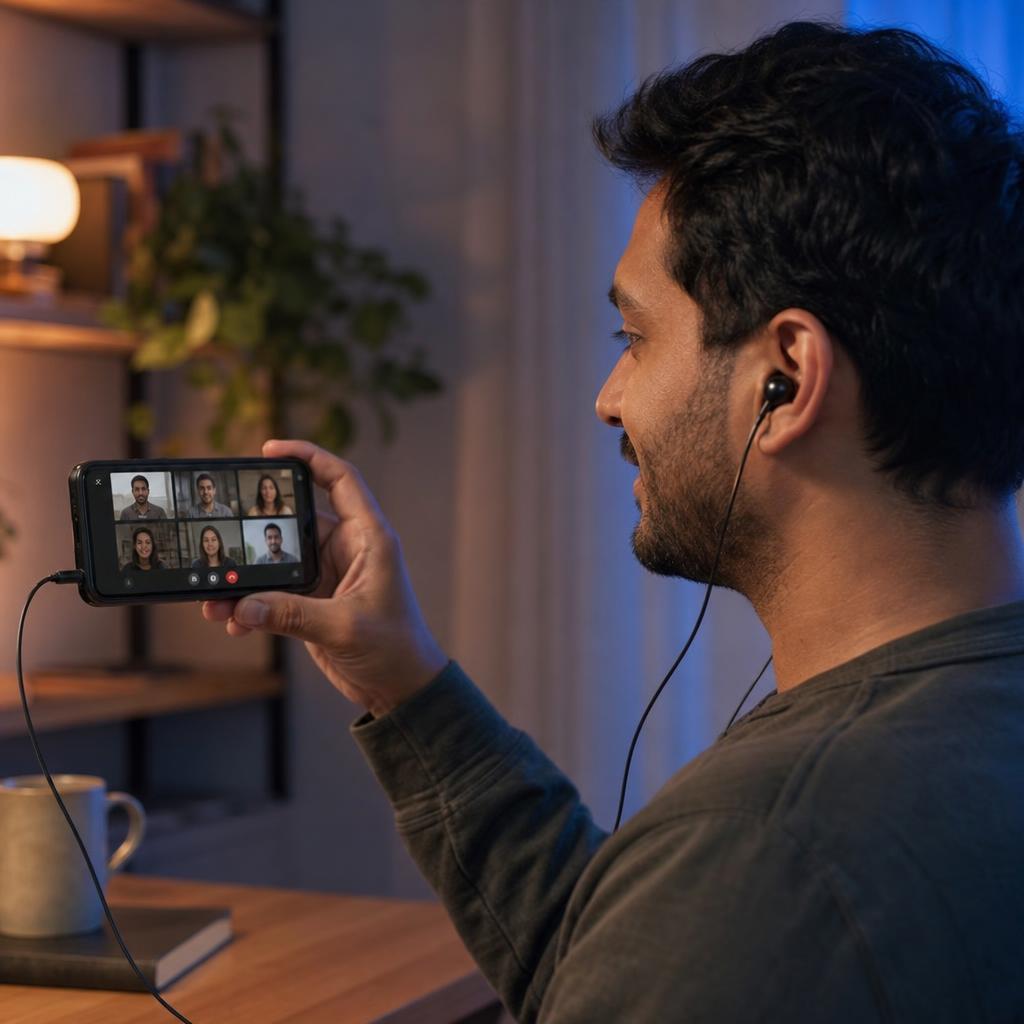
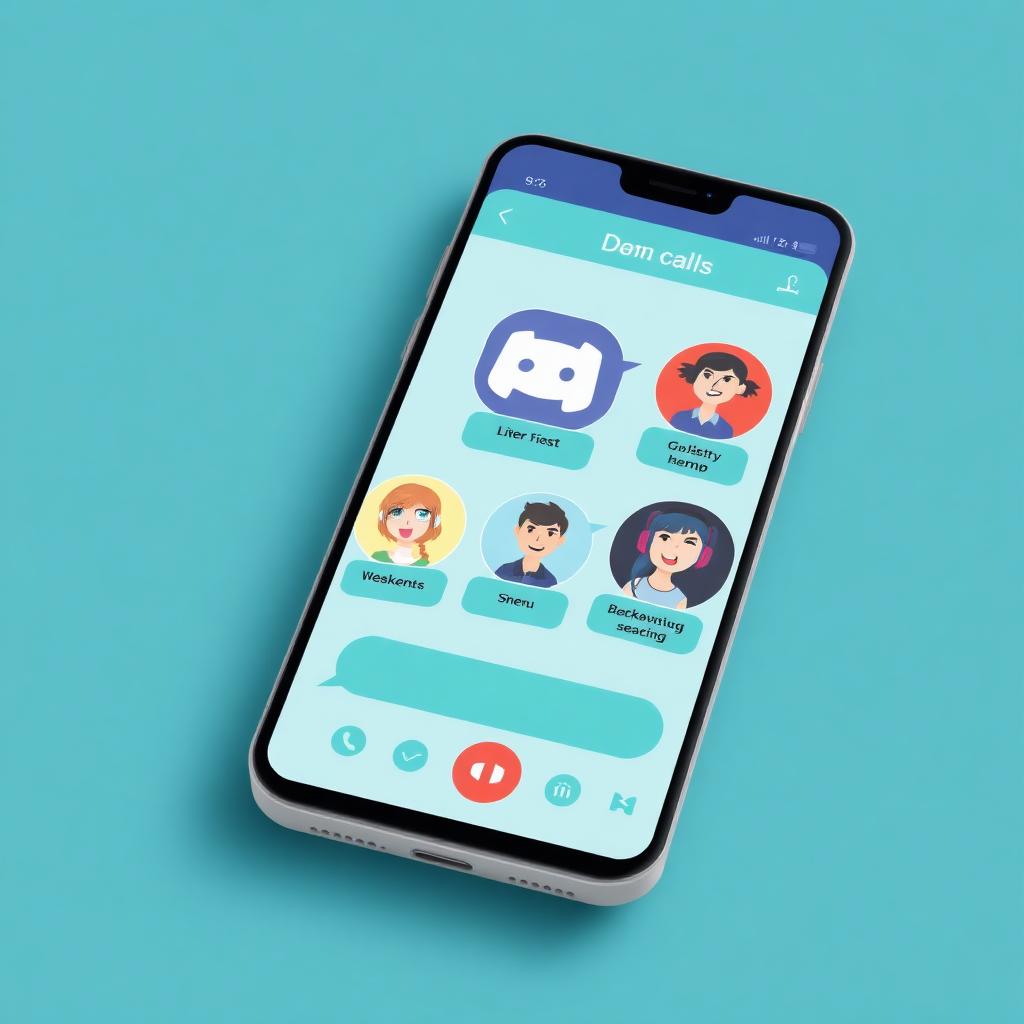
    Professional wearing Dubbing AI Voice Changer Earbuds during a laptop video conference

    Popular Voice Presets for Voice Changer Earbuds

    The Dubbing AI voice changer app ships with a Voice Library of presets — Dream God, Phoenix, Sweet Girl, Jianghu and more — designed to suit different scenarios. The free voice changer tier rotates a selection of them, and the full library plus community-made packs lives on the community sounds page.

    Sweet Girl voice preset for Voice Changer Earbuds for Voice Chat & Online Meetings
    Sweet Girl
    Dream God voice preset for Voice Changer Earbuds for Voice Chat & Online Meetings
    Dream God
    Phoenix voice preset for Voice Changer Earbuds for Voice Chat & Online Meetings
    Phoenix

    Try Voice Changer Now

    Experience real-time AI voice transformation. Record your voice and hear the magic instantly.

    Dubbing AI Voice Changing Earbuds — wired Type-C hardware for voice changer earbuds for voice chat & online meetings

    Why Pick These Voice Changer Earbuds?

    Works everywhere. Discord, Zoom, Microsoft Teams, Google Meet, Slack Huddle, WhatsApp, Telegram, FaceTime — anywhere the OS sees a system mic.

    Free to start. The free voice changer tier covers casual chat with no credit card.

    Phone or laptop. USB-C audio works on any modern phone or USB-C-capable laptop, no driver install.

    Studio-grade mic. Built-in cardioid mic plus DAC for clean, intelligible voice on every call.

    1000+ voices. Anime, narrators, celebrity-style impressions and more from the full voice changer library.

    How Do Voice Changer Earbuds Work?

    Mic capture happens on the Dubbing AI Earbuds. Audio runs over Type-C into your phone or laptop, the voice changer app converts each 10-20ms frame through a neural voice-clone model, and the converted stream becomes the system mic that Discord, Zoom or Teams reads. End-to-end latency stays around 300ms — below VoIP's jitter buffer, so participants hear the AI voice as natural conversation.

    Why does it sound natural in a call? The voice clone preserves your prosody — pacing, accent, pauses — and only swaps timbre. The same engine powers the full 1000+ voice library. For game-night calls, pair the voices with clips from the Dubbing AI soundboard.

    How to Set Up the Voice Changer Earbuds

    01

    Plug In the Earbuds

    Insert the Type-C connector into your phone or USB-C laptop. The earbuds auto-mount as the default mic and output.

    02

    Install the Voice Changer App

    Download the Dubbing AI voice changer app on iOS, Android or desktop. Sign in once; the free voice changer tier unlocks immediately.

    03

    Pick a Meeting Voice

    Browse the Voice Library, preview with your own mic, and set the preset for today's call.

    04

    Join the Call

    Open Discord, Zoom, Teams or Google Meet and join the room. Participants hear the AI voice; toggle off any time with the in-line button.

    Total setup runs about three minutes from box to first call. Once the Type-C earbuds are the active audio device, every app that uses the system mic — Discord, Zoom, Teams, Meet, WhatsApp — will carry the AI voice automatically. Browse more presets in the Dubbing AI soundboard.

    Hands-On With the Voice Changer Earbuds for Voice Chat & Online Meetings

    Setup ran about three minutes: plug the Type-C connector into a MacBook, allow the voice changer app mic permission, sign in, and preview the Sweet Girl preset. A Discord stage chat and a Zoom icebreaker call both heard the AI voice with no perceptible latency.

    Hundreds of millions of people are in a voice or video call every day across Discord, Zoom, Teams and Meet combined. In casual rooms the AI voice tends to spark conversation; in formal meetings the recommendation is to flip the voice changer off and keep your studio-grade mic running for crystal clear daily call quality.

    Keep it appropriate to the room. Use the voice changer app for roleplay, icebreakers and friend chats — not to impersonate colleagues or real people. Layer meme audio from the community sounds library for party-chat fun.

    Frequently Asked Questions

    Everything you need to know about the Voice Changer Earbuds for Voice Chat & Online Meetings and the Dubbing AI voice changer app.

    Change Your Voice on Every Call Today

    Plug in the Dubbing AI Voice Changer Earbuds, install the free voice changer app, and join your next Discord, Zoom or Meet room as anyone you want. The best online chat voice changer for voice chat and online meetings.

    Buy Now