PUBG Mobile voice changer

Transform your voice in real time For Discord Mobile Chat

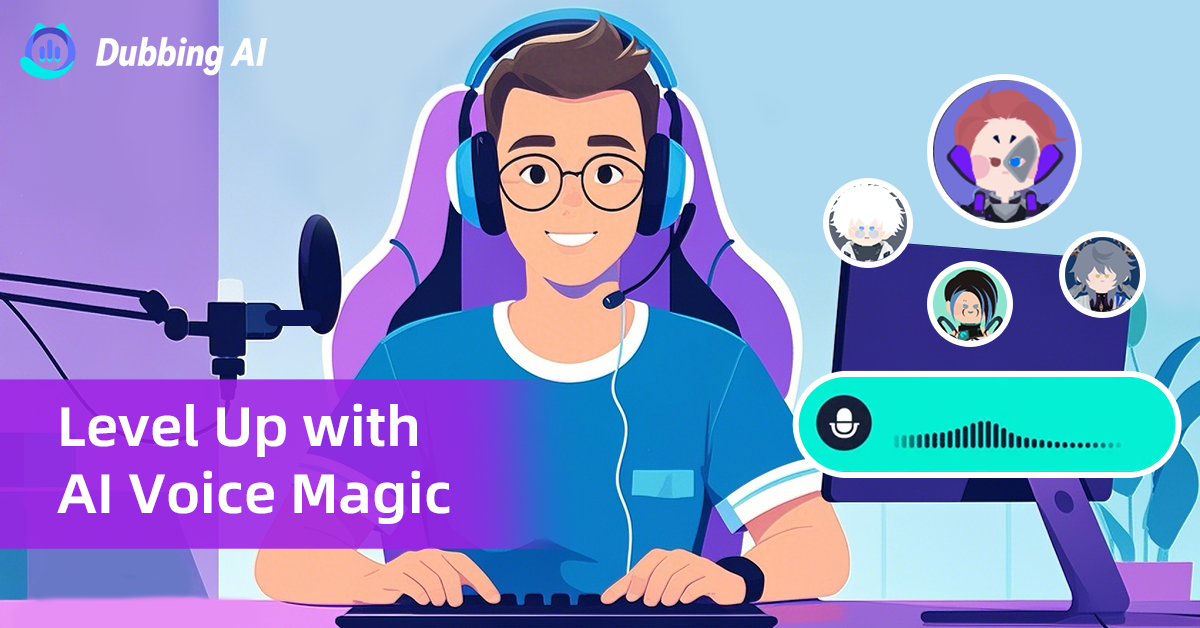
Dubbing AI instantly injects high-fidelity voice effects into your Discord Mobile chats. Experience flawless, real-time voice transformation, perfect for trolling and dominating multiplayer games with a unique sound.

What Is Dubbing AI Box?

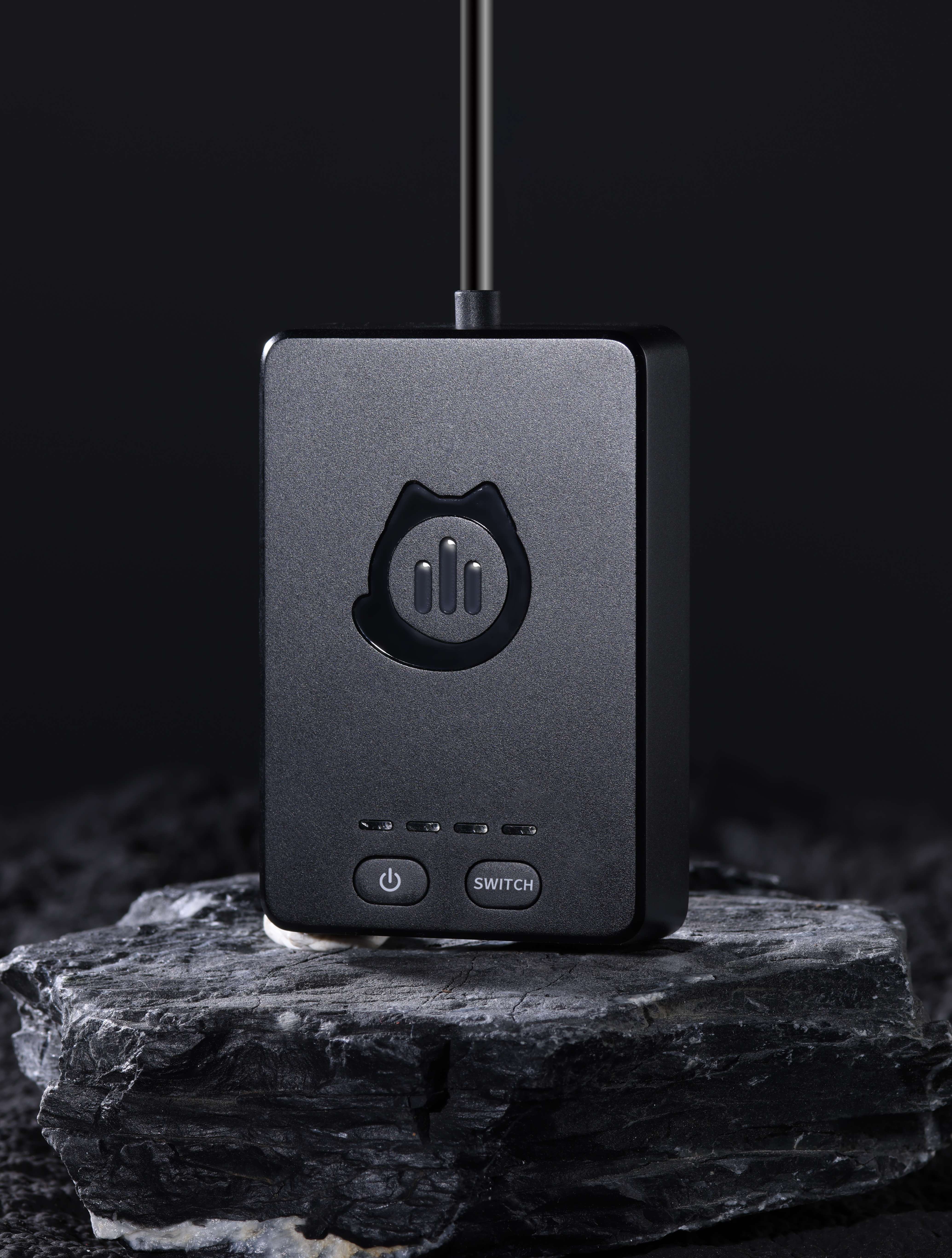
The Dubbing Box is your ultimate audio arsenal, unleashing a massive library of 500+ unique character voices and riotous soundboard clips. This mobile voice changer delivers instant, low-latency AI transformation directly into Discord, perfecting every prank and real-time role-play.

PS5 Console Voice changer

Why Dubbing AI Mobile Voice Changer is a Must-Have for Discord Mobile

Dubbing AI offers low-latency voice transformation, ensuring your character voices or effects hit instantly during fast-paced Discord team chats. It provides a massive library of AI voices, letting you fully immerse in role-play or effortlessly surprise your friends with celebrity-like transformations. The app's integrated soundboard makes triggering memes and reaction clips simple, adding dynamic, hilarious audio layering to every mobile conversation.

Discord Mobile Voice Changer

The Iconic Discord Mobile Chat Voice Pack

Choose from a wide range of voices for Discord chat: Harness the deep, gravelly tones of a titan, commanding attention and respect from your entire Discord squad. Unleash the high-pitched, frantic energy of an anime hero, perfectly punctuating your funniest reactions during mobile gaming sessions. Switch to a smooth, informative voice for leading raids, lending instant authority and clarity to crucial, real-time strategy calls.

PS5 Console Voice changer

Advanced AI Voice Technology

500+ Character Voices: From horror icons to anime characters and celebrities Multi-Language Support: Transform voices in 40+ languages with emotional expressions Ultra-Low CPU Usage: Runs efficiently at <3% CPU without impacting game performance Cross-Platform Compatibility: Works seamlessly on Windows, macOS, and VR platforms

Professional Soundboard Integration

100,000+ Sound Effects: Massive library including horror-specific audio clips Custom Soundboard Creation: Build and share your own horror sound collections Hotkey Integration: Quick access to sound effects during intense gameplay moments Community Sound Sharing: Access user-generated horror soundboards
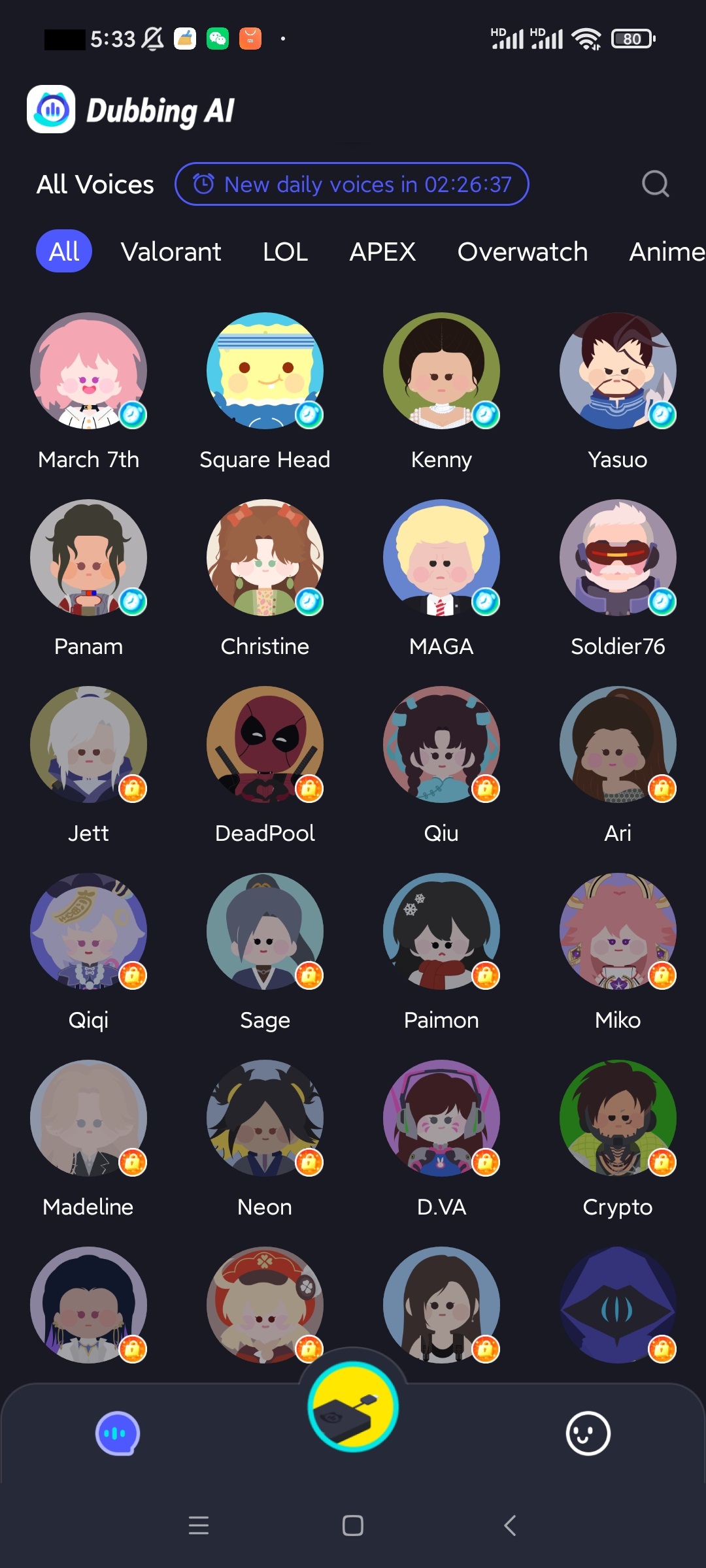

HOW TO USE DUBBING MOBILE VOICE CHANGER?

1. Connect Dubbing Box with your headphone and chose three voices you want to use on your mobile phone. 2.Connect Dubbing Box to your console (like PS5), go to your audio settings. 3.Select the input device connected via the Dubbing Box (it may be recognized as an external microphone)

Minecraft Voice Changer
How do I use Dubbing AI Voice Changer on Discord Mobile?

Connect your Dubbing Box to your Android phone, pair your Bluetooth headphones, and open the Dubbing AI app. Once activated, your modified voice will automatically work in Discord voice channels, calls, or streams.

Does it work in real time during calls and group chats?

Yes! Dubbing AI changes your voice instantly and continuously while you talk on Discord, ensuring smooth and natural real-time conversion without lag.

Can I switch between different voices while chatting on Discord?

Definitely. You can preselect up to three voices in the Dubbing AI app and switch between them freely during your conversations to match your mood or content style.