Rampancy, Verbally
Durandal never shouted — he reasoned his way toward godhood in quiet terminal monologues. The preset captures that detached menace so "Escape will make me God" actually lands in voice.

Marathon's second act starts where the first one ended — "Escape will make me God," Durandal's rampant-AI monologue from Bungie's 1994 classic, still haunting a Tau Ceti IV where Runners trade their bodies for biosynthetic shells. The 2026 extraction shooter carries a star-studded voice cast — Roger Clark, Ben Starr, Erica Lindbeck, Elias Toufexis — into a proximity-chat culture built on contract betrayals and last-second extracts. Dubbing AI puts either era on your mic: the ship AI's philosophical menace or the Runner's clipped mercenary talk.
✓ Free voice changer • ✓ 500+ AI voices • ✓ Under 300ms latency
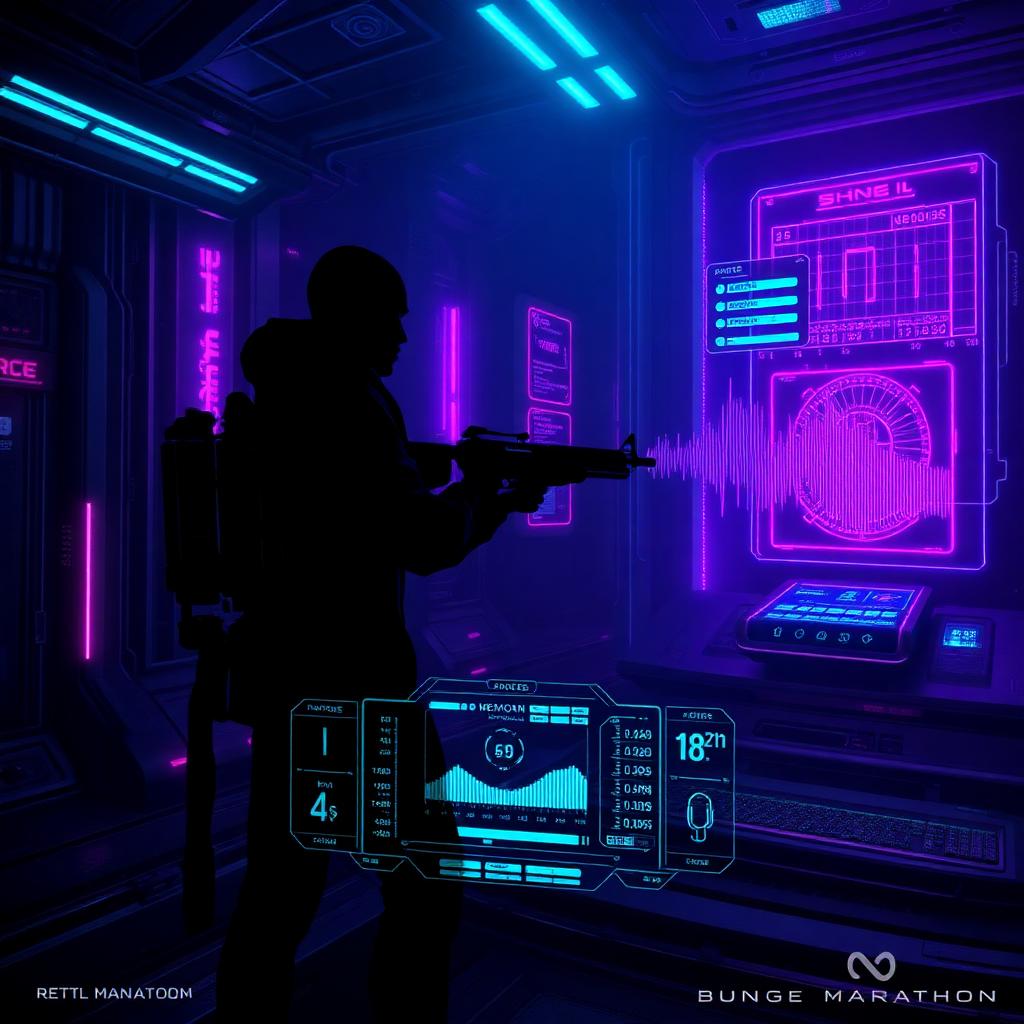
Durandal never shouted — he reasoned his way toward godhood in quiet terminal monologues. The preset captures that detached menace so "Escape will make me God" actually lands in voice.
Runners give up their human form for biosynthetic shells — the voice preset plays that: familiar, but not quite human, like a contract you shouldn't sign.
Marathon runs on uneasy alliances and betrayal — proximity chat is the market where trust trades. Sound like the operator who keeps his word, or the one who doesn't.
The model covers the 1994 Durandal register — cold, philosophical rampancy — and the new Runners' wired mercenary talk in a single library.
Every Marathon run ends at the extract with a negotiation — the preset keeps your voice steady when the deal goes sideways.
Squad comms are three strangers in shells — sound like the one who's been on Tau Ceti the longest and the crew will follow your calls.
Marathon's voice is a two-act story — the 1994 AI who wanted out of the universe, and the 2026 Runner who wants out of Tau Ceti with your loot.
Hold the extract point and open proximity chat as a Runner who's seen too many contracts — negotiate, bluff, and bail at the last second, all in character.
Run comms as the rampant AI — "Escape will make me God" as a dramatic closer for any clutch moment, or a slow monologue before a wipe.
Dub your best runs and betrayals — the space-bounty-hunter register is gold for clips and short-form content about the 2026 revival.
Sound like the crew lead who always gets out alive when you're looking for a group — the voice does the recruiting before you say a word.
Install the free desktop app for Windows or macOS — under two minutes, no credit card.
Approve the virtual microphone driver so games and chat apps can read Dubbing AI as your input device.
Browse 500+ AI voices, preview with Hear Myself, and lock in your favorite preset.
In Discord, your game, or OBS, choose Dubbing AI Virtual Microphone — start talking live.
Explore more AI voice changers for games, apps, and characters.
Bungie's other universe — Guardians and their legends.
Learn moreHalo's icon — the voice of a supersoldier.
Learn moreCo-op sci-fi shooter comms and stratagem shout-outs.
Learn moreWarhammer 40K's armored shock-and-awe culture.
Learn moreGrab the free voice changer for real-time gaming and online chat, layer in the soundboard for instant effects, and browse community sounds for voices other creators already made.
Download Desktop App