Built Around Champion Voice Culture
League's voice lines are half the game's identity — 'Pentakill!' moments and one-liners are shared culture. The presets are tuned to that.

League is the game where champion voices became a culture — Yasuo's world-weary samurai, Jinx's manic laugh, Thresh's 'such tempting souls'. Dubbing AI puts the roster on your mic for party voice and premade Discord: call the gank as Yasuo, tilt the lobby as Jinx, or stay stoic as Sett. Sub-300 ms, Vanguard-safe, free tier.
✓ Free voice changer • ✓ 500+ AI voices • ✓ Under 300ms latency
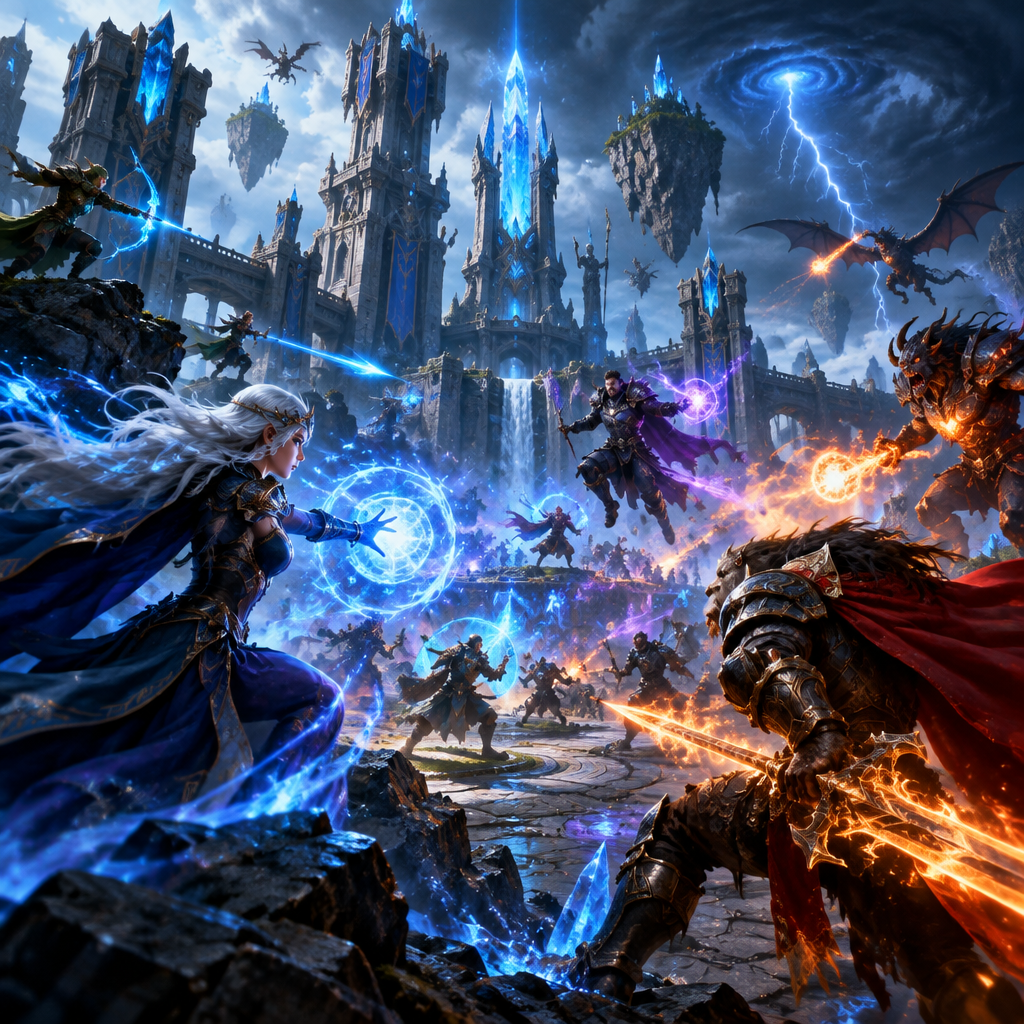
League's champions are defined by their voices — bring that into premade comms.
League's voice lines are half the game's identity — 'Pentakill!' moments and one-liners are shared culture. The presets are tuned to that.
Riot Vanguard treats Dubbing AI as a normal audio device — LoL in-client voice and Discord both read a standard mic.
Yasuo brooding, Lulu whimsy, Jhin theatrics, Sett gruff — swap between mid and support voices mid-lobby from the overlay.
LoL party voice and Discord premades both carry the transformed audio.
Runs as a standard audio device — Riot Vanguard sees a mic, not a mod.
Yasuo's brooding, Jinx's chaos, Sett's gruff — tuned to each champion's actual voice.
League's champions are defined by their voices — bring that into premade comms.
Coordinate ganks and objectives in a champion-matched voice so five-stack Discord actually sounds like a proper Rift comms channel.
Match your streamed champ with a fitting voice — Yasuo brooding, Jinx chaotic, Sett gruff — for immediate on-brand streams.
Queue ARAMs with friends as a rotating cast of voices to keep late-night Norms lobbies from turning into pure tilt.
Install the free voice changer app for Windows or macOS. Setup takes under two minutes and needs no credit card.
Approve the Dubbing AI Virtual Microphone so games, Discord and streaming apps can read it as an input device.
Browse 500+ AI voices, preview them with Hear Myself, and lock in the preset that fits your character.
Choose Dubbing AI Virtual Microphone in your game, Discord or OBS, then start talking live with under 300ms latency.
Explore more AI voice changers for games, apps, and characters.
Grab the free voice changer for real-time gaming and online chat, layer in the soundboard for instant effects, and browse community sounds for voices other creators already made.
Download Dubbing AI