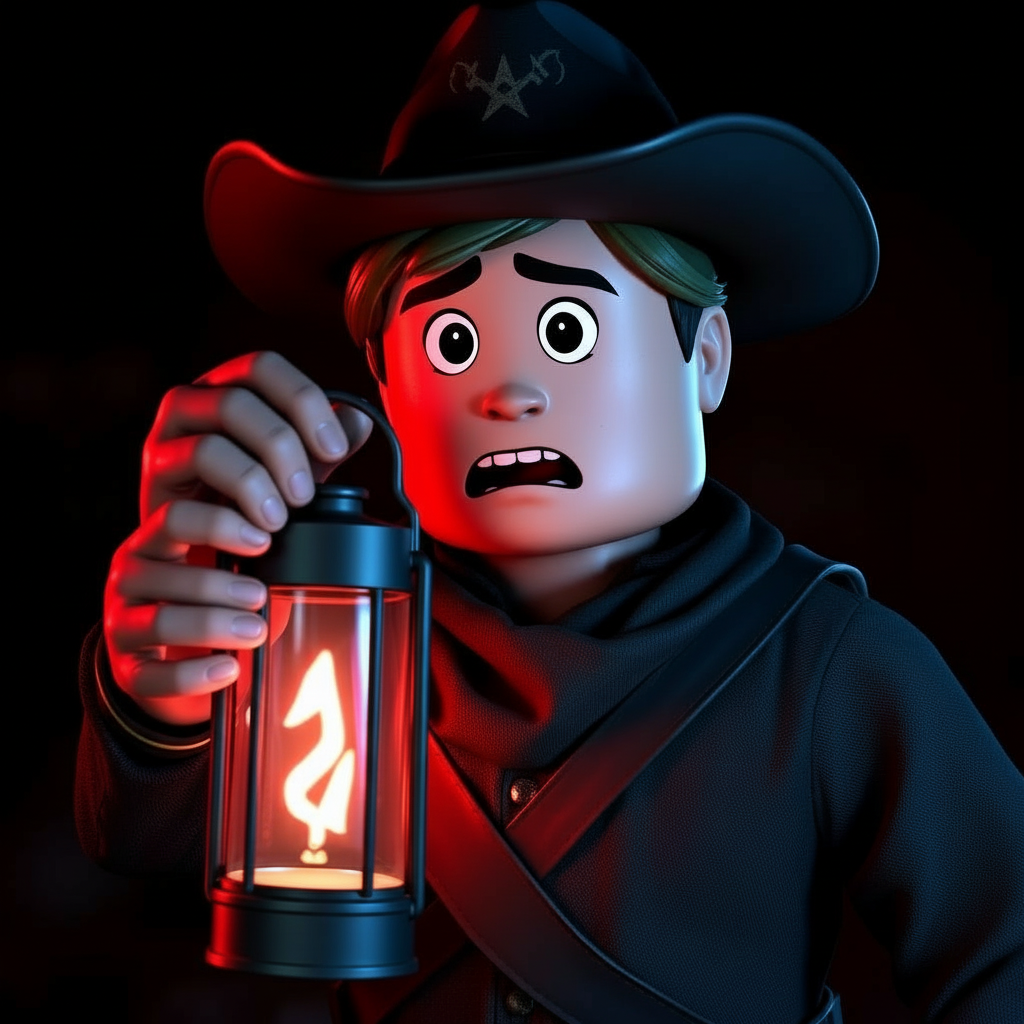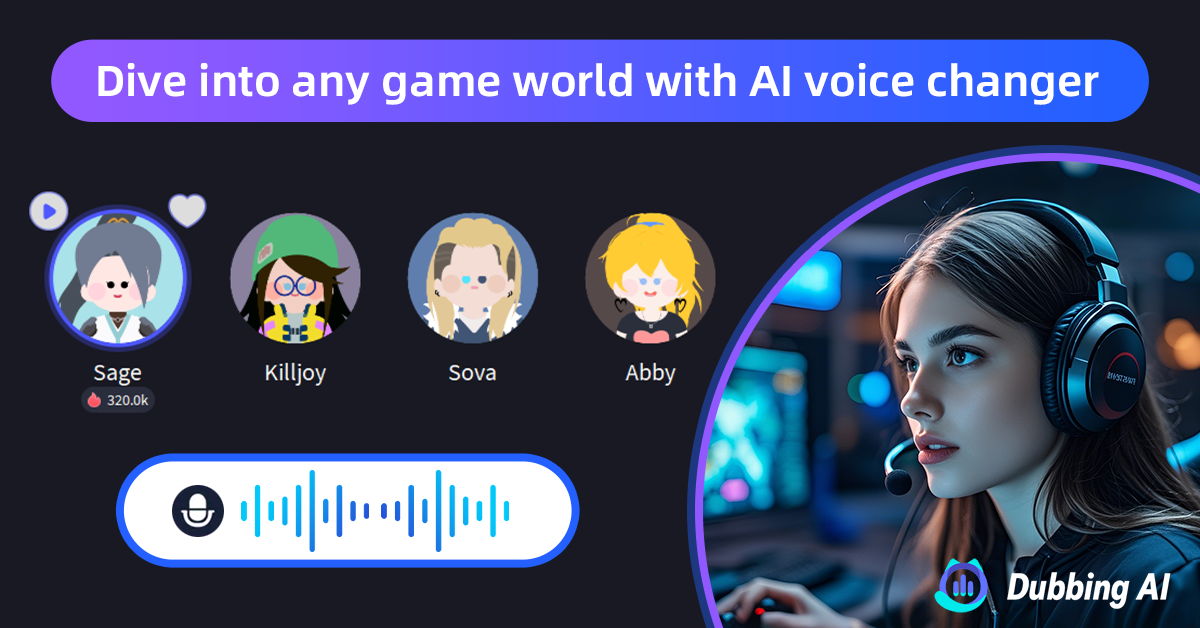
#1 AI Voice Changer for Dead Rails

    Dead Rails
    Voice Changer

    Haunt the rails with 500+ AI voices. This free voice changer app delivers <30ms latency for Roblox gaming. Works with Discord and all voice chat apps.

    500+
    AI Voices
    <30ms
    Latency
    2-3%
    CPU Usage

    ✓ Free to use • ✓ Works on Windows • ✓ Compatible with Roblox Voice Chat

    What is the Dead Rails Voice Changer?

    Dubbing AI's Dead Rails Voice Changer is a free voice changer that transforms your voice for Roblox's popular horror survival game. This AI voice changer uses advanced technology to create spooky, terrifying, and supernatural vocal effects perfect for Dead Rails gameplay.

    Whether you want to scare other players as a ghost, roleplay as the mysterious conductor, or protect your identity in Roblox voice chat, this voice changer app delivers real-time transformation with under 30ms latency.

    50M+

    Dead Rails Players

    89%

    Streamers Use Voice Changers

    <30ms

    Real-time Latency
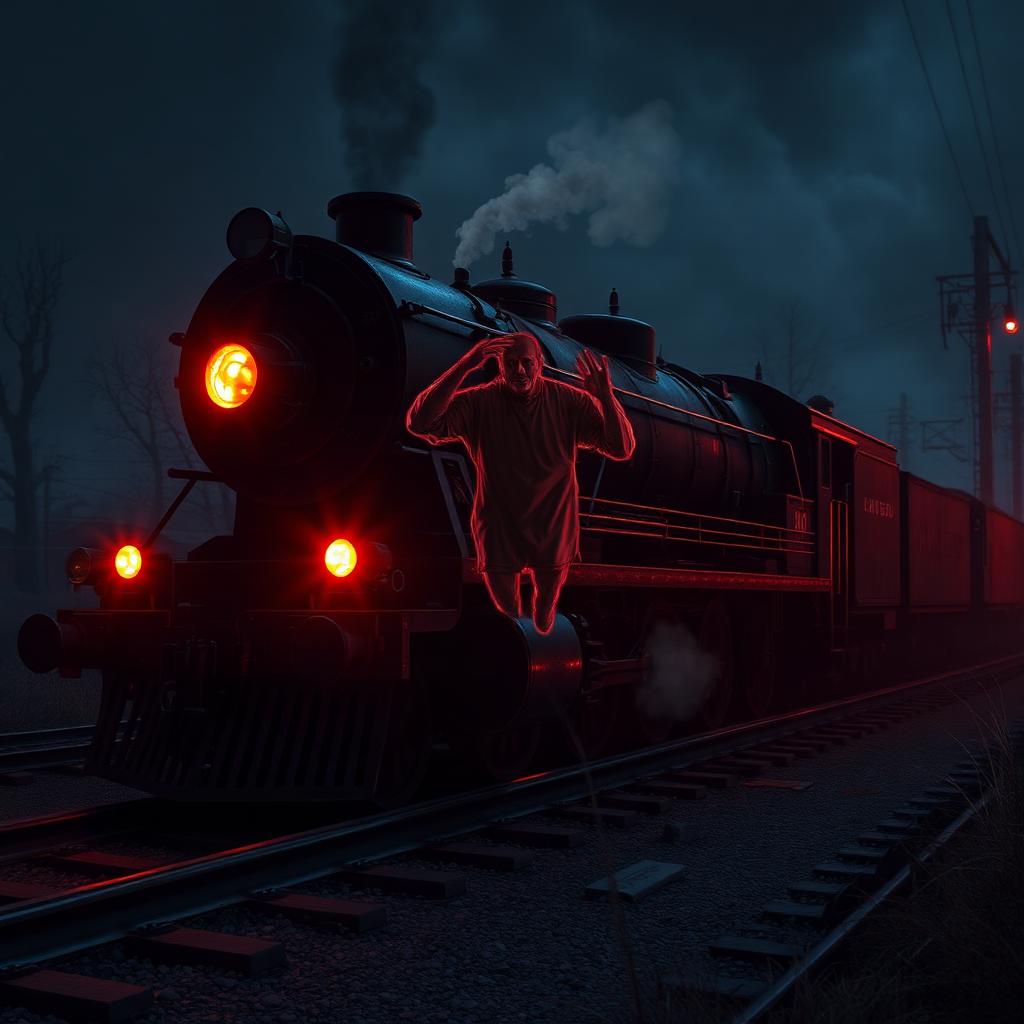
    Dead Rails AI voice changer with real-time supernatural voice transformation

    What Dead Rails Voices Can You Get?

    Why limit yourself to your normal voice? Our free voice changer includes voices perfect for every Dead Rails role. Sound like a terrified survivor, a menacing ghost entity, or the mysterious Conductor. Our gaming voice changer captures the supernatural atmosphere that makes Dead Rails terrifying.

    Survivor voice for Dead Rails voice changer

    Try Voice Changer Now

    Experience real-time AI voice transformation. Record your voice and hear the magic instantly.

    Dubbing AI voice changer interface with Dead Rails characters and voice modulation

    Why Choose Our Voice Changer for Roblox?

    What makes our voice changer app the best choice for Dead Rails players? This free voice changer delivers sub-30ms latency with only 2-3% CPU usage - 5x more efficient than competing software.

    How does it work? Our AI voice changer processes your voice in real-time without affecting your Roblox game performance.

    Why choose us? Because this gaming voice changer works instantly with Roblox Voice Chat, Discord, OBS, and streaming apps. 100% safe for Roblox - no exploits, no bans.

    How to Use Voice Changer in Dead Rails

    Get started with our free voice changer in just 4 easy steps. Be haunting the rails in under 5 minutes.

    01

    Download & Install

    Download this free voice changer app. Installation takes less than 2 minutes on Windows.

    02

    Select Audio Device

    Open the voice changer app and select 'Dubbing AI Virtual Microphone' as your input device in Windows settings.

    03

    Choose Your Voice

    Browse 500+ AI voices in our gaming voice changer. Select scary ghost voices or other supernatural effects.

    04

    Play Dead Rails

    Open Roblox and join Dead Rails. Enable Voice Chat in settings and select 'Dubbing AI Virtual Microphone'. Haunt the rails!

    Frequently Asked Questions

    Everything you need to know about using voice changer in Dead Rails on Roblox.

    Haunt the Rails Tonight

    Join thousands of Dead Rails players already using this free voice changer. Download the best AI voice changer for Roblox horror games.

    ✓ No credit card required • ✓ Windows compatible • ✓ 100% Roblox safe