
Animaze
Voice Changer
Match your voice with your avatar using this free voice changer app. Dubbing AI offers 500+ avatar voices with <30ms latency, perfect for VTubing, streaming & Animaze sessions.
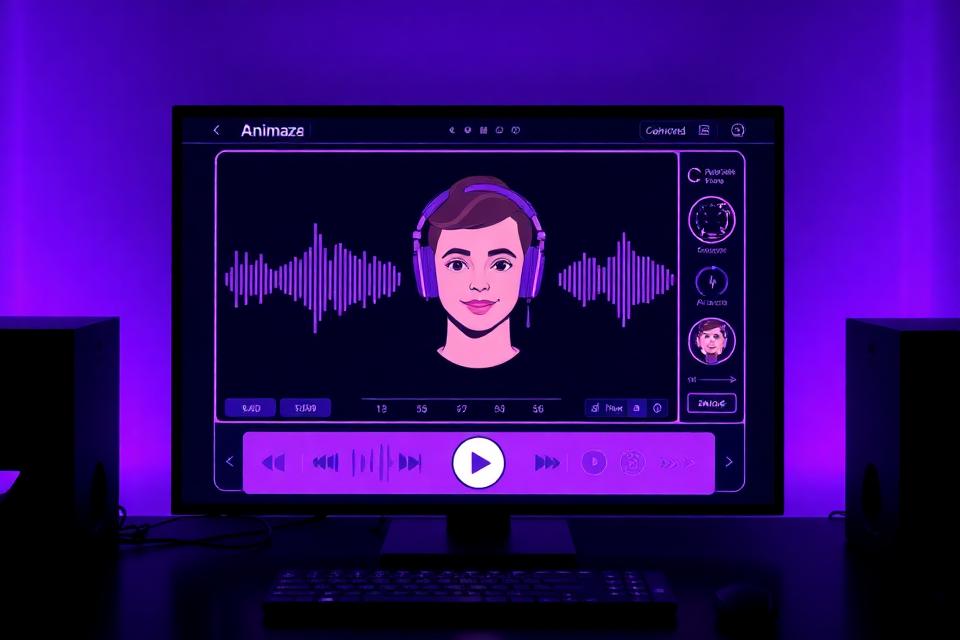
What is Animaze Voice Changer?
The Animaze Voice Changer by Dubbing AI is a free voice changer app that transforms your voice to match your virtual avatar in real-time. Using advanced AI voice changer technology, your voice is processed with less than 30ms latency to sound exactly like your Animaze character — whether it's a cute anime persona, a deep-voiced warrior, or a fantasy creature.
Why do VTubers need a voice changer? Animaze provides stunning avatar visuals, but your real voice can break the immersion. This gaming voice changer bridges the gap by transforming your vocal identity to match your on-screen persona, making your streams more engaging and authentic for viewers.
How does it work with Animaze? Simply install the voice changer app, select your desired voice profile, and set the virtual microphone as your input in Animaze. The AI voice changer processes your speech in real-time while maintaining perfect lip-sync with your avatar's animations. Over 12,000 VTubers already use this free voice changer for their daily streams.
Animaze Avatar Voice Profiles
Match your voice to any avatar type. Each AI voice changer profile is crafted with neural network precision for authentic voice-to-avatar transformation.
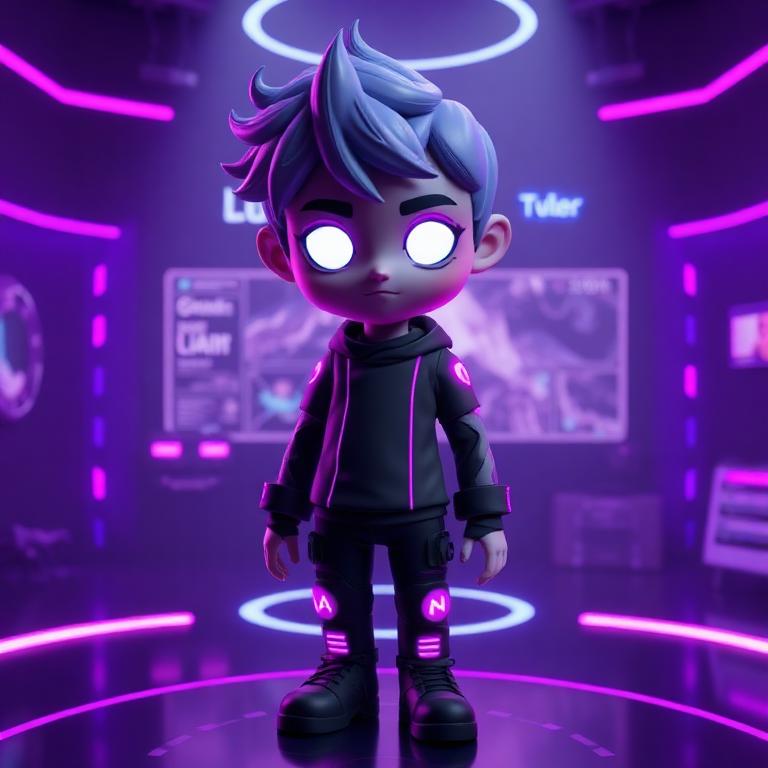
Avatar Model
3D Virtual Character
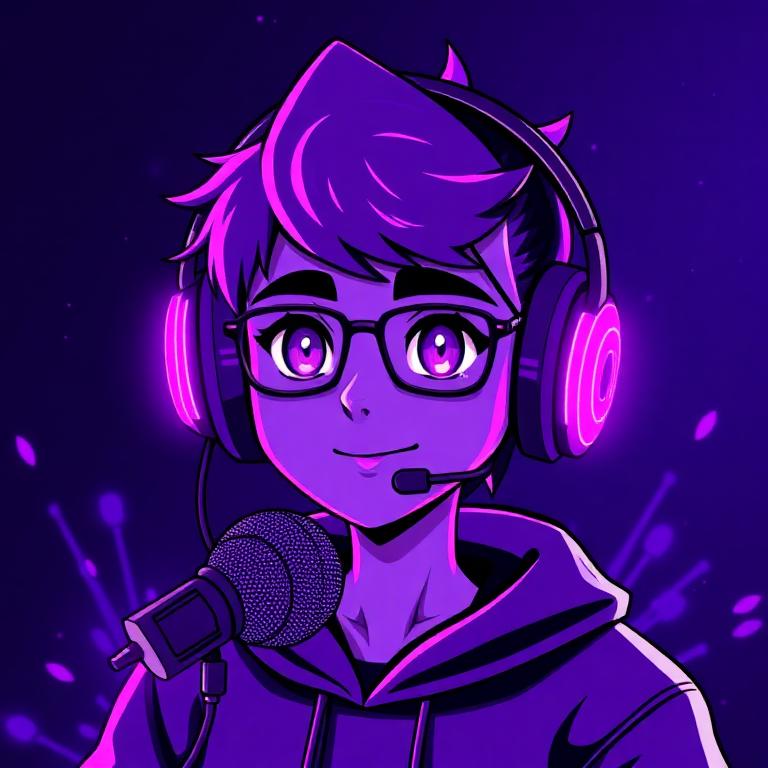
VTuber Streamer
Live Stream Persona
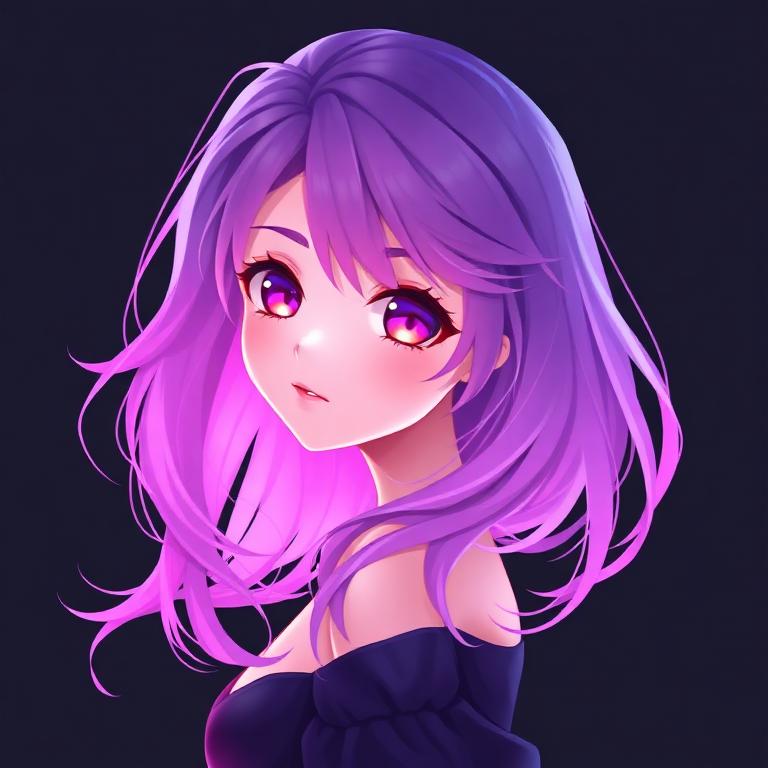
Live2D Character
Animated Avatar
Plus 500+ more avatar voice changer effects available in our free voice changer app
Try Voice Changer Now
Experience real-time AI voice transformation. Record your voice and hear the magic instantly.
Why Choose Dubbing AI?
The ultimate free voice changer for Animaze users and VTubers worldwide.
Ultra-Low Latency Voice Changer
Less than 30ms delay ensures perfect lip-sync with your Animaze avatar. This gaming voice changer is optimized for live VTubing and streaming.
Seamless Animaze Integration
Works as a virtual microphone that plugs directly into Animaze. This AI voice changer maintains full compatibility with face tracking and avatar animations.
Universal Voice Changer App
Works with Animaze, VTube Studio, VSeeFace, OBS, Discord, and all major platforms. This free voice changer integrates with any audio software.
500+ Avatar AI Voices
Browse voice profiles designed for every avatar type — cute, powerful, mysterious, or comedic. Our AI voice changer library grows weekly with new characters.
Built for VTubers & Streamers
Join 12,000+ VTubers who use this voice changer app daily. Designed specifically for content creators who need reliable, real-time voice transformation.
Privacy-First Voice Changer
All voice processing happens locally on your device. Your voice data never leaves your computer with this free voice changer — perfect for protecting your real identity.
How to Use Animaze Voice Changer
Match your voice to your avatar in just 4 simple steps with this free voice changer app.
Download the Free Voice Changer
Download Dubbing AI voice changer app for free. Installation takes less than 2 minutes on Windows. No credit card or account required.
Set Up Your Audio Device
Open your system Sound Settings and select 'Dubbing AI Virtual Microphone' as your default input device. This routes your voice through our AI voice changer.
Choose Your Avatar Voice
Open the voice changer app and browse the avatar voice library. Select a voice that matches your Animaze character and adjust the intensity to your preference.
Launch Animaze & Start Streaming
Open Animaze with the virtual mic selected. Your voice is now transformed to match your avatar with <30ms latency. Go live on Twitch, YouTube, or Discord!
✨ Pro Tips for VTubers
- • Create avatar presets — Save different voice profiles for each of your Animaze avatars in this gaming voice changer
- • Use hotkeys — Assign keyboard shortcuts to switch between avatar voices instantly during streams
- • Test before going live — Always do a quick audio + lip-sync check with this voice changer app before streaming
- • Layer with Animaze effects — Combine your AI voice changer with Animaze's built-in audio effects for unique character voices
Frequently Asked Questions
Everything you need to know about the Animaze voice changer and AI voice changer app.
Ready to Match Your Voice with Your Avatar?
Download Dubbing AI free voice changer and transform your voice to match any Animaze avatar. Join thousands of VTubers already using our AI voice changer app for immersive streaming.
Download Free Voice ChangerFree to use • No credit card required • Windows compatible