



Gabriel Ultrakill Sound Effect
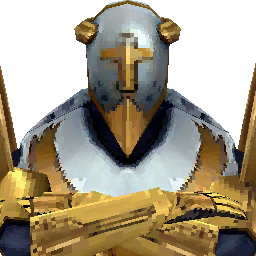
Searching for Gabriel voice lines from ULTRAKILL? Dive into Dubbing AI’s sound gallery, where divine wrath meets raw intensity. From thunderous commands to chilling declarations, channel Heaven’s enforcer with powerful audio at your fingertips. Perfect for edits, memes, or pure chaos—grab the sound of judgment now, free and instant.
How to make a Soundboard?
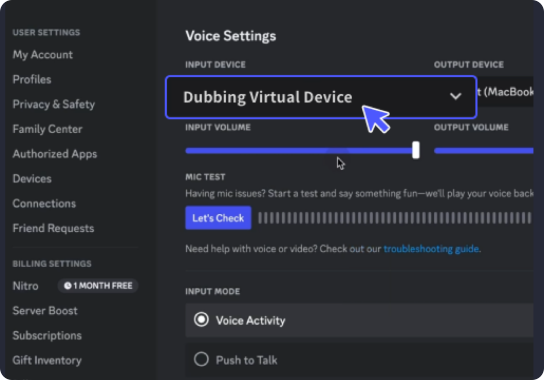
With a few simple steps, you can use any sound effects you want during your exciting raids. 1. Open the third-party platform, such as Discord, Steam, etc., and in the settings, choose "Dubbing Virtual Device" as the input. 2. Click on the "Soundboard" option on the left and choose or customize your preferred sound effects. 3. Enable "Hear Myself" to preview the sound. And now you may enjoy the sound effect with your customized shortcut!
Gabriel Ultrakill Soundboard
Forge your own Gabriel ULTRAKILL soundboard with Dubbing AI and unleash divine fury on demand. Mix righteous roars, commanding lines, and heavenly wrath into one epic control panel. Whether you’re making edits, memes, or battle-ready soundscapes, Dubbing AI gives you the tools to summon Gabriel’s voice—loud, intense, and free.