Transform your voice instantly into 500+ unique personas directly inside Discord using our plug-and-play hardware and software ecosystem.
Dubbing earbuds provides realtime low latency voice changing experience. With over 500+ voices, it's time to unleash your creativity to the max.
Dubbing AI is a revolutionary real-time AI voice changer and soundboard platform designed specifically for gamers, streamers, and Discord users. By combining a lightweight desktop application with our specialized Dubbing Earbuds hardware, we deliver studio-grade voice transformation with virtually zero setup. Whether you want to role-play as your favorite character, maintain your online privacy, or simply entertain your friends, our system processes your voice locally to ensure maximum security and performance.
Access over 500+ highly realistic AI voices that adapt to your natural emotions, delivery, and vocal inflections.
Our dedicated hardware integration keeps latency under 30ms, ensuring seamless live conversations without conversational overlap.
Run demanding games alongside Discord with an ultra-lightweight engine that consumes only 2-3% of your CPU.
Enjoy peace of mind with on-device local processing that ensures your voice data never leaks to external cloud servers.
React instantly during intense gaming sessions with over 100,000+ community-shared meme clips and sound effects.
Works out of the box across Windows, macOS, iOS, Android, and handheld consoles with zero complex routing.
Insert the Type-C connector of your Dubbing Earbuds into your PC, phone, or console.
The LED indicator on the in-line controller lights up, and your system automatically switches its default audio input.
Launch our lightweight desktop or mobile application and confirm the pairing request.
A clean, intuitive dashboard displaying your active voice library and real-time monitoring toggles appears.
Choose your preferred persona from the library, toggle the voice changer on, and start talking on Discord.
Your voice transforms instantly with studio-grade clarity as your friends react in real time.
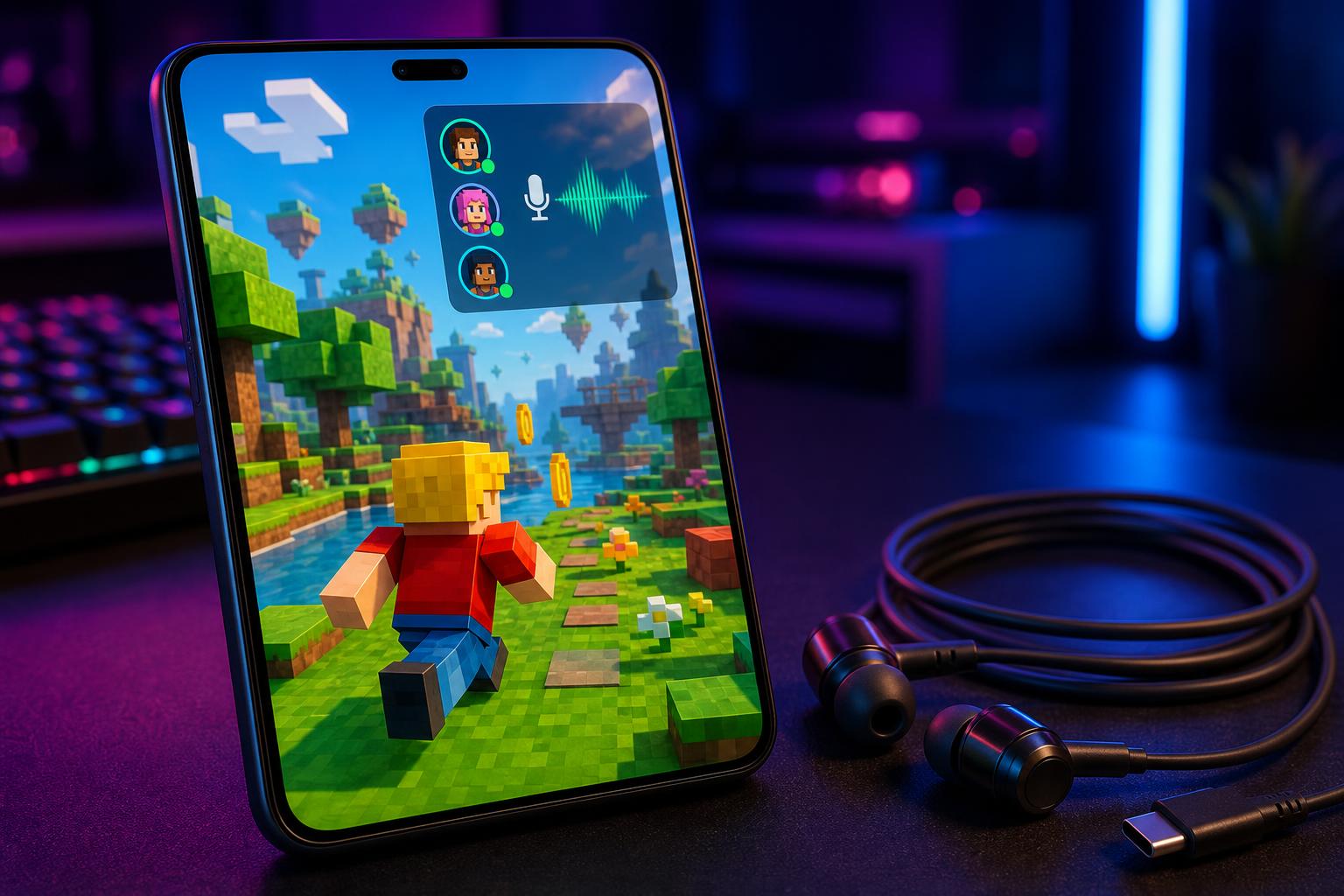
Become the character you play in RPGs or tactical shooters. Perfect for Discord party chats in games like Valorant and Fortnite.
Switch personas mid-stream to keep your audience engaged. Fully compatible with OBS Studio, Streamlabs, and major mobile streaming apps.
Keep your real-world identity completely private. Ideal for creators who want to build an audience without revealing their natural voice.
Prank your friends or trigger hilarious reactions using our community-shared soundboard system during casual Discord calls.
Produce high-quality voiceovers for YouTube, TikTok, or podcasts without needing expensive recording gear or professional voice actors.
Enjoy crystal-clear microphone clarity for everyday communication when you don't need the voice changer active.
"I'm using it everyday with my Valorant friends, discord friends and everytime I need a charming voice! With dubbing AI I just supercharge my voice with sweetness. My teammates became understanding almost instantly. Makes gaming fun once again."
| Feature | Dubbing AI | Traditional Software Changers | Cloud-Based AI Changers |
|---|---|---|---|
| Latency | Sub-30ms (Real-Time) | Low (Traditional) | High (Cloud Lag) |
| CPU Usage | 2-3% (Ultra-Light) | Moderate (5-10%) | High (Heavy Processing) |
| Voice Realism | Extremely High (Neural AI) | Low (Robotic/Synthetic) | High (Neural AI) |
| Setup Complexity | Plug & Play (No Virtual Cables) | Complex Virtual Audio Routing | Complex API Setup |
| Data Privacy | Local Processing (No Leaks) | Local Processing | Cloud-Based (Data Exposed) |
An AI Voice Changer for Discord Voice Chat is a specialized software and hardware system that intercepts your microphone's audio signal and uses advanced neural networks to transform your voice into a completely different persona in real time. Unlike traditional voice changers that simply alter pitch or add robotic echo, our AI-driven technology analyzes the unique characteristics of your speech, including your emotions, intonations, and delivery, to generate a highly realistic output. This transformed audio is then routed directly into Discord as your default input device, allowing your friends or audience to hear your new voice instantly. Because it operates at the system level, it requires no complex internal configuration within Discord itself. It is the ultimate tool for gamers, streamers, and role-players looking to elevate their online presence.
Setting up the Dubbing AI Voice Changer with Discord is incredibly simple and takes less than a minute to complete. First, you plug your Dubbing Earbuds into your device's USB Type-C port, which automatically configures the hardware. Next, you open the Dubbing AI application on your desktop or mobile device and confirm the pairing request to unlock the full voice library. Once the app is running, you open Discord, navigate to your User Settings, and select "Dubbing AI Virtual Audio Device" as your Input Device. Finally, you choose your desired voice from our library of over 500+ options, toggle the voice changer on, and start speaking.
No, our system is specifically engineered to prevent lag and minimize system resource consumption during intense gaming sessions. Traditional AI voice changers often require heavy GPU or CPU processing, which can cause noticeable audio delay and drop your in-game frame rates. Dubbing AI solves this by utilizing a highly optimized, lightweight algorithm that consumes only 2-3% of your CPU and has a tiny 300MB local storage footprint. This ensures that your real-time voice conversion latency remains under 30ms, making it virtually imperceptible to you and your teammates. You can play demanding titles like Valorant or Fortnite while running Discord and Dubbing AI simultaneously without experiencing any performance degradation.
Yes, our ecosystem is fully compatible with mobile devices, handheld consoles, and traditional PCs. By pairing our lightweight mobile application with the Dubbing Earbuds hardware, you can enjoy the exact same real-time voice transformation on iOS and Android devices. This makes it incredibly easy to use the voice changer during mobile Discord calls, WhatsApp chats, or Telegram conversations. Additionally, the plug-and-play nature of the USB-C connection allows it to work seamlessly with handheld gaming consoles. You no longer need a massive desktop rig to access high-quality, low-latency AI voice modulation on the go.
We take user privacy extremely seriously, which is why our platform is designed around a strict "privacy-first" architecture. Unlike many cloud-based AI voice changers that upload your voice recordings to external servers for processing, Dubbing AI performs all voice conversions locally on your device. This means your natural voice data never leaves your computer or phone, completely eliminating the risk of external data leaks or unauthorized voice cloning. Our hardware earbuds further reinforce this security by processing audio directly through our proprietary on-device algorithm. You can communicate freely on Discord knowing that your voice, your identity, and your personal data remain entirely secure and under your control.
Dubbing AI offers a highly generous free tier that includes several high-quality voices right out of the box to get you started. To unlock additional premium voices without a subscription, you can participate in our engaging daily and weekly tasks within the application. By completing these simple activities over time, you can permanently unlock some of your favorite character and celebrity-style voices. We also feature a rotating selection of at least 10 free voices daily, allowing you to experiment with different styles constantly. This unique system ensures that even budget-conscious creators and gamers can access a diverse range of professional voices over time.
With our advanced real-time voice changer, you can seamlessly integrate with any communication platform, allowing you to apply immersive AI voice effects instantly. Our hardware is engineered specifically for low-latency audio performance, unlocking cutting-edge voice cloning technology for personalized avatars.
Whether you are triggering hilarious meme soundboard clips during live matches or ensuring complete vocal privacy for anonymous content creators, our system is powered by secure on-device processing to protect your personal data while offering seamless multi-platform compatibility across all your favorite devices.