
Minecraft Voice Changer: Build Your Ultimate Voice Identity
Whether you're roleplaying on a survival server, creating content for YouTube, or just having fun with friends, Dubbing AI lets you change your voice to match the blocky world of Minecraft. Become a grunting Villager, a hissing Creeper, or the heroic Steve. With our real-time voice changer and soundboard, your imagination is the only limit.
Why Dubbing AI is a Must-Have for Minecraft Players
Iconic Character Voices: Instantly access a library of voices inspired by Minecraft's famous mobs and characters. Lag-Free Performance: Built to be lightweight, Dubbing AI uses minimal CPU, so your mining and building are never interrupted by performance issues. Creative Roleplay & Content: Elevate your Minecraft series or roleplay server by giving every character a unique, memorable voice. Massive Soundboard Library: Add classic Minecraft sounds to your stream or chat, from the "oof" damage sound to the satisfying "ding" of gaining experience.
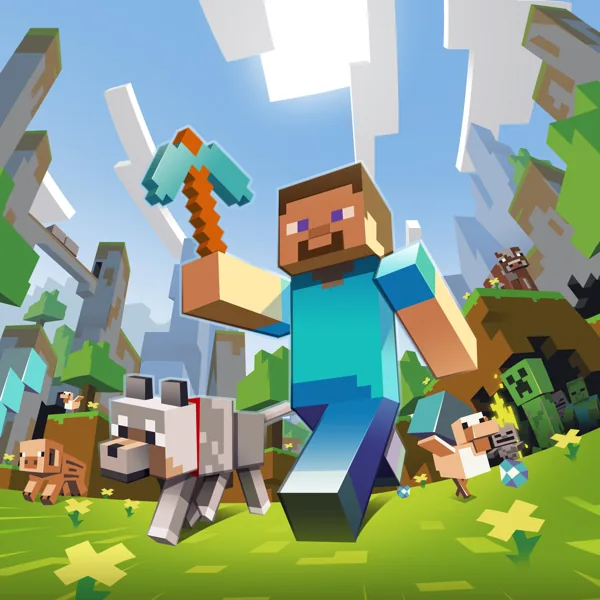
The Iconic Minecraft Voice Pack
Choose from a wide range of voices that every Minecraft player will recognize: The Villager: Communicate only in iconic "hmmm" and "hurgh" sounds. The Creeper: Surprise your friends with a sudden, ominous "tssssss..." The Enderman: Use a distorted, otherworldly voice for this mysterious mob. Steve & Alex: Adopt a classic, heroic player voice for your adventures. Custom Mob Voices: Create your own voice for any mob using our advanced AI tools.
The Ultimate Minecraft Soundboard
Enhance your gameplay with a soundboard full of classic audio cues. Bind keys to play: The sound of mining different blocks (dirt, stone, wood) The "pop" of picking up an item The sizzle of a lit TNT fuse The triumphant sound of a rare achievement
HOW TO USE DUBBING AI?
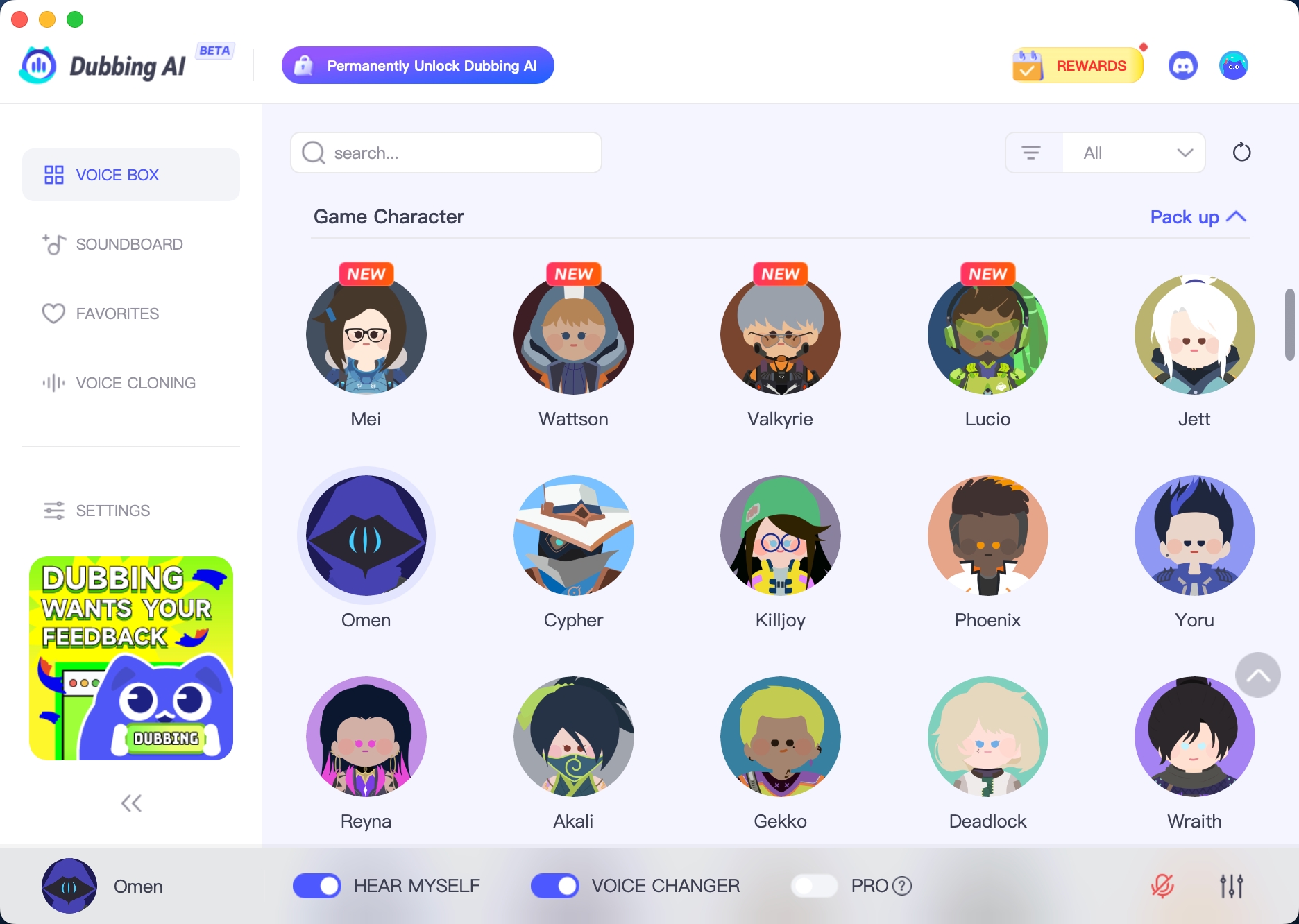
1. Download Dubbing AI: Install the application on your Windows or macOS computer. 2. Configure Your Audio: Set your primary microphone as the input in Dubbing AI. Then, in your computer's sound settings (or Discord/in-game chat), set your input device to "Microphone (Dubbing Virtual Device)". 3. Start Roleplaying: Open the Voicebox in Dubbing AI, select a Minecraft-themed voice, and make sure the "Voice Changer" is toggled on. Your new voice is ready for the blocky world!
Can I use this on a public Minecraft roleplay server?
Yes! Dubbing AI works with any application that uses a microphone, including Minecraft's in-game voice chat (with mods) and popular communication apps like Discord, which are commonly used for servers.
Can I create a voice for a custom character or a modded mob?
Absolutely. Our Voice Lab allows you to fine-tune effects or even clone audio to create a completely unique voice for any character you can imagine.
Are there sound effects for different biomes or actions in Minecraft?
While we offer a huge library of sounds, you can also create your own custom soundboards. You can upload sounds for specific biomes, actions, or events to create a fully immersive audio experience.