The Judy-Nick Dynamic
Half the movie is the friction between Judy's earnest energy and Nick's cynical smoothness — a duo of registers you can actually play as a pair.

Zootopia's voice cast is the reason the movie works: Ginnifer Goodwin's Judy Hopps carries bright, determined optimism as the first rabbit officer of the ZPD, while Jason Bateman's Nick Wilde delivers fox-cunning one-liners in the dry deadpan that made his comedy career. Around them, Idris Elba's Chief Bogo and J.K. Simmons' Mayor Lionheart round out a mammal metropolis where every species sounds distinct. A Zootopia voice changer lets you bring that animal-city palette to your own mic — the eager rookie, the smooth con artist, the gruff chief.
✓ Free voice changer • ✓ 500+ AI voices • ✓ Under 300ms latency
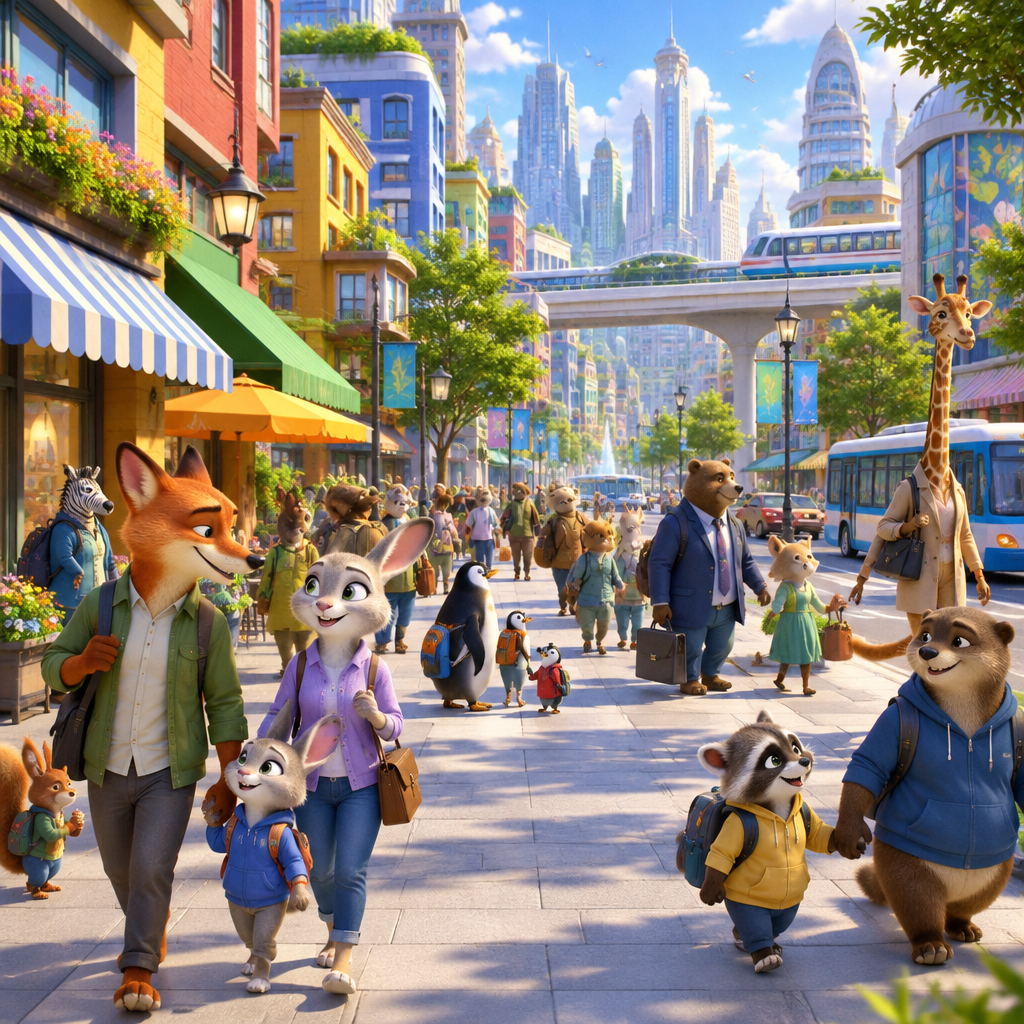
Zootopia voices bring the mammal metropolis to life — Judy's determined optimism, Nick's sly charm, and the diverse vocal palette of a city where anyone can be anything.
Half the movie is the friction between Judy's earnest energy and Nick's cynical smoothness — a duo of registers you can actually play as a pair.
Zootopia built each animal with a distinct voice — sloths speak slow, weasels sound shifty, cops sound gruff. That's a whole casting table to borrow.
The movie's message — anyone can be anything — is literally what a voice changer does: you pick a new voice and become someone else.
Goodwin's bright optimism vs. Bateman's dry delivery — the two voices the whole franchise runs on.
From an eager rabbit recruit to a slick fox to a no-nonsense buffalo chief, the city's species all sound different.
The rare Disney cast where the voices are as memorable as the characters — perfect for roleplay and fandoms.
In Zootopia anyone can be anything — including a different voice.
Join a furry or animal-character RP server as Judy, Nick, or a species of your own — complete with the vocal personality to match.
Record skits and reaction videos narrating your day with Zootopia energy — the determined rookie or the unimpressed fox.
Team up with a friend as Judy and Nick — one earnest, one sarcastic — for the whole game session.
Bring the movie to your animation-discord nights by voicing its characters in calls and watch-alongs.
Download Dubbing AI and install on Windows or macOS. Under a minute.
Choose 'Dubbing Virtual Device' as your mic in sound settings.
Browse 500+ voices and select your character. Hear Yourself to test.
Join any app or game and talk — voice lands in character at Sub-300 ms.
Explore more AI voice changers for games, apps, and characters.
Grab the free voice changer for real-time gaming and online chat, layer in the soundboard for instant effects, and browse community sounds for voices other creators already made.
Download Desktop App