#1 Beerus AI Voice Changer

    Beerus
    Voice Changer

    Sound like the God of Destruction from Dragon Ball Super. This free voice changer app offers 500+ anime AI voices with <30ms latency. Works with Discord, streaming apps and games.

    500+
    AI Voices
    <30ms
    Latency
    2-3%
    CPU Usage

    ✓ Free to use • ✓ Works on Windows • ✓ Compatible with Discord and VTuber apps

    What is the Beerus Voice Changer?

    Dubbing AI's Beerus Voice Changer is a free voice changer that transforms your voice into the God of Destruction from Dragon Ball Super. This AI voice changer uses advanced technology to replicate Beerus's powerful, commanding, and sometimes comically bored vocal patterns. Whether you want to cosplay, create Dragon Ball content, stream, or have fun in Discord, this voice changer app delivers real-time transformation with under 30ms latency.

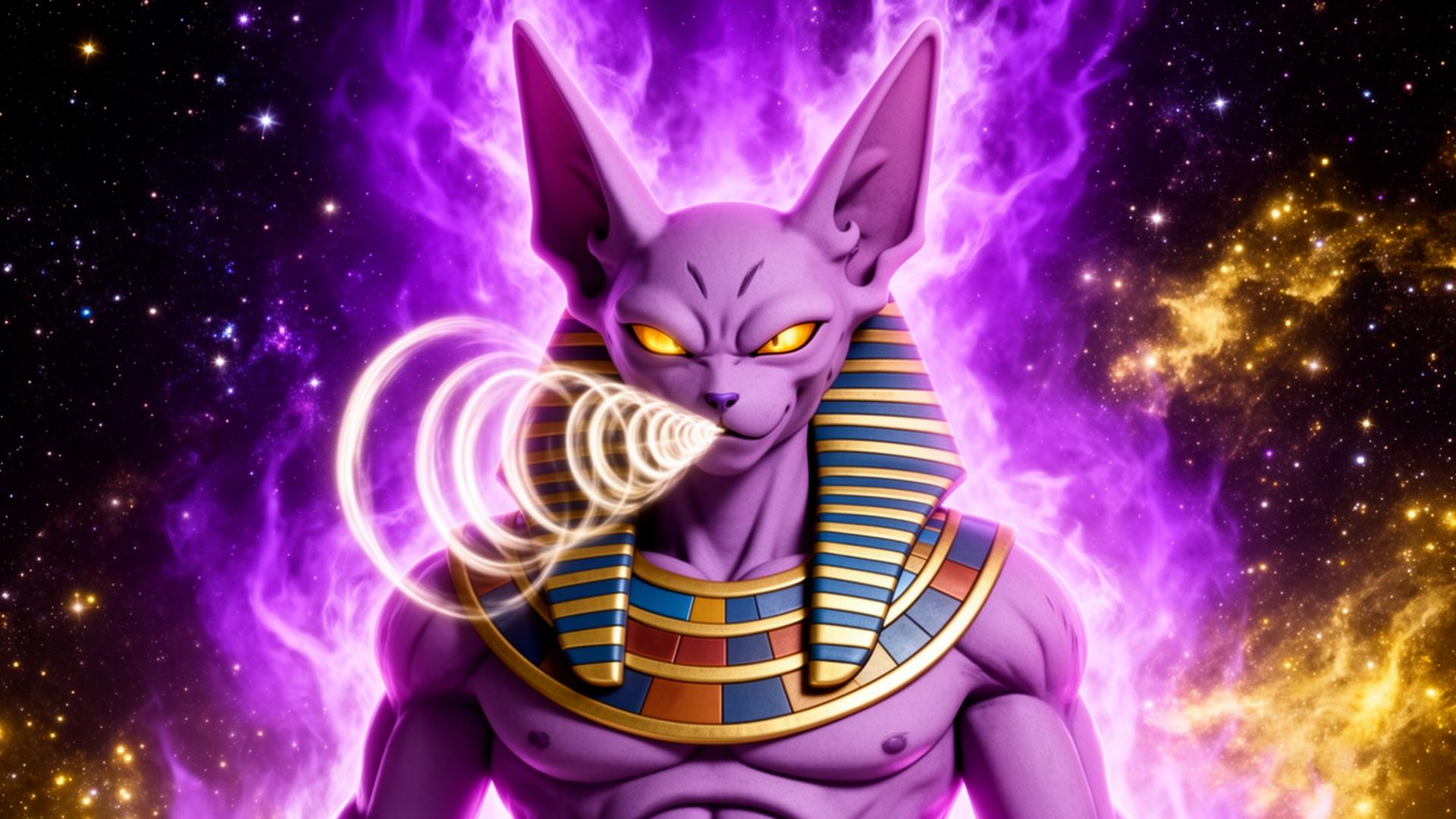
    Beerus AI voice changer with real-time voice transformation and cosmic energy effects

    What Dragon Ball Voices Can You Get?

    Why limit yourself to just Beerus? Our free voice changer includes voices from across the Dragon Ball universe. Channel Beerus's divine authority, Whis's calm elegance, or Goku's energetic determination. Our gaming voice changer and AI voice changer technology captures each character's unique vocal signature for authentic Dragon Ball roleplay.

    Beerus - Dragon Ball Voice Changer
    Beerus
    Whis - Dragon Ball Voice Changer
    Whis
    Goku - Dragon Ball Voice Changer
    Goku

    Try Voice Changer Now

    Experience real-time AI voice transformation. Record your voice and hear the magic instantly.

    Dubbing AI voice changer interface with Dragon Ball characters and voice modulation for Beerus

    Why Choose Our Voice Changer for Dragon Ball?

    What makes our voice changer app the best choice for Dragon Ball fans? This free voice changer delivers sub-30ms latency with only 2-3% CPU usage. How does it work? Our AI voice changer processes your voice in real-time without affecting your games or streaming quality. Why choose us? Because this gaming voice changer works instantly with Discord, OBS, VTube Studio, and all your favorite apps. Safe for online gaming with zero detection risk.

    How to Use Beerus Voice Changer

    01

    Download & Install

    Download this free voice changer app. Installation takes less than 2 minutes on Windows.

    02

    Select Audio Device

    Open the voice changer app and select 'Dubbing AI Virtual Microphone' as your input device.

    03

    Choose Beerus Voice

    Browse our AI voice changer library and select Beerus. Customize intensity to match your preference.

    04

    Start Using

    Open Discord, OBS, or any app. Your voice now sounds like the God of Destruction from Dragon Ball!

    For the best Dragon Ball voice changer experience, we recommend using push-to-talk mode so you can control exactly when your Beerus voice is transmitted. Before going live, spend a few minutes in the Dubbing AI preview mode testing different Dragon Ball voices and adjusting settings. Creating voice presets allows you to quickly switch between Beerus, Whis, Goku, and other characters during streams or gaming sessions. Many content creators find that assigning hotkeys to their favorite voice presets enhances their workflow, enabling instant voice switching without interrupting their Dragon Ball roleplay.

    Frequently Asked Questions

    Everything you need to know about using the Beerus voice changer for Dragon Ball.

    Become the God of Destruction

    Join thousands of Dragon Ball fans already using this free voice changer. Download the best AI voice changer for anime fans and gamers.

    Download Free Now