No Drivers on Xbox
Consoles reject virtual mics, so Dubbing Box converts the voice in hardware — the only reliable path into party chat.

Xbox party chat only accepts a wired headset's mic — no Windows-style virtual devices on the console — so the reliable route is hardware. Dubbing Box plugs between your headset and the controller (or console) over USB-C, converting your voice on-device before party chat transmits it; turn off Xbox's noise suppression for the cleanest results.
✓ Free voice changer • ✓ 500+ AI voices • ✓ Under 300ms latency
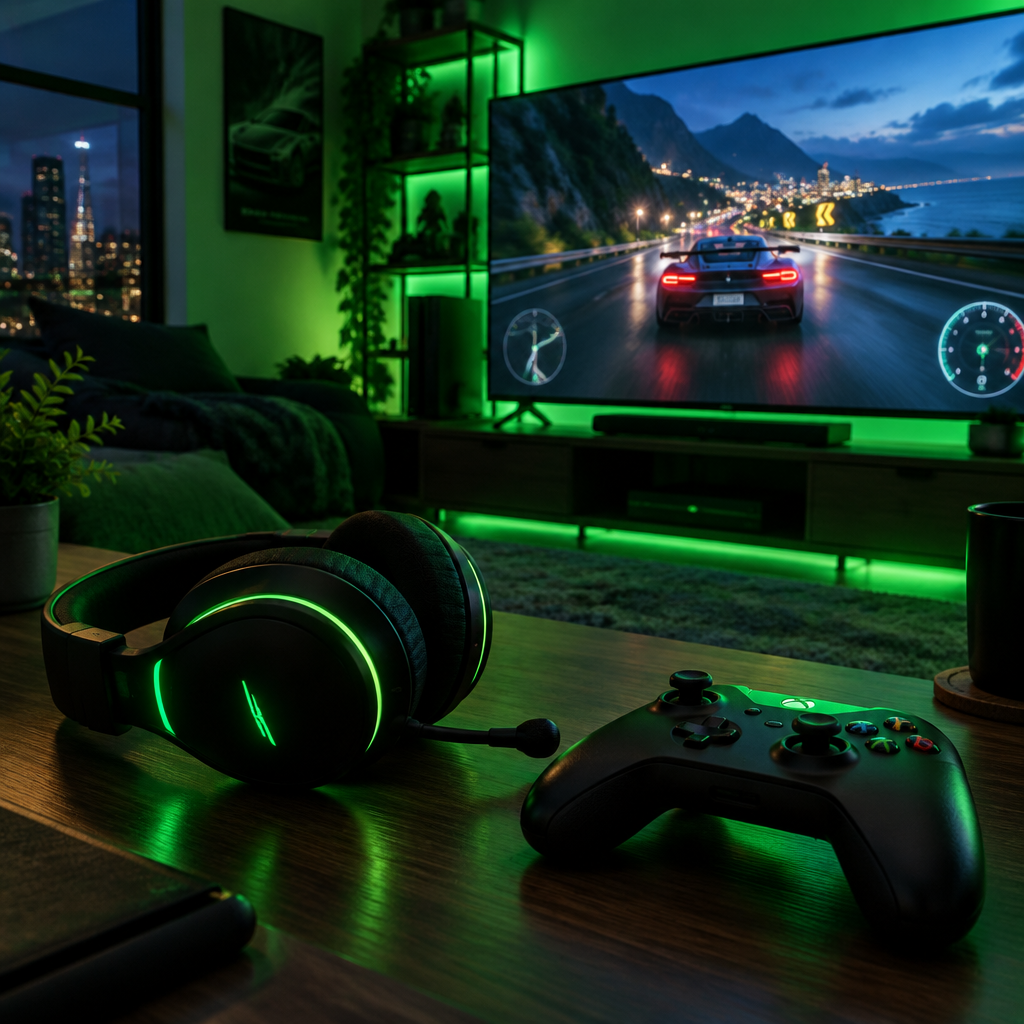
Xbox Party Chat voice changer delivers console-quality voice transformation — perfectly integrated with Xbox Live for seamless party communication.
Consoles reject virtual mics, so Dubbing Box converts the voice in hardware — the only reliable path into party chat.
One USB-C cable to the controller or console, and party chat hears the persona.
Your existing wired gaming headset stays in the chain; the AI engine slots in between.
The converted mic feeds both party chat and in-game voice on Series X|S.
A wired USB-C path keeps conversion in sync where Bluetooth would lag.
Xbox sees a standard headset; nothing about the console changes.
Party chat is where console banter lives — and with Dubbing Box, it's where the impersonations live too.
Run character callouts in party chat without touching Xbox settings.
Hot-switch personas between games for running jokes.
Party chat spans console and PC friends, and your persona spans both.
Keep a consistent stream voice while playing on the box.
Download Dubbing AI and install. Under a minute.
Choose Dubbing Virtual Device as your mic.
Browse 500+ voices and select. Hear Yourself to test.
Join any app and talk — voice lands at Sub-300 ms.
Explore more AI voice changers for games, apps, and characters.
Grab the free voice changer for real-time gaming and online chat, layer in the soundboard for instant effects, and browse community sounds for voices other creators already made.
Download Desktop App